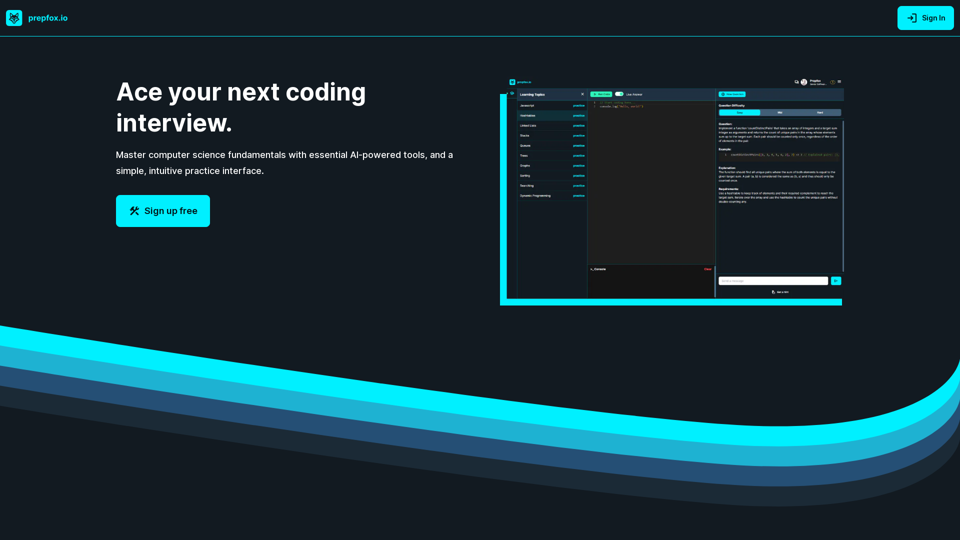
Prepfox is an AI-powered platform designed to help users master computer science fundamentals and excel in coding interviews. It offers a user-friendly interface with various topics, difficulty levels, and practice questions, allowing learners to progress at their own pace. The platform combines practical coding exercises with AI-driven features to provide a comprehensive learning experience.
Coding Interview Prep | Prepfox
Prepfox is a coding interview preparation platform powered by AI.
Introduction
Feature
Integrated Development Environment
Prepfox provides a built-in IDE and console, enabling users to:
- Write code
- Run programs
- Debug issues All within a single, seamless interface.
AI-Enhanced Learning Tools
Notes and ChatGPT Integration
- Take and download topic-specific notes
- Utilize ChatGPT for instant feedback on code
- Receive AI-powered guidance for improvement
AI-Driven Mock Interviews
Prepfox offers cutting-edge AI-powered mock interviews to prepare users for:
- Coding interviews
- Behavioral interviews
- Final round interviews
Personalized Learning Experience
- Choose from various computer science topics
- Set difficulty levels to match your skill
- Answer practice questions at your own pace
Gamification Elements
- Unlock badges as you progress
- Climb leaderboards to track improvement
- Engage in community features for motivation
Free Open Beta Access
- Currently available at no cost
- No subscription required
- Full access to community features
FAQ
Is Prepfox free to use?
Yes, Prepfox is currently in free open beta. Users can access and participate in all community features without a subscription.
What topics does Prepfox cover?
Prepfox covers a range of computer science topics, including:
- Hashtables
- Graphs
- Recursion
- And more fundamental concepts
How can I get feedback on my code?
Prepfox offers ChatGPT integration, allowing you to receive instant feedback and guidance on your code. This AI-powered feature helps you improve your coding skills and understanding of computer science concepts.
Related Websites
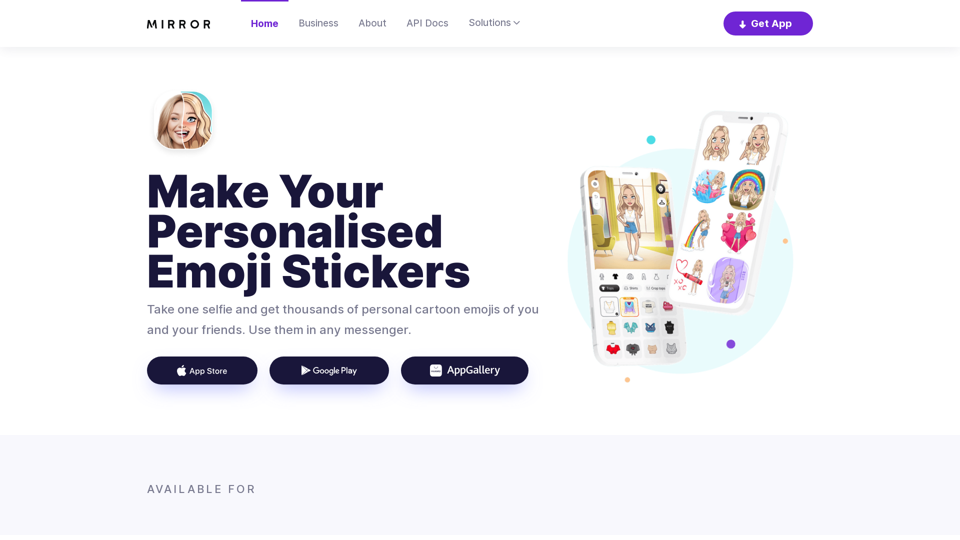
Mirror AI - Emoji Maker and Free AI Avatar Creator
Mirror AI - Emoji Maker and Free AI Avatar CreatorMirror is your personal sticker creator! Take a single selfie and receive thousands of personalized emojis and stickers featuring you and your friends. Use them in WhatsApp, Facebook, iMessage, Telegram, and other messaging apps!
33.59 K
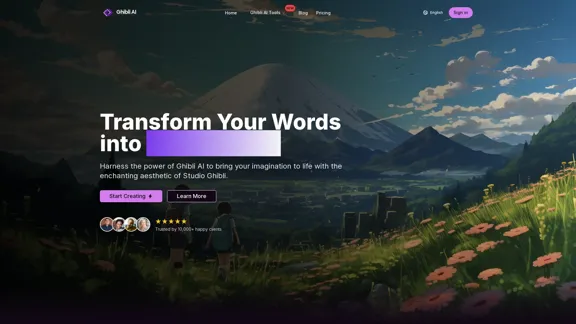
Create stunning Studio Ghibli style artwork using AI. Our text-to-image generator brings your imagination to life with the magical aesthetic of Ghibli animation.
0
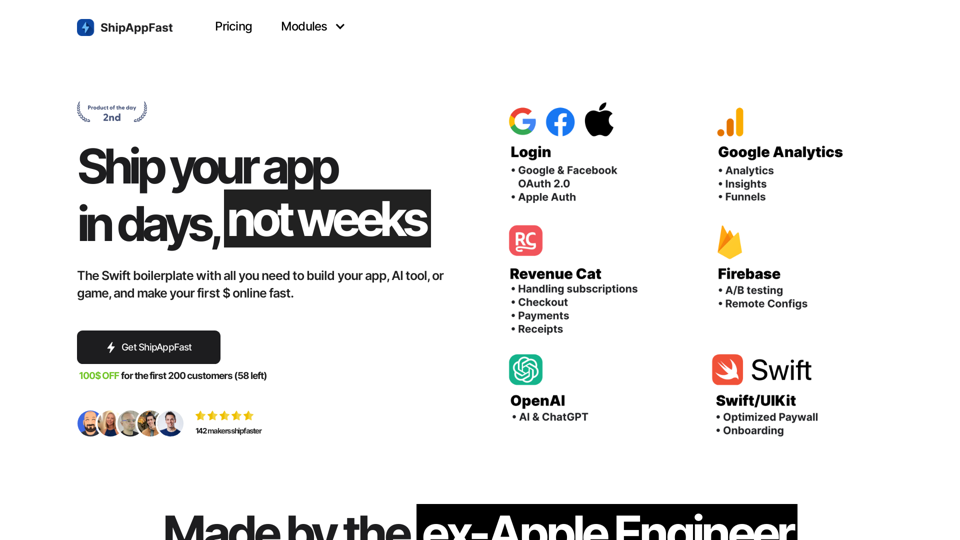
The Swift boilerplate with all the necessary elements to bring your product to customers. From concept to production in just 5 minutes.
0
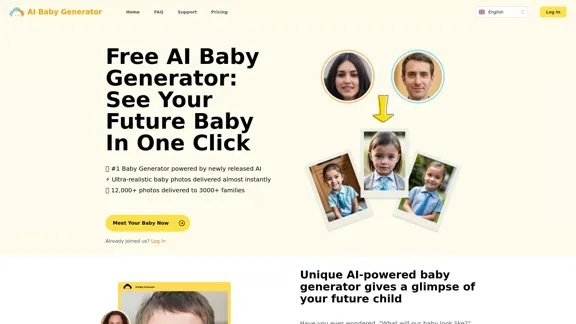
Free AI Baby Generator - See Your Future Baby's Face Instantly
Free AI Baby Generator - See Your Future Baby's Face InstantlySee your own future baby using our free AI baby face generator. Get ultra-realistic baby photo predictions in just seconds, with one click!
32.64 K
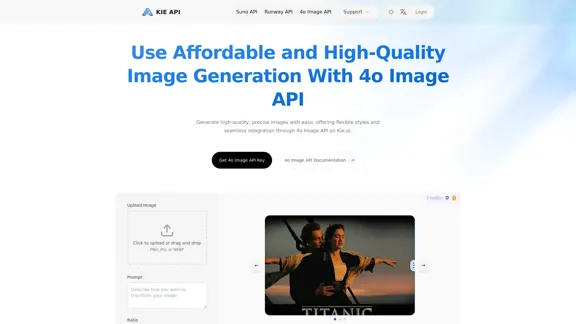
Kie.ai's 4o Image API: Cost-effective, Reliable, and Very Accurate AI Image Creation
Kie.ai's 4o Image API: Cost-effective, Reliable, and Very Accurate AI Image CreationKie.ai’s 4o Image API offers affordable, stable, and highly accurate AI image generation, enabling creators to easily produce high-quality visuals. It provides reliable and efficient solutions for various creative projects, including text-to-image and image-to-image transformations, as well as a range of visual styles.
356.51 K
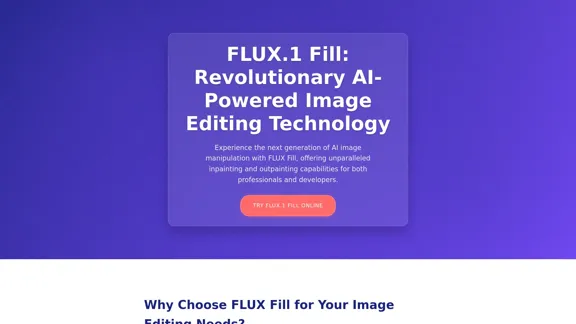
FLUX Fill: Advanced AI Solution for Image Inpainting and Outpainting
FLUX Fill: Advanced AI Solution for Image Inpainting and OutpaintingFLUX Fill provides professional-quality AI image inpainting and outpainting. Change your images with smooth edits and natural extensions.
664
Discover a supportive and understanding mental health bot designed to help you manage stress, anxiety, and everyday emotional challenges. Accessible anytime to provide guidance, resources, and comfort, ensuring you never feel alone in your journey towards mental wellness.
0
![AI-Powered Cover Letter
==========================
Introduction
As a highly motivated and innovative professional, I am excited to apply for the [Position] role at [Company]. With a strong background in [Industry/Field], I am confident that my skills and experience make me an ideal candidate for this position.
Summary
With [Number] years of experience in [Industry/Field], I have developed a unique combination of skills in [Key Skills]. My expertise in [Technical Skills] has enabled me to [Desirable Outcome], resulting in [Desirable Metric]. I am excited to leverage my skills to drive success at [Company].
Achievements
* [ Achievement 1 ]: Developed and implemented [Project/Initiative], resulting in [Desirable Metric] and [Desirable Outcome].
* [ Achievement 2 ]: Successfully [Key Skill] to [Desirable Outcome], resulting in [Desirable Metric].
* [ Achievement 3 ]: Collaborated with [Team/Department] to [Desirable Outcome], resulting in [Desirable Metric].
Education
* [Degree], [Field of Study], [University], [Graduation Date]
* [Relevant Coursework or Specialization]
Skills
* Technical Skills: [Technical Skill 1], [Technical Skill 2], [Technical Skill 3]
* Soft Skills: [Soft Skill 1], [Soft Skill 2], [Soft Skill 3]
Why [Company]?
I am drawn to [Company] because of its [Reason for Interest]. I am impressed by the company's [Initiative/Value] and believe that my skills and experience align with its mission to [Company Mission].
Conclusion
Thank you for considering my application. I am excited about the opportunity to contribute to [Company] and discuss how my skills and experience can drive success. Please feel free to contact me at [Contact Information].
Sincerely,
[Your Name]](https://static.right-ai.com/tools/2024/7/3/chromewebstore-google-com-detail-ai-cover-letter-bcomdehdkdilamaajciocnpgapckeong-thumbnail-1720036712.png "AI-Powered Cover Letter
==========================
Introduction
As a highly motivated and innovative professional, I am excited to apply for the [Position] role at [Company]. With a strong background in [Industry/Field], I am confident that my skills and experience make me an ideal candidate for this position.
Summary
With [Number] years of experience in [Industry/Field], I have developed a unique combination of skills in [Key Skills]. My expertise in [Technical Skills] has enabled me to [Desirable Outcome], resulting in [Desirable Metric]. I am excited to leverage my skills to drive success at [Company].
Achievements
* [ Achievement 1 ]: Developed and implemented [Project/Initiative], resulting in [Desirable Metric] and [Desirable Outcome].
* [ Achievement 2 ]: Successfully [Key Skill] to [Desirable Outcome], resulting in [Desirable Metric].
* [ Achievement 3 ]: Collaborated with [Team/Department] to [Desirable Outcome], resulting in [Desirable Metric].
Education
* [Degree], [Field of Study], [University], [Graduation Date]
* [Relevant Coursework or Specialization]
Skills
* Technical Skills: [Technical Skill 1], [Technical Skill 2], [Technical Skill 3]
* Soft Skills: [Soft Skill 1], [Soft Skill 2], [Soft Skill 3]
Why [Company]?
I am drawn to [Company] because of its [Reason for Interest]. I am impressed by the company's [Initiative/Value] and believe that my skills and experience align with its mission to [Company Mission].
Conclusion
Thank you for considering my application. I am excited about the opportunity to contribute to [Company] and discuss how my skills and experience can drive success. Please feel free to contact me at [Contact Information].
Sincerely,
[Your Name]")
AI-Powered Cover Letter ========================== Introduction As a highly motivated and innovative professional, I am excited to apply for the [Position] role at [Company]. With a strong background in [Industry/Field], I am confident that my skills and experience make me an ideal candidate for this position. Summary With [Number] years of experience in [Industry/Field], I have developed a unique combination of skills in [Key Skills]. My expertise in [Technical Skills] has enabled me to [Desirable Outcome], resulting in [Desirable Metric]. I am excited to leverage my skills to drive success at [Company]. Achievements * [ Achievement 1 ]: Developed and implemented [Project/Initiative], resulting in [Desirable Metric] and [Desirable Outcome]. * [ Achievement 2 ]: Successfully [Key Skill] to [Desirable Outcome], resulting in [Desirable Metric]. * [ Achievement 3 ]: Collaborated with [Team/Department] to [Desirable Outcome], resulting in [Desirable Metric]. Education * [Degree], [Field of Study], [University], [Graduation Date] * [Relevant Coursework or Specialization] Skills * Technical Skills: [Technical Skill 1], [Technical Skill 2], [Technical Skill 3] * Soft Skills: [Soft Skill 1], [Soft Skill 2], [Soft Skill 3] Why [Company]? I am drawn to [Company] because of its [Reason for Interest]. I am impressed by the company's [Initiative/Value] and believe that my skills and experience align with its mission to [Company Mission]. Conclusion Thank you for considering my application. I am excited about the opportunity to contribute to [Company] and discuss how my skills and experience can drive success. Please feel free to contact me at [Contact Information]. Sincerely, [Your Name]
AI-Powered Cover Letter ========================== Introduction As a highly motivated and innovative professional, I am excited to apply for the [Position] role at [Company]. With a strong background in [Industry/Field], I am confident that my skills and experience make me an ideal candidate for this position. Summary With [Number] years of experience in [Industry/Field], I have developed a unique combination of skills in [Key Skills]. My expertise in [Technical Skills] has enabled me to [Desirable Outcome], resulting in [Desirable Metric]. I am excited to leverage my skills to drive success at [Company]. Achievements * [ Achievement 1 ]: Developed and implemented [Project/Initiative], resulting in [Desirable Metric] and [Desirable Outcome]. * [ Achievement 2 ]: Successfully [Key Skill] to [Desirable Outcome], resulting in [Desirable Metric]. * [ Achievement 3 ]: Collaborated with [Team/Department] to [Desirable Outcome], resulting in [Desirable Metric]. Education * [Degree], [Field of Study], [University], [Graduation Date] * [Relevant Coursework or Specialization] Skills * Technical Skills: [Technical Skill 1], [Technical Skill 2], [Technical Skill 3] * Soft Skills: [Soft Skill 1], [Soft Skill 2], [Soft Skill 3] Why [Company]? I am drawn to [Company] because of its [Reason for Interest]. I am impressed by the company's [Initiative/Value] and believe that my skills and experience align with its mission to [Company Mission]. Conclusion Thank you for considering my application. I am excited about the opportunity to contribute to [Company] and discuss how my skills and experience can drive success. Please feel free to contact me at [Contact Information]. Sincerely, [Your Name]Craft tailored cover letters in seconds using AI, based on your CV and the job description. ✍️🤖📄
193.90 M