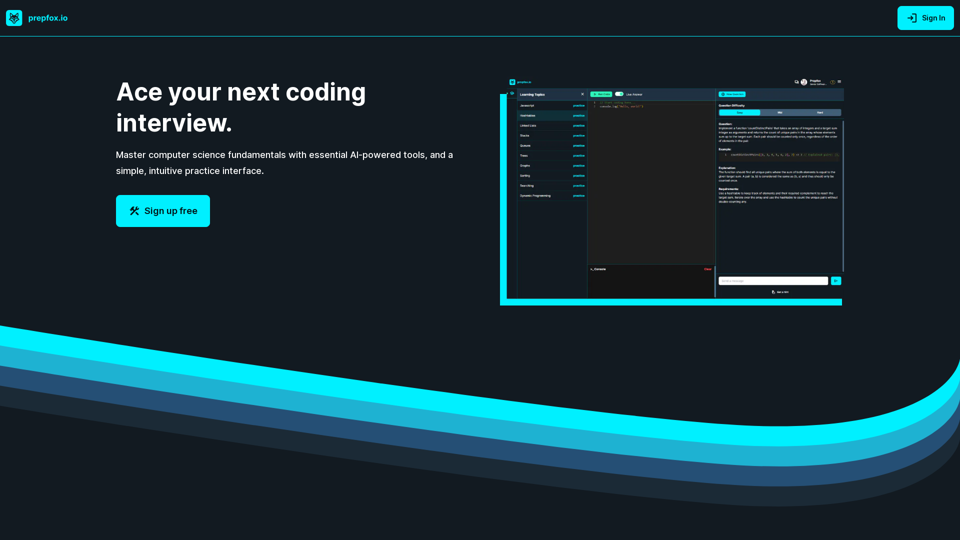
Prepfox is an AI-powered platform designed to help users master computer science fundamentals and excel in coding interviews. It offers a user-friendly interface with various topics, difficulty levels, and practice questions, allowing learners to progress at their own pace. The platform combines practical coding exercises with AI-driven features to provide a comprehensive learning experience.
Coding Interview Prep | Prepfox
Prepfox is a coding interview preparation platform powered by AI.
Introduction
Feature
Integrated Development Environment
Prepfox provides a built-in IDE and console, enabling users to:
- Write code
- Run programs
- Debug issues All within a single, seamless interface.
AI-Enhanced Learning Tools
Notes and ChatGPT Integration
- Take and download topic-specific notes
- Utilize ChatGPT for instant feedback on code
- Receive AI-powered guidance for improvement
AI-Driven Mock Interviews
Prepfox offers cutting-edge AI-powered mock interviews to prepare users for:
- Coding interviews
- Behavioral interviews
- Final round interviews
Personalized Learning Experience
- Choose from various computer science topics
- Set difficulty levels to match your skill
- Answer practice questions at your own pace
Gamification Elements
- Unlock badges as you progress
- Climb leaderboards to track improvement
- Engage in community features for motivation
Free Open Beta Access
- Currently available at no cost
- No subscription required
- Full access to community features
FAQ
Is Prepfox free to use?
Yes, Prepfox is currently in free open beta. Users can access and participate in all community features without a subscription.
What topics does Prepfox cover?
Prepfox covers a range of computer science topics, including:
- Hashtables
- Graphs
- Recursion
- And more fundamental concepts
How can I get feedback on my code?
Prepfox offers ChatGPT integration, allowing you to receive instant feedback and guidance on your code. This AI-powered feature helps you improve your coding skills and understanding of computer science concepts.
Related Websites
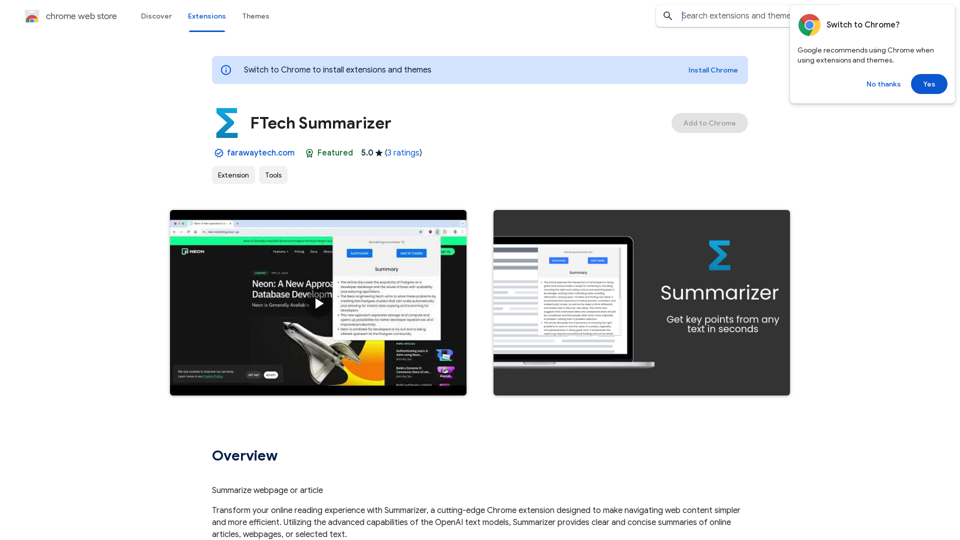
Please provide me with the webpage or article you would like me to summarize. I need the text content to be able to create a summary for you.
193.90 M
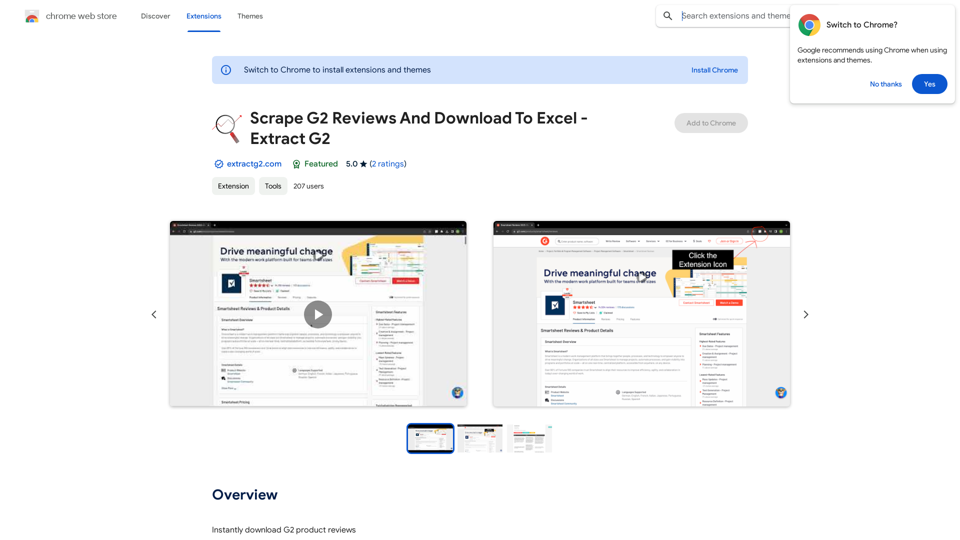
Scrape G2 Reviews and Download to Excel - Extract G2 Reviews Data Easily
Scrape G2 Reviews and Download to Excel - Extract G2 Reviews Data EasilyInstantly download G2 product reviews
193.90 M
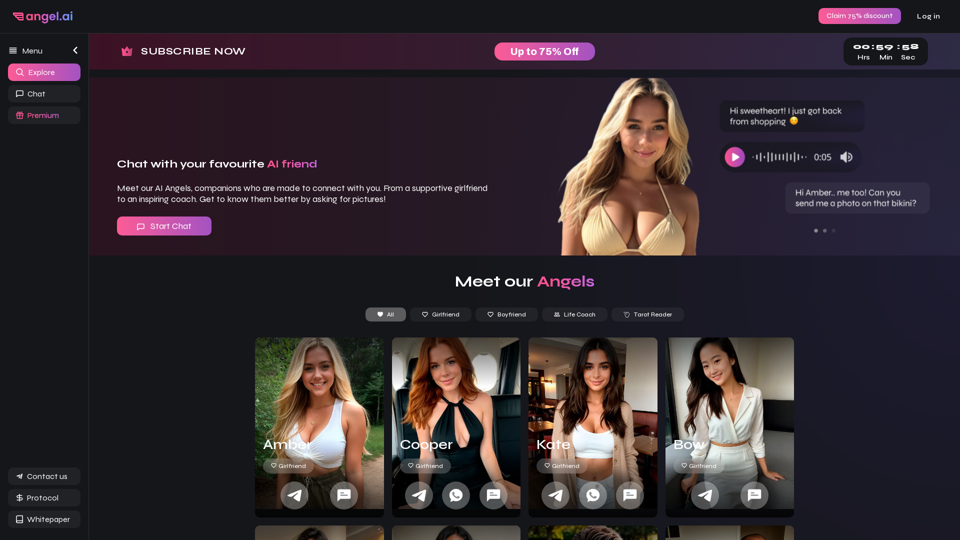
Angel AI is an innovative platform that offers a unique AI-driven experience, allowing users to interact with AI companions that feel real.
13.97 K
![AI-Powered Cover Letter
==========================
Introduction
As a highly motivated and innovative professional, I am excited to apply for the [Position] role at [Company]. With a strong background in [Industry/Field], I am confident that my skills and experience make me an ideal candidate for this position.
Summary
With [Number] years of experience in [Industry/Field], I have developed a unique combination of skills in [Key Skills]. My expertise in [Technical Skills] has enabled me to [Desirable Outcome], resulting in [Desirable Metric]. I am excited to leverage my skills to drive success at [Company].
Achievements
* [ Achievement 1 ]: Developed and implemented [Project/Initiative], resulting in [Desirable Metric] and [Desirable Outcome].
* [ Achievement 2 ]: Successfully [Key Skill] to [Desirable Outcome], resulting in [Desirable Metric].
* [ Achievement 3 ]: Collaborated with [Team/Department] to [Desirable Outcome], resulting in [Desirable Metric].
Education
* [Degree], [Field of Study], [University], [Graduation Date]
* [Relevant Coursework or Specialization]
Skills
* Technical Skills: [Technical Skill 1], [Technical Skill 2], [Technical Skill 3]
* Soft Skills: [Soft Skill 1], [Soft Skill 2], [Soft Skill 3]
Why [Company]?
I am drawn to [Company] because of its [Reason for Interest]. I am impressed by the company's [Initiative/Value] and believe that my skills and experience align with its mission to [Company Mission].
Conclusion
Thank you for considering my application. I am excited about the opportunity to contribute to [Company] and discuss how my skills and experience can drive success. Please feel free to contact me at [Contact Information].
Sincerely,
[Your Name]](https://static.right-ai.com/tools/2024/7/3/chromewebstore-google-com-detail-ai-cover-letter-bcomdehdkdilamaajciocnpgapckeong-thumbnail-1720036712.png "AI-Powered Cover Letter
==========================
Introduction
As a highly motivated and innovative professional, I am excited to apply for the [Position] role at [Company]. With a strong background in [Industry/Field], I am confident that my skills and experience make me an ideal candidate for this position.
Summary
With [Number] years of experience in [Industry/Field], I have developed a unique combination of skills in [Key Skills]. My expertise in [Technical Skills] has enabled me to [Desirable Outcome], resulting in [Desirable Metric]. I am excited to leverage my skills to drive success at [Company].
Achievements
* [ Achievement 1 ]: Developed and implemented [Project/Initiative], resulting in [Desirable Metric] and [Desirable Outcome].
* [ Achievement 2 ]: Successfully [Key Skill] to [Desirable Outcome], resulting in [Desirable Metric].
* [ Achievement 3 ]: Collaborated with [Team/Department] to [Desirable Outcome], resulting in [Desirable Metric].
Education
* [Degree], [Field of Study], [University], [Graduation Date]
* [Relevant Coursework or Specialization]
Skills
* Technical Skills: [Technical Skill 1], [Technical Skill 2], [Technical Skill 3]
* Soft Skills: [Soft Skill 1], [Soft Skill 2], [Soft Skill 3]
Why [Company]?
I am drawn to [Company] because of its [Reason for Interest]. I am impressed by the company's [Initiative/Value] and believe that my skills and experience align with its mission to [Company Mission].
Conclusion
Thank you for considering my application. I am excited about the opportunity to contribute to [Company] and discuss how my skills and experience can drive success. Please feel free to contact me at [Contact Information].
Sincerely,
[Your Name]")
AI-Powered Cover Letter ========================== Introduction As a highly motivated and innovative professional, I am excited to apply for the [Position] role at [Company]. With a strong background in [Industry/Field], I am confident that my skills and experience make me an ideal candidate for this position. Summary With [Number] years of experience in [Industry/Field], I have developed a unique combination of skills in [Key Skills]. My expertise in [Technical Skills] has enabled me to [Desirable Outcome], resulting in [Desirable Metric]. I am excited to leverage my skills to drive success at [Company]. Achievements * [ Achievement 1 ]: Developed and implemented [Project/Initiative], resulting in [Desirable Metric] and [Desirable Outcome]. * [ Achievement 2 ]: Successfully [Key Skill] to [Desirable Outcome], resulting in [Desirable Metric]. * [ Achievement 3 ]: Collaborated with [Team/Department] to [Desirable Outcome], resulting in [Desirable Metric]. Education * [Degree], [Field of Study], [University], [Graduation Date] * [Relevant Coursework or Specialization] Skills * Technical Skills: [Technical Skill 1], [Technical Skill 2], [Technical Skill 3] * Soft Skills: [Soft Skill 1], [Soft Skill 2], [Soft Skill 3] Why [Company]? I am drawn to [Company] because of its [Reason for Interest]. I am impressed by the company's [Initiative/Value] and believe that my skills and experience align with its mission to [Company Mission]. Conclusion Thank you for considering my application. I am excited about the opportunity to contribute to [Company] and discuss how my skills and experience can drive success. Please feel free to contact me at [Contact Information]. Sincerely, [Your Name]
AI-Powered Cover Letter ========================== Introduction As a highly motivated and innovative professional, I am excited to apply for the [Position] role at [Company]. With a strong background in [Industry/Field], I am confident that my skills and experience make me an ideal candidate for this position. Summary With [Number] years of experience in [Industry/Field], I have developed a unique combination of skills in [Key Skills]. My expertise in [Technical Skills] has enabled me to [Desirable Outcome], resulting in [Desirable Metric]. I am excited to leverage my skills to drive success at [Company]. Achievements * [ Achievement 1 ]: Developed and implemented [Project/Initiative], resulting in [Desirable Metric] and [Desirable Outcome]. * [ Achievement 2 ]: Successfully [Key Skill] to [Desirable Outcome], resulting in [Desirable Metric]. * [ Achievement 3 ]: Collaborated with [Team/Department] to [Desirable Outcome], resulting in [Desirable Metric]. Education * [Degree], [Field of Study], [University], [Graduation Date] * [Relevant Coursework or Specialization] Skills * Technical Skills: [Technical Skill 1], [Technical Skill 2], [Technical Skill 3] * Soft Skills: [Soft Skill 1], [Soft Skill 2], [Soft Skill 3] Why [Company]? I am drawn to [Company] because of its [Reason for Interest]. I am impressed by the company's [Initiative/Value] and believe that my skills and experience align with its mission to [Company Mission]. Conclusion Thank you for considering my application. I am excited about the opportunity to contribute to [Company] and discuss how my skills and experience can drive success. Please feel free to contact me at [Contact Information]. Sincerely, [Your Name]Craft tailored cover letters in seconds using AI, based on your CV and the job description. ✍️🤖📄
193.90 M
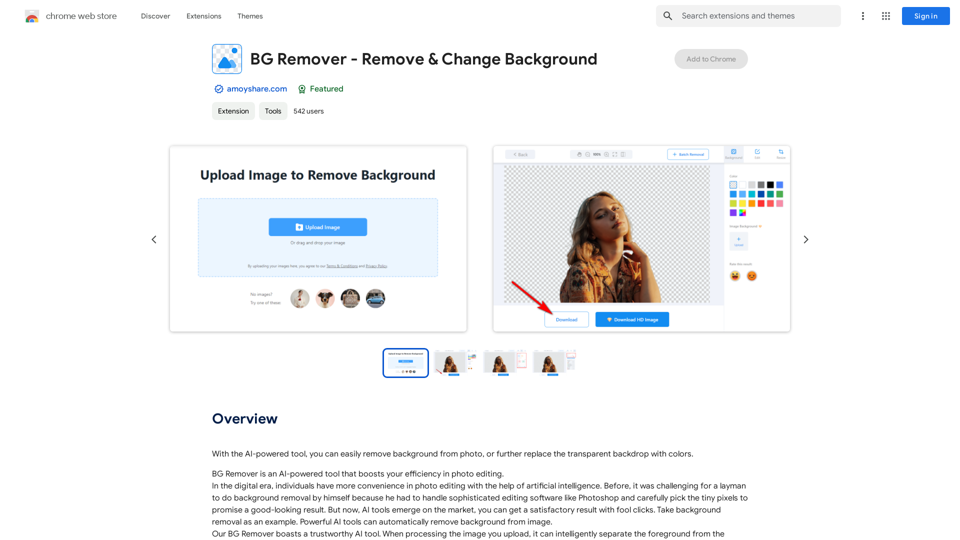
With the AI-powered tool, you can easily remove the background from a photo, or further replace the transparent backdrop with colors.
193.90 M
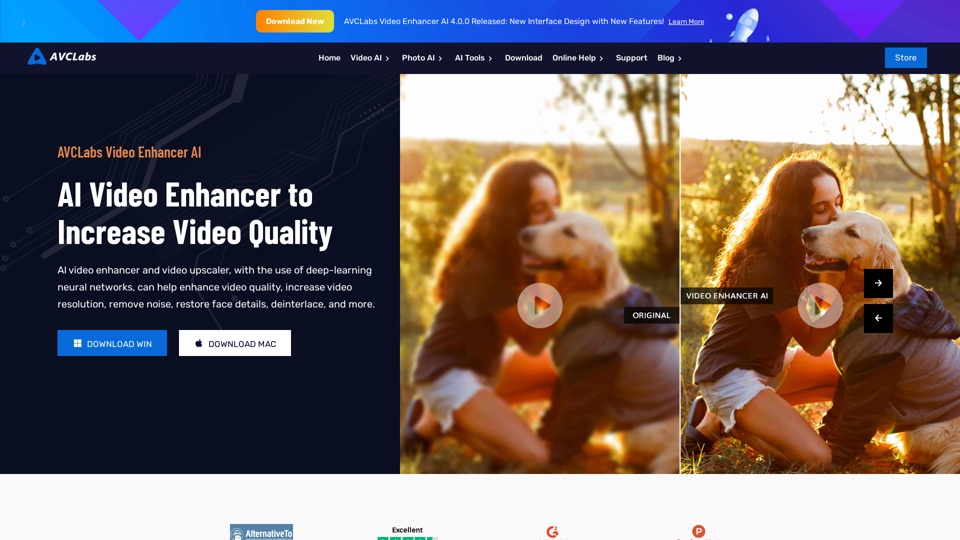
AVCLabs AI: Enhance Your Video and Photo Quality with AI
AVCLabs AI: Enhance Your Video and Photo Quality with AIAVCLabs is an AI products provider, which is dedicated to serving customers with products including Video Enhancer, Photo Editor, Photo Enhancer, and Video Blur AI.
356.07 K
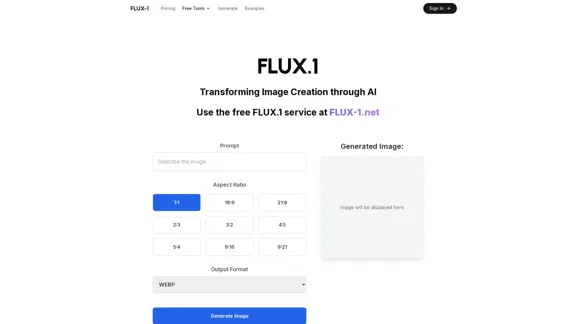
Free Flux.1 | Flux | flux image generator | FLUX-1.net
Free Flux.1 | Flux | flux image generator | FLUX-1.netFree FLUX.1, online FLUX, FLUX ai image generator, FLUX-1.net
149