ImageKit AI enhances media delivery and management through its AI and Generative AI-powered platform. It offers tools for image processing and digital asset management, enabling users to boost efficiency and explore new creative possibilities. The platform supports various features such as background extension, smart cropping, and image generation from text prompts.
ImageKit AI for media delivery and management | ImageKit.io
Leverage AI and Generative AI to transform media processing and digital asset management at scale with ImageKit AI.
Introduction
Feature
-
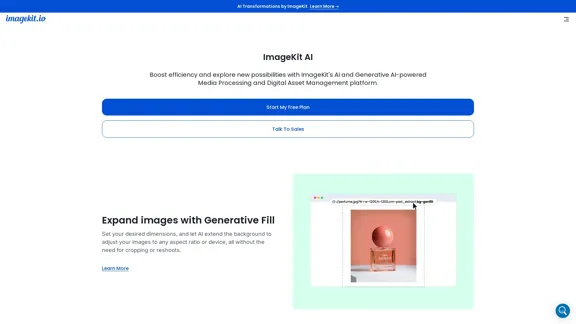
Generative Fill
Users can set desired dimensions, allowing AI to extend backgrounds and adjust images to any aspect ratio without cropping or reshoots.
-
Object-aware and Smart Cropping
Convert a master image to any dimension using AI-powered face detection and precise cropping controls in real time.
-
Background Removal and Shadow Addition
Edit product images directly from URLs using Generative AI to remove backgrounds and add intelligent shadows, ensuring uniform visual experiences.
-
Image Generation from Text Prompts
Generate visuals by providing text prompts in the URL, reducing costs on re-shoots and stock image purchases.
-
Image Variation Generation
Start with a base image and create multiple variations using URL-based transformation parameters to keep assets fresh.
-
AI-powered Image Upscaling
Enhance low-resolution images with AI transformations to deliver high-quality visuals on websites and apps.
-
Digital Asset Management (DAM)
Streamline digital asset management with AI features that improve organization and efficiency.
-
AI for Image Tagging
Automatically tag images uploaded to the DAM for better organization and discovery.
-
AI-powered Search
Accelerate asset searches with instant suggestions and visually similar asset discovery using natural language queries.
How to Use?
- Start by signing up for a free plan on the ImageKit website.
- Explore the media processing features to understand how to utilize AI for image enhancements.
- Use the URL-based transformations to experiment with generating images from text prompts.
- Familiarize yourself with the digital asset management features to streamline your workflow.
- Take advantage of the AI-powered tagging and search functionalities to organize your assets efficiently.
FAQ
What is ImageKit AI?
ImageKit AI is a media processing and digital asset management platform that utilizes AI and Generative AI technologies to enhance image delivery and management.
How does ImageKit AI work?
ImageKit AI processes images through various features, including generative fill, smart cropping, and image generation from text prompts, all accessible via URL transformations.
Can I use ImageKit AI for commercial projects?
Yes, ImageKit AI allows users to create and manage images that can be used for commercial purposes, streamlining workflows and reducing costs.
How does ImageKit AI differ from other media management tools?
ImageKit AI integrates advanced AI capabilities for image processing and management, offering unique features like object-aware cropping and AI-powered tagging, which may not be available in other tools.
How can I get started with ImageKit AI?
To get started, visit the ImageKit website, sign up for a free plan, and explore the various features offered for media processing and digital asset management.
Price
| Plan | Monthly Cost |
|---|---|
| Free Plan | $0 |
| Basic Plan | $9.99 |
| Standard Plan | $19.99 |
| Professional Plan | $49.99 |
The price is for reference only, please refer to the latest official data for actual information.
Evaluation
- ImageKit AI effectively combines various AI features that enhance media processing and digital asset management, making it user-friendly for both individuals and teams.
- The platform excels in providing innovative solutions like generative fill and smart cropping, which can significantly improve workflow efficiency.
- However, users may face a learning curve when integrating all features into their existing workflows, necessitating some initial training.
- While the pricing structure is competitive, the value may vary depending on the specific needs of users, particularly for those who may not require all offered features.
- Overall, ImageKit AI presents a robust solution for media management, but continuous updates and user feedback could further enhance its functionality and user experience.
Related Websites
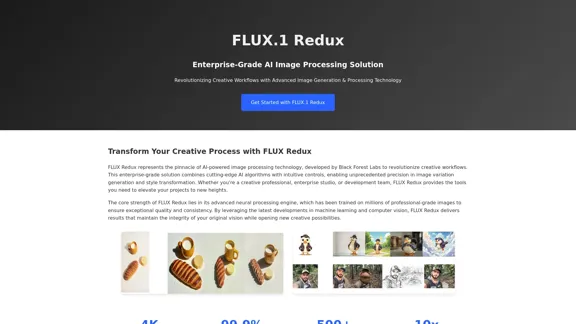
FLUX Redux - A Professional Tool for Generating AI Images
FLUX Redux - A Professional Tool for Generating AI ImagesFLUX Redux is an enterprise-level AI image processing tool that provides advanced features for generating variations, restyling, and enhancing images.
0
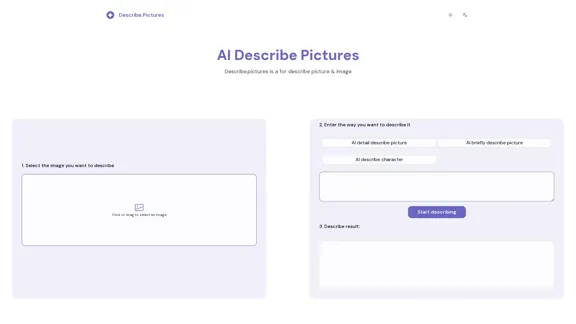
AI Describe Picture & Image | Free AI-generated image description
AI Describe Picture & Image | Free AI-generated image descriptionAI picture & image description generator, helping you quickly generate image descriptions.
7.04 K
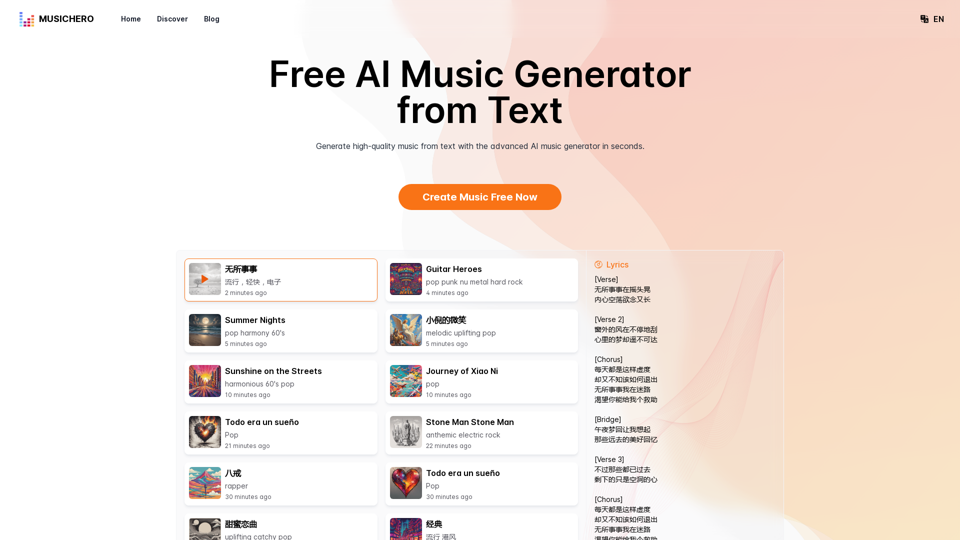
MusicHero.ai: Free AI Music Generator from Text Online
MusicHero.ai: Free AI Music Generator from Text OnlineGenerate high-quality music quickly with the advanced AI music generator. Platforms like MusicHero.ai, powered by Suno V3.5 technology, offer AI music generator free online services. Create music from text or lyrics effortlessly with this versatile text to music AI tool.
577.73 K
Here is the translation into English: See which degrees are actually used by their graduates. Based on analysis of 349,996 LinkedIn profiles.
0
-akpofpnbjlhfdmcmnolgbpagpdkfkbef-thumbnail-1720093897.png "Text Generation for X (formerly Twitter)")
This is a Chrome extension that analyzes images you want to post to X (formerly Twitter) and automatically generates alternative text for them.
193.90 M
![AI-Powered Cover Letter
==========================
Introduction
As a highly motivated and innovative professional, I am excited to apply for the [Position] role at [Company]. With a strong background in [Industry/Field], I am confident that my skills and experience make me an ideal candidate for this position.
Summary
With [Number] years of experience in [Industry/Field], I have developed a unique combination of skills in [Key Skills]. My expertise in [Technical Skills] has enabled me to [Desirable Outcome], resulting in [Desirable Metric]. I am excited to leverage my skills to drive success at [Company].
Achievements
* [ Achievement 1 ]: Developed and implemented [Project/Initiative], resulting in [Desirable Metric] and [Desirable Outcome].
* [ Achievement 2 ]: Successfully [Key Skill] to [Desirable Outcome], resulting in [Desirable Metric].
* [ Achievement 3 ]: Collaborated with [Team/Department] to [Desirable Outcome], resulting in [Desirable Metric].
Education
* [Degree], [Field of Study], [University], [Graduation Date]
* [Relevant Coursework or Specialization]
Skills
* Technical Skills: [Technical Skill 1], [Technical Skill 2], [Technical Skill 3]
* Soft Skills: [Soft Skill 1], [Soft Skill 2], [Soft Skill 3]
Why [Company]?
I am drawn to [Company] because of its [Reason for Interest]. I am impressed by the company's [Initiative/Value] and believe that my skills and experience align with its mission to [Company Mission].
Conclusion
Thank you for considering my application. I am excited about the opportunity to contribute to [Company] and discuss how my skills and experience can drive success. Please feel free to contact me at [Contact Information].
Sincerely,
[Your Name]](https://static.right-ai.com/tools/2024/7/3/chromewebstore-google-com-detail-ai-cover-letter-bcomdehdkdilamaajciocnpgapckeong-thumbnail-1720036712.png "AI-Powered Cover Letter
==========================
Introduction
As a highly motivated and innovative professional, I am excited to apply for the [Position] role at [Company]. With a strong background in [Industry/Field], I am confident that my skills and experience make me an ideal candidate for this position.
Summary
With [Number] years of experience in [Industry/Field], I have developed a unique combination of skills in [Key Skills]. My expertise in [Technical Skills] has enabled me to [Desirable Outcome], resulting in [Desirable Metric]. I am excited to leverage my skills to drive success at [Company].
Achievements
* [ Achievement 1 ]: Developed and implemented [Project/Initiative], resulting in [Desirable Metric] and [Desirable Outcome].
* [ Achievement 2 ]: Successfully [Key Skill] to [Desirable Outcome], resulting in [Desirable Metric].
* [ Achievement 3 ]: Collaborated with [Team/Department] to [Desirable Outcome], resulting in [Desirable Metric].
Education
* [Degree], [Field of Study], [University], [Graduation Date]
* [Relevant Coursework or Specialization]
Skills
* Technical Skills: [Technical Skill 1], [Technical Skill 2], [Technical Skill 3]
* Soft Skills: [Soft Skill 1], [Soft Skill 2], [Soft Skill 3]
Why [Company]?
I am drawn to [Company] because of its [Reason for Interest]. I am impressed by the company's [Initiative/Value] and believe that my skills and experience align with its mission to [Company Mission].
Conclusion
Thank you for considering my application. I am excited about the opportunity to contribute to [Company] and discuss how my skills and experience can drive success. Please feel free to contact me at [Contact Information].
Sincerely,
[Your Name]")
AI-Powered Cover Letter ========================== Introduction As a highly motivated and innovative professional, I am excited to apply for the [Position] role at [Company]. With a strong background in [Industry/Field], I am confident that my skills and experience make me an ideal candidate for this position. Summary With [Number] years of experience in [Industry/Field], I have developed a unique combination of skills in [Key Skills]. My expertise in [Technical Skills] has enabled me to [Desirable Outcome], resulting in [Desirable Metric]. I am excited to leverage my skills to drive success at [Company]. Achievements * [ Achievement 1 ]: Developed and implemented [Project/Initiative], resulting in [Desirable Metric] and [Desirable Outcome]. * [ Achievement 2 ]: Successfully [Key Skill] to [Desirable Outcome], resulting in [Desirable Metric]. * [ Achievement 3 ]: Collaborated with [Team/Department] to [Desirable Outcome], resulting in [Desirable Metric]. Education * [Degree], [Field of Study], [University], [Graduation Date] * [Relevant Coursework or Specialization] Skills * Technical Skills: [Technical Skill 1], [Technical Skill 2], [Technical Skill 3] * Soft Skills: [Soft Skill 1], [Soft Skill 2], [Soft Skill 3] Why [Company]? I am drawn to [Company] because of its [Reason for Interest]. I am impressed by the company's [Initiative/Value] and believe that my skills and experience align with its mission to [Company Mission]. Conclusion Thank you for considering my application. I am excited about the opportunity to contribute to [Company] and discuss how my skills and experience can drive success. Please feel free to contact me at [Contact Information]. Sincerely, [Your Name]
AI-Powered Cover Letter ========================== Introduction As a highly motivated and innovative professional, I am excited to apply for the [Position] role at [Company]. With a strong background in [Industry/Field], I am confident that my skills and experience make me an ideal candidate for this position. Summary With [Number] years of experience in [Industry/Field], I have developed a unique combination of skills in [Key Skills]. My expertise in [Technical Skills] has enabled me to [Desirable Outcome], resulting in [Desirable Metric]. I am excited to leverage my skills to drive success at [Company]. Achievements * [ Achievement 1 ]: Developed and implemented [Project/Initiative], resulting in [Desirable Metric] and [Desirable Outcome]. * [ Achievement 2 ]: Successfully [Key Skill] to [Desirable Outcome], resulting in [Desirable Metric]. * [ Achievement 3 ]: Collaborated with [Team/Department] to [Desirable Outcome], resulting in [Desirable Metric]. Education * [Degree], [Field of Study], [University], [Graduation Date] * [Relevant Coursework or Specialization] Skills * Technical Skills: [Technical Skill 1], [Technical Skill 2], [Technical Skill 3] * Soft Skills: [Soft Skill 1], [Soft Skill 2], [Soft Skill 3] Why [Company]? I am drawn to [Company] because of its [Reason for Interest]. I am impressed by the company's [Initiative/Value] and believe that my skills and experience align with its mission to [Company Mission]. Conclusion Thank you for considering my application. I am excited about the opportunity to contribute to [Company] and discuss how my skills and experience can drive success. Please feel free to contact me at [Contact Information]. Sincerely, [Your Name]Craft tailored cover letters in seconds using AI, based on your CV and the job description. ✍️🤖📄
193.90 M
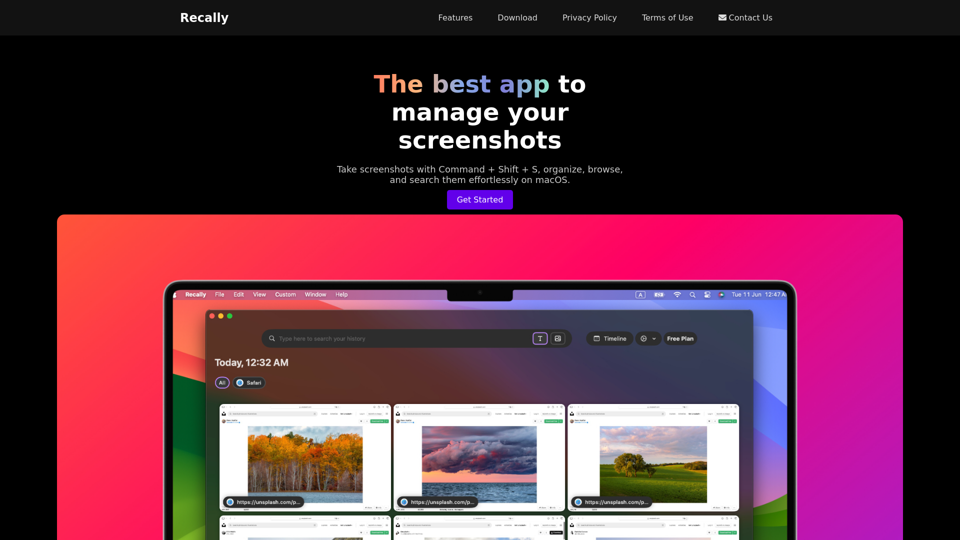
Recally - The Best Screenshot Management App for macOS
Recally - The Best Screenshot Management App for macOSRecally is the best app to manage your screenshots on macOS. Organize, browse, and search your screenshots with ease. Available on macOS.
0