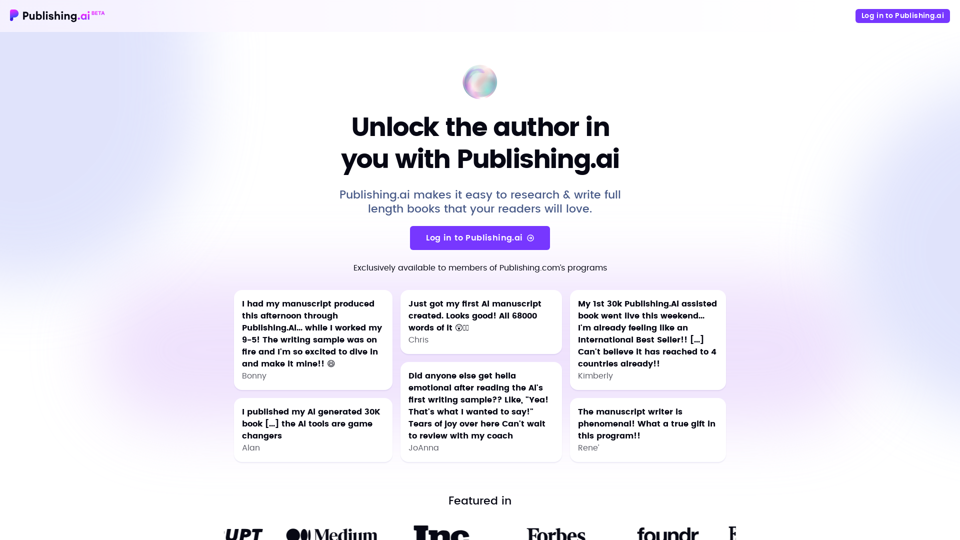
Publishing.ai is an AI-powered platform designed to assist authors in researching and writing full-length books. It offers a comprehensive suite of tools to streamline the book creation process, from generating topic ideas to producing complete manuscripts. The platform aims to make high-quality book writing accessible, efficient, and cost-effective for both novice and experienced authors.
Publishing.ai
Create high-quality books faster and more cost-effectively than ever, with the world’s first AI designed exclusively for digital publishers.
Introduction
Feature
Endless Book Topic Ideas
Publishing.ai provides instant access to high-demand topic ideas from Amazon's best-seller categories, helping authors find the perfect theme for their book.
Customer Research Reports
The platform generates one-click research reports incorporating customer reviews, preferences, and buying motives, offering valuable insights for crafting compelling books.
Custom Book Outlines
Publishing.ai's AI engine creates custom book outlines based on research and user input, helping authors structure their books effectively.
Manuscript Generation
The platform can produce a full manuscript for as low as $332, saving authors time and money in the writing process.
Writing Samples and Revisions
Authors can receive instant writing samples, adjust the writing tone on-the-fly, and get complete drafts within a day. The platform also supports proofreading, editing, and personalization of manuscripts.
Unique Book Descriptions
Publishing.ai generates compelling book descriptions specifically designed to maximize sales potential and help authors stand out in the market.
FAQ
Is Publishing.ai a ghostwriter?
No, Publishing.ai is not a ghostwriter. It is an AI-driven platform that assists authors in writing their books, rather than replacing them.
Can I use Publishing.ai for free?
Yes, you can use Publishing.ai for free, but with limited features and tools. The platform offers a range of pricing options, including a one-time fee for manuscript generation and a subscription-based model for unlimited access to features and tools.
How do I get started with Publishing.ai?
To get started with Publishing.ai, simply log in to the platform. Once logged in, you'll have access to a range of features and tools to help you write your book, including topic ideas, research reports, and manuscript generation capabilities.
Related Websites
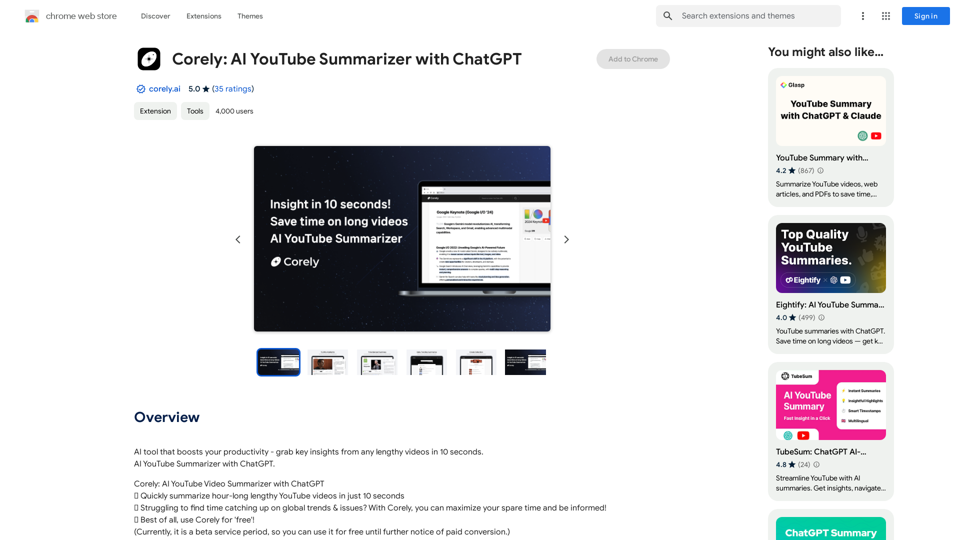
AI tool that boosts your productivity - grab key insights from any lengthy videos in 10 seconds. AI YouTube Summarizer with ChatGPT.
193.90 M
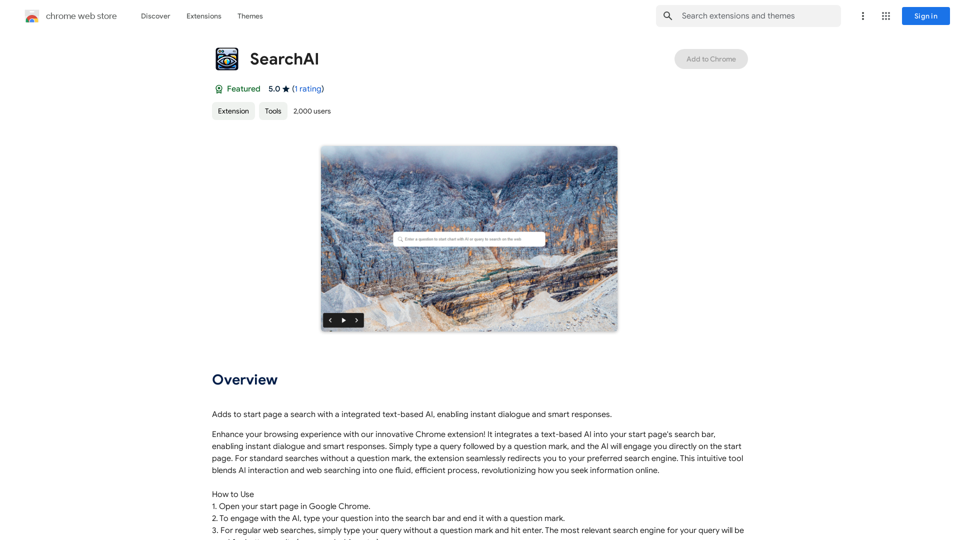
Adds a search function to the start page that incorporates a text-based AI, allowing for instant dialogue and intelligent responses.
193.90 M
Claude to Notion This is a guide on how to connect Claude, an AI assistant, with Notion, a note-taking and workspace app. Why connect Claude and Notion? * Boost your productivity: Use Claude to generate content, summarize information, and automate tasks directly within Notion. * Enhance your research: Ask Claude questions about your Notion notes and get insightful answers. * Unlock new creative possibilities: Leverage Claude's generative capabilities to brainstorm ideas, write stories, or compose emails within your Notion workspace. How to connect Claude and Notion: 1. API Keys: Obtain an API key for both Claude and Notion. 2. Integration Tool: Explore integration tools like Zapier or Integromat to connect Claude and Notion. These platforms allow you to create workflows that trigger actions in one app based on events in the other. 3. Custom Development: For advanced users, you can develop your own custom integration using the Claude and Notion APIs. This gives you the most flexibility but requires coding knowledge. Example Use Cases: * Meeting Summarization: After a meeting, paste the transcript into Notion and use Claude to generate a concise summary. * Content Creation: Use Claude to write blog posts, articles, or social media captions directly within your Notion pages. * Idea Generation: Brainstorm new ideas for projects or tasks by prompting Claude with specific questions within your Notion workspace. Remember to review the documentation and terms of service for both Claude and Notion to ensure proper usage and security.
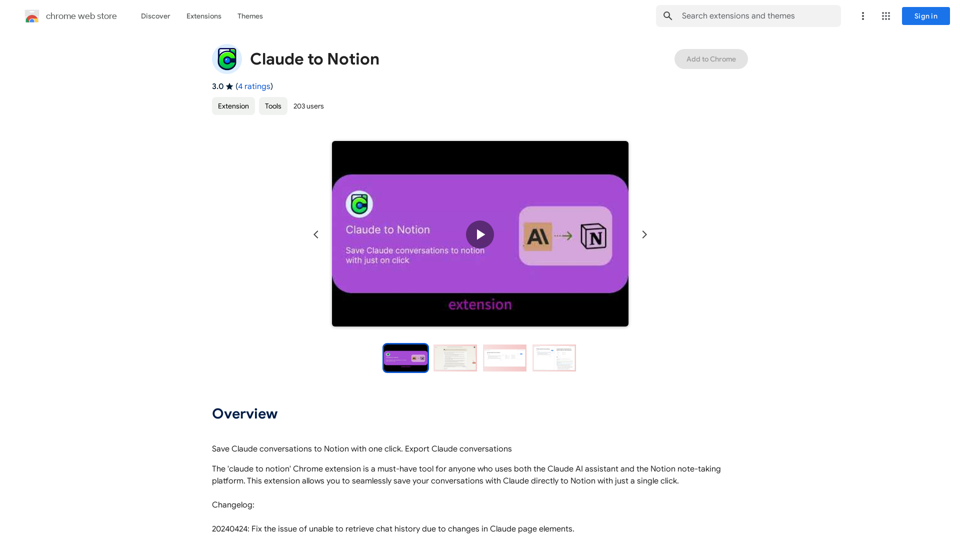
Claude to Notion This is a guide on how to connect Claude, an AI assistant, with Notion, a note-taking and workspace app. Why connect Claude and Notion? * Boost your productivity: Use Claude to generate content, summarize information, and automate tasks directly within Notion. * Enhance your research: Ask Claude questions about your Notion notes and get insightful answers. * Unlock new creative possibilities: Leverage Claude's generative capabilities to brainstorm ideas, write stories, or compose emails within your Notion workspace. How to connect Claude and Notion: 1. API Keys: Obtain an API key for both Claude and Notion. 2. Integration Tool: Explore integration tools like Zapier or Integromat to connect Claude and Notion. These platforms allow you to create workflows that trigger actions in one app based on events in the other. 3. Custom Development: For advanced users, you can develop your own custom integration using the Claude and Notion APIs. This gives you the most flexibility but requires coding knowledge. Example Use Cases: * Meeting Summarization: After a meeting, paste the transcript into Notion and use Claude to generate a concise summary. * Content Creation: Use Claude to write blog posts, articles, or social media captions directly within your Notion pages. * Idea Generation: Brainstorm new ideas for projects or tasks by prompting Claude with specific questions within your Notion workspace. Remember to review the documentation and terms of service for both Claude and Notion to ensure proper usage and security.Save Claude conversations to Notion with one click. Export Claude conversations.
193.90 M
DecentralizedAI This is a general term referring to artificial intelligence (AI) systems that are not controlled by a single, centralized entity. Instead of relying on a large corporation or government to manage and govern AI, decentralized AI aims to distribute these capabilities across a network of independent nodes. Think of it like a blockchain for AI: * Transparency: The decision-making processes of decentralized AI are open and visible to everyone. * Security: Since there's no single point of failure, it's harder for malicious actors to take control or manipulate the system. * Resilience: Even if some nodes go offline, the network can continue to function. * Accessibility: Decentralized AI can make AI technology more accessible to individuals and smaller organizations. There are many potential applications for decentralized AI, including: * Data privacy: Decentralized AI can help protect user data by distributing it across multiple nodes. * Fairness and bias mitigation: By involving a wider range of participants in the training process, decentralized AI can help reduce bias in AI systems. * Autonomous organizations: Decentralized AI can be used to create self-governing organizations that operate without human intervention. Decentralized AI is still a relatively new field, but it has the potential to revolutionize the way we develop and use AI.
DecentralizedAI This is a general term referring to artificial intelligence (AI) systems that are not controlled by a single, centralized entity. Instead of relying on a large corporation or government to manage and govern AI, decentralized AI aims to distribute these capabilities across a network of independent nodes. Think of it like a blockchain for AI: * Transparency: The decision-making processes of decentralized AI are open and visible to everyone. * Security: Since there's no single point of failure, it's harder for malicious actors to take control or manipulate the system. * Resilience: Even if some nodes go offline, the network can continue to function. * Accessibility: Decentralized AI can make AI technology more accessible to individuals and smaller organizations. There are many potential applications for decentralized AI, including: * Data privacy: Decentralized AI can help protect user data by distributing it across multiple nodes. * Fairness and bias mitigation: By involving a wider range of participants in the training process, decentralized AI can help reduce bias in AI systems. * Autonomous organizations: Decentralized AI can be used to create self-governing organizations that operate without human intervention. Decentralized AI is still a relatively new field, but it has the potential to revolutionize the way we develop and use AI.The AI Layer2 Extension for Google Chrome.
193.90 M