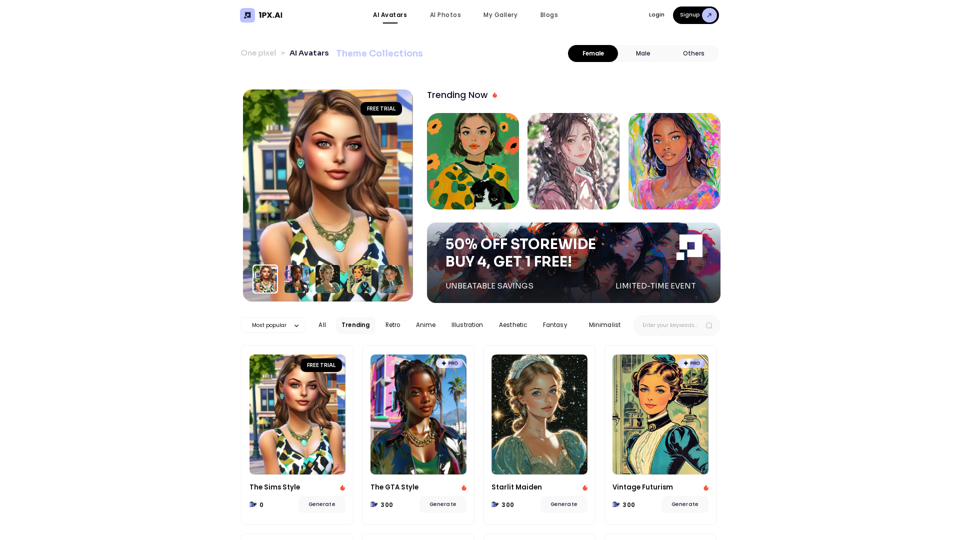
1px AI is an innovative platform that leverages advanced AI algorithms to transform ordinary photos into stunning artistic portraits. It offers a wide range of AI models and themes, allowing users to create personalized, high-quality portraits with ease. The platform stands out for its fast generation speed, intuitive interface, and commitment to user privacy.
1PX.AI
Here is the translation:
AI Photo, Photo AI, AI Photo Editing, AI Generated Photos, Free AI Photo Editor, AI Photo Generator, AI Avatar Generator
Introduction
Feature
AI-Powered Portrait Generation
1px AI utilizes cutting-edge AI algorithms to create high-quality, realistic portraits that enhance unique details and artistic appeal. The platform's generation speed is 10 times faster than competitors, making it ideal for users requiring quick results.
User-Friendly Interface
The platform boasts an intuitive and simple user interface, ensuring easy navigation and effortless portrait generation for users of all skill levels.
Diverse Themes and Customization
1px AI offers a vast array of themes and customization options, allowing users to tailor their portraits to their specific preferences and create unique artistic expressions.
Privacy Protection
Respecting user privacy, 1px AI immediately deletes original photos after generating AI portraits, ensuring the security of users' personal images.
Referral Reward Program
The platform features a referral reward program, enabling users to earn additional film tokens by inviting friends to join 1px AI.
Social Media Optimization
Generated portraits are designed to create a strong visual impact, making them highly suitable for sharing on various social media platforms.
FAQ
How does 1px AI enhance photos?
1px AI employs advanced algorithms to transform photos into personalized artistic portraits, highlighting unique details and enhancing overall artistic appeal.
What distinguishes 1px AI from other products?
1px AI leads in aesthetic systems and AI algorithms, offering:
- Faster generation speeds (10x faster)
- Higher quality portraits
- Wider range of themes
- Intuitive user interface
How do I use 1px AI?
- Upload your photos to the platform
- Choose from various themes and customize your portrait
- Let the AI algorithm generate a high-quality portrait
- Download and share your portrait on social media or use it for personal purposes
Is there a free trial available?
Yes, 1px AI offers a free trial along with subscription plans that provide additional benefits and extended access.
Are the generated portraits suitable for social media use?
Yes, the AI-generated portraits are specifically designed to grab attention and create a strong visual impact on social media platforms.
Related Websites
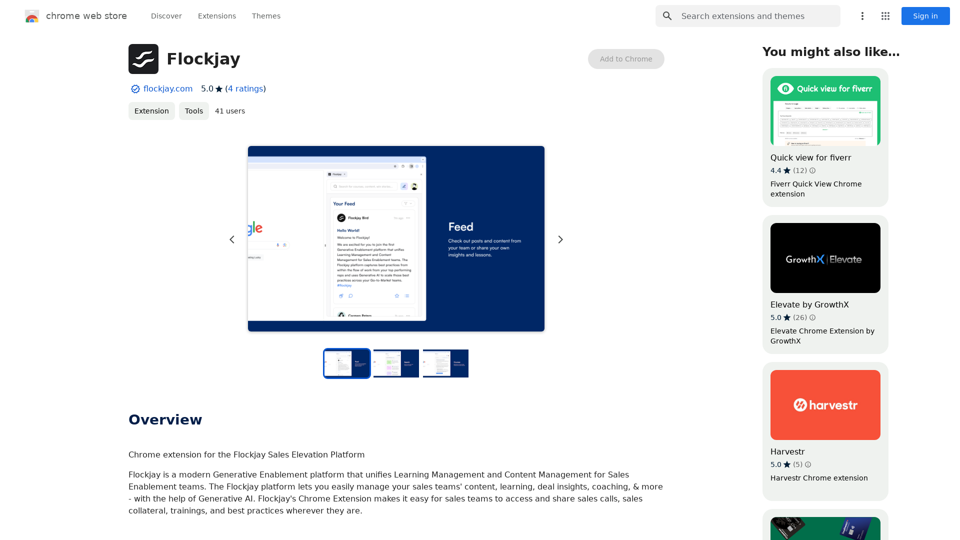
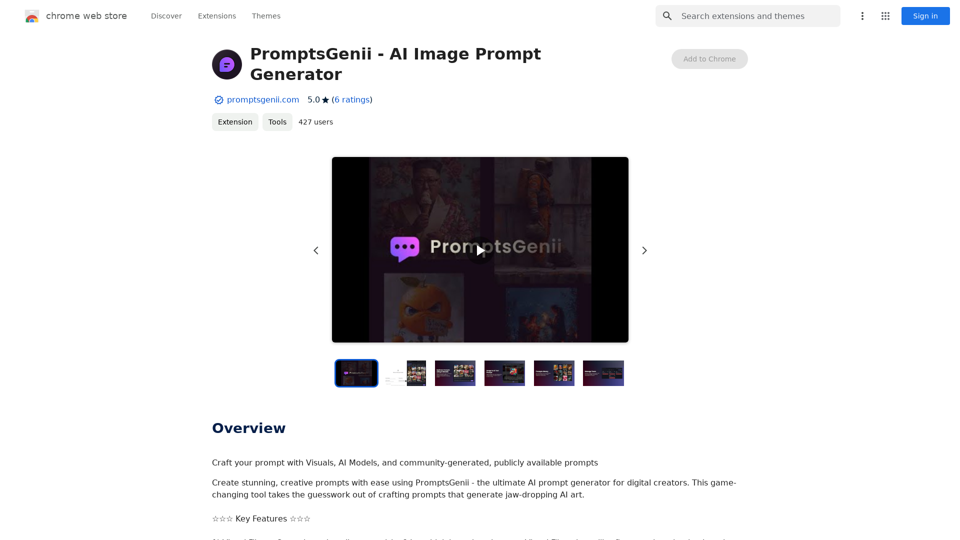
Let's Get Creative! 🎨🧠💬 Imagine this: * A bustling cityscape at night, bathed in neon lights. 🌃✨ * A majestic dragon soaring through a storm-ridden sky. 🐉⛈️ * A whimsical forest filled with talking animals and glowing mushrooms. 🍄🐿️ Now, let's bring these visions to life using: * Powerful AI image generation models like DALL-E 2 or Midjourney. 🤖🖼️ * Community-generated prompts from platforms like Reddit or GitHub. 🗣️💡 Here are some examples to spark your imagination: * "A cyberpunk cityscape with flying cars and holographic advertisements, rendered in the style of Blade Runner." 🌃🚗 * "A majestic dragon with emerald scales and sapphire eyes, perched atop a mountain peak, surrounded by swirling clouds." 🐉⛰️ * "A whimsical forest clearing with glowing mushrooms, a babbling brook, and a friendly talking squirrel." 🍄🐿️ Let's collaborate and explore the endless possibilities of AI-powered creativity! 🚀✨
193.90 M
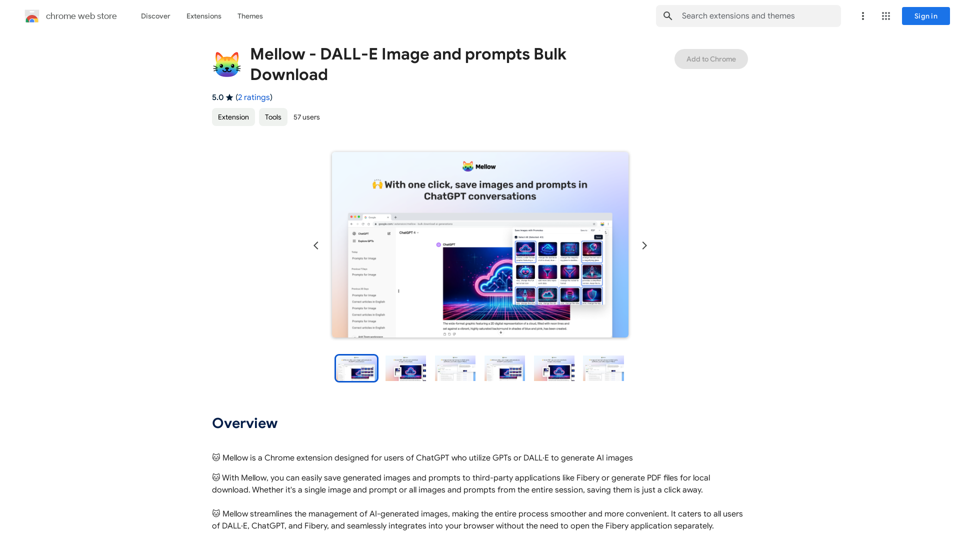
Mellow - DALL-E Image and Prompts Bulk Download This is a tool to download images and prompts from Mellow, a platform for creating and sharing DALL-E images.
Mellow - DALL-E Image and Prompts Bulk Download This is a tool to download images and prompts from Mellow, a platform for creating and sharing DALL-E images.🐱 Mellow is a Chrome extension designed for users of ChatGPT who use GPTs or DALL·E to create AI images.
193.90 M
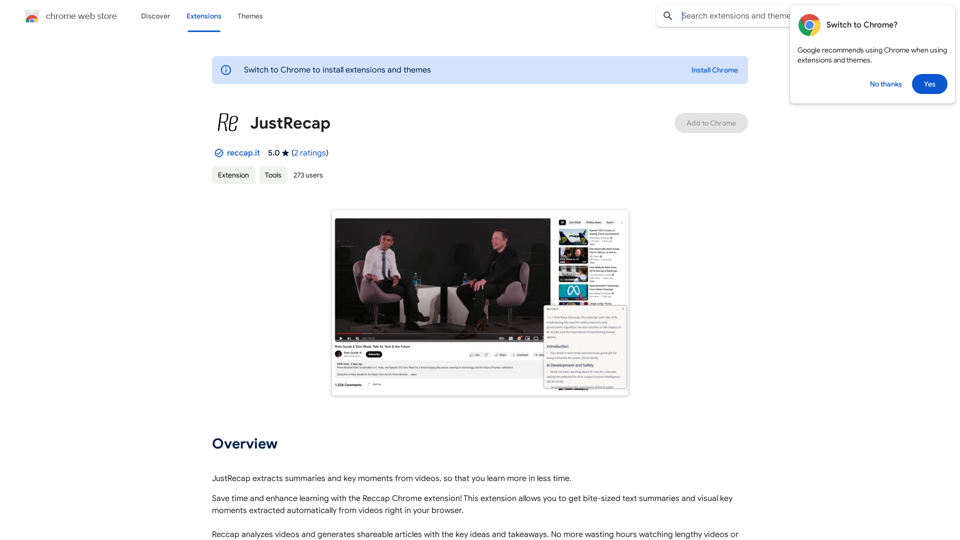
JustRecap extracts summaries and key moments from videos so you can learn more in less time.
193.90 M
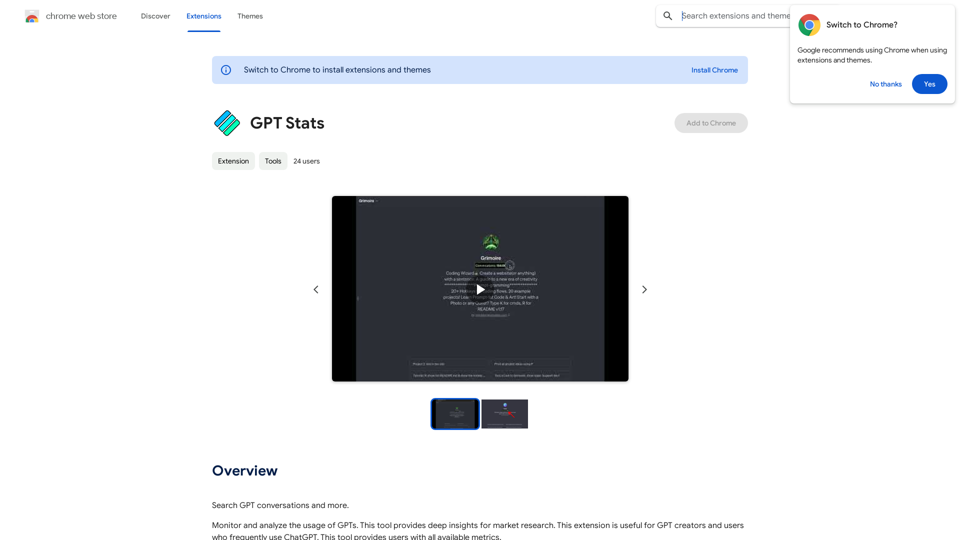
GPT Stats * Parameters: 175 Billion * Trainers: * Dataset: Massive dataset of text and code * Method: Supervised fine-tuning * Capabilities: * Text Generation * Text Summarization * Language Translation * Code Generation * Question Answering * Dialogue Generation * Limitations: * Can sometimes generate incorrect or biased information * Lacks real-world knowledge and common sense * Can be fooled by adversarial examples
GPT Stats * Parameters: 175 Billion * Trainers: * Dataset: Massive dataset of text and code * Method: Supervised fine-tuning * Capabilities: * Text Generation * Text Summarization * Language Translation * Code Generation * Question Answering * Dialogue Generation * Limitations: * Can sometimes generate incorrect or biased information * Lacks real-world knowledge and common sense * Can be fooled by adversarial examplesSearch for conversations with GPT and other content.
193.90 M