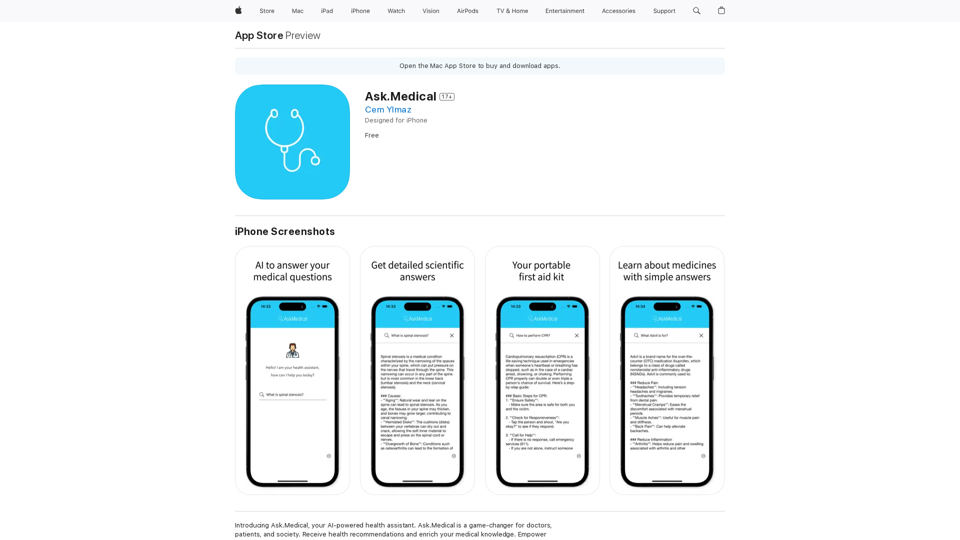
Ask.Medical is an AI-powered health assistant designed to provide users with detailed answers to health questions, a portable first aid kit, and effortless learning about medicines and medical terminology. This innovative app aims to empower users to make informed decisions about their health and well-being, offering personalized recommendations and accurate information tailored to individual needs.
Ask.Medical on the App Store
Introducing Ask.Medical, your AI-powered health assistant. Ask.Medical is a game-changer for doctors, patients, and society. Receive health recommendations and personalized guidance from a trusted and knowledgeable ally.
Introduction
Feature
Access Detailed Health Information
Ask.Medical provides users with comprehensive answers to a wide range of health-related questions, ensuring that users have access to accurate and up-to-date information.
Portable First Aid Kit
The app includes a digital first aid kit, allowing users to carry essential medical information and guidance wherever they go, enhancing preparedness for emergencies.
Medical Education
Ask.Medical offers an effortless way to learn about medicines and medical terminology, helping users better understand their health conditions and treatment options.
Personalized Recommendations
The app provides tailored health recommendations based on user inputs, ensuring that the information is relevant and applicable to individual needs.
User-Friendly Interface
Ask.Medical features a seamless and intuitive interface, making it easy for users to navigate and access the information they need quickly.
Free Availability
The app is available for free download on the App Store, making it accessible to a wide range of users without any cost barrier.
Multi-Platform Support
Ask.Medical is compatible with iPhone, iPod touch, and Mac devices, allowing users to access the app across multiple Apple platforms.
FAQ
Is Ask.Medical a substitute for professional medical advice?
No, Ask.Medical is not a substitute for professional medical advice. Users should consult with a healthcare professional before taking any actions based on the information provided by the app.
Does Ask.Medical collect personal data?
No, Ask.Medical does not collect any personal data, ensuring user privacy and confidentiality.
How can Ask.Medical benefit users?
Ask.Medical benefits users by:
- Providing accurate and detailed health information
- Offering a portable first aid kit
- Facilitating learning about medicines and medical terminology
- Delivering personalized health recommendations
- Empowering users to make informed decisions about their health
Related Websites
What is a Prompster? A Prompster is a person who assists a speaker, actor, or presenter by providing them with lines or cues, usually in a subtle and discreet manner, during a performance, presentation, or speech.
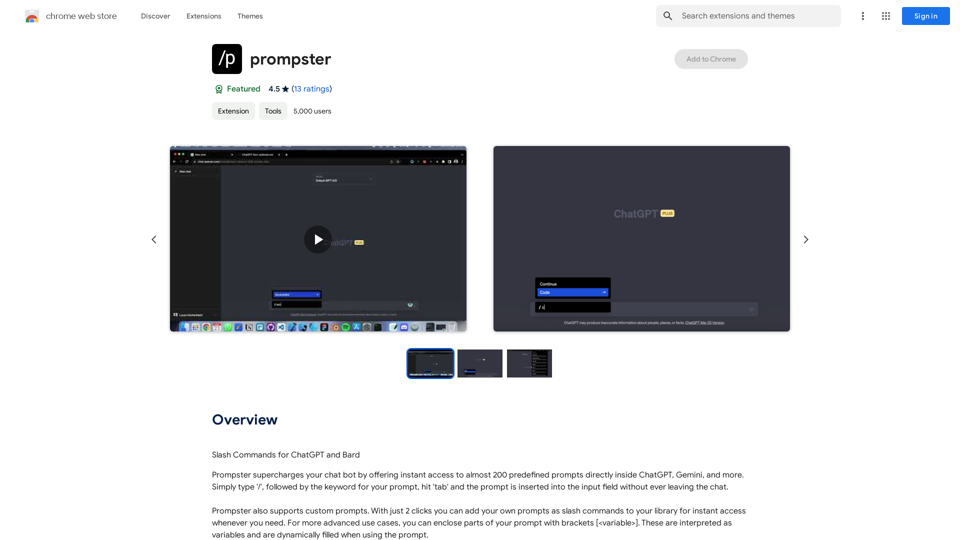
What is a Prompster? A Prompster is a person who assists a speaker, actor, or presenter by providing them with lines or cues, usually in a subtle and discreet manner, during a performance, presentation, or speech.Slash Commands for ChatGPT and Bard ===================================== Introduction Slash commands are a convenient way to interact with ChatGPT and Bard, allowing you to perform various tasks and actions within the chat interface. This guide provides an overview of the available slash commands for both ChatGPT and Bard. ChatGPT Slash Commands #General Commands * `/help`: Displays a list of available slash commands and their descriptions. * `/reset`: Resets the conversation, clearing all previous messages and context. #Conversation Management * `/start`: Starts a new conversation, allowing you to begin a fresh topic or task. * `/stop`: Ends the current conversation, stopping any ongoing tasks or topics. #Language and Tone * `/lang <language_code>`: Sets the language for the conversation (e.g., `/lang en` for English). * `/tone <tone>`: Adjusts the tone of the responses (e.g., `/tone formal` for formal tone). #Task Management * `/task <task_name>`: Creates a new task or topic for the conversation (e.g., `/task math problem`). * `/done`: Marks the current task as completed. #Information and Resources * `/define <word>`: Provides the definition of a word or phrase. * `/wiki <topic>`: Displays information about a topic from Wikipedia. Bard Slash Commands #General Commands * `/help`: Displays a list of available slash commands and their descriptions. * `/reset`: Resets the conversation, clearing all previous messages and context. #Conversation Management * `/start`: Starts a new conversation, allowing you to begin a fresh topic or task. * `/stop`: Ends the current conversation, stopping any ongoing tasks or topics. #Language and Tone * `/lang <language_code>`: Sets the language for the conversation (e.g., `/lang en` for English). * `/tone <tone>`: Adjusts the tone of the responses (e.g., `/tone formal` for formal tone). #Task Management * `/task <task_name>`: Creates a new task or topic for the conversation (e.g., `/task math problem`). * `/done`: Marks the current task as completed. #Information and Resources * `/define <word>`: Provides the definition of a word or phrase. * `/wiki <topic>`: Displays information about a topic from Wikipedia. * `/news <topic>`: Displays news articles related to a specific topic. Conclusion Slash commands provide a convenient way to interact with ChatGPT and Bard, allowing you to manage conversations, adjust language and tone, and access various resources. By mastering these commands, you can optimize your experience and get the most out of your interactions with these AI models.
193.90 M
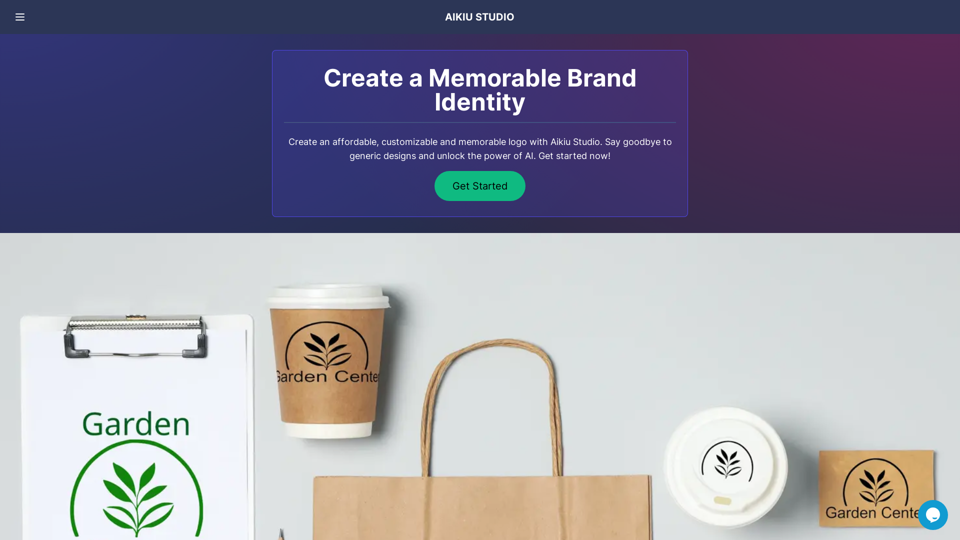
Fast and Affordable Logo Generator for Small Businesses
Fast and Affordable Logo Generator for Small BusinessesGenerate unique logos quickly and affordably with Aikiu Studio. Create professional designs for small businesses and solopreneurs in minutes. Get high-quality, hassle-free logo creation.
0
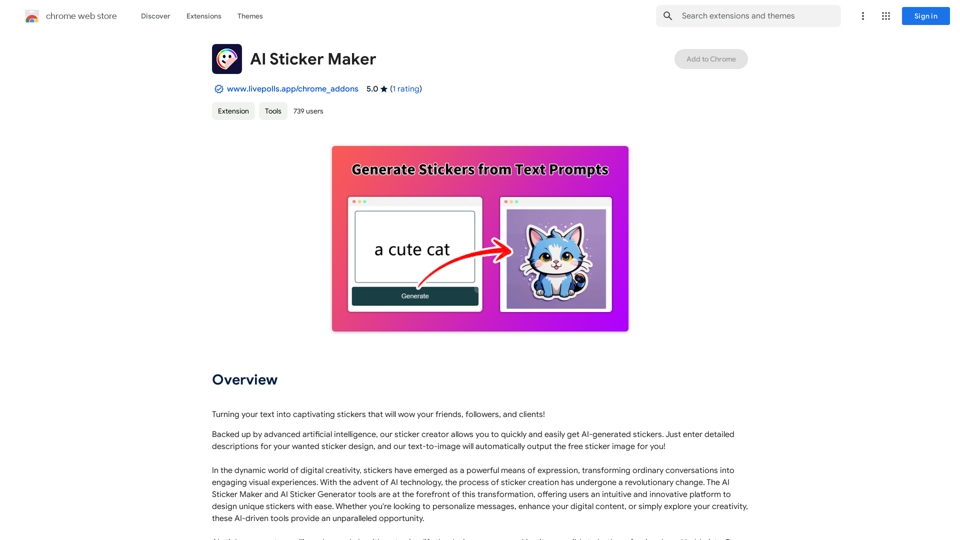
Turning your text into amazing stickers that will impress your friends, fans, and customers!
193.90 M
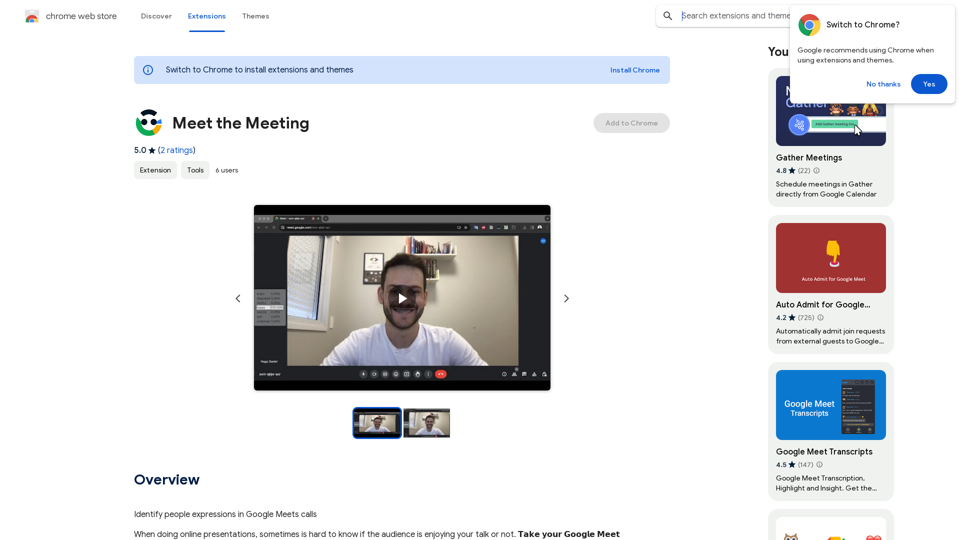
Identifying People Expressions in Google Meets Calls This is a complex task with several challenges: * Technical Limitations: Google Meets doesn't currently offer an API to directly access facial expressions of participants. * Privacy Concerns: Analyzing facial expressions raises significant privacy issues. Users should have control over whether their expressions are being tracked and used. * Accuracy: Even with access to facial data, accurately interpreting expressions can be difficult due to variations in lighting, angles, and individual differences. Possible Approaches (with limitations): * User-Submitted Data: Participants could manually indicate their emotions during the call, which could be collected and analyzed. This relies on user honesty and may not capture subtle expressions. * Third-Party Tools: Some external tools might analyze video feeds and attempt to detect expressions. However, their accuracy and privacy practices should be carefully evaluated. * Future Developments: Google or other companies might develop features that allow for more ethical and accurate expression analysis in the future. It's important to remember that facial expressions are just one aspect of communication, and relying solely on them can be misleading.
193.90 M
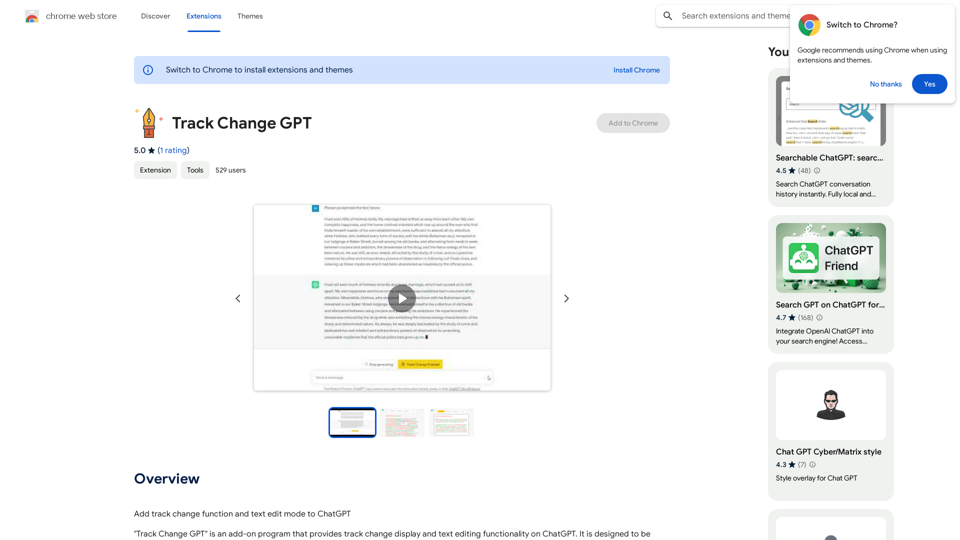
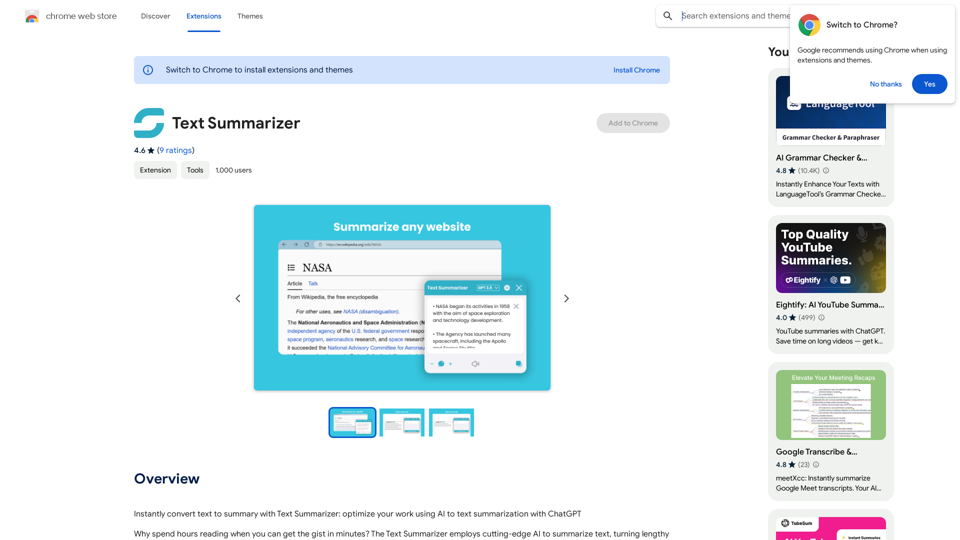
Text Summarizer This is a tool that can condense large amounts of text into shorter, more manageable summaries.
Text Summarizer This is a tool that can condense large amounts of text into shorter, more manageable summaries.Instantly summarize text with Text Summarizer: optimize your work using AI-powered text summarization with ChatGPT.
193.90 M