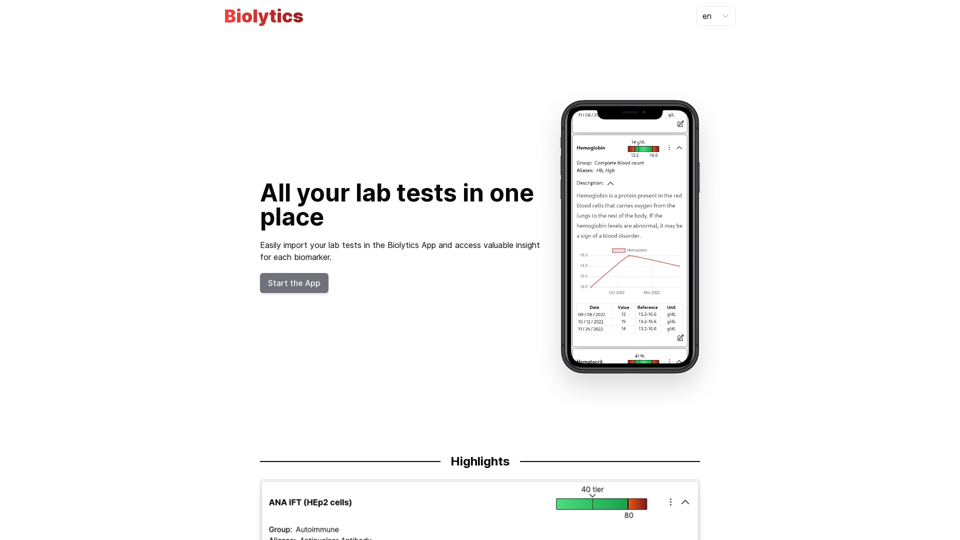
Homie.AI is an AI-powered academic assistant designed for students, scholars, and intellectuals. It offers instant answers to questions, book summaries, and fact-checking capabilities. With its user-friendly interface and comprehensive features, Homie.AI aims to streamline academic research and learning processes.
Homie.AI on the App Store
Homie.AI is your go-to academic assistant powered by AI with the unique ability to answer all your questions, summarize books, and fact-check information, Homie is always here to help you with your academic needs.
Introduction
Feature
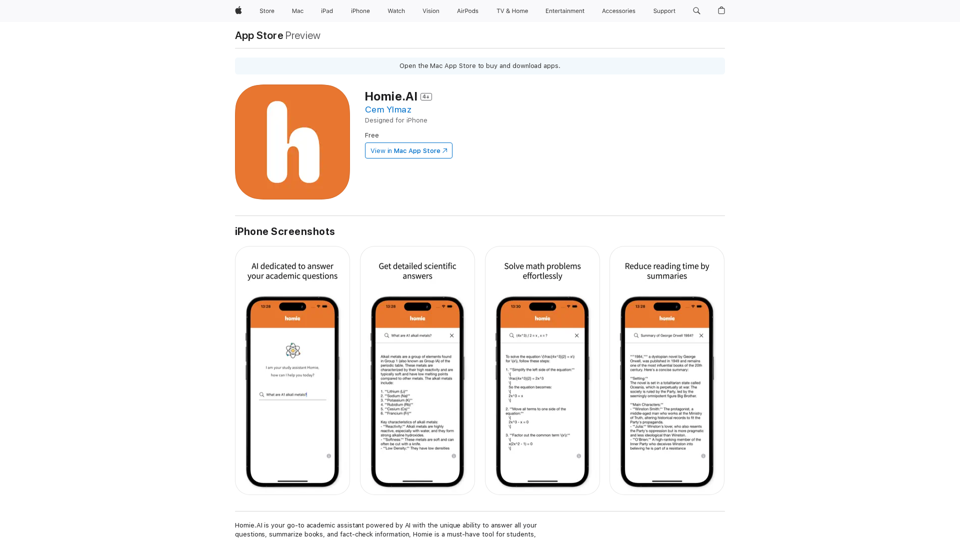
Instant Answers with Scientific Explanations
Homie.AI provides detailed scientific explanations for a wide range of academic questions, ensuring users receive accurate and comprehensive information.
Book Summarization
The app offers book summaries, helping users reduce reading time while still grasping key concepts and information from various texts.
Fact-Checking Capability
Homie.AI includes a fact-checking feature to verify information, promoting accuracy in research and learning.
Math Problem Solver
Users can easily solve math problems using Homie.AI, making it a versatile tool for various academic disciplines.
User-Friendly Interface
The app boasts a simple and intuitive interface, allowing users to access its features effortlessly and enhance their learning experience.
iPhone Compatibility
Homie.AI is designed specifically for iPhone users and can be downloaded from the App Store.
Free Access
The app is available for free download, making it accessible to a wide range of users.
FAQ
What is Homie.AI?
Homie.AI is an AI-powered academic assistant that provides instant answers to questions, summarizes books, and fact-checks information. It's designed to support students, scholars, and intellectuals in their academic pursuits.
What are the main features of Homie.AI?
The main features of Homie.AI include:
- Providing comprehensive answers to academic questions
- Summarizing books to reduce reading time
- Fact-checking information for accuracy
- Solving math problems
- User-friendly interface for easy navigation
How does Homie.AI benefit users?
Homie.AI offers several benefits:
- Instant access to accurate information
- Time-saving book summaries
- Reliable fact-checking capabilities
- Simplified math problem-solving
- Enhanced efficiency in academic research and learning
How can I access Homie.AI?
Homie.AI is designed for iPhone users and can be downloaded for free from the App Store. Its simple and intuitive interface allows users to easily access its features and start using it immediately.
Related Websites
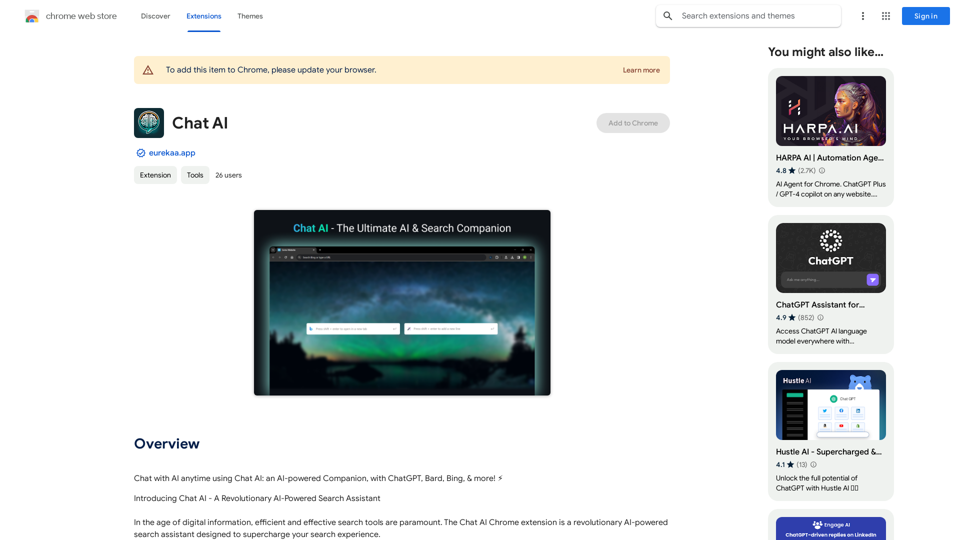
Talk to AI whenever you want with Chat AI: an AI-powered friend, featuring ChatGPT, Bard, Bing, and more! ⚡
193.90 M
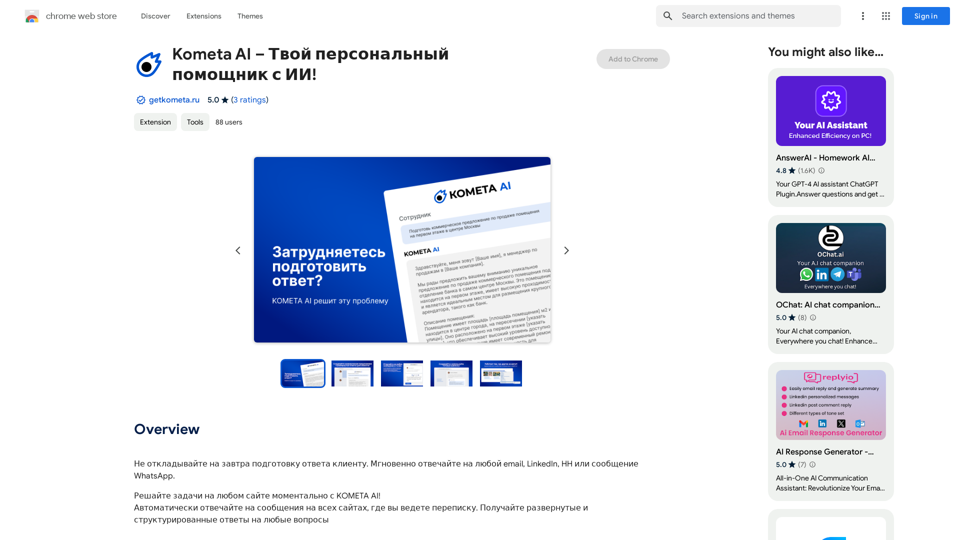
Don't delay preparing a response to a client. Respond immediately to any email, LinkedIn, HH, or WhatsApp message.
193.90 M
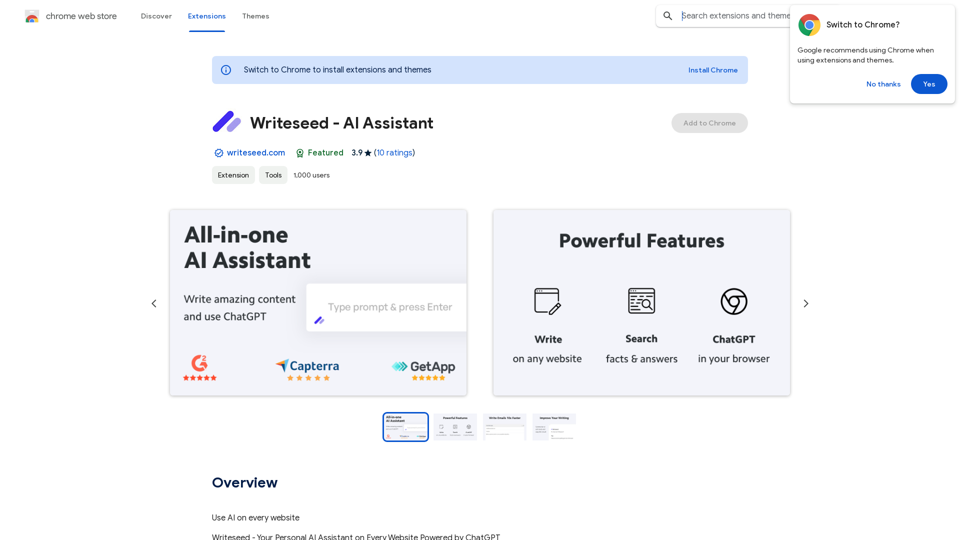
Using AI on Every Website With the rapid advancement of technology, Artificial Intelligence (AI) has become an integral part of our daily lives. From virtual assistants to self-driving cars, AI is revolutionizing the way we live and work. One area where AI can have a significant impact is on websites. Imagine a website that can learn from your behavior, adapt to your needs, and provide personalized experiences. In this article, we'll explore the possibilities of using AI on every website. Enhanced User Experience AI can analyze user behavior, preferences, and interests to provide a tailored experience. For instance, an e-commerce website can use AI to recommend products based on a user's browsing history and purchase behavior. This can lead to increased customer satisfaction, loyalty, and ultimately, revenue. Improved Website Performance AI can help optimize website performance by analyzing user traffic patterns, identifying bottlenecks, and providing insights to improve loading times. This can result in higher search engine rankings, increased conversions, and a better overall user experience. Personalized Content AI-powered content generation can help create personalized content for users based on their interests, preferences, and behavior. This can include customized product recommendations, tailored blog posts, and even personalized email marketing campaigns. Enhanced Security AI-powered security systems can detect and prevent cyber threats in real-time, providing an additional layer of protection for websites and their users. This can include identifying and blocking malicious traffic, detecting phishing attempts, and preventing data breaches. Chatbots and Virtual Assistants AI-powered chatbots and virtual assistants can provide 24/7 customer support, helping users navigate websites, answer questions, and resolve issues. This can lead to increased customer satisfaction, reduced support queries, and improved overall user experience. The Future of Web Development As AI technology continues to evolve, we can expect to see even more innovative applications on websites. From AI-powered design tools to AI-driven website analytics, the possibilities are endless. The future of web development is exciting, and AI is at the forefront of this revolution. Conclusion Using AI on every website can have a transformative impact on the way we interact with the internet. From enhanced user experiences to improved website performance, personalized content, enhanced security, and chatbots, the benefits of AI are undeniable. As technology continues to advance, we can expect to see even more innovative applications of AI on websites. The future is exciting, and AI is leading the way.
193.90 M
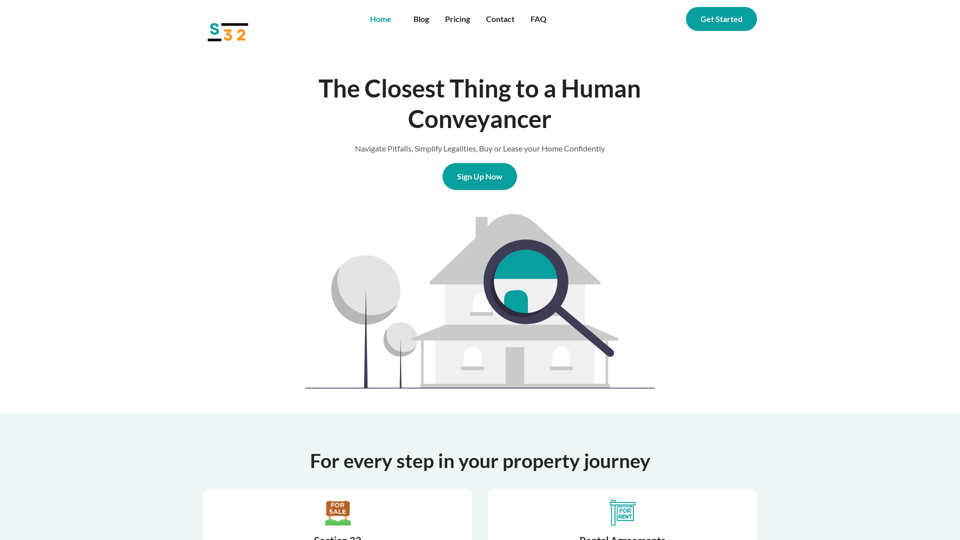
S32 | Your Personal AI Conveyancer for Section 32 and Rental Agreements
S32 | Your Personal AI Conveyancer for Section 32 and Rental AgreementsThe Closest Thing to a Human Conveyancer
69

ChatGPT Improvements: Enhanced User Experience: * Seamless Chat History Search: Easily find past conversations and specific messages within your chat history. New Features: * Search your Chat History: A dedicated search bar allows you to quickly locate past interactions, saving time and effort.
193.90 M