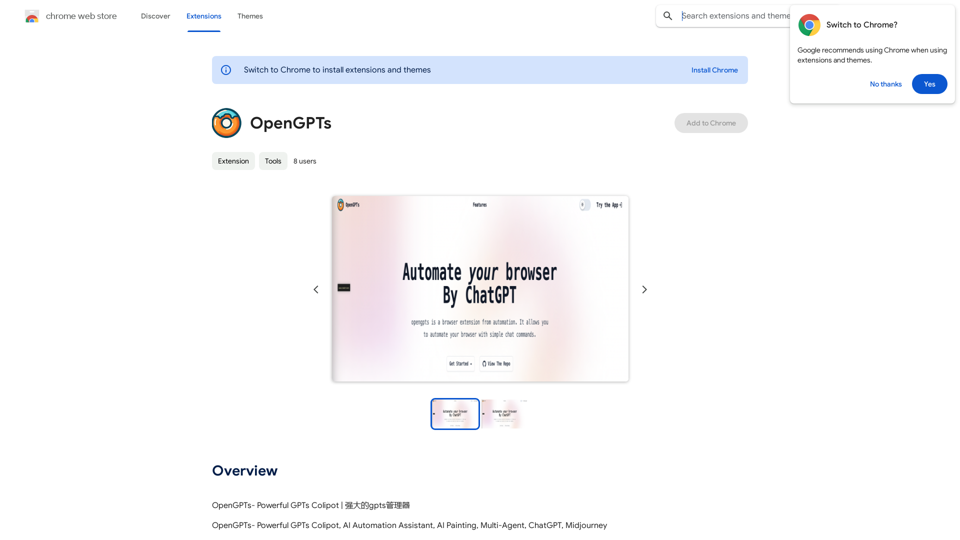
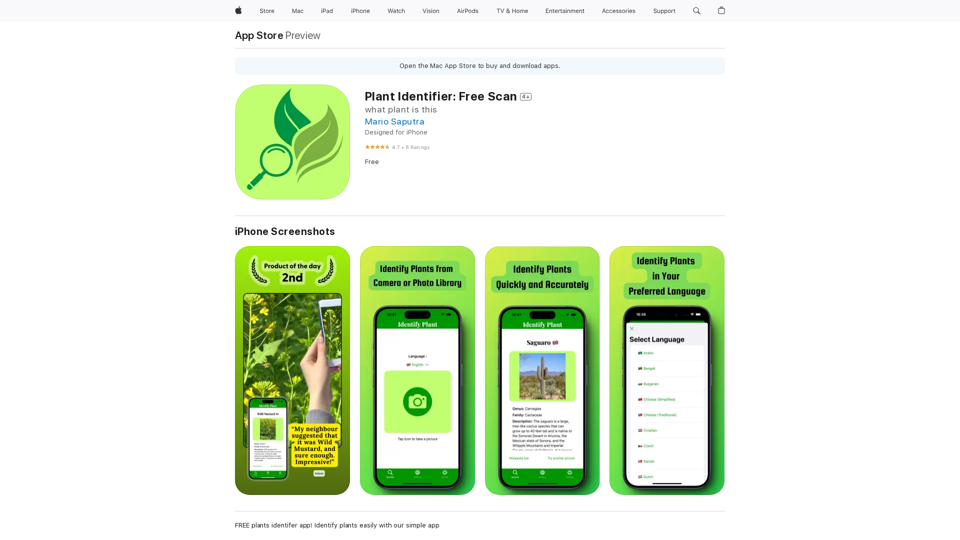
Plant Identifier is a free mobile application that uses AI technology to help users identify plants through their device's camera or uploaded images. It caters to gardeners, nature enthusiasts, and anyone curious about flora. The app offers instant plant recognition, multi-language support, and a history feature to track identified plants, all at no cost to the user.
Plant Identifier: Free Scan on the App Store
Use your camera or a picture to quickly identify plants with AI.
Perfect for gardeners, nature lovers, and anyone curious about the plants around them.
Features:
* Instantly identify plants using AI-powered image recognition technology
* Browse a vast database of plants from around the world
* Learn about plant care, habitat, and other interesting facts
* Snap a photo or upload an image to identify plants in seconds
* Explore plant families, genera, and species to expand your knowledge
* Create a personalized plant journal to track your discoveries
Introduction
Feature
Instant Plant Identification
Take a photo or upload an image to identify plants quickly and accurately using advanced AI technology.
Free to Use
Access all app features without any cost, hidden fees, or subscriptions.
Multi-Language Support
Identify plants in your preferred language, with support for multiple languages to cater to a global user base.
Save Identification History
Keep a record of all identified plants for future reference and review.
User-Friendly Interface
Simple and intuitive design allows users to start exploring the plant world immediately after downloading the app.
Privacy-Focused
The developer does not collect any data from the app, ensuring user privacy and data protection.
Regular Updates
Continuous improvements and new features, such as the recently added request features page in version 1.1.0.
FAQ
How does Plant Identifier work?
Plant Identifier uses AI technology to analyze photos taken with your device's camera or uploaded from your gallery. The AI quickly and accurately identifies the plant species based on the image.
Is Plant Identifier really free?
Yes, Plant Identifier is completely free to use. There are no hidden fees or subscriptions required to access all of the app's features.
How accurate is the plant identification?
While the exact accuracy rate isn't specified, the app uses advanced AI technology for quick and accurate plant identification. The high user rating of 4.7 out of 5 stars suggests that users find it reliable.
Can I use Plant Identifier offline?
The app description doesn't specify offline functionality. As it uses AI technology for identification, an internet connection may be required for optimal performance.
How can I improve the accuracy of plant identification?
To improve accuracy:
- Take clear, well-lit photos of the plant
- Include multiple parts of the plant (leaves, flowers, stem) if possible
- Ensure the plant is the main focus of the image
Related Websites

AI Voice Generator & Text to Speech | Deepgram Transform written text into natural-sounding speech with our AI voice generator and text-to-speech technology.
AI Voice Generator & Text to Speech | Deepgram Transform written text into natural-sounding speech with our AI voice generator and text-to-speech technology.Unlock the potential of Deepgram's AI Voice Generator. Experience natural-sounding text to speech for all your projects.
835.16 K
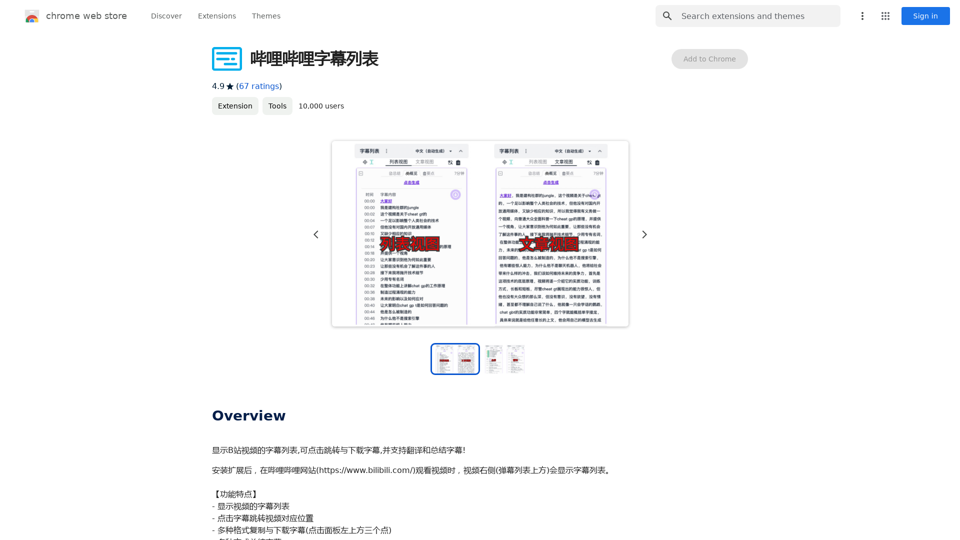
Display a list of Bilibili video subtitles, allowing you to click to jump and download subtitles, and supporting translation and summary of subtitles!
193.90 M
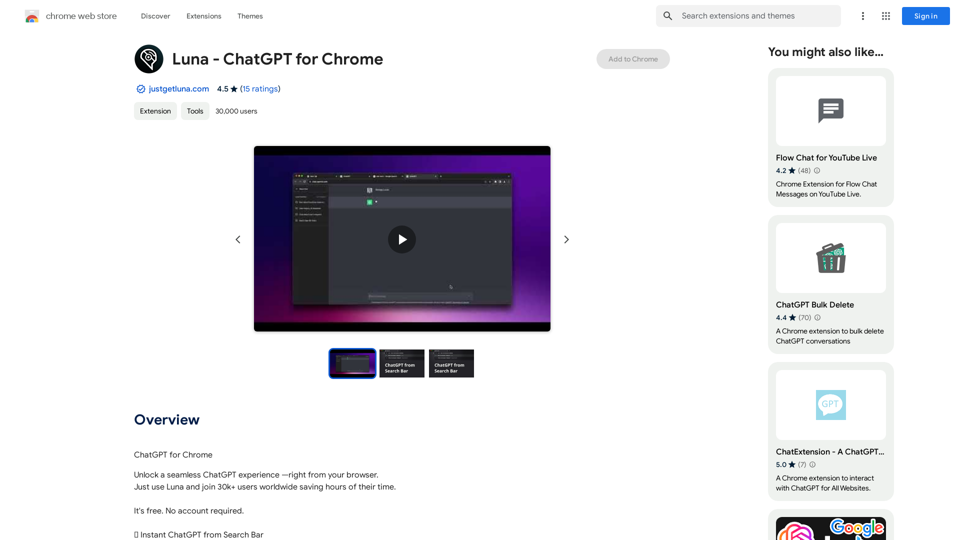



Intelligent Web Translation - Automatic Translation, Bilingual Comparison, AI Dialogue
Intelligent Web Translation - Automatic Translation, Bilingual Comparison, AI DialogueSupports 20+ foreign languages/national languages, one-key rapid translation, supports bilingual comparison, automatic translation, AI summary, and phrase translation.
193.90 M