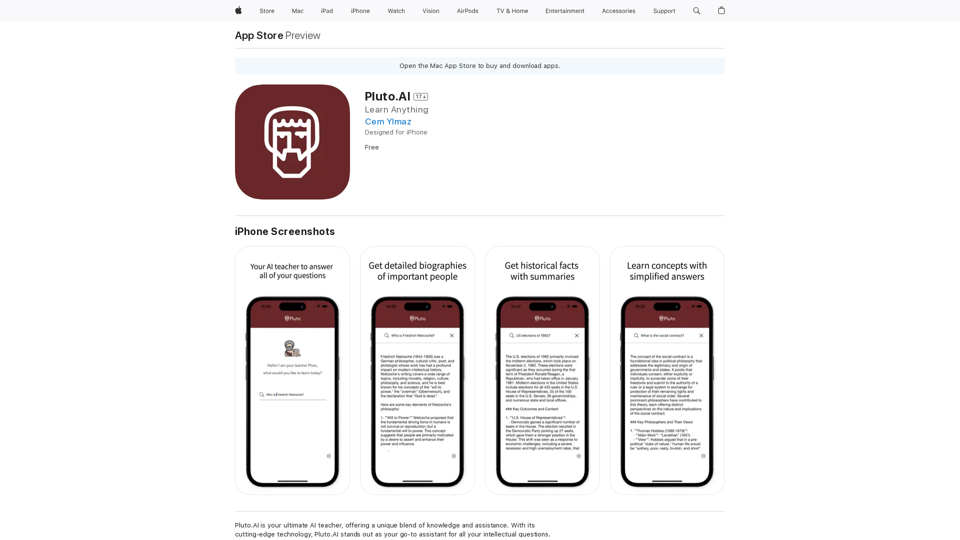
Pluto.AI is an AI-powered educational platform designed to assist users in learning a wide range of subjects, from history and politics to science and literature. This innovative tool serves as an intellectual companion, offering scientific answers, detailed biographies, book summaries, and in-depth exploration of world history. Pluto.AI caters to self-learners, scholars, and intellectuals who are eager to expand their knowledge and understanding.
Pluto.AI on the App Store
Pluto.AI is your ultimate AI teacher, offering a unique blend of knowledge and assistance. With its cutting-edge technology, Pluto.AI stands out as your go-to assistant for learning and growth.
Introduction
Feature
Comprehensive Knowledge Base
Pluto.AI provides access to a vast array of information covering diverse subjects, allowing users to explore and learn about various topics with ease.
AI Teacher Support
The platform features an AI teacher that offers personalized assistance, making it easier for users to grasp new concepts and enhance their learning experience.
Scientific Answers
Users can obtain scientifically accurate responses to their queries, ensuring reliable and factual information.
Detailed Biographies and Book Summaries
Pluto.AI offers in-depth biographical information and concise book summaries, saving time for users while providing valuable insights.
World History Exploration
The platform allows users to delve into the depths of world history, offering a comprehensive understanding of historical events and their significance.
User-Friendly Interface
Pluto.AI boasts an intuitive interface that ensures a seamless user experience, making it easy for learners to navigate and access information.
Free Access
The app is available for free, allowing users to access its features without any subscription requirements.
FAQ
What types of information can I find on Pluto.AI?
Pluto.AI offers a wide range of information, including scientific answers, historical facts, political insights, literature summaries, and detailed biographies. The platform is designed to cater to various intellectual interests and learning needs.
Is Pluto.AI suitable for exam preparation?
Yes, Pluto.AI can be an excellent tool for exam preparation. Its comprehensive knowledge base and AI teacher feature can help you understand complex concepts and review important information across various subjects.
Does Pluto.AI support languages other than English?
Currently, Pluto.AI only supports the English language. There is no information available about plans for supporting additional languages in the future.
Is my personal information safe when using Pluto.AI?
Yes, your personal information is safe. According to the developer, Cem Ylmaz, the app does not collect any data from its users, ensuring privacy and data protection.
Latest Traffic Insights
Monthly Visits
124.77 M
Bounce Rate
74.15%
Pages Per Visit
1.56
Time on Site(s)
46.64
Global Rank
-
Country Rank
-
Recent Visits
Traffic Sources
- Social Media:2.88%
- Paid Referrals:2.50%
- Email:0.18%
- Referrals:19.65%
- Search Engines:29.02%
- Direct:45.78%
Related Websites
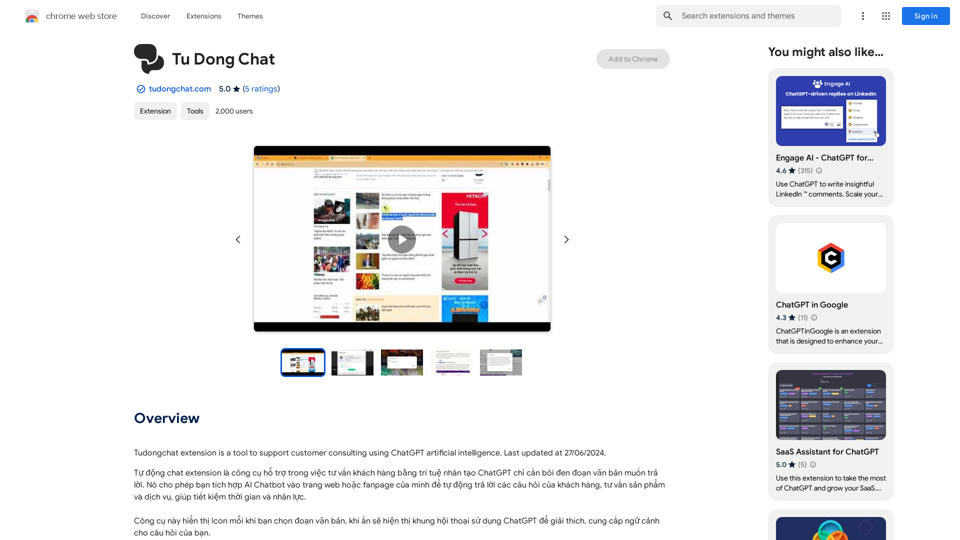
The Tudongchat extension is a tool that supports customer consulting using ChatGPT artificial intelligence. Last updated on June 27, 2024.
193.90 M
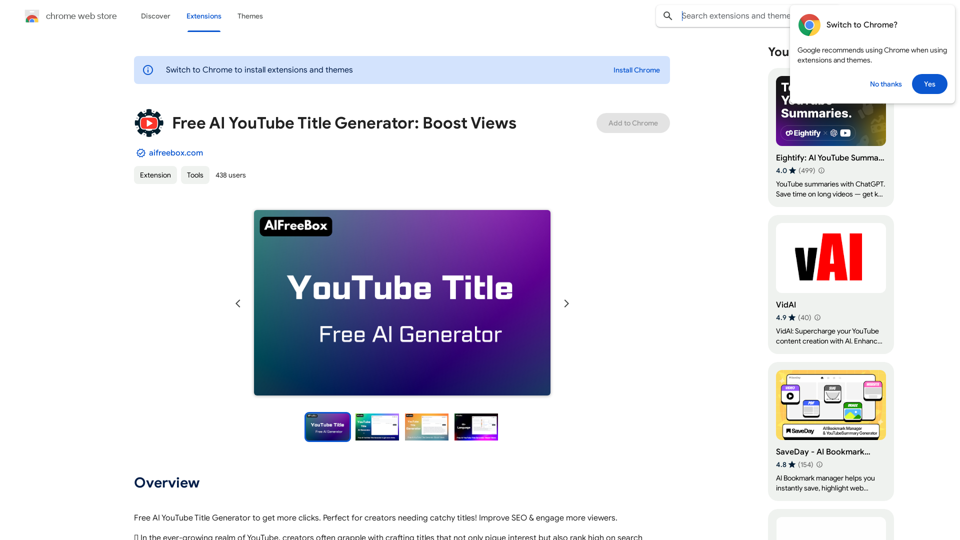
Free AI YouTube Title Generator to Get More Clicks. Perfect for Creators Needing Catchy Titles! Improve SEO & Engage More Viewers.
193.90 M
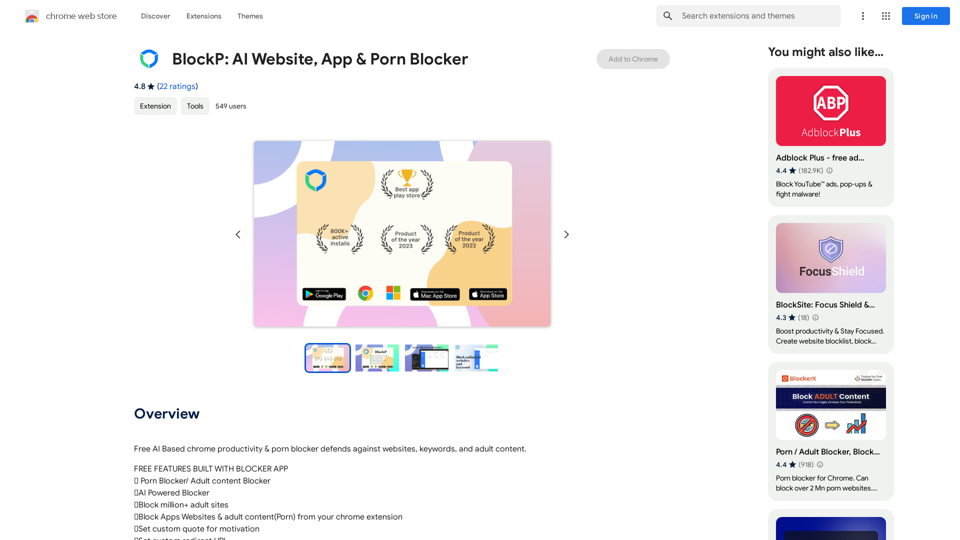
Free AI-Based Chrome Productivity & Porn Blocker Protects Against Websites, Keywords, and Adult Content.
193.90 M
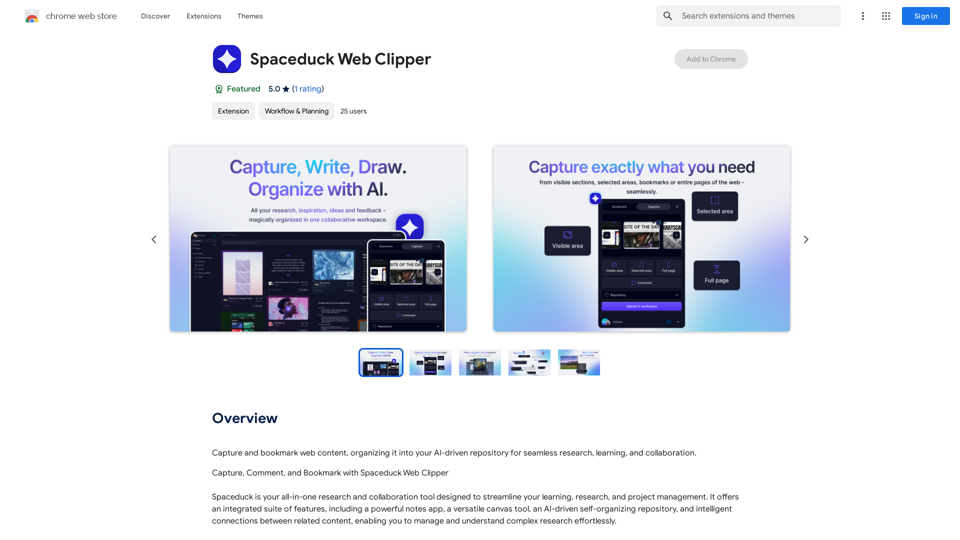
Save and mark web pages, putting them into your smart, AI-powered collection for easy research, learning, and working together.
193.90 M
Hyper-automate linguistic services: AI assistants with your data, privacy, automatic translation with automatic post-editing, no hallucinations, human fluency
45.58 K