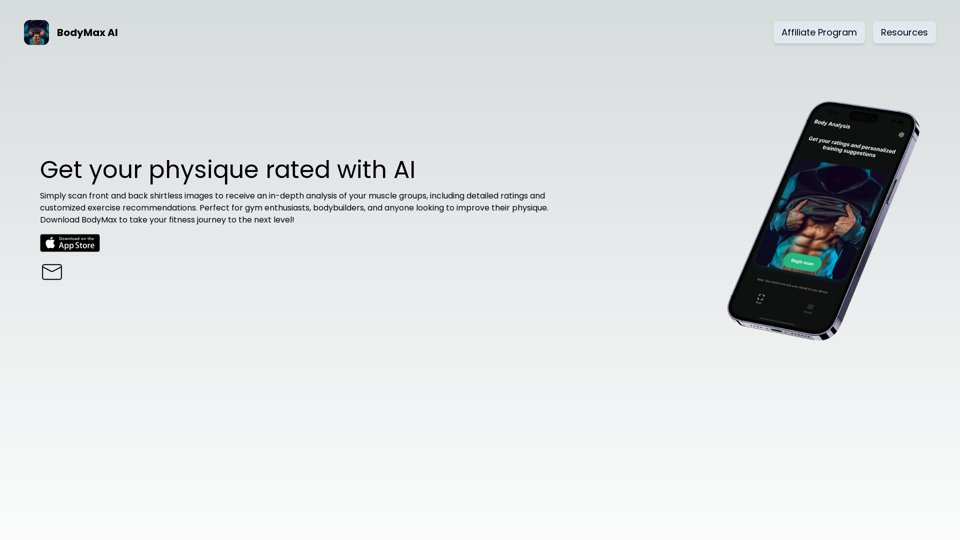
BodyMax AI is an innovative platform that utilizes AI body scanning technology to provide personalized physique ratings and exercise recommendations. Designed for gym enthusiasts, bodybuilders, and fitness seekers, this cutting-edge tool analyzes muscle groups through front and back shirtless images, offering a comprehensive approach to physical improvement.
BodyMax AI - Get Your Physique Rating with our AI Body Scanner
Enhance your workouts with Artificial Intelligence! Get precise ratings for each muscle group, track your progress, and achieve your bodybuilding goals. Perfect for gym enthusiasts and bodybuilders. Download BodyMax to take your fitness journey to the next level!
Introduction
Feature
AI Body Scanning Technology
BodyMax AI employs advanced AI algorithms to analyze front and back shirtless images, providing an in-depth assessment of your muscle groups.
Detailed Ratings and Recommendations
The platform offers comprehensive muscle group ratings along with customized exercise recommendations to help users achieve their fitness goals effectively.
User-Friendly Interface
BodyMax AI features an intuitive app design, enabling quick and easy image scanning and access to physique ratings and recommendations.
Progress Tracking
Regular use of BodyMax AI allows users to track their progress over time, helping them adjust their workout routines for optimal results.
Flexible Pricing Options
BodyMax AI provides various pricing plans, including a free trial and subscription options, to accommodate different user needs and preferences.
Secure Data Handling
The platform prioritizes user privacy and data security, employing industry-standard encryption and secure servers to protect user information.
FAQ
How do I get started with BodyMax AI?
To begin using BodyMax AI:
- Download the app from your device's app store
- Create an account
- Scan front and back shirtless images
- Receive your physique rating and personalized exercise recommendations
How often can I use the scanning feature?
There are no limits on the number of scans you can perform. You can scan your images as frequently as you like to track your progress.
Can I cancel my subscription at any time?
Yes, you can cancel your BodyMax AI subscription at any time without incurring any penalties or fees.
Related Websites

The #1 YouTube Thumbnails Generator for Viral Videos
The #1 YouTube Thumbnails Generator for Viral VideosThe AI thumbnail generator used by the top YouTube content creators. Create viral thumbnails with ThumbnailPro. Ideal for YouTube thumbnails.
0
Flux AI Image Generator: The Future of Creative Visualization
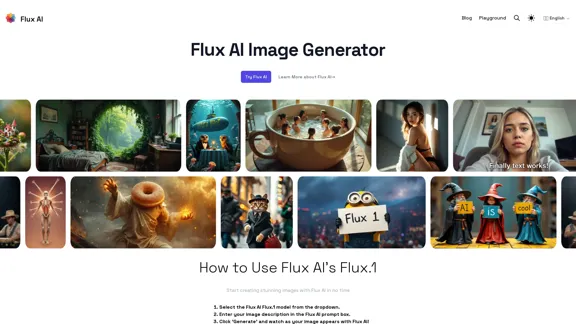
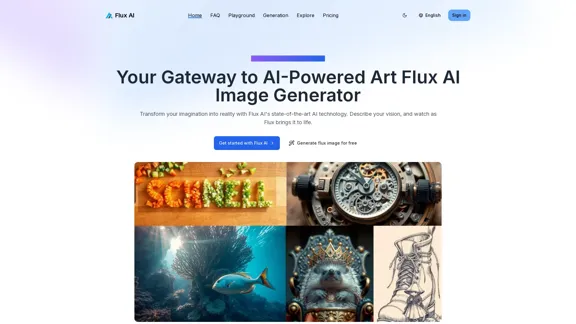
Flux AI Image Generator: The Future of Creative VisualizationExplore the boundless possibilities of Flux AI, the leading AI image generator that converts your textual descriptions into breathtaking, one-of-a-kind visuals.
0
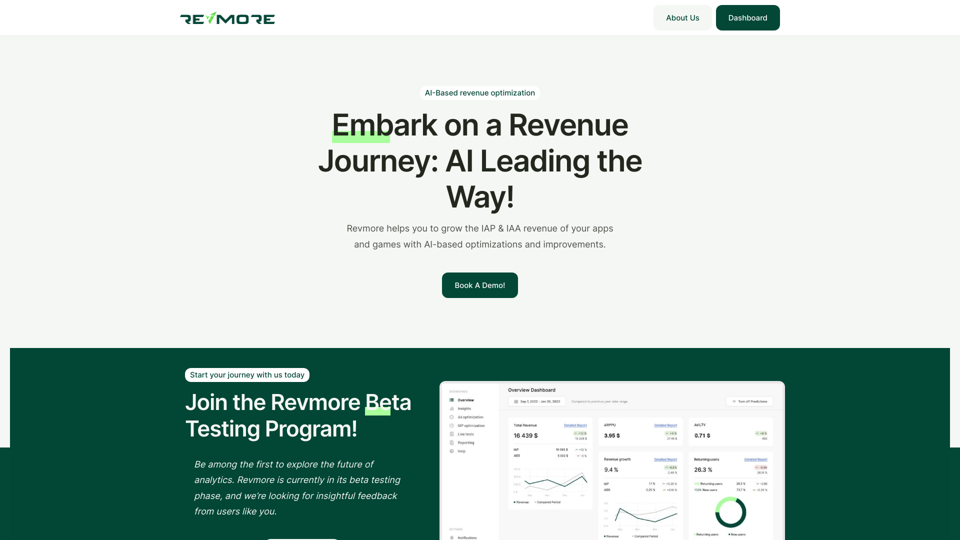
AI-Based Revenue Optimization Embark on a Revenue Journey: AI Leading the Way! Revmore helps you to grow the in-app purchase (IAP) and in-app advertising (IAA) revenue of your apps and games with AI-based optimizations and improvements. Book A Demo! Elevate your revenue with our AI magic. Explore our diverse optimization solutions, meticulously crafted to meet unique demands. In-app Purchase (IAP)
0
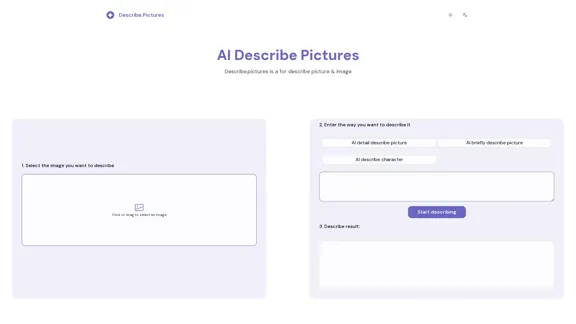
AI Describe Picture & Image | Free AI-generated image description
AI Describe Picture & Image | Free AI-generated image descriptionAI picture & image description generator, helping you quickly generate image descriptions.
7.04 K
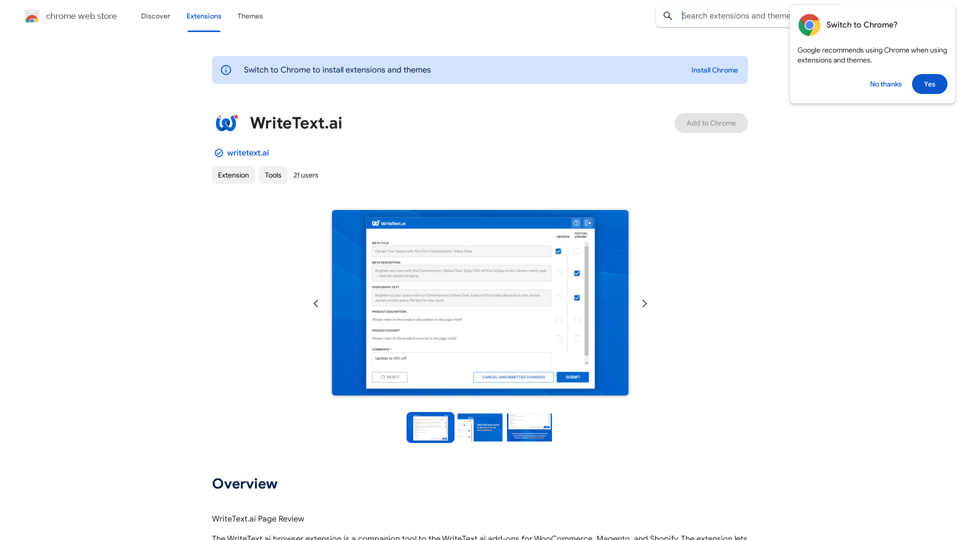
WriteText.ai Page Review WriteText.ai is an AI-powered writing assistant that helps you generate different creative text formats, like poems, code, scripts, musical pieces, email, letters, etc. It's designed to be user-friendly and accessible to everyone, regardless of their writing experience. Here's a breakdown of its key features and benefits: * Multiple Text Formats: WriteText.ai can generate a variety of text formats, including poems, code, scripts, musical pieces, emails, letters, and more. This versatility makes it a valuable tool for writers, developers, and anyone who needs to create different types of content. * User-Friendly Interface: The platform boasts a clean and intuitive interface that is easy to navigate, even for beginners. * AI-Powered Generation: WriteText.ai leverages the power of artificial intelligence to generate high-quality text. The AI model is trained on a massive dataset of text and code, allowing it to produce creative and coherent outputs. * Customization Options: Users can customize their text generation by providing specific instructions, keywords, or examples. This level of control ensures that the generated text meets their exact needs. * Fast and Efficient: WriteText.ai is designed to be fast and efficient, generating text quickly and accurately. This saves users time and effort, allowing them to focus on other aspects of their work. Overall, WriteText.ai is a powerful and versatile AI writing assistant that can be a valuable tool for a wide range of users. Its user-friendly interface, multiple text format options, and AI-powered generation make it a compelling choice for anyone looking to enhance their writing process.
193.90 M
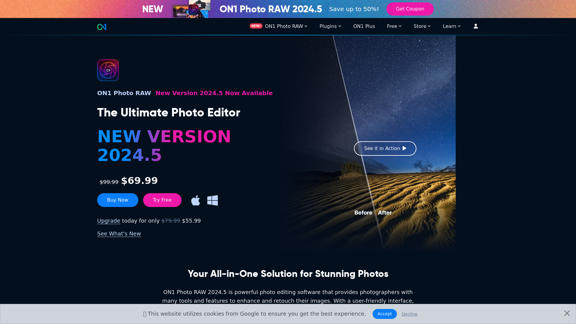
Raw Photo Editor | Buy Raw Photo Editing Software Online - ON1
Raw Photo Editor | Buy Raw Photo Editing Software Online - ON1Unlock your creativity with the ultimate raw photo editing software. ON1 Photo RAW makes raw photo editing effortless with the help of AI. Edit, organize, and process your photos while maintaining the highest image quality. Purchase or subscribe to Photo RAW raw editing software from ON1 now!
550.51 K
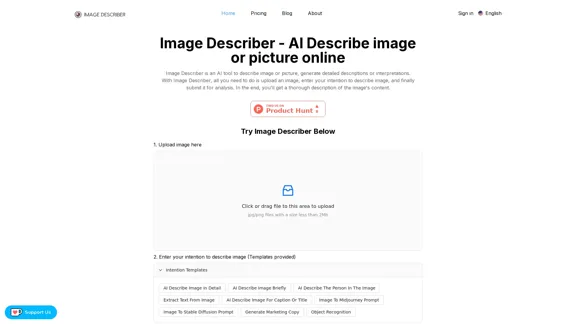
Image Describer - AI Describe Image or Picture Online With the advancement of Artificial Intelligence (AI), it is now possible to describe images or pictures online using an Image Describer. This innovative tool uses computer vision and machine learning algorithms to analyze and identify the contents of an image, generating a descriptive text of what it sees. How it Works The process is quite simple: 1. Upload an Image: You can upload an image or enter the URL of an online image to the Image Describer tool. 2. AI Analysis: The AI algorithm analyzes the image, detecting objects, people, animals, and other elements within the picture. 3. Generate Description: The AI generates a descriptive text based on the analysis, providing a clear and concise description of the image. Applications of Image Describer The Image Describer has numerous applications, including: * Accessibility: Helping visually impaired individuals to understand the content of an image. * E-commerce: Providing product descriptions for online shopping platforms. * Search Engine Optimization (SEO): Generating alt tags and descriptions for images to improve search engine rankings. * Content Creation: Assisting writers and content creators with image descriptions. Benefits of Image Describer The Image Describer offers several benefits, including: * Time-Saving: Automating the process of image description, saving time and effort. * Accuracy: Providing accurate and objective descriptions of images. * Efficiency: Enabling individuals to focus on other tasks while the AI handles image description. Try it Out Experience the power of AI-driven image description today! Upload an image or enter a URL to see the Image Describer in action.
Image Describer - AI Describe Image or Picture Online With the advancement of Artificial Intelligence (AI), it is now possible to describe images or pictures online using an Image Describer. This innovative tool uses computer vision and machine learning algorithms to analyze and identify the contents of an image, generating a descriptive text of what it sees. How it Works The process is quite simple: 1. Upload an Image: You can upload an image or enter the URL of an online image to the Image Describer tool. 2. AI Analysis: The AI algorithm analyzes the image, detecting objects, people, animals, and other elements within the picture. 3. Generate Description: The AI generates a descriptive text based on the analysis, providing a clear and concise description of the image. Applications of Image Describer The Image Describer has numerous applications, including: * Accessibility: Helping visually impaired individuals to understand the content of an image. * E-commerce: Providing product descriptions for online shopping platforms. * Search Engine Optimization (SEO): Generating alt tags and descriptions for images to improve search engine rankings. * Content Creation: Assisting writers and content creators with image descriptions. Benefits of Image Describer The Image Describer offers several benefits, including: * Time-Saving: Automating the process of image description, saving time and effort. * Accuracy: Providing accurate and objective descriptions of images. * Efficiency: Enabling individuals to focus on other tasks while the AI handles image description. Try it Out Experience the power of AI-driven image description today! Upload an image or enter a URL to see the Image Describer in action.AI Image Describer is a tool to describe images or pictures online. It can be used as an image description and caption generator. Additionally, it supports image-to-prompt and text extraction from photos.
5.16 K