The Bigkinds Extension is a Chrome extension developed by the Korea Press Foundation. It provides convenient access to Bigkinds' services, including search, morphological analysis, and AI features. This tool is designed to enhance productivity for users working with Korean language content, offering a seamless integration with the Chrome browser through a pop-up window interface.
Big Kindz
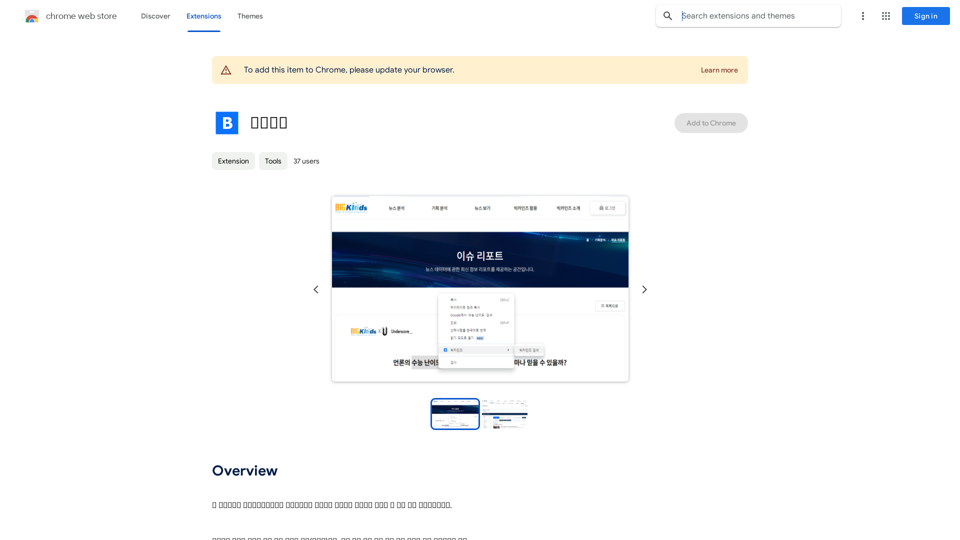
This program is an extension program that allows you to easily use the services provided by the Korea Press Foundation's Bigkinds.
Select (drag) a sentence or paragraph that appears in your browser, and through a pop-up window, you can search for the corresponding word or sentence on Bigkinds,...
Introduction
Feature
Easy Access to Bigkinds Services
The extension offers quick access to Bigkinds' search, morphological analysis, and AI services directly from your Chrome browser.
Pop-up Window Interface
Users can interact with Bigkinds services through a convenient pop-up window, eliminating the need to navigate away from the current webpage.
Korean Language Support
The Bigkinds Extension is specifically designed to work with Korean language content, making it an invaluable tool for those working with Korean text.
Text Selection and Drag Functionality
Users can select text on any webpage, drag it to the pop-up window, and instantly utilize Bigkinds services on the selected content.
Free to Use
The Bigkinds Extension is available for free, allowing users to access powerful language processing tools without any cost.
FAQ
How do I install and use the Bigkinds Extension?
- Install the extension from the Chrome Web Store
- Select text on any webpage
- Drag the selected text to the pop-up window
- Use Bigkinds services on the selected text
What types of services does the Bigkinds Extension offer?
The extension provides access to:
- Bigkinds search
- Morphological analysis
- Bigkinds AI services
Are there any tips for using the Bigkinds Extension effectively?
- Ensure accurate text selection before dragging to the pop-up window
- Combine the extension with other tools for increased productivity
- Explore different Bigkinds AI services to find the most suitable ones for your needs
Related Websites
ChatGPT Context Menu * Copy: Copies the selected text. * Paste: Pastes the copied text. * Delete: Deletes the selected text. * Edit: Opens a text editor to modify the selected text. * Generate: Uses ChatGPT to generate new text based on the selected context. * Summarize: Creates a concise summary of the selected text. * Translate: Translates the selected text into another language. * Translate to English: Translates the selected text into English. * Code: Attempts to identify and format the selected text as code. * Help: Provides information about the context menu options.
ChatGPT Context Menu * Copy: Copies the selected text. * Paste: Pastes the copied text. * Delete: Deletes the selected text. * Edit: Opens a text editor to modify the selected text. * Generate: Uses ChatGPT to generate new text based on the selected context. * Summarize: Creates a concise summary of the selected text. * Translate: Translates the selected text into another language. * Translate to English: Translates the selected text into English. * Code: Attempts to identify and format the selected text as code. * Help: Provides information about the context menu options.Please provide the text you would like to send to ChatGPT.
193.90 M
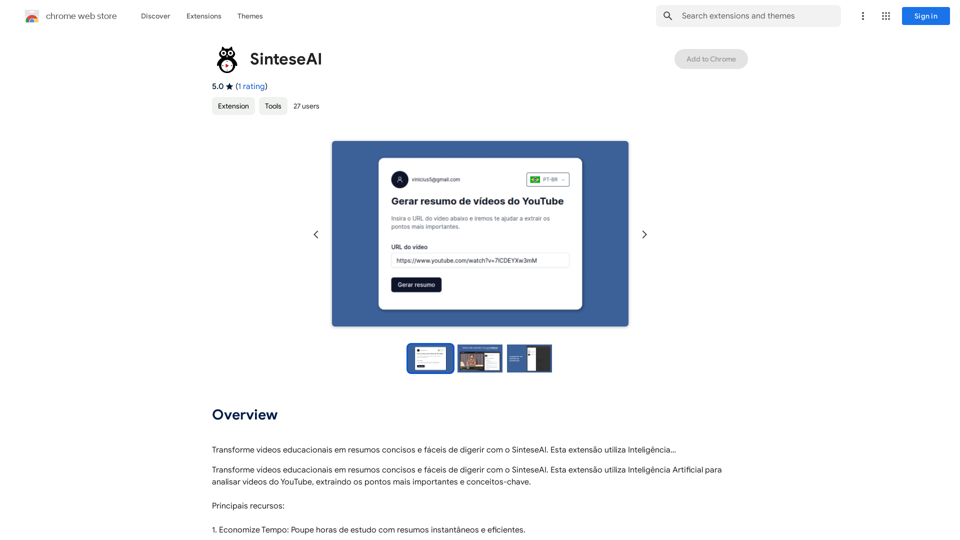
Turn educational videos into concise and easy-to-digest summaries with SinteseAI. This extension uses Artificial Intelligence...
193.90 M

Clearscope is the leading content-first SEO platform that enables marketing teams to increase traffic by simplifying SEO and content optimization, keyword identification, workflow management, and content monitoring.
146.92 K
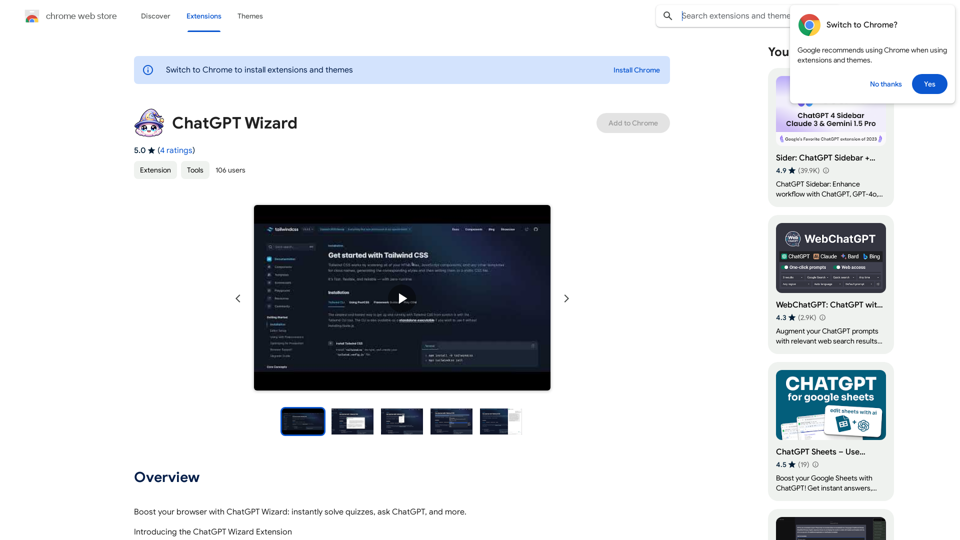
Improve your web browsing experience with ChatGPT Wizard: quickly answer quizzes, ask ChatGPT questions, and do much more.
193.90 M
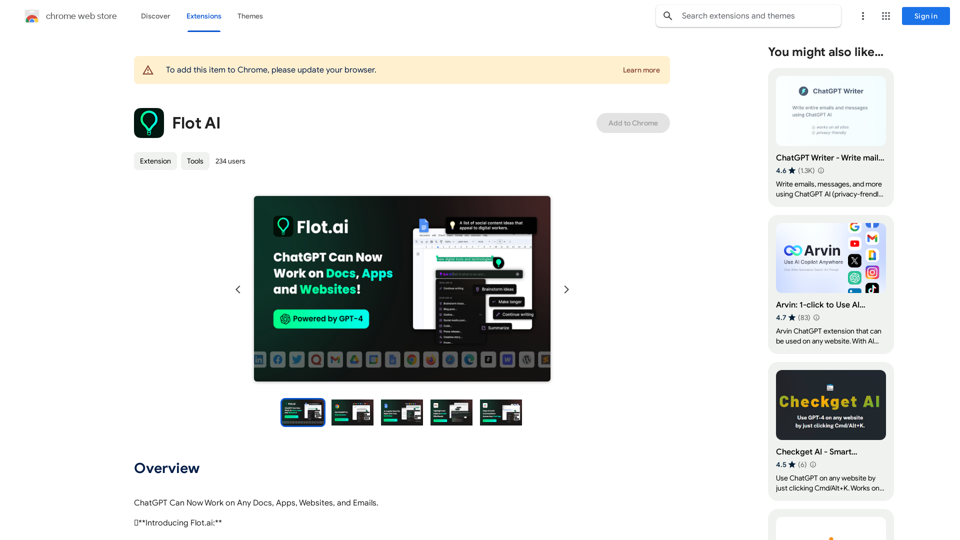
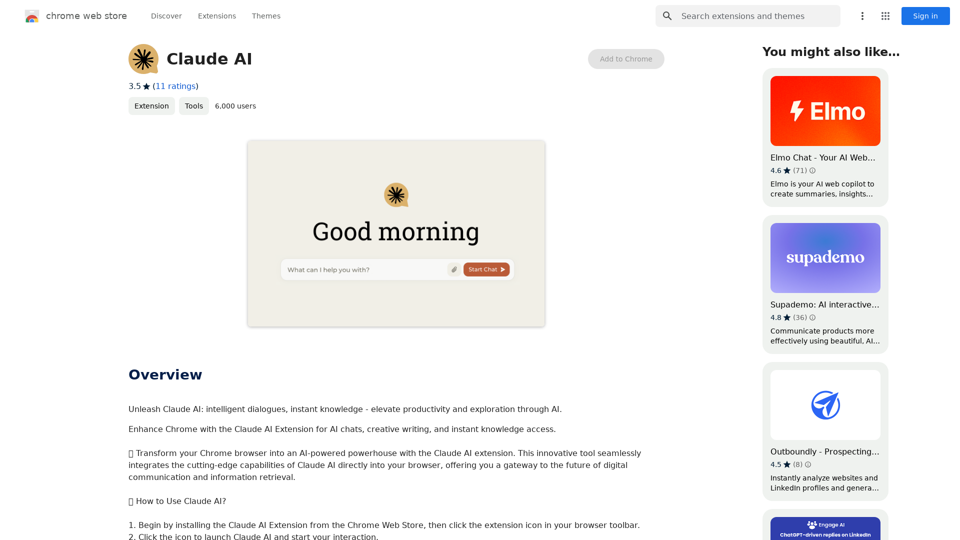
Claude AI Claude AI is an artificial intelligence model that can understand and respond to human input in a conversational manner. It is trained on a massive dataset of text from the internet and can generate human-like responses to a wide range of topics and questions. Claude AI is designed to be highly engaging and can even exhibit a sense of humor, making it a popular choice for chatbots and virtual assistants.
Claude AI Claude AI is an artificial intelligence model that can understand and respond to human input in a conversational manner. It is trained on a massive dataset of text from the internet and can generate human-like responses to a wide range of topics and questions. Claude AI is designed to be highly engaging and can even exhibit a sense of humor, making it a popular choice for chatbots and virtual assistants.Unleash Claude AI: Intelligent Dialogues, Instant Knowledge - Elevate Productivity and Exploration through AI.
193.90 M
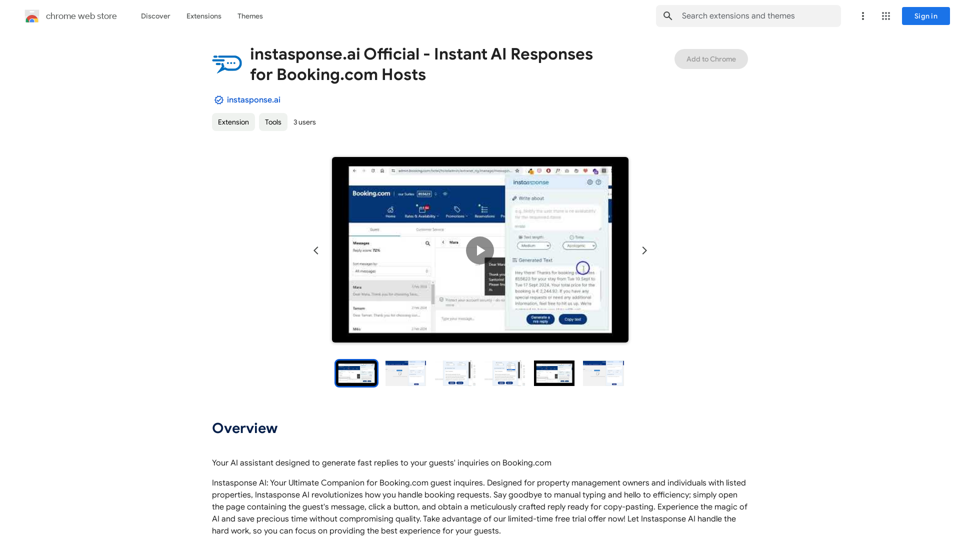
instasponse.ai Official - Instant AI Responses for Booking.com Hosts
instasponse.ai Official - Instant AI Responses for Booking.com HostsI am an AI assistant designed to quickly answer your guests' questions on Booking.com.
193.90 M
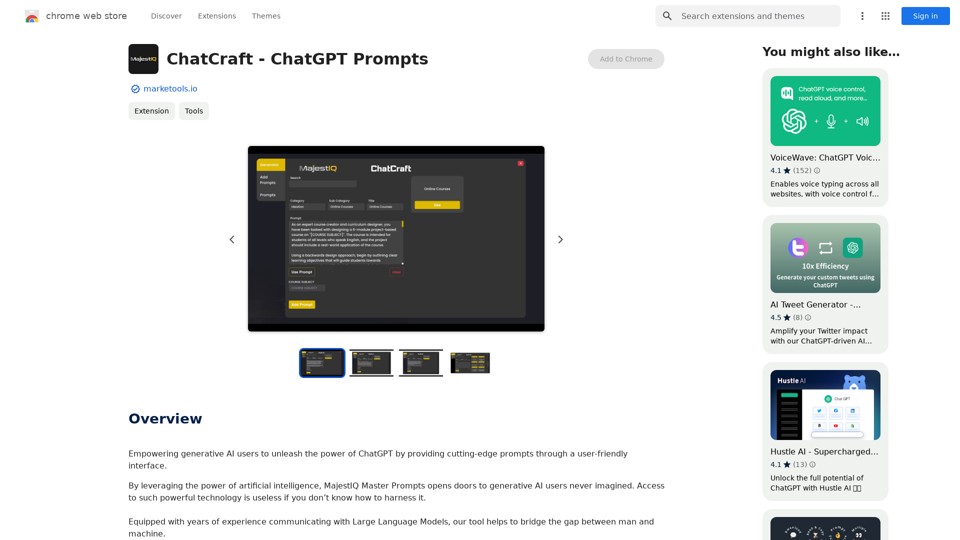
ChatCraft - ChatGPT Prompts What is ChatCraft? ChatCraft is a tool that helps you generate creative and effective prompts for ChatGPT. Why Use ChatCraft? * Unlock ChatGPT's Potential: Get more insightful, engaging, and surprising responses from ChatGPT. * Save Time and Effort: Quickly brainstorm and refine prompts without getting stuck. * Explore New Ideas: Discover unique angles and perspectives for your ChatGPT interactions. How to Use ChatCraft: 1. Choose a Category: Select from a range of categories like storytelling, code generation, dialogue writing, and more. 2. Provide Input: Give ChatCraft some context or keywords related to your desired outcome. 3. Generate Prompts: ChatCraft will generate a variety of tailored prompts for you to use with ChatGPT. 4. Experiment and Refine: Try out different prompts and see what works best for your needs. Let ChatCraft be your guide to unlocking the full potential of ChatGPT!
ChatCraft - ChatGPT Prompts What is ChatCraft? ChatCraft is a tool that helps you generate creative and effective prompts for ChatGPT. Why Use ChatCraft? * Unlock ChatGPT's Potential: Get more insightful, engaging, and surprising responses from ChatGPT. * Save Time and Effort: Quickly brainstorm and refine prompts without getting stuck. * Explore New Ideas: Discover unique angles and perspectives for your ChatGPT interactions. How to Use ChatCraft: 1. Choose a Category: Select from a range of categories like storytelling, code generation, dialogue writing, and more. 2. Provide Input: Give ChatCraft some context or keywords related to your desired outcome. 3. Generate Prompts: ChatCraft will generate a variety of tailored prompts for you to use with ChatGPT. 4. Experiment and Refine: Try out different prompts and see what works best for your needs. Let ChatCraft be your guide to unlocking the full potential of ChatGPT!Helping users of generative AI get the most out of ChatGPT by giving them easy-to-use, advanced prompts.
193.90 M