Aiapp.gg is an AI-powered browser extension designed to enhance your web browsing experience by integrating AI capabilities into your daily workflow. This plugin is exclusively for aiapp.gg users, offering features to improve writing speed and efficiency across various websites. Users can access the tool by registering on the website, selecting a plan, and logging in to utilize the AI-assisted functionalities.
Aiapp.gg Web Extension
This plugin, part of aiapp.gg, enhances your online writing.
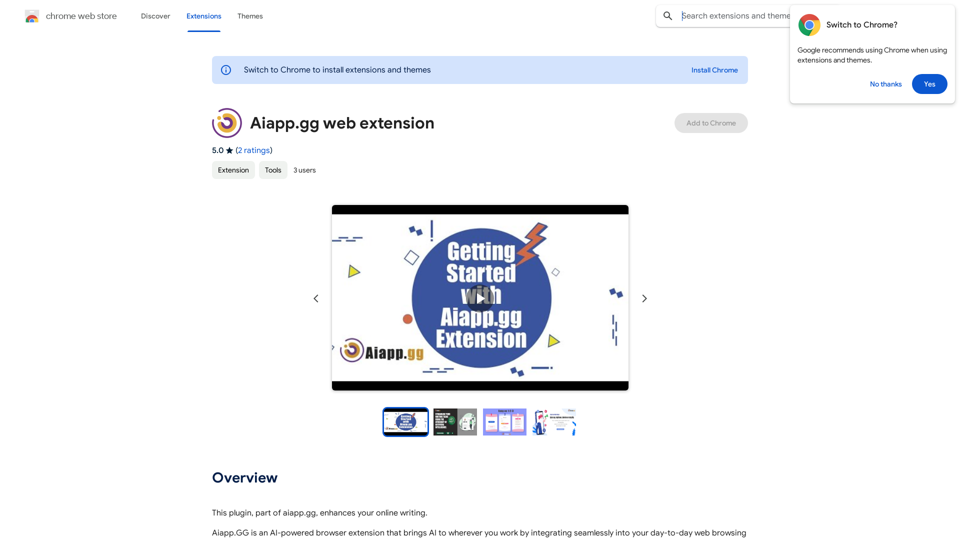
Introduction
Feature
AI-Powered Text Generation
Generate text using various prefixes, with a comprehensive list available upon login. This feature allows for versatile AI assistance across different writing tasks.
Cross-Website Sentence Autocomplete
Enhance writing efficiency with AI-powered sentence completion, functioning seamlessly across various websites.
Intelligent Sentence Rephrasing
Modify sentences to adjust tone (friendlier, more professional) or length (shorter, longer) as needed, improving communication effectiveness.
Email Assistance
- Reply to emails with AI-generated responses
- Create full-length emails from brief phrases, streamlining email composition
Easy Setup Process
- Register on the website and select a plan
- Log in to your account
- Install the Aiapp.gg browser extension
- Begin using the AI-enhanced writing tools
Flexible Pricing Options
Choose from various plans, including a free option and paid upgrades for additional features and benefits.
Multilingual Support
Aiapp.gg supports all popular languages, enhancing its versatility for a global user base.
FAQ
What languages does Aiapp.gg support?
Aiapp.gg supports all popular languages. Users can simply mention the desired language in their text prompt.
How does Aiapp.gg handle user data?
Aiapp.gg prioritizes user privacy. Data is not stored on their servers and is used solely for generating responses. The company employs industry-standard encryption and security measures to protect user information.
Are there any usage tips for Aiapp.gg?
- Use the prefix "gen:" to generate text with AI
- Use the prefix "email:" to generate full-length emails from short phrases
- Experiment with different prefixes and settings to optimize your experience
Can Aiapp.gg be used with other ChatGPT extensions?
Aiapp.gg does not support or endorse using other ChatGPT extensions concurrently. For reliable functionality, it is recommended to uninstall other ChatGPT extensions when using Aiapp.gg.
Related Websites
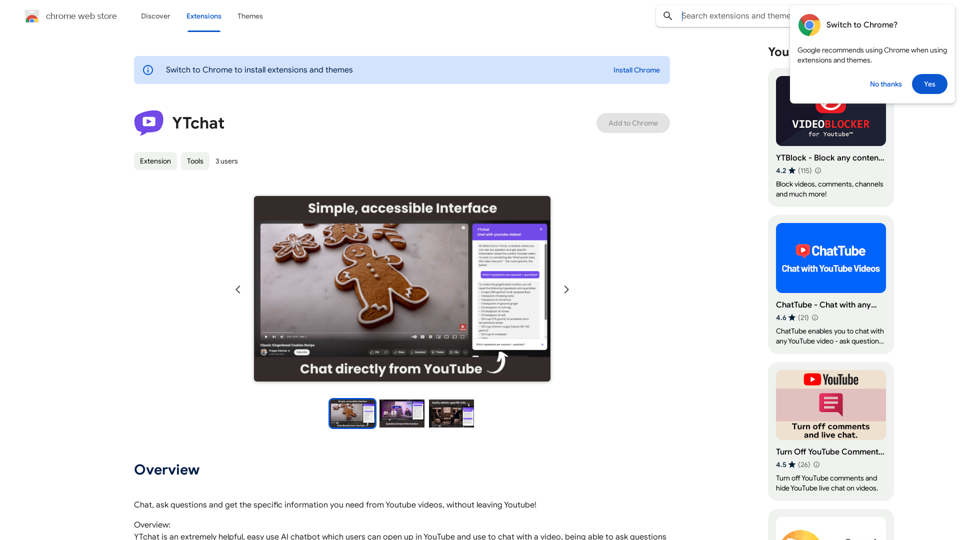
Talk to a chatbot, ask questions, and get the exact information you need from YouTube videos, all without leaving YouTube!
193.90 M
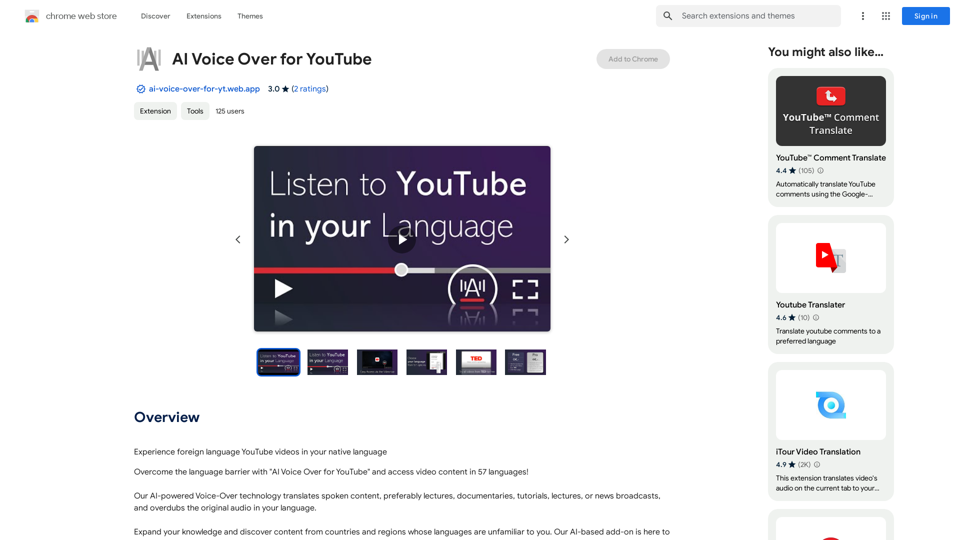
AI Voice Over for YouTube This is a guide to using AI voice over for your YouTube videos. Why Use AI Voice Over? * Cost-Effective: AI voice over is much cheaper than hiring a professional voice actor. * Time-Saving: You can generate voice over quickly and easily, without needing to schedule recording sessions. * Variety of Voices: Choose from a wide range of AI voices, including male, female, and even robotic voices. * Accessibility: Make your videos accessible to viewers who are deaf or hard of hearing by adding captions generated by AI. How to Use AI Voice Over 1. Choose a Platform: There are many different platforms that offer AI voice over services, such as: * Google Cloud Text-to-Speech * Amazon Polly * Microsoft Azure Text to Speech * Murf.ai * NaturalReader 2. Write Your Script: Write a clear and concise script for your video. 3. Upload Your Script: Upload your script to the chosen platform. 4. Select a Voice: Choose the voice that best suits your video. 5. Adjust Settings: Adjust settings such as speed, pitch, and volume. 6. Generate Voice Over: Click the "Generate" button to create your voice over. 7. Download and Edit: Download the generated voice over file and edit it as needed. 8. Add to Your Video: Add the voice over to your YouTube video. Tips for Using AI Voice Over * Use Natural Language: Write your script as if you were speaking naturally. * Vary Your Tone: Use different tones of voice to keep your viewers engaged. * Add Pauses: Include pauses in your script to allow viewers to process information. * Proofread Carefully: Always proofread your script before generating the voice over. * Experiment: Try different voices, settings, and styles to find what works best for you.
AI Voice Over for YouTube This is a guide to using AI voice over for your YouTube videos. Why Use AI Voice Over? * Cost-Effective: AI voice over is much cheaper than hiring a professional voice actor. * Time-Saving: You can generate voice over quickly and easily, without needing to schedule recording sessions. * Variety of Voices: Choose from a wide range of AI voices, including male, female, and even robotic voices. * Accessibility: Make your videos accessible to viewers who are deaf or hard of hearing by adding captions generated by AI. How to Use AI Voice Over 1. Choose a Platform: There are many different platforms that offer AI voice over services, such as: * Google Cloud Text-to-Speech * Amazon Polly * Microsoft Azure Text to Speech * Murf.ai * NaturalReader 2. Write Your Script: Write a clear and concise script for your video. 3. Upload Your Script: Upload your script to the chosen platform. 4. Select a Voice: Choose the voice that best suits your video. 5. Adjust Settings: Adjust settings such as speed, pitch, and volume. 6. Generate Voice Over: Click the "Generate" button to create your voice over. 7. Download and Edit: Download the generated voice over file and edit it as needed. 8. Add to Your Video: Add the voice over to your YouTube video. Tips for Using AI Voice Over * Use Natural Language: Write your script as if you were speaking naturally. * Vary Your Tone: Use different tones of voice to keep your viewers engaged. * Add Pauses: Include pauses in your script to allow viewers to process information. * Proofread Carefully: Always proofread your script before generating the voice over. * Experiment: Try different voices, settings, and styles to find what works best for you.Watch foreign language YouTube videos in your own language.
193.90 M