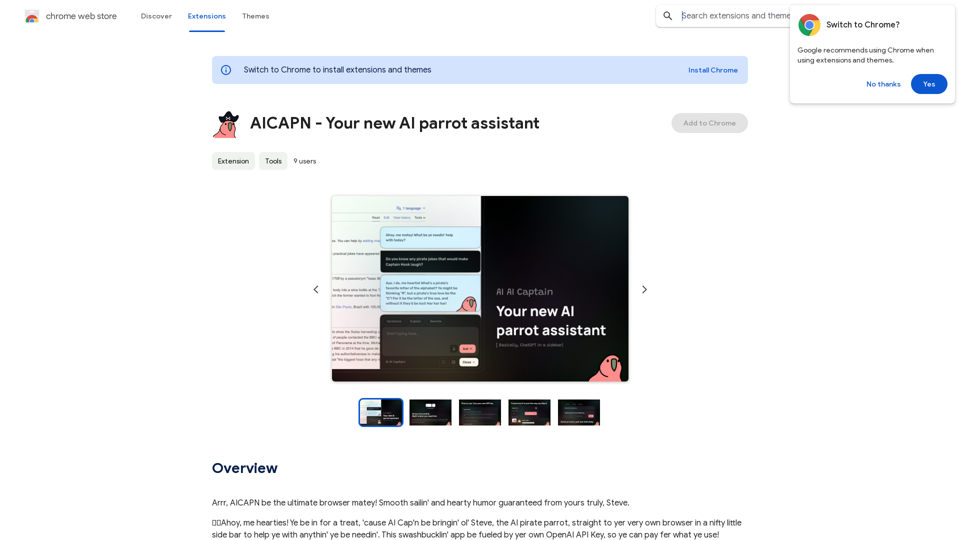
AICAPN is a powerful browser extension that integrates a ChatGPT-powered AI assistant directly into your browser via a convenient sidebar. This innovative tool provides users with access to a wide array of AI technologies, including text generation and image understanding. AICAPN is designed to enhance productivity and creativity across various applications in work, study, and daily life.
AICAPN - Your new AI parrot assistant
Ahoy, AICAPN is the ultimate browser buddy! Smooth sailing and hearty humor guaranteed from yours truly, Steve.
Introduction
Feature
AI-Powered Browser Assistant
AICAPN brings the power of ChatGPT directly to your browser, offering a seamless AI experience through a user-friendly sidebar interface.
Quick Access and User-Friendly Interface
Keyboard Shortcut Activation
Access the AI assistant in seconds using a convenient keyboard shortcut, ensuring rapid availability when needed.
One-Click Text Copy
Easily copy chat text with a single click, streamlining the process of saving and sharing AI-generated content.
Customizable Appearance
Dark Mode Support
Enhance visual comfort with a built-in dark mode option, perfect for low-light environments or personal preference.
Personalized API Integration
Custom API Key Usage
Utilize your own OpenAI API key, allowing for personalized usage and cost management.
Diverse AI Capabilities
Extensive GPT Model Library
Access nearly 200,000 GPT models, catering to a wide range of applications and tasks.
Image Generation with DALL-E 3
Create images using DALL-E 3's text-to-image generation capability, integrated seamlessly with GPT-4o for a comprehensive creative experience.
Flexible Usage Options
Free Daily Allowance
Enjoy daily free uses of GPT-4o document reading and DALL-E image generation, allowing users to explore various AI-powered tools.
Subscription Option
For heavy users, an affordable subscription plan is available to extend beyond the free daily limit of 20 GPT-4o conversations.
Privacy and Data Protection
User Data Security
AICAPN prioritizes user privacy, ensuring that personal information is not used for training purposes and offering the option to delete accounts and remove all associated data.
FAQ
How do I get started with AICAPN?
To begin using AICAPN:
- Install the browser extension
- Follow the provided prompts
- Input your OpenAI API key
- Start using the AI assistant for various tasks
What types of tasks can AICAPN assist with?
AICAPN can help with a wide range of tasks, including:
- Text generation and editing
- Image creation and analysis
- Document reading and summarization
- Creative writing and brainstorming
- Research assistance
- Problem-solving and idea generation
How does AICAPN's pricing model work?
AICAPN operates on a flexible pricing model:
- Free tier: 20 GPT-4o conversations per day
- Paid subscription: Available for users who require more extensive usage
- Pay-as-you-go: Users can utilize their own OpenAI API key, paying only for what they use
Is AICAPN compatible with all browsers?
While specific browser compatibility isn't mentioned, AICAPN is described as a browser extension. It's recommended to check the official website or extension store for a list of supported browsers.
Related Websites
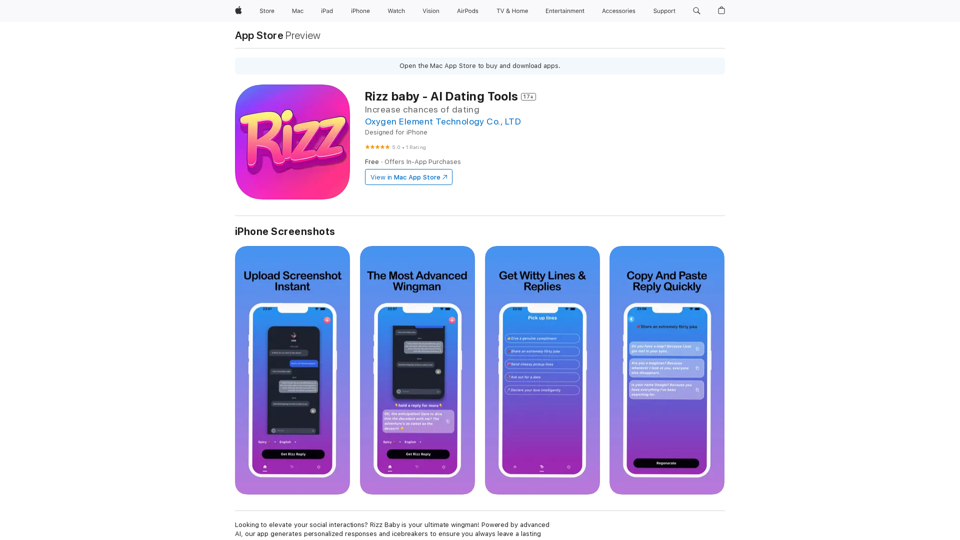
Want to take your social interactions to the next level? Rizz Baby is your perfect partner! Powered by cutting-edge AI, our app creates customized responses and icebreakers that will help you shine in any social situation.
124.77 M
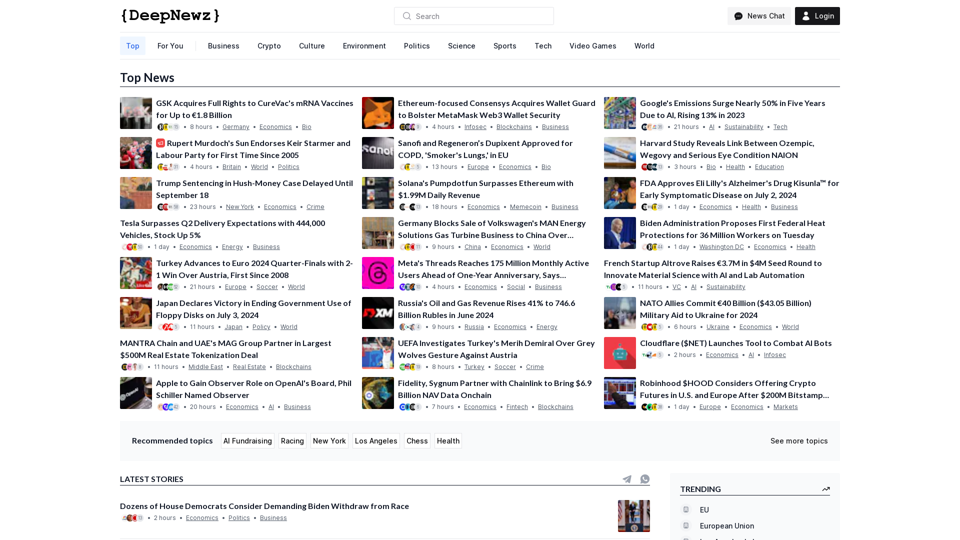
Find the latest top stories spanning all industries, from technology giants like OpenAI and Nvidia to pop culture updates featuring Taylor Swift and Ice Spice, alongside coverage of political figures like Joe Biden and Donald Trump and economic insights on major companies such as Facebook, Apple, and Google.
38.98 K
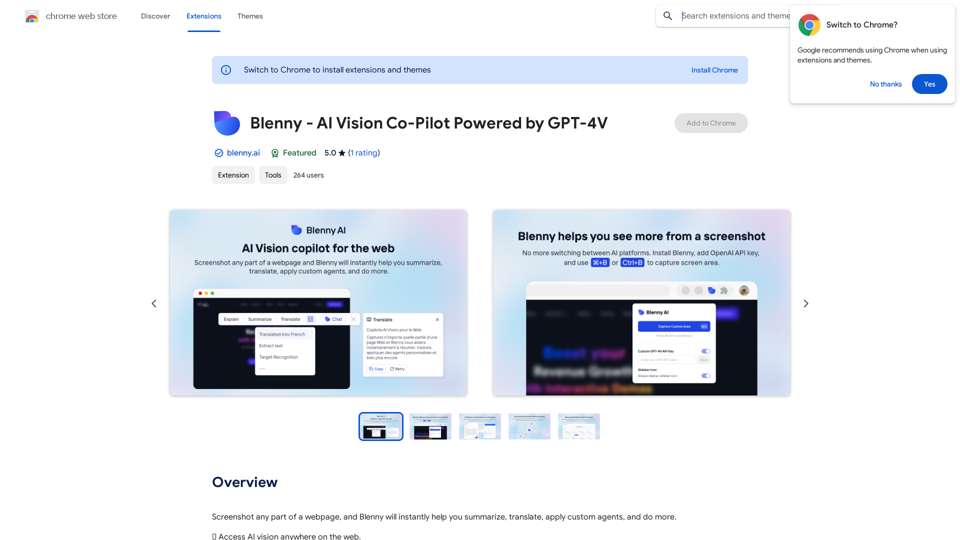
Screenshot any part of a webpage, and Blenny will instantly help you summarize, translate, apply custom agents, and do more.
193.90 M
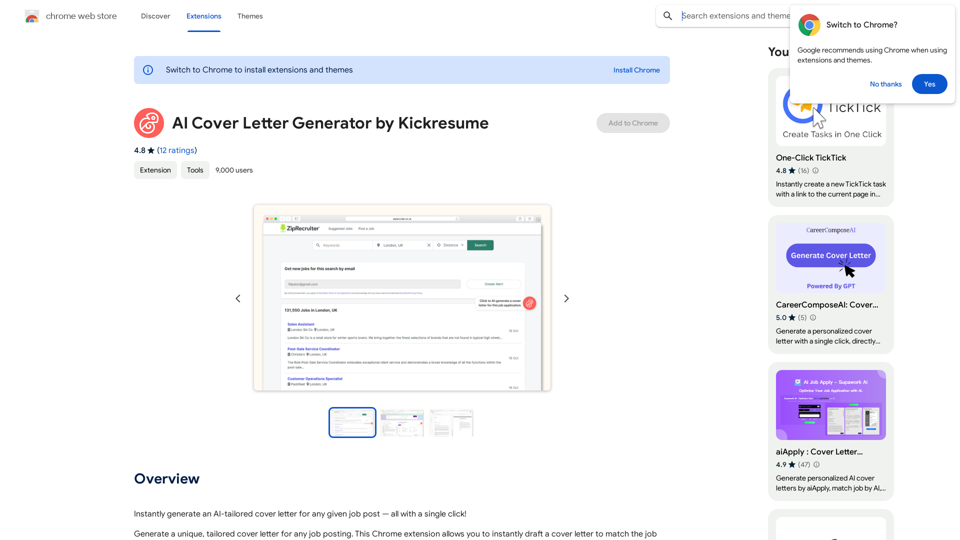
AI Cover Letter Generator by Kickresume ============================================= Get hired faster with our AI-powered cover letter generator. Write a compelling cover letter in minutes and increase your chances of getting noticed by the hiring manager. How it Works --------------- 1. Choose a Template: Select from a variety of professionally-designed cover letter templates. 2. Answer a Few Questions: Provide some basic information about the job you're applying for and your qualifications. 3. AI Generates Your Cover Letter: Our AI algorithm creates a tailored cover letter based on your input. 4. Customize and Refine: Review and edit your cover letter to make it perfect. Benefits ------------ * Save Time: Write a cover letter in minutes, not hours. * Increase Chances of Getting Hired: Our AI-generated cover letters are optimized to pass through applicant tracking systems (ATS) and catch the hiring manager's attention. * Get Professional Results: Our templates and AI algorithm ensure your cover letter looks and sounds professional. Try it Now -------------- Generate a compelling cover letter with our AI cover letter generator and start getting noticed by hiring managers today!
AI Cover Letter Generator by Kickresume ============================================= Get hired faster with our AI-powered cover letter generator. Write a compelling cover letter in minutes and increase your chances of getting noticed by the hiring manager. How it Works --------------- 1. Choose a Template: Select from a variety of professionally-designed cover letter templates. 2. Answer a Few Questions: Provide some basic information about the job you're applying for and your qualifications. 3. AI Generates Your Cover Letter: Our AI algorithm creates a tailored cover letter based on your input. 4. Customize and Refine: Review and edit your cover letter to make it perfect. Benefits ------------ * Save Time: Write a cover letter in minutes, not hours. * Increase Chances of Getting Hired: Our AI-generated cover letters are optimized to pass through applicant tracking systems (ATS) and catch the hiring manager's attention. * Get Professional Results: Our templates and AI algorithm ensure your cover letter looks and sounds professional. Try it Now -------------- Generate a compelling cover letter with our AI cover letter generator and start getting noticed by hiring managers today!Instantly generate an AI-tailored cover letter for any given job post — all with a single click!
193.90 M