Open-source RightAI Tools Directory
  • Discover AI
  • Submit
  • Startup
  • Blog
Open-source RightAI Tools Directory
Discover the best AI tools of 2025 with the RightAI Tools Directory!

Friend Links

AI Anime GeneratorToolsApp AI

Support

Tap4
Privacy policyTerms & ConditionsContact Us
Loading...
loading...

AIDU

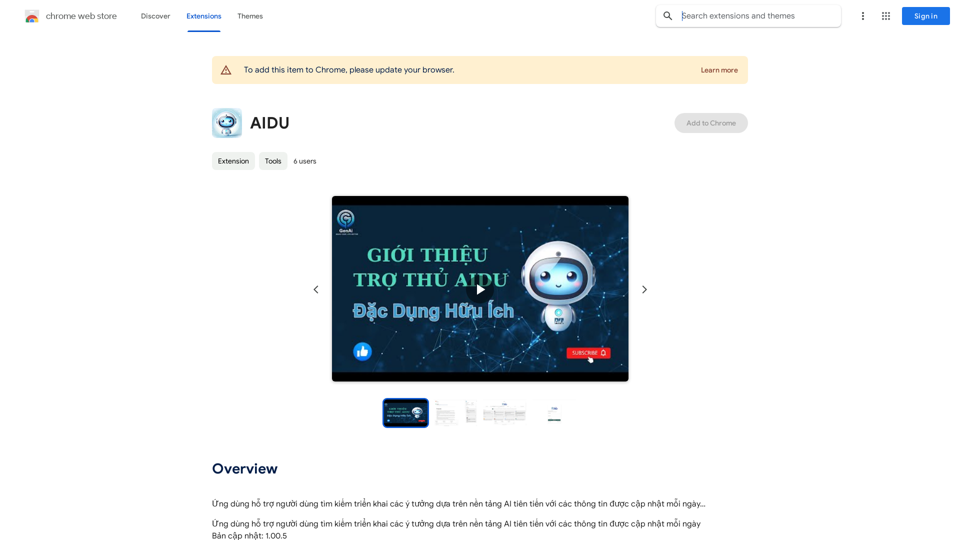
This application helps users find and implement ideas based on advanced AI platforms with daily updated information...
Visit Website
AIDU
Visit Website

Introduction

AIDU is a Chrome extension that leverages AI technology to help users discover and implement innovative ideas. It provides access to various AI tools, including ChatGPT, GPT-4o, and Dalle3, to enhance workflow efficiency and productivity. AIDU offers a vast array of AI models and categories, making it an ideal platform for exploring and utilizing AI tools in various aspects of work, study, and daily life.

Feature

Extensive AI Technology Access

  • Over 1000 AI models available
  • 200+ categories of AI tools
  • Includes popular AI platforms like ChatGPT, GPT-4o, and Dalle3

User-Friendly Interface

  • Easy discovery and utilization of AI tools
  • Streamlined workflow for increased productivity

Community-Driven Platform

  • Users can submit their own AI tools for free
  • Fosters innovation and collaboration in the AI community

Free Usage and Subscription Benefits

  • 20 free GPT-4o uses per day for every user
  • Subscription option for extended access and additional benefits

Image Generation Capability

  • Dalle3's text-to-image generation feature
  • Seamless integration with GPT-4o for creative projects

Vast GPT Model Library

  • Nearly 200,000 GPT models available
  • Wide variety of applications without requiring ChatGPT Plus subscription

Privacy Protection

  • User data not used for training purposes
  • Option to delete account and remove all associated data

FAQ

How do I use AIDU?

Every user can utilize GPT-4o for free up to 20 times a day on AIDU. Subscribing to AIDU grants additional benefits and extended access beyond the free usage limits.

Can I generate images using AIDU?

Yes, with Dalle3's text-to-image generation capability, users can create images, sharing credits with GPT-4o for a seamless creative experience.

How many GPTs are available on AIDU?

AIDU offers nearly 200,000 GPT models for a wide variety of applications in work, study, and everyday life. Users can freely use these GPTs without the need for a ChatGPT Plus subscription.

How can I maximize my use of AIDU's AI services?

By leveraging the daily free uses of GPT-4o document reading, and Dalle's image generation, users can explore a vast range of AI-powered tools to support various tasks.

Will my information be used for training data?

We highly value user privacy, and your data will not be used for any training purposes. If needed, you can delete your account at any time, and all your data will be removed as well.

When would I need an AIDU subscription?

If the 20 free GPT-4o conversations per day do not meet your needs and you heavily rely on GPT-4o, we invite you to subscribe to our affordable products for extended access and benefits.

Latest Traffic Insights

  • Monthly Visits

    193.90 M

  • Bounce Rate

    56.27%

  • Pages Per Visit

    2.71

  • Time on Site(s)

    115.91

  • Global Rank

    -

  • Country Rank

    -

Recent Visits

Traffic Sources

  • Social Media:
    0.48%
  • Paid Referrals:
    0.55%
  • Email:
    0.15%
  • Referrals:
    12.81%
  • Search Engines:
    16.21%
  • Direct:
    69.81%
More Data

Related Websites

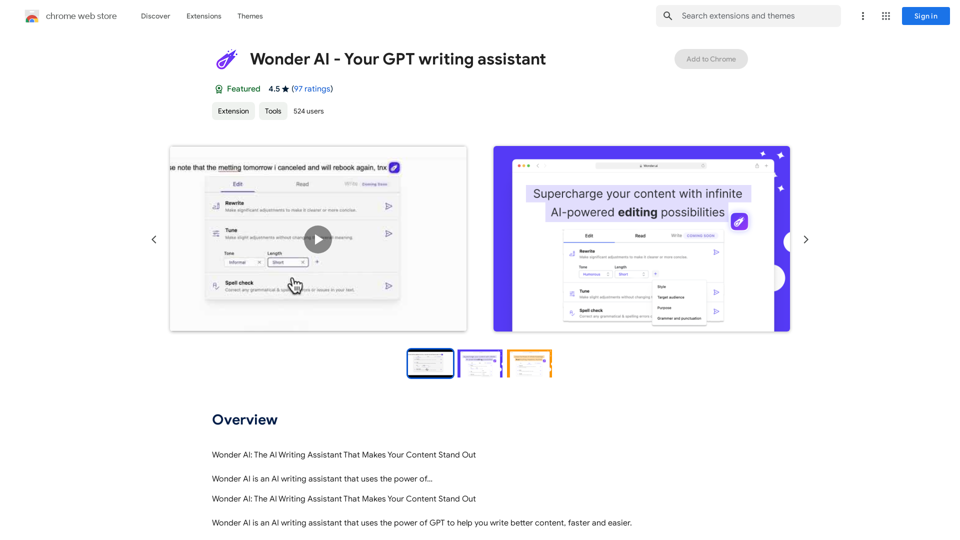
Chatzy AI – LinkedIn Assistant 

This is a powerful AI assistant designed to help you with your LinkedIn activities. 

Here's what it can do:

* Craft compelling LinkedIn posts:  Generate engaging content for your profile, updates, and articles.
* Write personalized connection requests:  Make a great first impression with tailored messages that stand out.
* Summarize lengthy articles:  Quickly grasp the key points of industry news and insights.
* Optimize your LinkedIn profile:  Get suggestions for improving your profile to attract more connections and opportunities.
* Answer your LinkedIn messages:  Save time by having Chatzy AI respond to common inquiries.

Boost your LinkedIn presence and productivity with Chatzy AI!
View Detail

Chatzy AI – LinkedIn Assistant This is a powerful AI assistant designed to help you with your LinkedIn activities. Here's what it can do: * Craft compelling LinkedIn posts: Generate engaging content for your profile, updates, and articles. * Write personalized connection requests: Make a great first impression with tailored messages that stand out. * Summarize lengthy articles: Quickly grasp the key points of industry news and insights. * Optimize your LinkedIn profile: Get suggestions for improving your profile to attract more connections and opportunities. * Answer your LinkedIn messages: Save time by having Chatzy AI respond to common inquiries. Boost your LinkedIn presence and productivity with Chatzy AI!

Chatzy AI – LinkedIn Assistant This is a powerful AI assistant designed to help you with your LinkedIn activities. Here's what it can do: * Craft compelling LinkedIn posts: Generate engaging content for your profile, updates, and articles. * Write personalized connection requests: Make a great first impression with tailored messages that stand out. * Summarize lengthy articles: Quickly grasp the key points of industry news and insights. * Optimize your LinkedIn profile: Get suggestions for improving your profile to attract more connections and opportunities. * Answer your LinkedIn messages: Save time by having Chatzy AI respond to common inquiries. Boost your LinkedIn presence and productivity with Chatzy AI!

A customizable One Click comment generator. Free to use!

193.90 M
UniGPT
UniGPT is a type of artificial intelligence (AI) model that combines the capabilities of both Unified and Generative models.
View Detail

UniGPT UniGPT is a type of artificial intelligence (AI) model that combines the capabilities of both Unified and Generative models.

UniGPT UniGPT is a type of artificial intelligence (AI) model that combines the capabilities of both Unified and Generative models.

UniGPT is a platform that unites all GPTs in one place, providing access to advanced AI technologies

0
instasponse.ai Official - Instant AI Responses for Booking.com Hosts
View Detail

instasponse.ai Official - Instant AI Responses for Booking.com Hosts

instasponse.ai Official - Instant AI Responses for Booking.com Hosts

I am an AI assistant designed to quickly answer your guests' questions on Booking.com.

193.90 M
Natural Advanced Search for GitHub
View Detail

Natural Advanced Search for GitHub

Natural Advanced Search for GitHub

Searching GitHub Like a Pro: Using Natural Language

193.90 M
AI Voice Over for YouTube 

This is a guide to using AI voice over for your YouTube videos. 

Why Use AI Voice Over?

* Cost-Effective: AI voice over is much cheaper than hiring a professional voice actor.
* Time-Saving: You can generate voice over quickly and easily, without needing to schedule recording sessions.
* Variety of Voices: Choose from a wide range of AI voices, including male, female, and even robotic voices.
* Accessibility: Make your videos accessible to viewers who are deaf or hard of hearing by adding captions generated by AI.

How to Use AI Voice Over

1. Choose a Platform: There are many different platforms that offer AI voice over services, such as:
    * Google Cloud Text-to-Speech
    * Amazon Polly
    * Microsoft Azure Text to Speech
    * Murf.ai
    * NaturalReader
2. Write Your Script:  Write a clear and concise script for your video.
3. Upload Your Script:  Upload your script to the chosen platform.
4. Select a Voice: Choose the voice that best suits your video.
5. Adjust Settings:  Adjust settings such as speed, pitch, and volume.
6. Generate Voice Over:  Click the "Generate" button to create your voice over.
7. Download and Edit: Download the generated voice over file and edit it as needed.
8. Add to Your Video:  Add the voice over to your YouTube video.

Tips for Using AI Voice Over

* Use Natural Language:  Write your script as if you were speaking naturally.
* Vary Your Tone:  Use different tones of voice to keep your viewers engaged.
* Add Pauses:  Include pauses in your script to allow viewers to process information.
* Proofread Carefully:  Always proofread your script before generating the voice over.
* Experiment:  Try different voices, settings, and styles to find what works best for you.
View Detail

AI Voice Over for YouTube This is a guide to using AI voice over for your YouTube videos. Why Use AI Voice Over? * Cost-Effective: AI voice over is much cheaper than hiring a professional voice actor. * Time-Saving: You can generate voice over quickly and easily, without needing to schedule recording sessions. * Variety of Voices: Choose from a wide range of AI voices, including male, female, and even robotic voices. * Accessibility: Make your videos accessible to viewers who are deaf or hard of hearing by adding captions generated by AI. How to Use AI Voice Over 1. Choose a Platform: There are many different platforms that offer AI voice over services, such as: * Google Cloud Text-to-Speech * Amazon Polly * Microsoft Azure Text to Speech * Murf.ai * NaturalReader 2. Write Your Script: Write a clear and concise script for your video. 3. Upload Your Script: Upload your script to the chosen platform. 4. Select a Voice: Choose the voice that best suits your video. 5. Adjust Settings: Adjust settings such as speed, pitch, and volume. 6. Generate Voice Over: Click the "Generate" button to create your voice over. 7. Download and Edit: Download the generated voice over file and edit it as needed. 8. Add to Your Video: Add the voice over to your YouTube video. Tips for Using AI Voice Over * Use Natural Language: Write your script as if you were speaking naturally. * Vary Your Tone: Use different tones of voice to keep your viewers engaged. * Add Pauses: Include pauses in your script to allow viewers to process information. * Proofread Carefully: Always proofread your script before generating the voice over. * Experiment: Try different voices, settings, and styles to find what works best for you.

AI Voice Over for YouTube This is a guide to using AI voice over for your YouTube videos. Why Use AI Voice Over? * Cost-Effective: AI voice over is much cheaper than hiring a professional voice actor. * Time-Saving: You can generate voice over quickly and easily, without needing to schedule recording sessions. * Variety of Voices: Choose from a wide range of AI voices, including male, female, and even robotic voices. * Accessibility: Make your videos accessible to viewers who are deaf or hard of hearing by adding captions generated by AI. How to Use AI Voice Over 1. Choose a Platform: There are many different platforms that offer AI voice over services, such as: * Google Cloud Text-to-Speech * Amazon Polly * Microsoft Azure Text to Speech * Murf.ai * NaturalReader 2. Write Your Script: Write a clear and concise script for your video. 3. Upload Your Script: Upload your script to the chosen platform. 4. Select a Voice: Choose the voice that best suits your video. 5. Adjust Settings: Adjust settings such as speed, pitch, and volume. 6. Generate Voice Over: Click the "Generate" button to create your voice over. 7. Download and Edit: Download the generated voice over file and edit it as needed. 8. Add to Your Video: Add the voice over to your YouTube video. Tips for Using AI Voice Over * Use Natural Language: Write your script as if you were speaking naturally. * Vary Your Tone: Use different tones of voice to keep your viewers engaged. * Add Pauses: Include pauses in your script to allow viewers to process information. * Proofread Carefully: Always proofread your script before generating the voice over. * Experiment: Try different voices, settings, and styles to find what works best for you.

Watch foreign language YouTube videos in your own language.

193.90 M
Waldo – Search like a pro.
View Detail

Waldo – Search like a pro.

Waldo – Search like a pro.

Waldo is the fastest way to find high-quality data and insights on the web.

193.90 M
Wizard Writer
View Detail

Wizard Writer

Wizard Writer

Wizard Writer is an AI-powered platform that gives you access to many different AI tools for a variety of uses, such as writing text and creating content.

0
Google Translate
View Detail

Google Translate

Google Translate

Google's service, provided at no cost, instantly translates words, phrases, and web pages between English and more than 100 other languages.

598.01 M