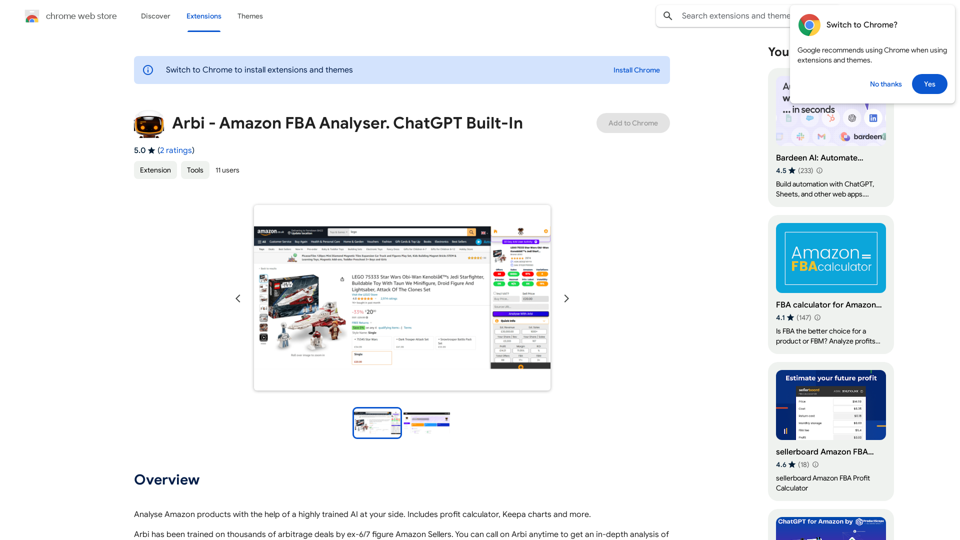
Arbi - Amazon FBA Analyser is an innovative extension that leverages AI technology to assist users in analyzing Amazon products. This powerful tool combines the expertise of experienced Amazon sellers with advanced artificial intelligence to provide comprehensive insights for FBA (Fulfillment by Amazon) sellers. With features like a profit calculator and Keepa charts, Arbi aims to streamline the product analysis process and help sellers make informed decisions.
Arbi - Amazon FBA Analyser. ChatGPT Built-In
Analyze Amazon products with the help of a powerful AI assistant. Features include a profit calculator, Keepa charts, and more.
Introduction
Feature
AI-Powered Product Analysis
Arbi utilizes a highly trained AI system to analyze Amazon products, offering insights that go beyond surface-level information. This AI is trained on thousands of arbitrage deals by former 6 and 7-figure Amazon sellers, enabling it to identify nuanced considerations such as seasonal demand and holiday trends.
Comprehensive Toolset
The extension includes a variety of useful tools for Amazon sellers:
- Profit calculator
- Keepa charts integration
- AI-driven insights and recommendations
User-Friendly Interface
Arbi is designed for ease of use:
- Simple installation process
- Intuitive product analysis workflow
- Customizable settings to suit individual needs
Free Access with Optional Upgrades
The extension offers a free base version with the option for in-app purchases, allowing users to access advanced features as needed.
Data Privacy and Security
Arbi handles user data, including personally identifiable information and authentication details, in compliance with its privacy policy, ensuring user trust and data protection.
FAQ
How does Arbi's AI technology work?
Arbi's AI is trained on a vast dataset of arbitrage deals curated by successful Amazon sellers. This training allows the AI to:
- Identify non-obvious product considerations
- Analyze seasonal demand patterns
- Predict potential holiday season impacts on sales
What are the key benefits of using Arbi for Amazon FBA sellers?
Using Arbi can provide several advantages:
- More informed decision-making through AI-driven insights
- Time-saving product analysis with integrated tools
- Potential for increased profitability through better product selection
Is Arbi suitable for both new and experienced Amazon sellers?
Yes, Arbi is designed to benefit sellers at various experience levels:
- New sellers can leverage the AI insights to avoid common pitfalls
- Experienced sellers can use the advanced features to refine their strategies
- The customizable nature of the tool allows for adaptation to different skill levels
How frequently is Arbi updated?
While specific update information isn't provided, users should note:
- The extension is currently in beta, suggesting ongoing development
- Features may be limited or not fully functional
- Regular updates are likely as the tool evolves based on user feedback
Can Arbi guarantee success in Amazon FBA selling?
No tool can guarantee success, but Arbi aims to improve decision-making:
- It provides data-driven insights to inform product choices
- The profit calculator helps estimate potential returns
- Users should combine Arbi's insights with their own research and judgment
Related Websites
Get your top AI Tools | ToolsApp AI Tools Directory
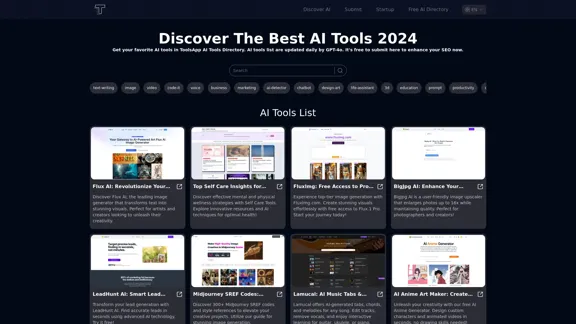
Get your top AI Tools | ToolsApp AI Tools DirectoryToolsApp AI Directory is a tool that provides a free directory of AI tools. Find your favorite AI tools with ToolsApp AI Directory. ToolsApp AI Directory aims to gather all AI tools and offer the best options for users.
0
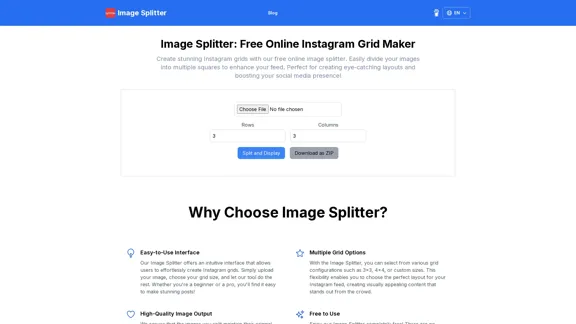
Create stunning Instagram grids with our free online image splitter. Easily divide your images into multiple squares to enhance your feed. Perfect for creating eye-catching layouts and boosting your social media presence!
0
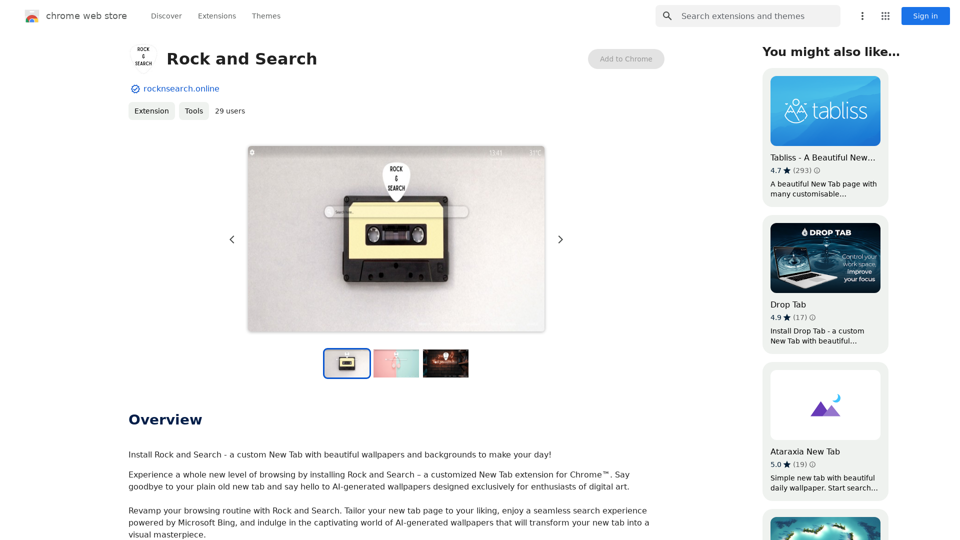
Install Rock and Search - a custom New Tab with beautiful wallpapers and backgrounds to brighten your day!
193.90 M

NEW FEATURE: 'Ask AI' based on ChatGPT! Highlight an area and ask it to solve a problem, explain, translate, and more!
193.90 M

Generate Stunning Images with AI Let's explore the world of AI-powered image generation and unleash your creativity! What is AI Image Generation? AI image generation uses artificial intelligence algorithms to create images from text descriptions, known as "prompts." How Does it Work? These powerful models, trained on massive datasets of images and text, learn the relationships between words and visual concepts. When you provide a prompt, the AI interprets it and generates a corresponding image. Benefits of AI Image Generation: * Effortless Creativity: Bring your ideas to life without needing artistic skills. * Endless Possibilities: Explore unique concepts and styles with ease. * Rapid Prototyping: Quickly visualize designs and concepts. * Personalized Content: Create custom images tailored to your needs. Popular AI Image Generators: * DALL-E 2: Known for its photorealistic and imaginative results. * Midjourney: Creates artistic and dreamlike images. * Stable Diffusion: Open-source and highly customizable. * Craiyon (formerly DALL-E mini): A free and accessible option. Tips for Generating Stunning Images: * Be Specific: Provide clear and detailed prompts. * Use Descriptive Language: Include adjectives, nouns, and verbs to guide the AI. * Experiment with Styles: Explore different artistic styles and aesthetics. * Iterate and Refine: Adjust your prompts and settings to achieve your desired outcome. Let your imagination run wild and discover the incredible potential of AI image generation!
0

Beautiful photos that tell your story. Ready for Tinder, Instagram, Bumble, TikTok, Hinge, Grindr, Facebook, Snapchat.
38.27 K

Image In Words: Unlock Text from Images with Google
Image In Words: Unlock Text from Images with GoogleDiscover how to use Google to convert images to text effortlessly. Click to learn more and start converting today!
0
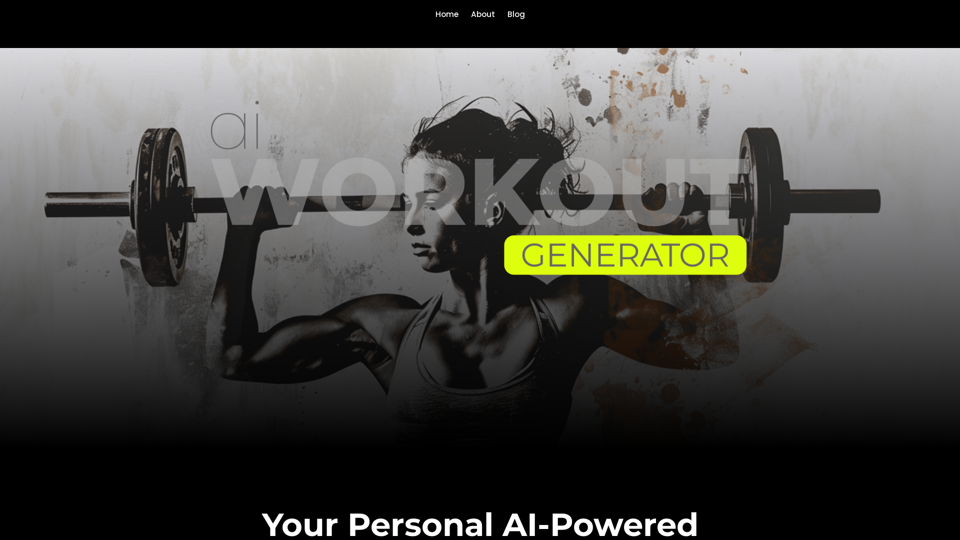
Ai Workout Generator ===================== What is an AI Workout Generator? An AI workout generator is a tool that uses artificial intelligence to create personalized workout plans tailored to an individual's fitness goals, fitness level, and preferences. How does it work? The AI workout generator uses machine learning algorithms to analyze a user's input data, such as their fitness goals, fitness level, and exercise preferences. It then generates a customized workout plan that includes a series of exercises, sets, reps, and weights tailored to the user's specific needs. Benefits of using an AI Workout Generator * Personalized workouts: The AI workout generator creates a workout plan that is tailored to the user's specific fitness goals and fitness level. * Time-saving: The AI workout generator saves time by eliminating the need to research and create a workout plan from scratch. * Increased motivation: The AI workout generator provides a sense of accountability and motivation, as users are more likely to stick to a workout plan that is tailored to their specific needs. * Improved results: The AI workout generator helps users achieve their fitness goals faster and more efficiently, as the workout plan is optimized for their specific needs. How to use an AI Workout Generator 1. Input your data: Enter your fitness goals, fitness level, and exercise preferences into the AI workout generator. 2. Select your workout type: Choose the type of workout you want to do, such as strength training, cardio, or yoga. 3. Generate your workout plan: The AI workout generator will create a customized workout plan tailored to your specific needs. 4. Start your workout: Follow the workout plan and track your progress. Conclusion An AI workout generator is a powerful tool that can help individuals achieve their fitness goals faster and more efficiently. By providing personalized workout plans, the AI workout generator saves time, increases motivation, and improves results. Whether you're a beginner or an experienced athlete, an AI workout generator can help you take your fitness to the next level.
Ai Workout Generator ===================== What is an AI Workout Generator? An AI workout generator is a tool that uses artificial intelligence to create personalized workout plans tailored to an individual's fitness goals, fitness level, and preferences. How does it work? The AI workout generator uses machine learning algorithms to analyze a user's input data, such as their fitness goals, fitness level, and exercise preferences. It then generates a customized workout plan that includes a series of exercises, sets, reps, and weights tailored to the user's specific needs. Benefits of using an AI Workout Generator * Personalized workouts: The AI workout generator creates a workout plan that is tailored to the user's specific fitness goals and fitness level. * Time-saving: The AI workout generator saves time by eliminating the need to research and create a workout plan from scratch. * Increased motivation: The AI workout generator provides a sense of accountability and motivation, as users are more likely to stick to a workout plan that is tailored to their specific needs. * Improved results: The AI workout generator helps users achieve their fitness goals faster and more efficiently, as the workout plan is optimized for their specific needs. How to use an AI Workout Generator 1. Input your data: Enter your fitness goals, fitness level, and exercise preferences into the AI workout generator. 2. Select your workout type: Choose the type of workout you want to do, such as strength training, cardio, or yoga. 3. Generate your workout plan: The AI workout generator will create a customized workout plan tailored to your specific needs. 4. Start your workout: Follow the workout plan and track your progress. Conclusion An AI workout generator is a powerful tool that can help individuals achieve their fitness goals faster and more efficiently. By providing personalized workout plans, the AI workout generator saves time, increases motivation, and improves results. Whether you're a beginner or an experienced athlete, an AI workout generator can help you take your fitness to the next level.AI generated workouts reviewed and Approved by American College of Sports Medicine certified Personal Trainers.
3.30 K