Open-source RightAI Tools Directory
  • Discover AI
  • Submit
  • Startup
  • Blog
Open-source RightAI Tools Directory
Discover the best AI tools of 2025 with the RightAI Tools Directory!

Friend Links

AI Anime GeneratorToolsApp AI

Support

Tap4
Privacy policyTerms & ConditionsContact Us
Loading...
loading...

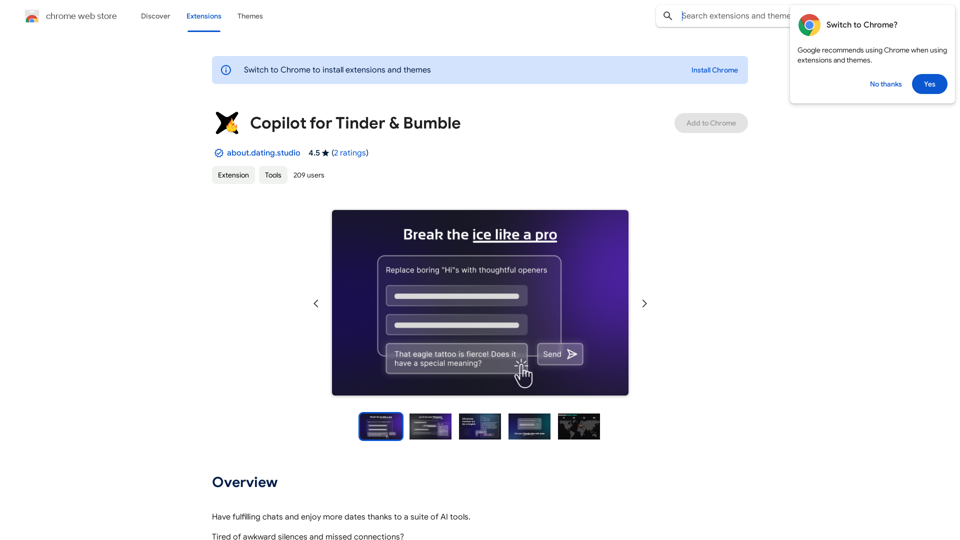
Copilot for Tinder & Bumble Tired of swiping endlessly? Let Copilot handle your dating app game! * Craft irresistible bios: Copilot helps you write witty and engaging bios that highlight your best qualities. * Spark conversations: Struggling to come up with opening lines? Copilot suggests clever and personalized messages to break the ice. * Navigate tricky situations: Copilot offers advice and guidance on handling awkward moments or difficult conversations. * Boost your matches: With Copilot's help, you'll stand out from the crowd and attract more matches. * Save time and energy: Let Copilot do the heavy lifting so you can focus on enjoying the dating experience. Start swiping smarter, not harder. Get Copilot today!

Have meaningful conversations and go on more dates with the help of a collection of AI tools.
Visit Website
Copilot for Tinder & Bumble

Tired of swiping endlessly? Let Copilot handle your dating app game!

* Craft irresistible bios:  Copilot helps you write witty and engaging bios that highlight your best qualities.
* Spark conversations:  Struggling to come up with opening lines? Copilot suggests clever and personalized messages to break the ice.
* Navigate tricky situations:  Copilot offers advice and guidance on handling awkward moments or difficult conversations.
* Boost your matches:  With Copilot's help, you'll stand out from the crowd and attract more matches.
* Save time and energy:  Let Copilot do the heavy lifting so you can focus on enjoying the dating experience. 


Start swiping smarter, not harder. Get Copilot today!
Visit Website

Introduction

Copilot for Tinder & Bumble is an innovative AI-powered platform designed to enhance your online dating experience. It offers a suite of tools to help users have more engaging conversations, generate creative icebreakers, and improve their communication skills. With features like AI-powered suggestions, conversation analysis, and multilingual support, this platform aims to make online dating more enjoyable and successful for its users.

Feature

AI-Powered Suggestions

  • Utilizes models like GPT-3.5, Claude 3 Haiku, and more
  • Premium models (GPT-4o and Gemini 1.5 Pro) available with upgrade
  • Helps overcome writer's block and generates engaging conversation starters

Vision-Based Icebreakers

  • AI analyzes profile pictures and bios
  • Generates creative, personalized icebreakers
  • Helps spark interesting conversations

Conversation Analysis & Improvement

  • Store chats in Dating Studio companion platform
  • Analyze conversations and identify patterns
  • Refine communication skills based on insights

Multilingual Support

  • Translate messages and bios to English
  • Facilitates communication while traveling or connecting with people from different cultures

Privacy Protection

  • Data encryption and secure storage in Germany, Europe
  • Blocks invasive tracking by dating apps
  • Ensures user data safety and security

Usage and Pricing

  • Free usage: Up to 20 times a day with GPT-4o
  • Subscription: Grants additional benefits and extended access
  • Premium plans: Option to be introduced soon

FAQ

How does Copilot for Tinder & Bumble work?

Copilot for Tinder & Bumble uses AI technology to provide personalized suggestions, analyze conversations, and offer multilingual support. It helps users generate engaging content, overcome writer's block, and improve their communication skills on dating platforms.

Is my information used for training data?

No, the platform highly values user privacy, and your data will not be used for any training purposes.

When should I consider a subscription?

If the 20 free GPT-4o conversations per day do not meet your needs and you heavily rely on GPT-4o, subscribing to the affordable products would be beneficial.

What are the key benefits of using Copilot for Tinder & Bumble?

The key benefits include AI-powered suggestions, vision-based icebreakers, conversation analysis, multilingual support, and strong privacy protection. These features help users have more fulfilling chats and potentially enjoy more dates.

Latest Traffic Insights

  • Monthly Visits

    193.90 M

  • Bounce Rate

    56.27%

  • Pages Per Visit

    2.71

  • Time on Site(s)

    115.91

  • Global Rank

    -

  • Country Rank

    -

Recent Visits

Traffic Sources

  • Social Media:
    0.48%
  • Paid Referrals:
    0.55%
  • Email:
    0.15%
  • Referrals:
    12.81%
  • Search Engines:
    16.21%
  • Direct:
    69.81%
More Data

Related Websites

Maika AI - Your Intelligent Assistant with GPT-4
View Detail

Maika AI - Your Intelligent Assistant with GPT-4

Maika AI - Your Intelligent Assistant with GPT-4

Maika AI - Your Second Brain with GPT-4. Work faster. Learn better

193.90 M
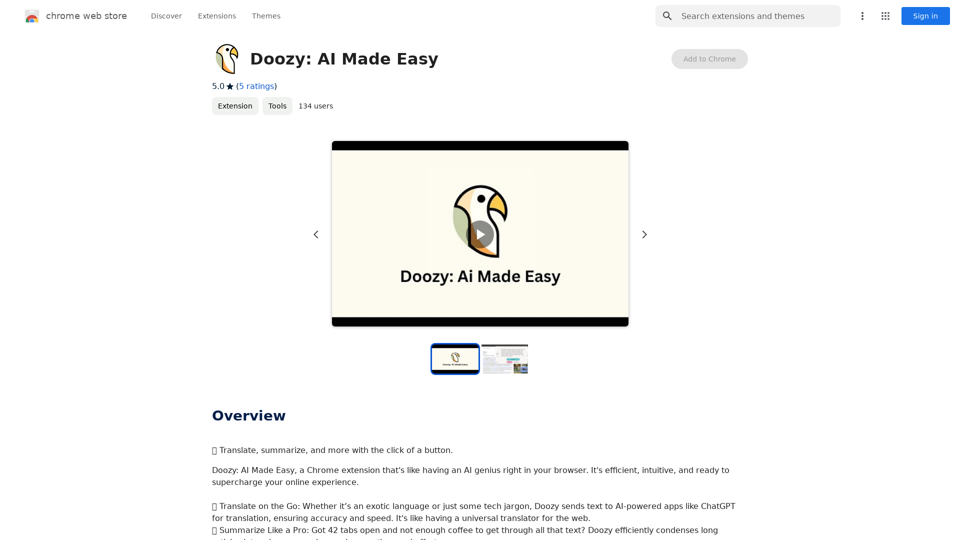
Intelligent Web Translation - Automatic Translation, Bilingual Comparison, AI Dialogue
View Detail

Intelligent Web Translation - Automatic Translation, Bilingual Comparison, AI Dialogue

Intelligent Web Translation - Automatic Translation, Bilingual Comparison, AI Dialogue

Supports 20+ foreign languages/national languages, one-key rapid translation, supports bilingual comparison, automatic translation, AI summary, and phrase translation.

193.90 M
Homie.AI on the App Store
View Detail

Homie.AI on the App Store

Homie.AI on the App Store

Homie.AI is your go-to academic assistant powered by AI with the unique ability to answer all your questions, summarize books, and fact-check information, Homie is always here to help you with your academic needs.

124.77 M
Bilibili Recommendation Assistant
View Detail

Bilibili Recommendation Assistant

Bilibili Recommendation Assistant

Use machine learning algorithms to recommend similar B站 Up主 to find related videos, your B站 exploration assistant.

193.90 M
Image to Text (Using AI)
View Detail

Image to Text (Using AI)

Image to Text (Using AI)

A vibrant sunset paints the sky in hues of orange, pink, and purple, casting long shadows across a tranquil lake.

193.90 M
Claude to Notion

This is a guide on how to connect Claude, an AI assistant, with Notion, a note-taking and workspace app. 

Why connect Claude and Notion?

* Boost your productivity: Use Claude to generate content, summarize information, and automate tasks directly within Notion.
* Enhance your research: Ask Claude questions about your Notion notes and get insightful answers.
* Unlock new creative possibilities: Leverage Claude's generative capabilities to brainstorm ideas, write stories, or compose emails within your Notion workspace.

How to connect Claude and Notion:

1. API Keys: Obtain an API key for both Claude and Notion. 
2. Integration Tool: Explore integration tools like Zapier or Integromat to connect Claude and Notion. These platforms allow you to create workflows that trigger actions in one app based on events in the other.
3. Custom Development: For advanced users, you can develop your own custom integration using the Claude and Notion APIs. This gives you the most flexibility but requires coding knowledge.

Example Use Cases:

* Meeting Summarization: After a meeting, paste the transcript into Notion and use Claude to generate a concise summary.
* Content Creation:  Use Claude to write blog posts, articles, or social media captions directly within your Notion pages.
* Idea Generation: Brainstorm new ideas for projects or tasks by prompting Claude with specific questions within your Notion workspace.


Remember to review the documentation and terms of service for both Claude and Notion to ensure proper usage and security.
View Detail

Claude to Notion This is a guide on how to connect Claude, an AI assistant, with Notion, a note-taking and workspace app. Why connect Claude and Notion? * Boost your productivity: Use Claude to generate content, summarize information, and automate tasks directly within Notion. * Enhance your research: Ask Claude questions about your Notion notes and get insightful answers. * Unlock new creative possibilities: Leverage Claude's generative capabilities to brainstorm ideas, write stories, or compose emails within your Notion workspace. How to connect Claude and Notion: 1. API Keys: Obtain an API key for both Claude and Notion. 2. Integration Tool: Explore integration tools like Zapier or Integromat to connect Claude and Notion. These platforms allow you to create workflows that trigger actions in one app based on events in the other. 3. Custom Development: For advanced users, you can develop your own custom integration using the Claude and Notion APIs. This gives you the most flexibility but requires coding knowledge. Example Use Cases: * Meeting Summarization: After a meeting, paste the transcript into Notion and use Claude to generate a concise summary. * Content Creation: Use Claude to write blog posts, articles, or social media captions directly within your Notion pages. * Idea Generation: Brainstorm new ideas for projects or tasks by prompting Claude with specific questions within your Notion workspace. Remember to review the documentation and terms of service for both Claude and Notion to ensure proper usage and security.

Claude to Notion This is a guide on how to connect Claude, an AI assistant, with Notion, a note-taking and workspace app. Why connect Claude and Notion? * Boost your productivity: Use Claude to generate content, summarize information, and automate tasks directly within Notion. * Enhance your research: Ask Claude questions about your Notion notes and get insightful answers. * Unlock new creative possibilities: Leverage Claude's generative capabilities to brainstorm ideas, write stories, or compose emails within your Notion workspace. How to connect Claude and Notion: 1. API Keys: Obtain an API key for both Claude and Notion. 2. Integration Tool: Explore integration tools like Zapier or Integromat to connect Claude and Notion. These platforms allow you to create workflows that trigger actions in one app based on events in the other. 3. Custom Development: For advanced users, you can develop your own custom integration using the Claude and Notion APIs. This gives you the most flexibility but requires coding knowledge. Example Use Cases: * Meeting Summarization: After a meeting, paste the transcript into Notion and use Claude to generate a concise summary. * Content Creation: Use Claude to write blog posts, articles, or social media captions directly within your Notion pages. * Idea Generation: Brainstorm new ideas for projects or tasks by prompting Claude with specific questions within your Notion workspace. Remember to review the documentation and terms of service for both Claude and Notion to ensure proper usage and security.

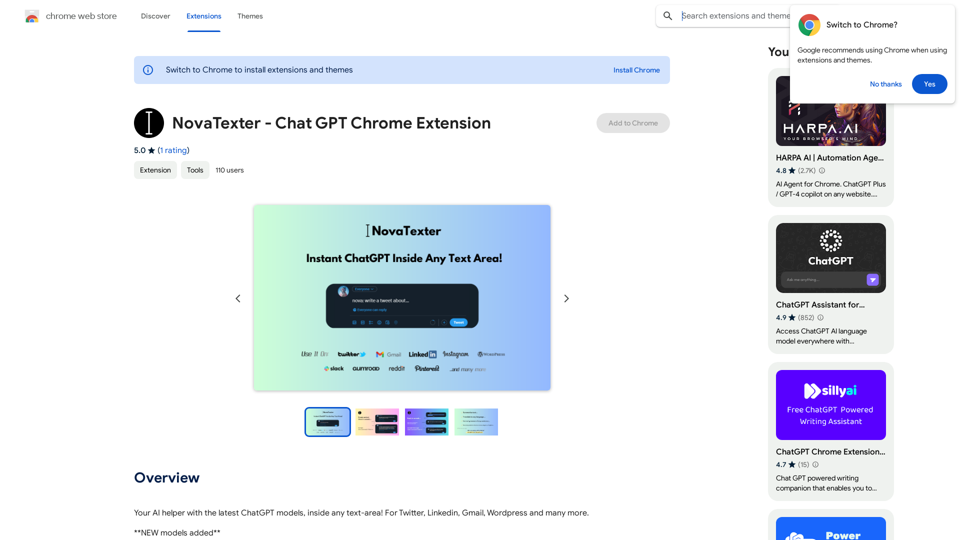
Save Claude conversations to Notion with one click. Export Claude conversations.

193.90 M
Surveys, Forms & Quizzes with AI by Responsly
View Detail

Surveys, Forms & Quizzes with AI by Responsly

Surveys, Forms & Quizzes with AI by Responsly

Powerful survey and form maker powered by AI. Generate what you want in seconds.

193.90 M
AI Customer Service Assistant
View Detail

AI Customer Service Assistant

AI Customer Service Assistant

Your AI customer service assistant has the capabilities of AI replies, copywriting optimization, content summarization, and intelligent translation, driving improvements in customer service efficiency and quality.

193.90 M