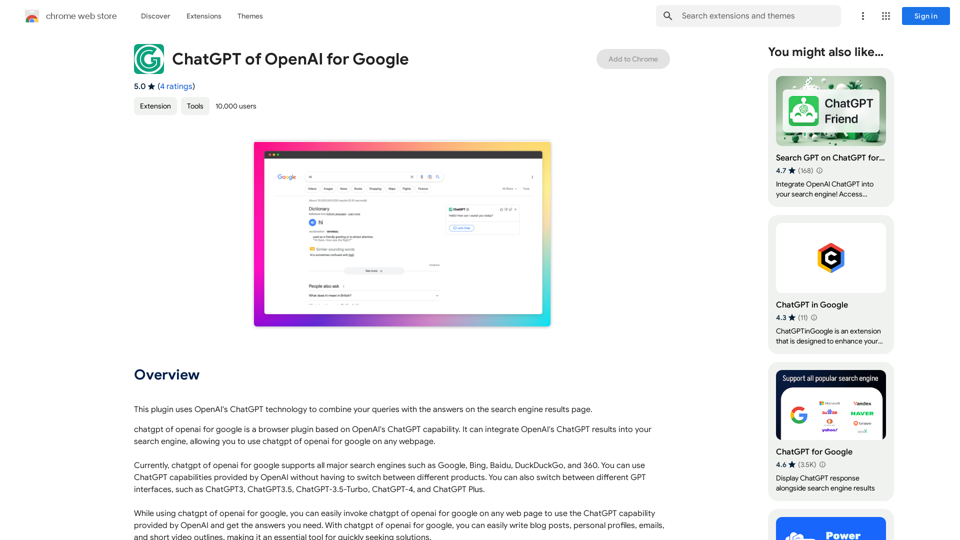
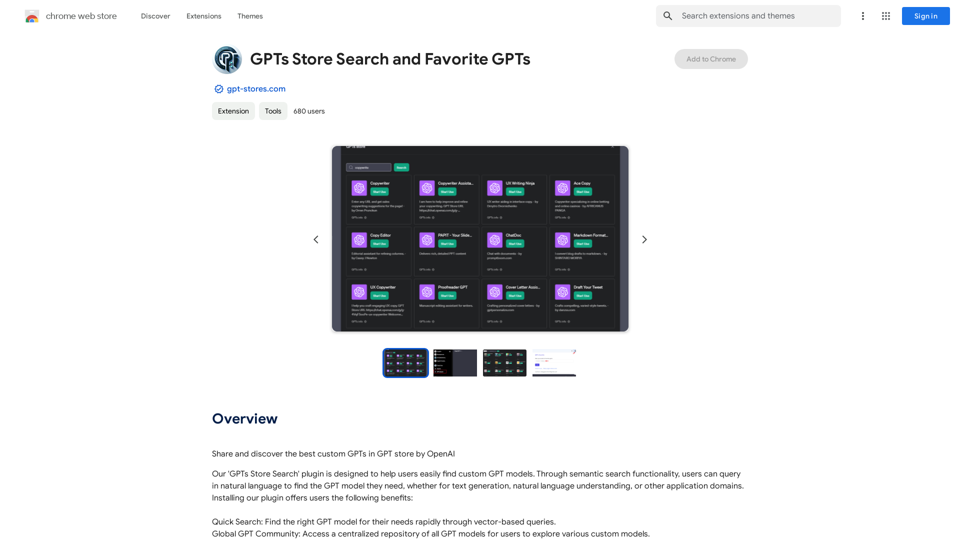
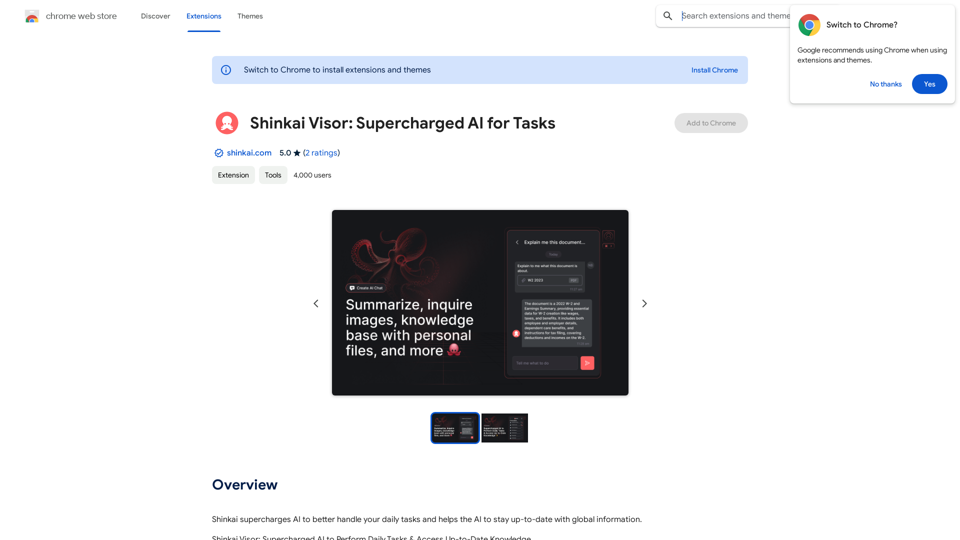
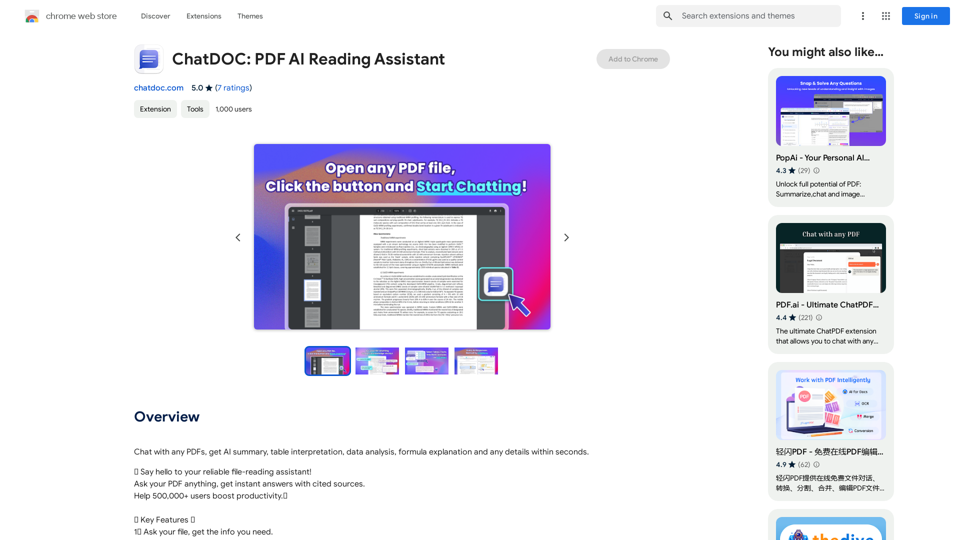
Open-source RightAI Tools Directory
  • Discover AI
  • Submit
  • Startup
  • Blog
Open-source RightAI Tools Directory
Discover the best AI tools of 2025 with the RightAI Tools Directory!

Friend Links

AI Anime GeneratorToolsApp AI

Support

Tap4
Privacy policyTerms & ConditionsContact Us
Loading...
loading...

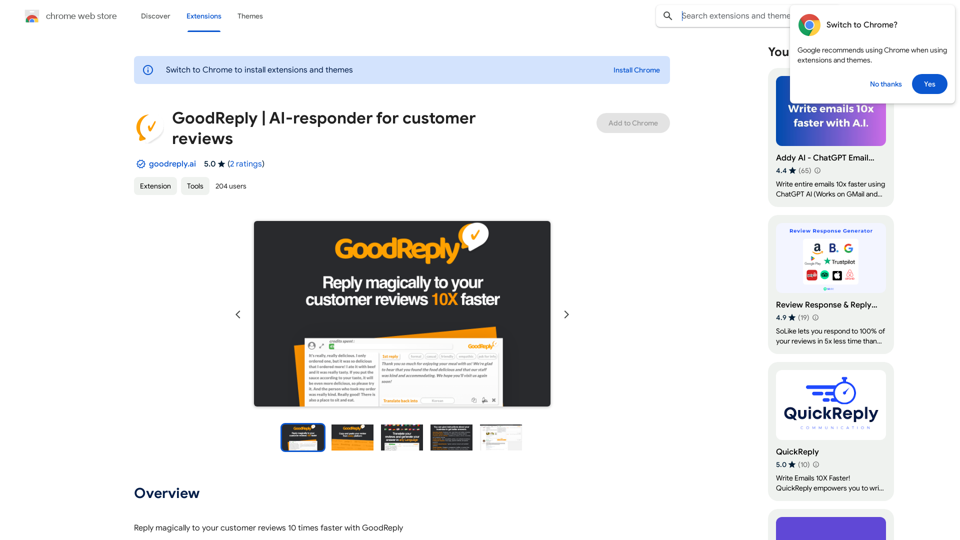
GoodReply | AI-responder for customer reviews

Respond to customer reviews 10x faster with GoodReply!
Visit Website
GoodReply | AI-responder for customer reviews
Visit Website

Introduction

GoodReply is an AI-powered platform designed to revolutionize customer engagement by generating human-like, natural auto-replies for customer reviews across various websites. This innovative tool enables businesses to respond to customer feedback 10 times faster, enhancing their customer service efficiency and quality.

Feature

Easy-to-Use Chrome Extension

GoodReply is a user-friendly Chrome extension that can be quickly installed and utilized. Users can start responding to reviews immediately after installation.

Multilingual Support

The platform can handle reviews in any language, making it ideal for businesses with a global customer base.

AI-Powered Smart Replies

GoodReply generates professional, context-sensitive responses automatically, ensuring each reply is tailored to the specific review.

Customizable Tone

Users can adjust the tone of their replies to match their business style, providing a consistent brand voice across all customer interactions.

Personal Signature Feature

Add a unique touch to responses with a personal signature, enhancing the authenticity of each reply.

Universal Compatibility

Crafted replies can be used on any website without restrictions, offering flexibility in managing customer feedback across multiple platforms.

Business Context Integration

By providing details about the business, GoodReply can generate even more precise and relevant replies, further improving the quality of customer interactions.

Free Basic Version

GoodReply offers a free version with essential features, making it accessible to businesses of all sizes.

FAQ

Is GoodReply compatible with all websites?

Yes, GoodReply is a universal extension that can be used on any website where customer reviews are present.

How do I install GoodReply?

GoodReply can be easily installed from the Chrome Web Store. Simply follow the prompts after clicking the install button.

Can I customize the replies generated by GoodReply?

Absolutely. GoodReply allows you to customize replies with various tones and add personal signatures to suit your business style.

Is there a cost associated with using GoodReply?

GoodReply offers a free version with basic features. For advanced functionalities or extended access, paid plans are available.

Latest Traffic Insights

  • Monthly Visits

    193.90 M

  • Bounce Rate

    56.27%

  • Pages Per Visit

    2.71

  • Time on Site(s)

    115.91

  • Global Rank

    -

  • Country Rank

    -

Recent Visits

Traffic Sources

  • Social Media:
    0.48%
  • Paid Referrals:
    0.55%
  • Email:
    0.15%
  • Referrals:
    12.81%
  • Search Engines:
    16.21%
  • Direct:
    69.81%
More Data

Related Websites

Image Translator - ai photo/image Translator use ChatGPT

This is a tool that uses ChatGPT to describe images. 

You can upload a photo and ChatGPT will generate a written description of what it sees.
View Detail

Image Translator - ai photo/image Translator use ChatGPT This is a tool that uses ChatGPT to describe images. You can upload a photo and ChatGPT will generate a written description of what it sees.

Image Translator - ai photo/image Translator use ChatGPT This is a tool that uses ChatGPT to describe images. You can upload a photo and ChatGPT will generate a written description of what it sees.

AI Photo/Image Translator, Supports 130 Languages

193.90 M
CrossPrism Nature Id on the App Store
View Detail

CrossPrism Nature Id on the App Store

CrossPrism Nature Id on the App Store

Get out of your head. Pause. Take your mind off work and steep yourself in curiosity. Observe. See the struggles of ants cleaning their homes one grain at a time, and the way birds build their nests with twigs and threads.

124.77 M
Quilt
View Detail

Quilt

Quilt

Quilt Extension

193.90 M
What is a Prompster?

A Prompster is a person who assists a speaker, actor, or presenter by providing them with lines or cues, usually in a subtle and discreet manner, during a performance, presentation, or speech.
View Detail

What is a Prompster? A Prompster is a person who assists a speaker, actor, or presenter by providing them with lines or cues, usually in a subtle and discreet manner, during a performance, presentation, or speech.

What is a Prompster? A Prompster is a person who assists a speaker, actor, or presenter by providing them with lines or cues, usually in a subtle and discreet manner, during a performance, presentation, or speech.

Slash Commands for ChatGPT and Bard ===================================== Introduction Slash commands are a convenient way to interact with ChatGPT and Bard, allowing you to perform various tasks and actions within the chat interface. This guide provides an overview of the available slash commands for both ChatGPT and Bard. ChatGPT Slash Commands #General Commands * `/help`: Displays a list of available slash commands and their descriptions. * `/reset`: Resets the conversation, clearing all previous messages and context. #Conversation Management * `/start`: Starts a new conversation, allowing you to begin a fresh topic or task. * `/stop`: Ends the current conversation, stopping any ongoing tasks or topics. #Language and Tone * `/lang <language_code>`: Sets the language for the conversation (e.g., `/lang en` for English). * `/tone <tone>`: Adjusts the tone of the responses (e.g., `/tone formal` for formal tone). #Task Management * `/task <task_name>`: Creates a new task or topic for the conversation (e.g., `/task math problem`). * `/done`: Marks the current task as completed. #Information and Resources * `/define <word>`: Provides the definition of a word or phrase. * `/wiki <topic>`: Displays information about a topic from Wikipedia. Bard Slash Commands #General Commands * `/help`: Displays a list of available slash commands and their descriptions. * `/reset`: Resets the conversation, clearing all previous messages and context. #Conversation Management * `/start`: Starts a new conversation, allowing you to begin a fresh topic or task. * `/stop`: Ends the current conversation, stopping any ongoing tasks or topics. #Language and Tone * `/lang <language_code>`: Sets the language for the conversation (e.g., `/lang en` for English). * `/tone <tone>`: Adjusts the tone of the responses (e.g., `/tone formal` for formal tone). #Task Management * `/task <task_name>`: Creates a new task or topic for the conversation (e.g., `/task math problem`). * `/done`: Marks the current task as completed. #Information and Resources * `/define <word>`: Provides the definition of a word or phrase. * `/wiki <topic>`: Displays information about a topic from Wikipedia. * `/news <topic>`: Displays news articles related to a specific topic. Conclusion Slash commands provide a convenient way to interact with ChatGPT and Bard, allowing you to manage conversations, adjust language and tone, and access various resources. By mastering these commands, you can optimize your experience and get the most out of your interactions with these AI models.

193.90 M
SpeedClip
View Detail

SpeedClip

SpeedClip

I can help you with that! Just give me the YouTube video link and I'll do my best to provide a clear and concise summary of its content.

193.90 M
ChatGPT Plus
View Detail

ChatGPT Plus

ChatGPT Plus

Bringing the ChatGPT app's features to the browser

193.90 M
Met Genius Extension
View Detail

Met Genius Extension

Met Genius Extension

The Power of React and TypeScript for Building Interactive Chrome Extensions React and TypeScript are a powerful combination for developing engaging and robust Chrome extensions. Here's why: * React's Component-Based Architecture: React's component-based approach makes building complex UIs for your extensions manageable and reusable. * TypeScript's Static Typing: TypeScript's type system catches errors early in development, leading to more reliable and maintainable code. * Improved Developer Experience: Both React and TypeScript offer excellent tooling and a strong community, making development smoother and more enjoyable. By leveraging these technologies, you can create Chrome extensions that are: * Interactive and User-Friendly: React's declarative style and virtual DOM enable smooth and responsive user interfaces. * Scalable and Maintainable: TypeScript's type safety and React's component structure promote code organization and extensibility. * Bug-Free and Reliable: TypeScript's static typing helps prevent runtime errors, resulting in more robust extensions. Let's explore how to harness the power of React and TypeScript to build your next amazing Chrome extension!

193.90 M
GPT-ChatDIY
View Detail

GPT-ChatDIY

GPT-ChatDIY

Use this extension to easily access ChatGPT and solve your questions or generate text.

193.90 M