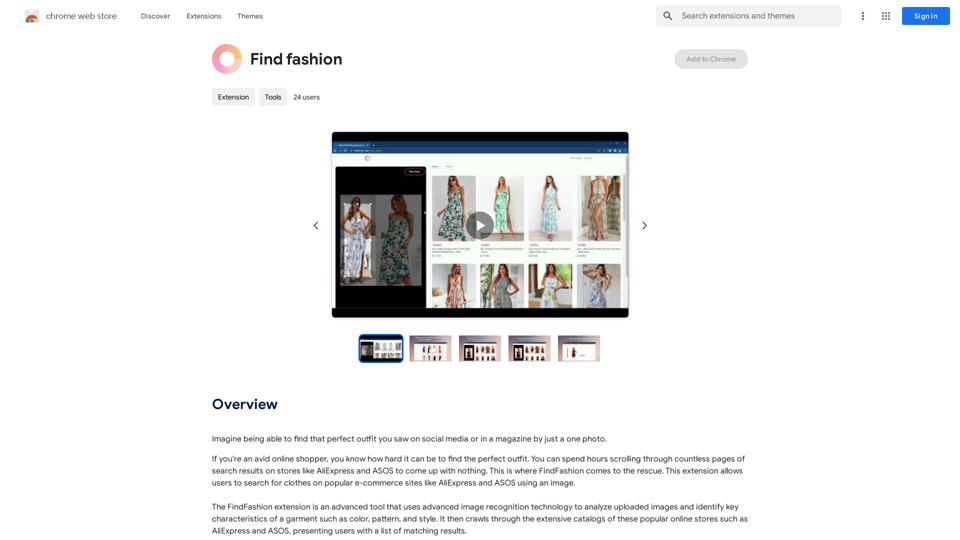
FindFashion is an innovative browser extension that revolutionizes online clothes shopping. It utilizes advanced image recognition technology to search for clothing items on popular e-commerce platforms like AliExpress and ASOS using uploaded images. This tool analyzes key garment characteristics such as color, pattern, and style, making it easier for users to find their desired outfits across multiple online stores.
Find fashion
Imagine being able to find that perfect outfit you saw on social media or in a magazine by just taking a photo.
Introduction
Feature
Advanced Image Recognition
FindFashion employs cutting-edge image recognition technology to analyze uploaded images, identifying crucial garment characteristics like color, pattern, and style.
Seamless Integration with E-commerce Platforms
The extension integrates smoothly with popular shopping sites such as AliExpress and ASOS, providing users access to an extensive catalog of clothing items from the comfort of their homes.
Price Comparison Functionality
Users can compare prices and features across multiple sites, ensuring they get the best deal on their perfect outfit.
User-Friendly Image Search
FindFashion allows users to search for clothes on supported platforms using images, simplifying the process of finding desired outfits.
Privacy Protection
The extension prioritizes user privacy, ensuring that personal data is kept safe and secure. User information is not used for training purposes, and accounts can be deleted at any time.
Free and Premium Options
FindFashion offers 20 free GPT-4o conversations per day. For users who require more, affordable subscription options are available.
FAQ
How does FindFashion work?
FindFashion utilizes advanced image recognition technology to analyze uploaded images and identify key characteristics of garments, presenting users with matching results from popular shopping sites.
Can I use FindFashion on multiple sites?
Yes, FindFashion seamlessly integrates with popular shopping sites like AliExpress and ASOS, allowing you to search across multiple platforms.
How can I maximize my use of FindFashion?
To get the most out of FindFashion:
- Use the extension regularly to stay updated with latest fashion trends
- Experiment with different search terms and images
- Take advantage of the price comparison feature
Is my information safe with FindFashion?
Yes, FindFashion highly values user privacy and ensures that your data is safe and secure. Your information will not be used for any training purposes, and you can delete your account at any time.
When would I need a FindFashion subscription?
If the 20 free GPT-4o conversations per day do not meet your needs and you heavily rely on GPT-4o, you may consider subscribing to the affordable premium options.
Related Websites
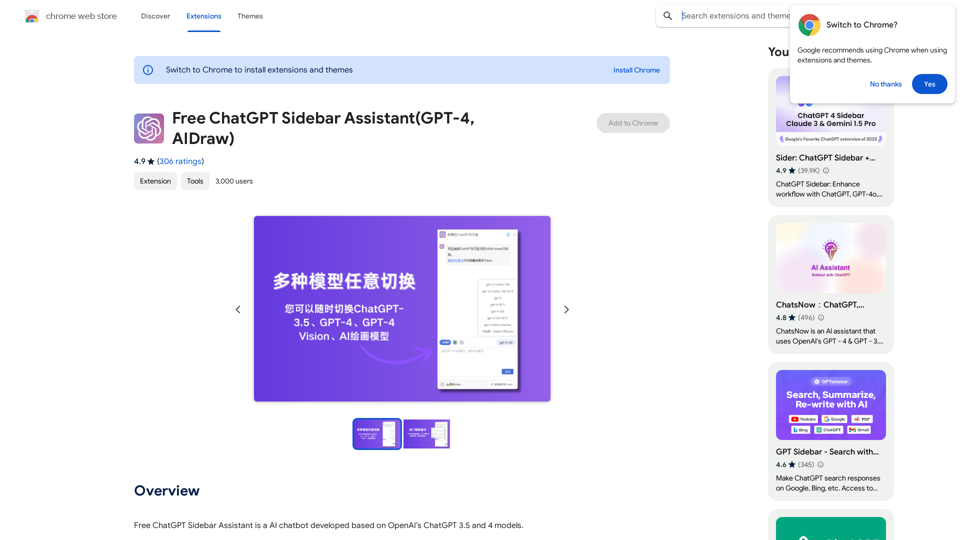
Free ChatGPT Sidebar Assistant is an AI chatbot developed based on OpenAI's ChatGPT 3.5 and 4 models.
193.90 M
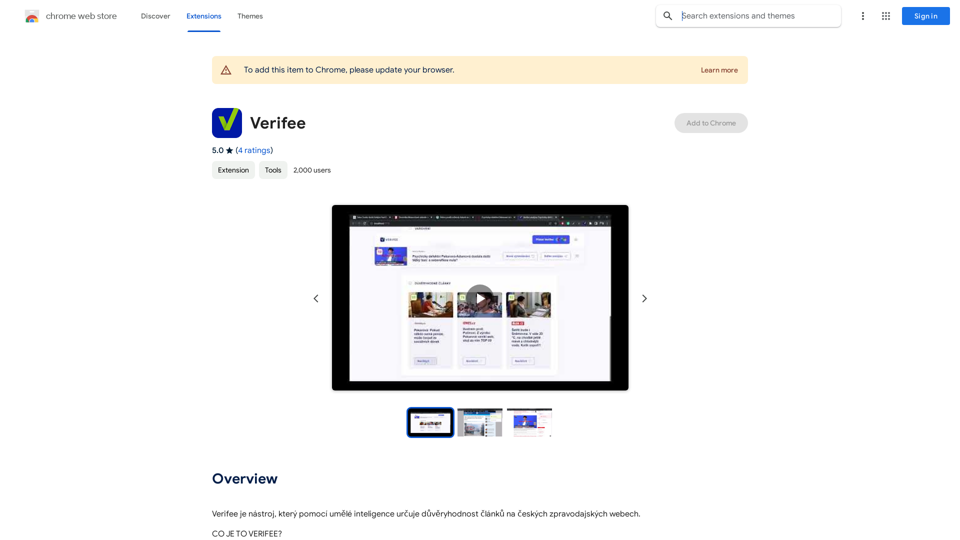
Verify is a tool that uses artificial intelligence to determine the trustworthiness of articles on Czech news websites.
193.90 M
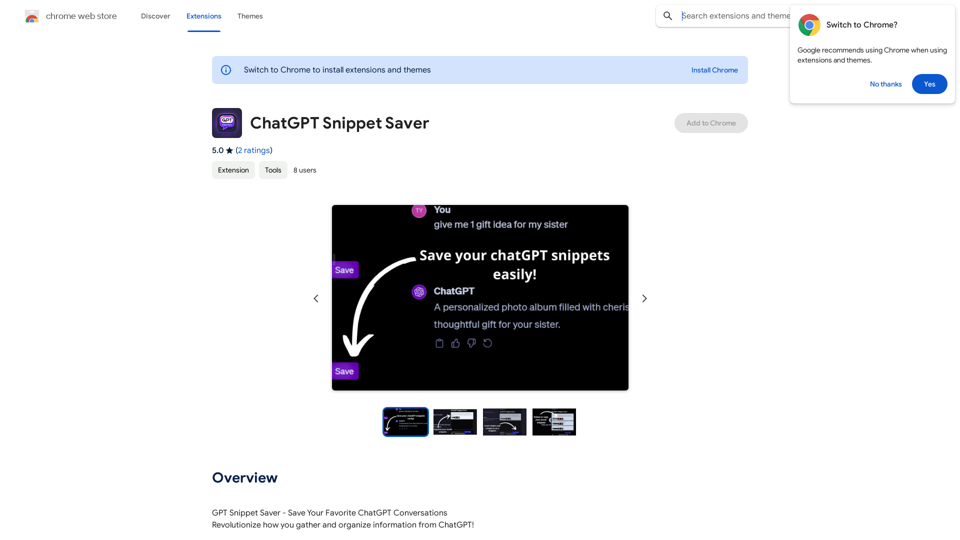
ChatGPT Snippet Saver This is a simple tool to save snippets from your ChatGPT conversations. How to Use: 1. Copy the text snippet you want to save from your ChatGPT conversation. 2. Paste the text into the input box below. 3. Click the "Save Snippet" button. Your snippet will be saved to your local storage. You can access your saved snippets later by clicking the "View Saved Snippets" button.
ChatGPT Snippet Saver This is a simple tool to save snippets from your ChatGPT conversations. How to Use: 1. Copy the text snippet you want to save from your ChatGPT conversation. 2. Paste the text into the input box below. 3. Click the "Save Snippet" button. Your snippet will be saved to your local storage. You can access your saved snippets later by clicking the "View Saved Snippets" button.GPT Snippet Saver - Save Your Favorite ChatGPT Conversations Revolutionize how you gather and organize information from ChatGPT! - Effortlessly capture and store your most valuable ChatGPT interactions. - Organize your saved conversations by topic, date, or any custom tag. - Easily search and retrieve specific snippets from your saved history. - Share your favorite ChatGPT insights with others. - Never lose track of a brilliant idea or helpful response again.
193.90 M
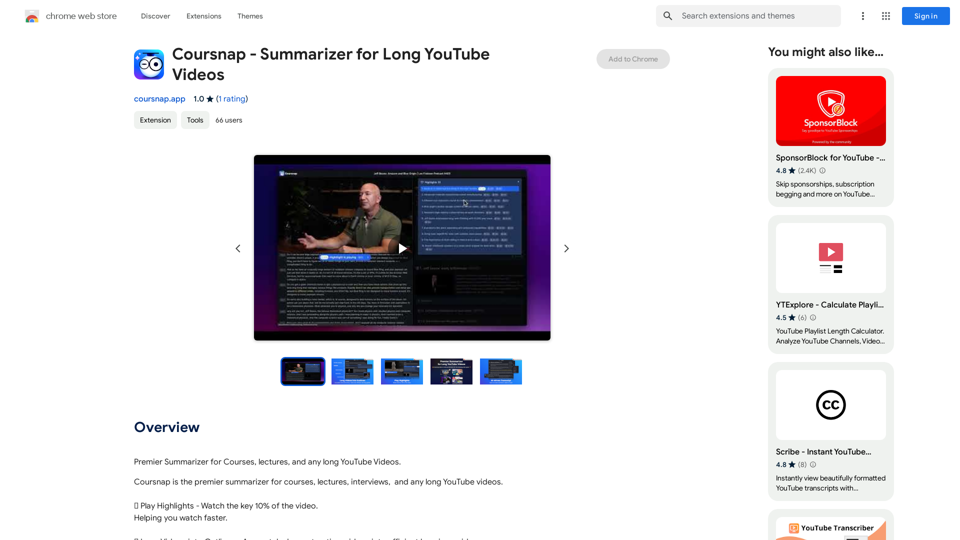
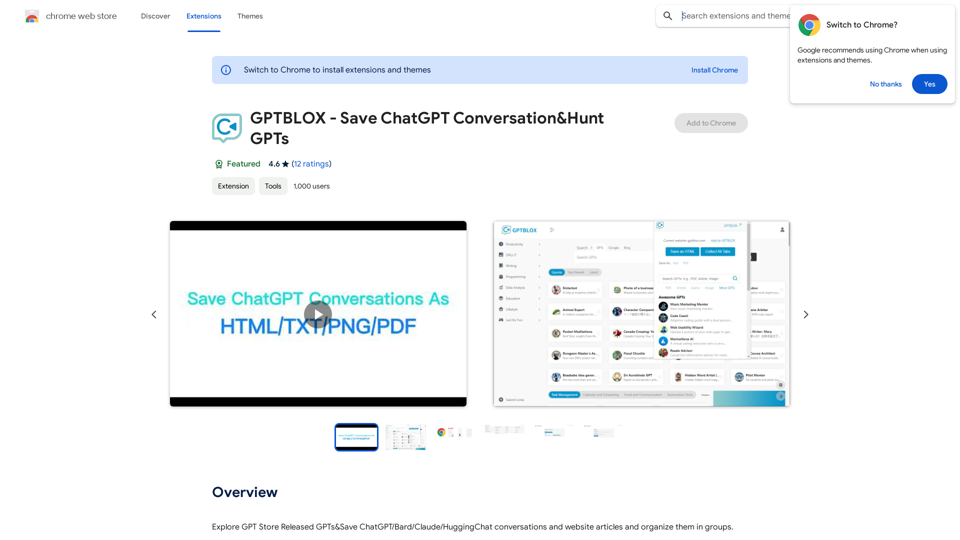
Discover the Power of GPT Store: Explore, Save, and Organize Conversations and Articles Explore the vast collection of GPTs released by the GPT Store, featuring conversations and articles from popular AI models like ChatGPT, Bard, Claude, and HuggingChat. This innovative platform allows you to: * Save conversations: Preserve valuable interactions with AI models for future reference or sharing. * Organize content: Categorize and group conversations and articles by topic, theme, or project, making it easy to access and review relevant information. Unlock the full potential of the GPT Store and streamline your workflow with its intuitive conversation and article management system.
193.90 M