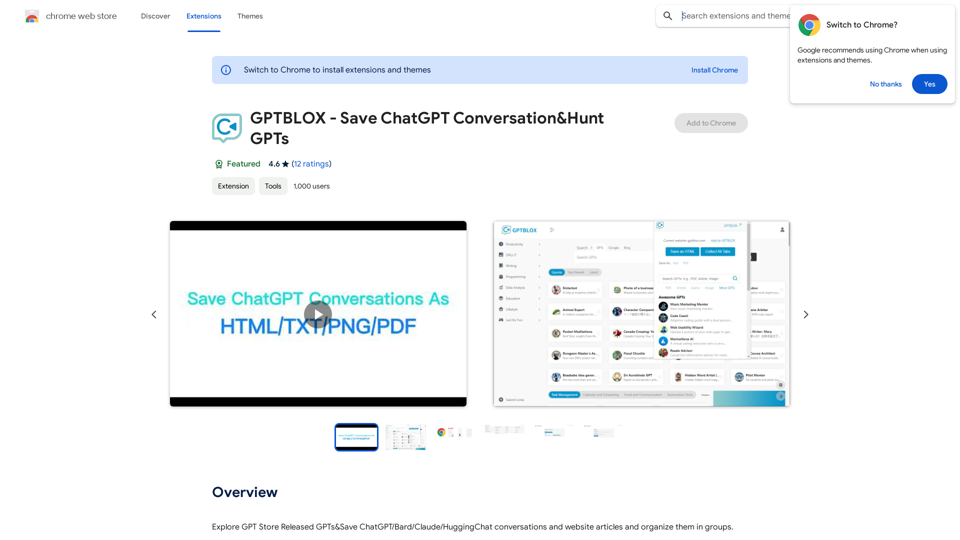
GPTBLOX is a Chrome extension designed to enhance the management of AI conversations and web content. It allows users to save and organize chats from various AI platforms like ChatGPT, Bard, Claude, and HuggingChat, as well as website articles. The extension offers multiple export formats, custom categorization, and advanced features for efficient content management.
GPTBLOX - Save ChatGPT Conversations & Hunt GPTs
Discover the Power of GPT Store: Explore, Save, and Organize Conversations and Articles
Explore the vast collection of GPTs released by the GPT Store, featuring conversations and articles from popular AI models like ChatGPT, Bard, Claude, and HuggingChat. This innovative platform allows you to:
* Save conversations: Preserve valuable interactions with AI models for future reference or sharing.
* Organize content: Categorize and group conversations and articles by topic, theme, or project, making it easy to access and review relevant information.
Unlock the full potential of the GPT Store and streamline your workflow with its intuitive conversation and article management system.
Introduction
Feature
Multi-Platform Conversation Saving
GPTBLOX supports saving conversations from multiple AI platforms:
- ChatGPT
- Bard
- Claude
- HuggingChat
Versatile Export Options
Users can save conversations in various formats:
- HTML
- TXT
- PNG
Custom Organization
- Create and manage custom groups for conversations and articles
- Easily categorize content by topic or theme
Website Article Management
- Seamlessly save and organize web articles alongside AI conversations
Advanced Backup and Restore
- Ensure data safety with robust backup and restore capabilities
Customizable Display
- Adjust layout and column views to suit individual preferences
User-Friendly Interface
- Install GPTBLOX from Chrome Web Store
- Open a new tab and navigate to GPTBLOX page
- Click "Save Conversation" button
- Choose export format
- Select or create a group
- Click "Save" to store the conversation
FAQ
Is GPTBLOX compatible with multiple ChatGPT models?
Yes, GPTBLOX supports various AI models including ChatGPT, Bard, Claude, and HuggingChat.
Can I export conversations in different formats?
Absolutely. GPTBLOX allows exporting conversations in HTML, TXT, PDF, and PNG formats.
Are there customizable display options?
Yes, GPTBLOX offers customizable display options, including layout and column views.
Is GPTBLOX free to use?
GPTBLOX is a free extension. However, it offers additional features and benefits for subscribers, such as advanced backup and restore capabilities, customizable display options, and priority support.
Related Websites
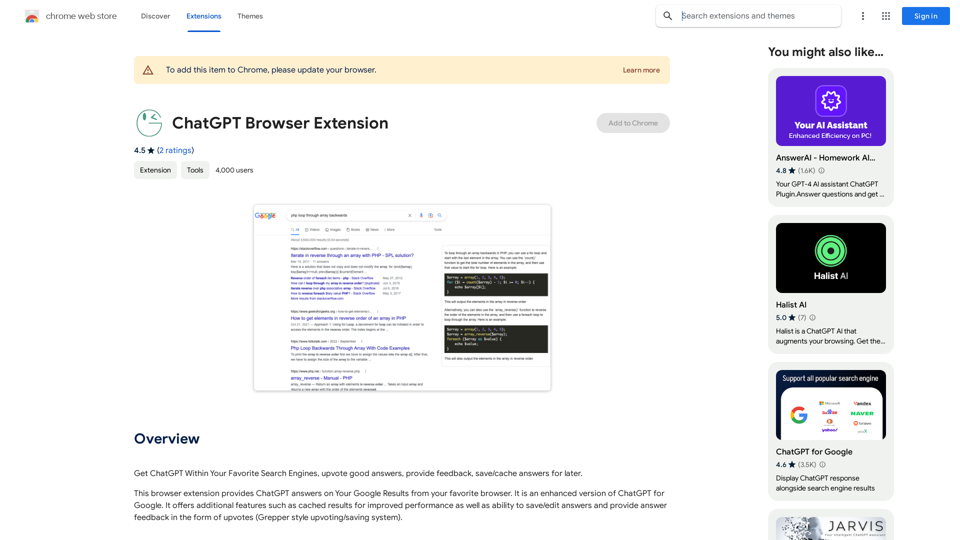
Use ChatGPT directly in your preferred search engines. Rate helpful answers, give feedback, and save or store answers for later use.
193.90 M
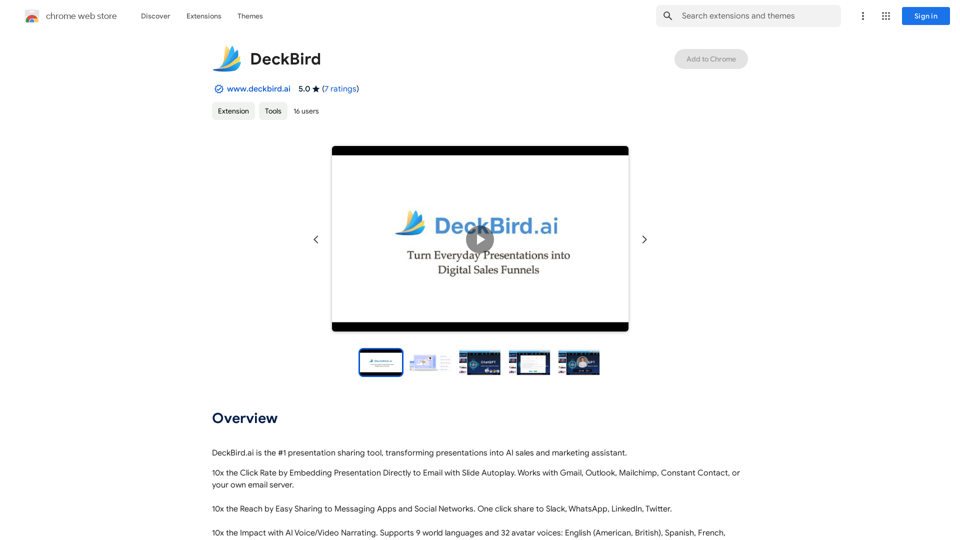
DeckBird.ai is the number one presentation sharing tool, turning presentations into an AI sales and marketing assistant.
193.90 M
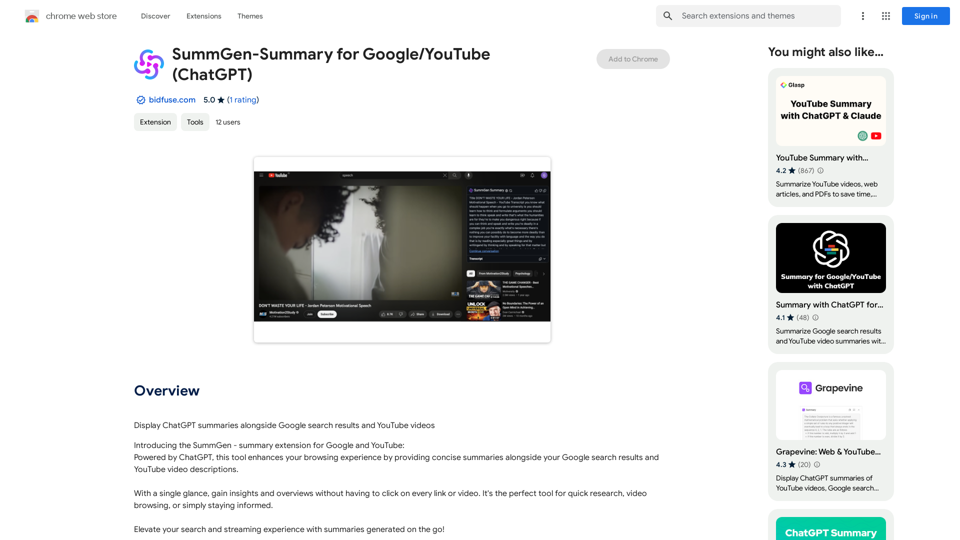
SummGen-Summary for Google/YouTube (ChatGPT) This is a summary of the capabilities and potential uses of SummGen, a text summarization model, specifically in the context of Google and YouTube. * What is SummGen? SummGen is a powerful text summarization model developed by Google DeepMind. It excels at condensing large amounts of text into concise and informative summaries. * How can SummGen be used with Google Search? Imagine searching Google for a complex topic. SummGen could analyze the top search results and generate a brief, clear summary of the key information, saving you time and effort. * Applications for YouTube: * Video Summaries: SummGen could automatically generate summaries of YouTube videos, making it easier for viewers to quickly understand the content. * Closed Captions: SummGen could enhance closed captions by providing more accurate and concise summaries of the spoken words. * Content Discovery: YouTube could use SummGen to create summaries of trending videos, helping users discover new content based on their interests. * Benefits: * Efficiency: SummGen saves time by providing concise summaries of large amounts of text. * Accessibility: Summaries can make information more accessible to people with visual or cognitive impairments. * Improved Understanding: Summaries can help users grasp complex topics more easily. SummGen has the potential to revolutionize how we interact with information on Google and YouTube, making it more efficient, accessible, and understandable.
SummGen-Summary for Google/YouTube (ChatGPT) This is a summary of the capabilities and potential uses of SummGen, a text summarization model, specifically in the context of Google and YouTube. * What is SummGen? SummGen is a powerful text summarization model developed by Google DeepMind. It excels at condensing large amounts of text into concise and informative summaries. * How can SummGen be used with Google Search? Imagine searching Google for a complex topic. SummGen could analyze the top search results and generate a brief, clear summary of the key information, saving you time and effort. * Applications for YouTube: * Video Summaries: SummGen could automatically generate summaries of YouTube videos, making it easier for viewers to quickly understand the content. * Closed Captions: SummGen could enhance closed captions by providing more accurate and concise summaries of the spoken words. * Content Discovery: YouTube could use SummGen to create summaries of trending videos, helping users discover new content based on their interests. * Benefits: * Efficiency: SummGen saves time by providing concise summaries of large amounts of text. * Accessibility: Summaries can make information more accessible to people with visual or cognitive impairments. * Improved Understanding: Summaries can help users grasp complex topics more easily. SummGen has the potential to revolutionize how we interact with information on Google and YouTube, making it more efficient, accessible, and understandable.Display ChatGPT Summaries Alongside Google Search Results and YouTube Videos This feature would allow users to see concise summaries generated by ChatGPT directly integrated with their Google search results and YouTube video pages. Imagine searching for a topic on Google and seeing a ChatGPT-generated summary at the top of the results, providing a quick overview of the key points. Or, watching a YouTube video and having a ChatGPT summary appear below, highlighting the main takeaways. This integration could significantly enhance the user experience by: * Saving time: Quickly grasp the essence of information without having to read through lengthy articles or watch entire videos. * Improving comprehension: ChatGPT summaries can rephrase complex information in a more accessible way. * Encouraging exploration: Summaries can spark curiosity and lead users to explore related content further.
193.90 M
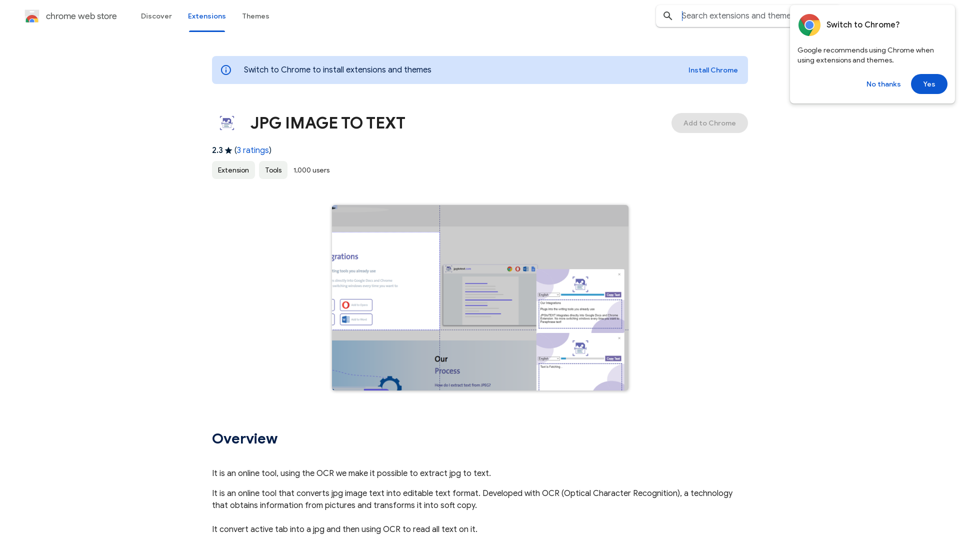
Converting JPG Images to Text Converting a JPG image to text is a process known as Optical Character Recognition (OCR). This technology enables you to extract text from images, scanned documents, and photos. Here's how to do it: Method 1: Online OCR Tools You can use online OCR tools to convert JPG images to text. Here are the steps: 1. Upload your JPG image: Go to an online OCR tool website, such as Online OCR Tools or OCR.space, and upload your JPG image. 2. Select the language: Choose the language of the text in your image. 3. Click on "Convert": The tool will convert the image to text. 4. Download the text: You can download the extracted text as a Word document, PDF, or plain text file. Method 2: Google Drive You can also use Google Drive to convert JPG images to text. Here's how: 1. Upload your JPG image: Upload your JPG image to Google Drive. 2. Right-click on the image: Right-click on the uploaded image and select "Open with" > "Google Docs". 3. The image will be converted: Google Docs will automatically convert the image to text. 4. Edit and download: You can edit the extracted text and download it as a Word document or PDF. Method 3: Adobe Acrobat If you have Adobe Acrobat installed on your computer, you can use it to convert JPG images to text. Here's how: 1. Open Adobe Acrobat: Open Adobe Acrobat on your computer. 2. Create a new document: Create a new document and click on "Tools" > "Recognize Text". 3. Select the image: Select the JPG image you want to convert. 4. Click on "Recognize": Adobe Acrobat will convert the image to text. 5. Edit and save: You can edit the extracted text and save it as a Word document or PDF. These are the three methods to convert JPG images to text. Choose the method that works best for you!
Converting JPG Images to Text Converting a JPG image to text is a process known as Optical Character Recognition (OCR). This technology enables you to extract text from images, scanned documents, and photos. Here's how to do it: Method 1: Online OCR Tools You can use online OCR tools to convert JPG images to text. Here are the steps: 1. Upload your JPG image: Go to an online OCR tool website, such as Online OCR Tools or OCR.space, and upload your JPG image. 2. Select the language: Choose the language of the text in your image. 3. Click on "Convert": The tool will convert the image to text. 4. Download the text: You can download the extracted text as a Word document, PDF, or plain text file. Method 2: Google Drive You can also use Google Drive to convert JPG images to text. Here's how: 1. Upload your JPG image: Upload your JPG image to Google Drive. 2. Right-click on the image: Right-click on the uploaded image and select "Open with" > "Google Docs". 3. The image will be converted: Google Docs will automatically convert the image to text. 4. Edit and download: You can edit the extracted text and download it as a Word document or PDF. Method 3: Adobe Acrobat If you have Adobe Acrobat installed on your computer, you can use it to convert JPG images to text. Here's how: 1. Open Adobe Acrobat: Open Adobe Acrobat on your computer. 2. Create a new document: Create a new document and click on "Tools" > "Recognize Text". 3. Select the image: Select the JPG image you want to convert. 4. Click on "Recognize": Adobe Acrobat will convert the image to text. 5. Edit and save: You can edit the extracted text and save it as a Word document or PDF. These are the three methods to convert JPG images to text. Choose the method that works best for you!It is an online tool that uses Optical Character Recognition (OCR) to make it possible to extract text from images in JPG format.
193.90 M
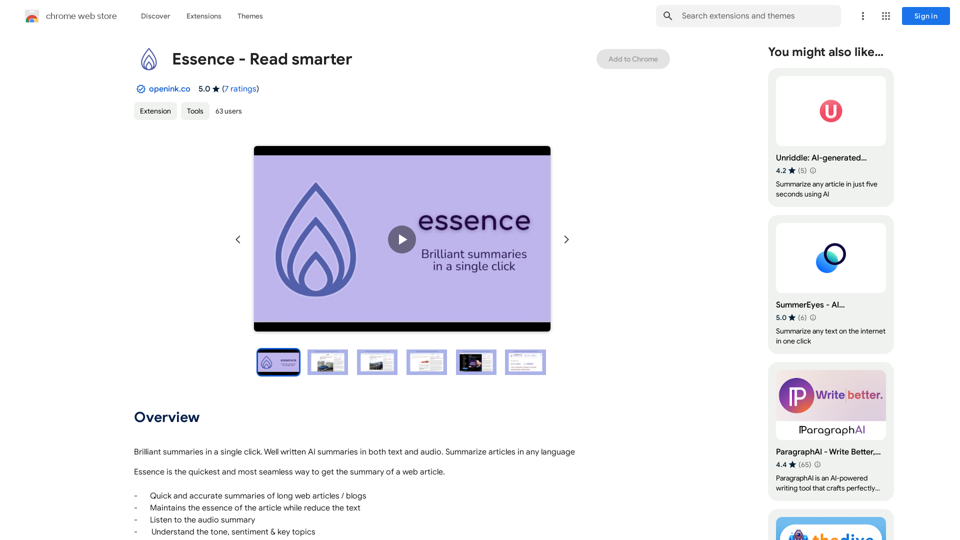
Brilliant summaries in a single click. Well written AI summaries in both text and audio. Summarize articles in any language.
193.90 M
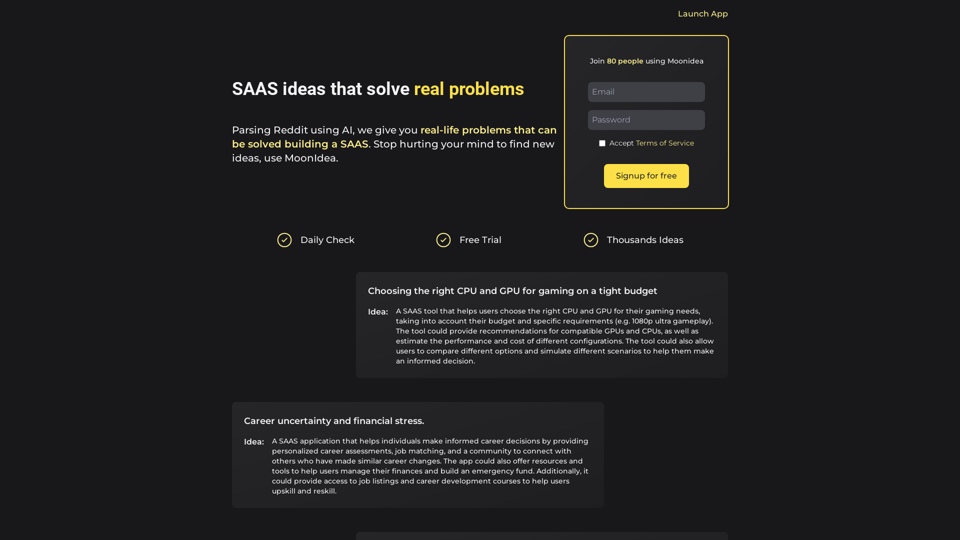
Moonidea AI-powered SaaS idea generation using Reddit threads.
Moonidea AI-powered SaaS idea generation using Reddit threads.Moonidea is an AI-powered software-as-a-service (SaaS) idea generation platform. It uses Reddit discussions to find real-world problems that could be solved by creating a new SaaS product.
0
ChatGPT Partner - Your Artificial Intelligence Assistant
ChatGPT Partner - Your Artificial Intelligence AssistantYour GPT-4 AI assistant. It can answer any complex questions and also help you find answers in search engines.
193.90 M