OCR Text Recognition is an advanced AI-powered platform that specializes in text recognition and image understanding. It offers a comprehensive solution for extracting text from various sources, including images, screenshots, and PDF files. This versatile tool caters to a wide range of needs in work, study, and daily life, making text extraction and image analysis more accessible and efficient.
Optical Character Recognition
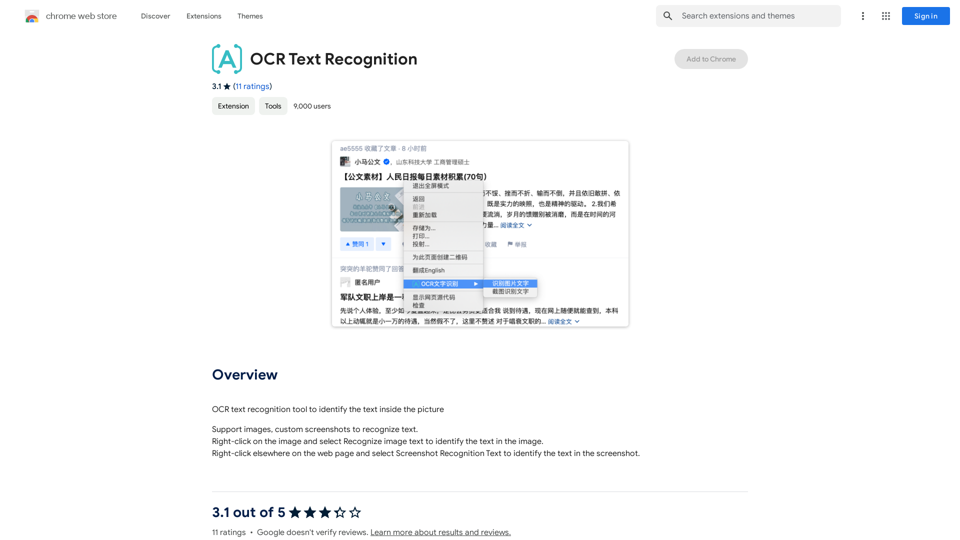
Optical Character Recognition (OCR) tool to recognize the text within an image.
Introduction
Feature
Versatile Input Support
OCR Text Recognition accepts multiple input formats, including:
- Images
- Custom screenshots
- PDF files
This flexibility allows users to extract text from various sources effortlessly.
Free OCR Tools Submission
The platform provides free access to OCR tools, enabling users to:
- Recognize text from images
- Extract text from videos
- Identify text in PDF files
This feature ensures that users can perform text recognition tasks without incurring additional costs.
User-Friendly Interface
OCR Text Recognition boasts a simple and intuitive interface, making it easy for users to:
- Right-click on images to recognize text
- Use "Screenshot Recognition Text" for capturing and analyzing text from web pages
- Navigate through the platform's features effortlessly
Text-to-Image Generation
In addition to text recognition, the platform offers:
- Capability to create images from text
- Integration with GPT-4o for enhanced creative experiences
Extensive OCR Model Library
OCR Text Recognition provides access to:
- Nearly 200,000 OCR models
- Wide variety of applications for work, study, and daily life
- Free usage without subscription requirements
Daily Free Usage
Users can benefit from:
- Daily free uses of the platform
- Exploration of various AI-powered tools
- Support for multiple tasks without additional costs
FAQ
What types of files does OCR Text Recognition support?
OCR Text Recognition supports:
- Images
- Custom screenshots
- PDF files
How do I use OCR Text Recognition on a web page?
To use OCR Text Recognition on a web page:
- Right-click on an image and select "Recognize image text"
- Right-click elsewhere on the page and choose "Screenshot Recognition Text"
How many OCR models are available on the platform?
OCR Text Recognition offers nearly 200,000 OCR models for various applications.
Is a subscription required to use OCR Text Recognition?
No, you can freely use the OCR tools without a subscription. However, if you need more than 20 OCR conversations per day, a subscription may be beneficial.
Does OCR Text Recognition use user information for training data?
No, OCR Text Recognition values user privacy and does not use user data for training purposes. Users can delete their accounts and all associated data at any time.
Can OCR Text Recognition generate images?
Yes, OCR Text Recognition offers text-to-image generation capabilities, allowing users to create images based on text input.
Related Websites
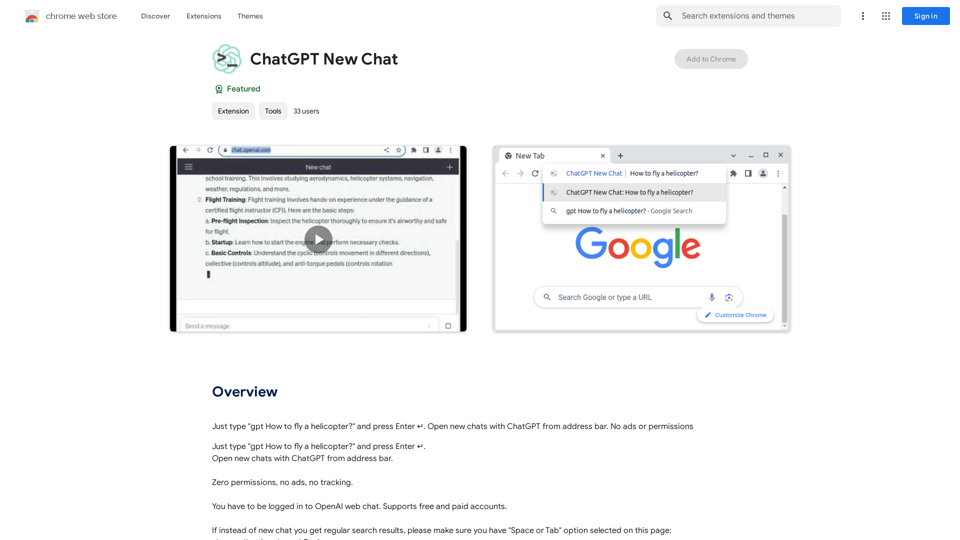
Just type "gpt How to fly a helicopter?" and press Enter ↵. Open new chats with ChatGPT from address bar. No ads or permissions
193.90 M
Free AI Face Swapper supports single photo face swaps, multiple photo face swaps, and video face swaps!
193.90 M
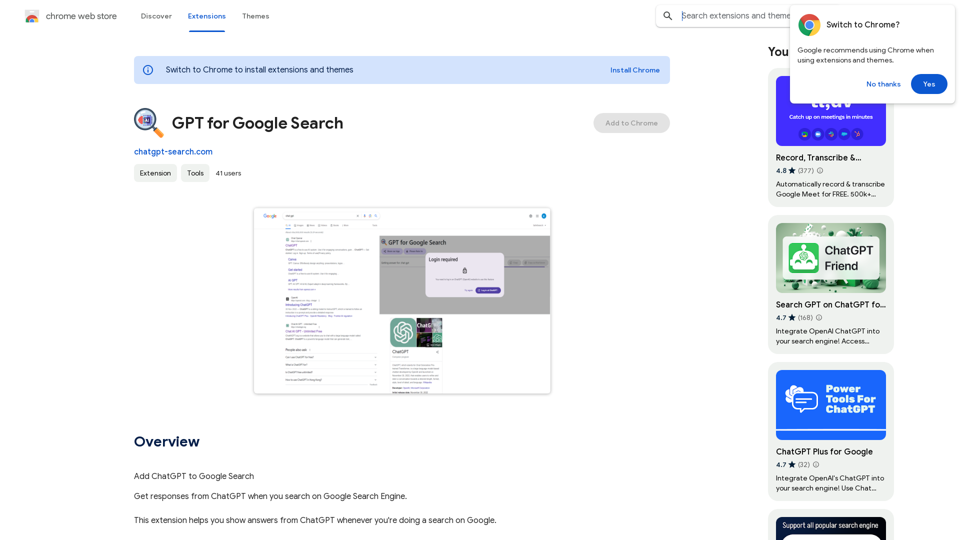
GPT for Google Search * What is GPT? GPT stands for Generative Pre-trained Transformer. It's a type of artificial intelligence (AI) that can understand and generate human-like text. * How could GPT improve Google Search? GPT could help Google Search in several ways: * Better understanding of natural language: GPT is trained on massive amounts of text data, allowing it to understand complex and nuanced search queries. * More conversational search experience: GPT could enable users to interact with Google Search in a more natural, conversational way. * Summarizing search results: GPT could condense large amounts of information from search results into concise summaries. * Generating different creative text formats: GPT could help users find information in new and interesting ways, such as generating poems, code, scripts, musical pieces, email, letters, etc., based on their search queries. * Challenges and Considerations: While GPT offers exciting possibilities, there are also challenges to consider: * Accuracy and bias: GPT models can sometimes generate inaccurate or biased information. It's crucial to ensure that GPT-powered search results are reliable and unbiased. * Transparency and explainability: It can be difficult to understand how GPT arrives at its results. Making GPT's decision-making process more transparent is important for building trust. * Ethical implications: The use of GPT in search raises ethical questions about the potential for misuse, such as generating harmful content or manipulating search results.
GPT for Google Search * What is GPT? GPT stands for Generative Pre-trained Transformer. It's a type of artificial intelligence (AI) that can understand and generate human-like text. * How could GPT improve Google Search? GPT could help Google Search in several ways: * Better understanding of natural language: GPT is trained on massive amounts of text data, allowing it to understand complex and nuanced search queries. * More conversational search experience: GPT could enable users to interact with Google Search in a more natural, conversational way. * Summarizing search results: GPT could condense large amounts of information from search results into concise summaries. * Generating different creative text formats: GPT could help users find information in new and interesting ways, such as generating poems, code, scripts, musical pieces, email, letters, etc., based on their search queries. * Challenges and Considerations: While GPT offers exciting possibilities, there are also challenges to consider: * Accuracy and bias: GPT models can sometimes generate inaccurate or biased information. It's crucial to ensure that GPT-powered search results are reliable and unbiased. * Transparency and explainability: It can be difficult to understand how GPT arrives at its results. Making GPT's decision-making process more transparent is important for building trust. * Ethical implications: The use of GPT in search raises ethical questions about the potential for misuse, such as generating harmful content or manipulating search results.Add ChatGPT to Google Search This is a popular idea! Many people think it would be amazing to have the power of ChatGPT directly integrated into Google Search. Imagine being able to ask Google a complex question and getting a clear, concise, and human-like response generated by ChatGPT. It could revolutionize how we search for information and interact with the web.
193.90 M
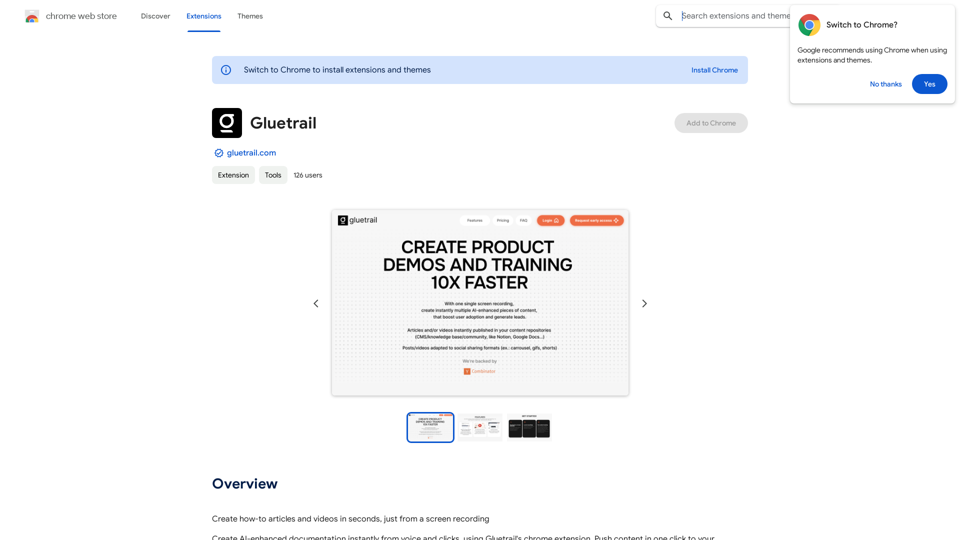
Turn Screen Recordings into How-To Content in Seconds! Tired of spending hours editing videos for tutorials? Introducing [Your Product Name]! Our revolutionary tool lets you instantly transform your screen recordings into professional-looking how-to articles and videos. Here's how it works: 1. Record your screen: Capture your steps clearly and concisely. 2. Upload to [Your Product Name]: Our AI does the heavy lifting. 3. Get your content: Choose from automatically generated articles or polished videos, ready to share! [Your Product Name] is perfect for: * Educators: Create engaging online lessons. * Businesses: Train employees efficiently. * YouTubers: Boost your content creation speed. Stop wasting time editing. Start creating with [Your Product Name]!
193.90 M
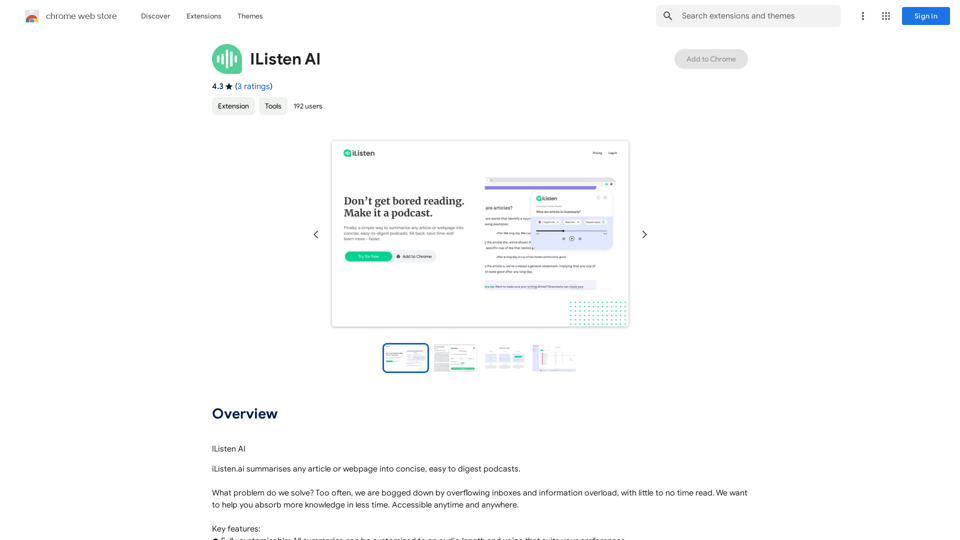
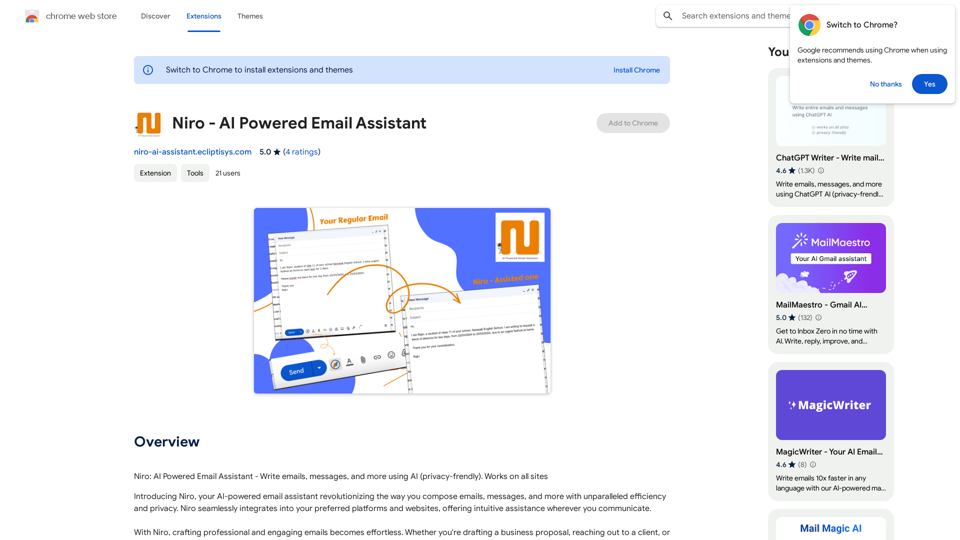
Niro: AI Powered Email Assistant - Write emails, messages, and more using AI (privacy-friendly). Works on all sites
193.90 M