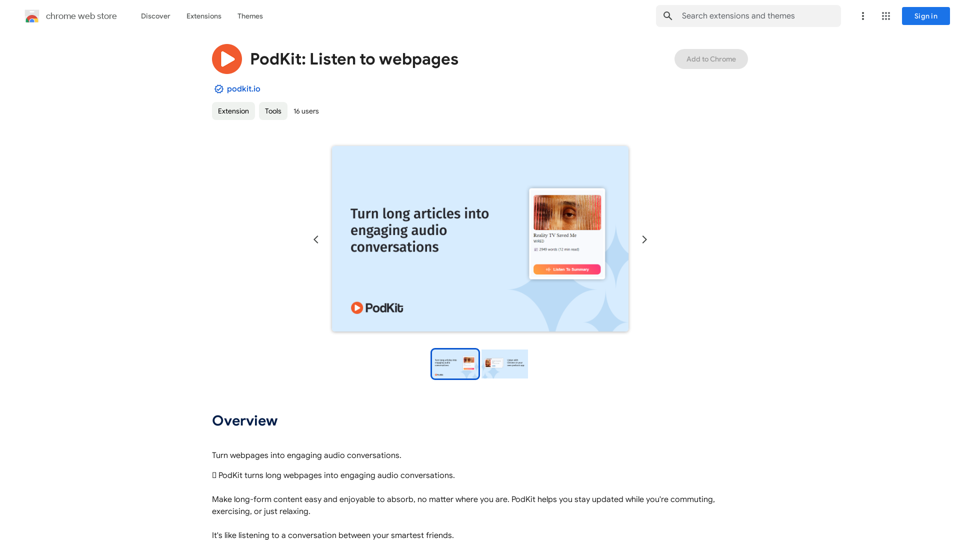
PodKit is an AI-powered platform that transforms lengthy webpages into concise audio conversations. This innovative tool allows users to stay informed while on the move, whether commuting, exercising, or relaxing. PodKit converts webpages into audio summaries, making information absorption and retention effortless.
PodKit: Listen to Web Pages
Turn webpages into engaging audio conversations.
Introduction
Feature
5-minute Audio Summaries
PodKit's advanced AI technology delivers accurate and concise summaries of webpages, focusing on essential information without unnecessary details.
Versatile Content Conversion
Convert various long-form content types into audio, including:
- Blog posts
- News articles
- Wikipedia pages
- YouTube videos (2-hour lectures into 5-minute summaries)
Interactive Q&A Session
After the summary, two AI speakers discuss key points through a series of questions and answers, enhancing comprehension of the text.
Advanced Text-to-Speech (TTS)
Two natural-sounding AI voices present the webpage summary in a lifelike manner, creating an engaging listening experience.
Flexible Listening Options
Listen to audio summaries via:
- Chrome extension
- PodKit website
- Any podcast app on mobile devices
Free Full-Text TTS
Access free full-text audio of webpages using your device's built-in system voice.
FAQ
How does PodKit work?
PodKit utilizes AI to transform lengthy articles into brief, engaging audio conversations between two virtual speakers, providing key takeaways without excess information.
Who is PodKit designed for?
PodKit's audio summaries are ideal for:
- Students
- Researchers
- Information workers
- Individuals with extensive reading lists but limited time
What is the typical length of a PodKit episode?
Episodes are approximately 3-5 minutes long, offering quick summaries of articles.
Which languages does PodKit support?
Currently, PodKit only supports English, with plans to expand language options in the future.
How much does PodKit cost?
PodKit offers credit packs:
- 50 credits
- 150 credits
- 350 credits
Unused credits never expire. One credit generates one episode, with longer webpages (1500+ words) potentially requiring additional credits.
Is there a free trial available?
Yes, new users receive 10 free credits upon signing up to try PodKit's features.
Related Websites
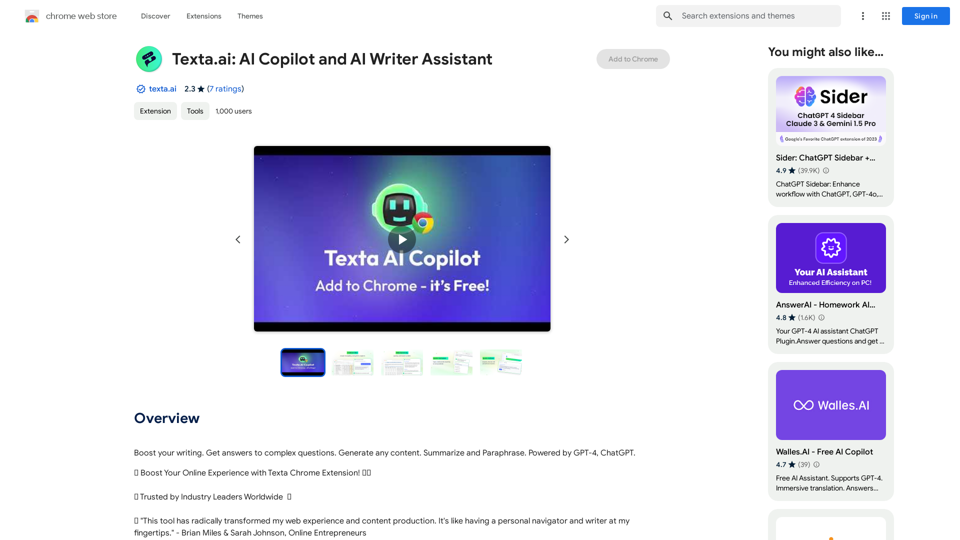
Boost your writing. Get answers to complex questions. Generate any content. Summarize and Paraphrase. Powered by GPT-4, ChatGPT.
193.90 M
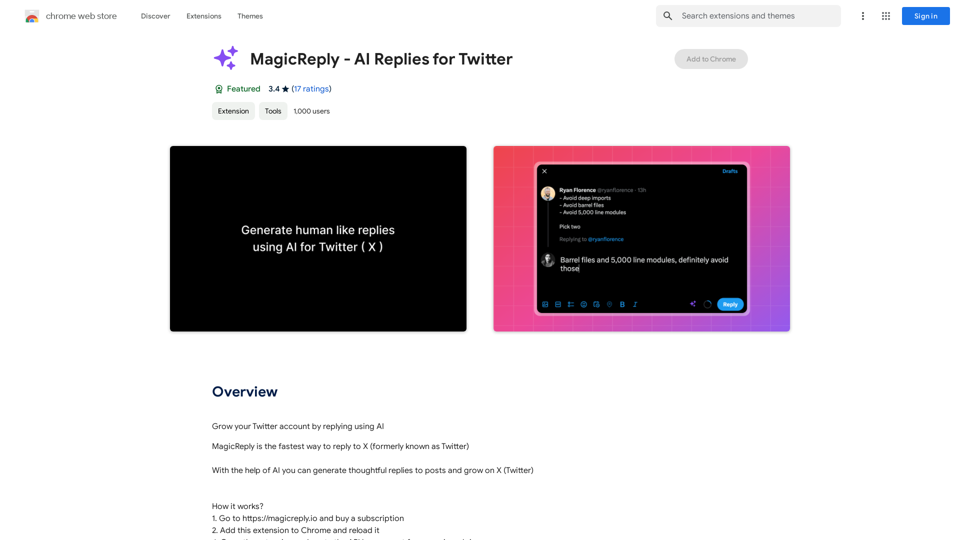
Grow Your Twitter Account by Replying Using AI Are you tired of manually responding to tweets and struggling to grow your Twitter account? Do you want to increase your online presence and engage with your audience more efficiently? Look no further! This article will show you how to grow your Twitter account by replying using AI. What is AI-powered Twitter reply? AI-powered Twitter reply is a technology that uses artificial intelligence to automatically respond to tweets. This innovative tool analyzes the content of incoming tweets and generates a relevant response based on the context. With AI-powered Twitter reply, you can save time and effort while increasing your online engagement. Benefits of using AI-powered Twitter reply 1. Increased efficiency Manually responding to tweets can be time-consuming, especially if you have a large following. AI-powered Twitter reply automates the process, allowing you to focus on other important tasks. 2. Improved engagement AI-powered Twitter reply helps you respond to tweets quickly, which increases the chances of starting a conversation and building relationships with your followers. 3. Personalized responses AI-powered Twitter reply can be customized to fit your brand's voice and tone, ensuring that your responses are personalized and consistent. 4. Scalability As your Twitter account grows, AI-powered Twitter reply can handle a large volume of tweets, ensuring that you never miss a response. How to use AI-powered Twitter reply 1. Choose an AI-powered Twitter reply tool There are several AI-powered Twitter reply tools available, such as [Tool 1], [Tool 2], and [Tool 3]. Research and choose the one that best fits your needs. 2. Set up your AI-powered Twitter reply Once you've chosen a tool, set it up by connecting your Twitter account and customizing your responses. 3. Monitor and adjust Monitor your AI-powered Twitter reply's performance and adjust the settings as needed to ensure that your responses are relevant and engaging. Conclusion Growing your Twitter account requires consistent engagement and timely responses. AI-powered Twitter reply is a game-changer that can help you achieve this goal. By automating your responses, you can increase efficiency, improve engagement, and personalize your interactions. Try AI-powered Twitter reply today and watch your Twitter account thrive!
193.90 M
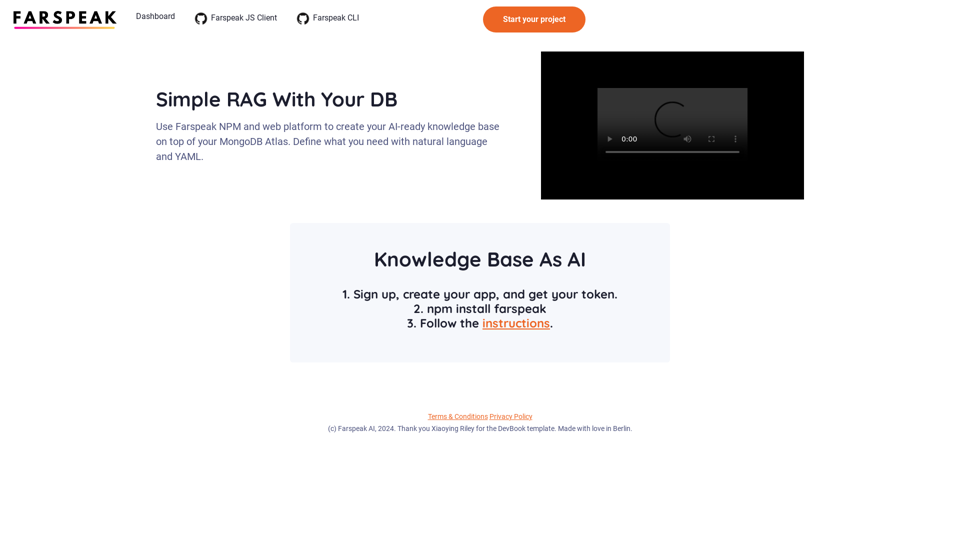
Farspeak is a Gen AI platform made for building apps. It makes it easy to create AI-powered knowledge bases and connect them to your MongoDB Atlas database.
0
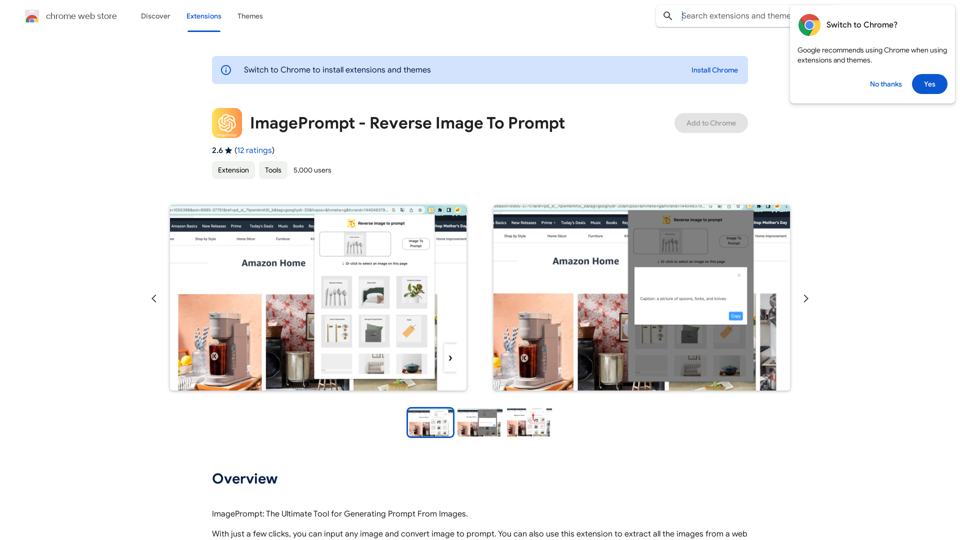
ImagePrompt - Reverse Image To Prompt This tool takes an image as input and generates a textual description (prompt) that can be used to recreate the image using text-to-image AI models.
ImagePrompt - Reverse Image To Prompt This tool takes an image as input and generates a textual description (prompt) that can be used to recreate the image using text-to-image AI models.ImagePrompt: The Ultimate Tool for Generating Prompts From Images.
193.90 M
![AIScraper
This is a Python library for scraping data from websites that use the Amazon Interactive Search (AIS) API.
Features:
* Easy to use: Simply provide a search query and the library will return a list of product results.
* Flexible: You can customize your scraping by specifying filters, such as price range, brand, and category.
* Efficient: The library uses asynchronous requests to speed up the scraping process.
* Reliable: The library is designed to handle rate limits and other website restrictions.
Installation:
```bash
pip install aiscraper
```
Usage:
```python
from aiscraper import AIScraper
Create an instance of the AIScraper class
scraper = AIScraper()
Perform a search for "laptops"
results = scraper.search("laptops")
Print the product titles
for result in results:
print(result["title"])
```
Documentation:
https://github.com/aiscraper/aiscraper](https://static.right-ai.com/tools/2024/7/4/chromewebstore-google-com-detail-aiscraper-mfjniiodgjhlmleaakofgijfccdgppbc-thumbnail-1720072105.png "AIScraper
This is a Python library for scraping data from websites that use the Amazon Interactive Search (AIS) API.
Features:
* Easy to use: Simply provide a search query and the library will return a list of product results.
* Flexible: You can customize your scraping by specifying filters, such as price range, brand, and category.
* Efficient: The library uses asynchronous requests to speed up the scraping process.
* Reliable: The library is designed to handle rate limits and other website restrictions.
Installation:
```bash
pip install aiscraper
```
Usage:
```python
from aiscraper import AIScraper
Create an instance of the AIScraper class
scraper = AIScraper()
Perform a search for \"laptops\"
results = scraper.search(\"laptops\")
Print the product titles
for result in results:
print(result[\"title\"])
```
Documentation:
https://github.com/aiscraper/aiscraper")
AIScraper This is a Python library for scraping data from websites that use the Amazon Interactive Search (AIS) API. Features: * Easy to use: Simply provide a search query and the library will return a list of product results. * Flexible: You can customize your scraping by specifying filters, such as price range, brand, and category. * Efficient: The library uses asynchronous requests to speed up the scraping process. * Reliable: The library is designed to handle rate limits and other website restrictions. Installation: ```bash pip install aiscraper ``` Usage: ```python from aiscraper import AIScraper Create an instance of the AIScraper class scraper = AIScraper() Perform a search for "laptops" results = scraper.search("laptops") Print the product titles for result in results: print(result["title"]) ``` Documentation: https://github.com/aiscraper/aiscraper
AIScraper This is a Python library for scraping data from websites that use the Amazon Interactive Search (AIS) API. Features: * Easy to use: Simply provide a search query and the library will return a list of product results. * Flexible: You can customize your scraping by specifying filters, such as price range, brand, and category. * Efficient: The library uses asynchronous requests to speed up the scraping process. * Reliable: The library is designed to handle rate limits and other website restrictions. Installation: ```bash pip install aiscraper ``` Usage: ```python from aiscraper import AIScraper Create an instance of the AIScraper class scraper = AIScraper() Perform a search for "laptops" results = scraper.search("laptops") Print the product titles for result in results: print(result["title"]) ``` Documentation: https://github.com/aiscraper/aiscraperWeb scraper, powered by AI! Collect structured data from web pages in just a few clicks! What's new 🔹Simplified data collection…
193.90 M
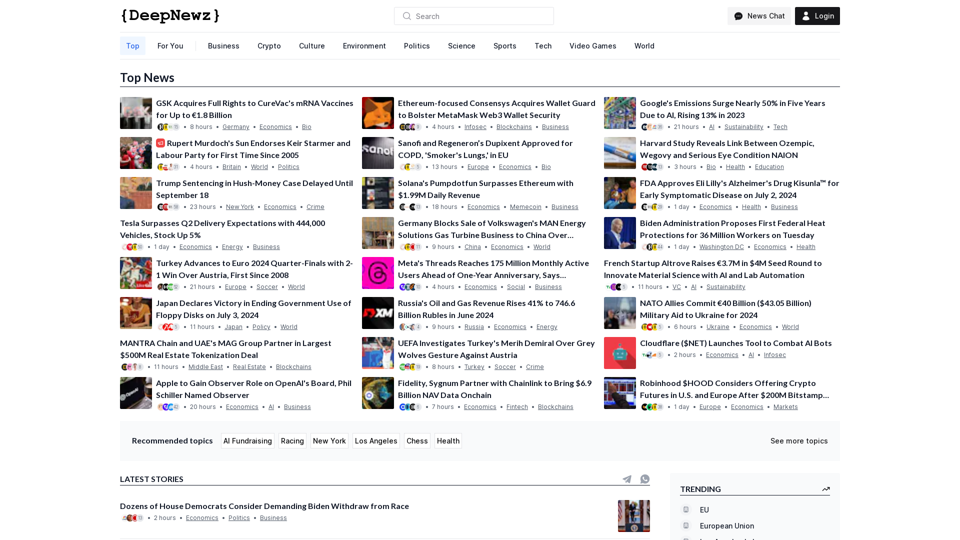
Find the latest top stories spanning all industries, from technology giants like OpenAI and Nvidia to pop culture updates featuring Taylor Swift and Ice Spice, alongside coverage of political figures like Joe Biden and Donald Trump and economic insights on major companies such as Facebook, Apple, and Google.
38.98 K