Open-source RightAI Tools Directory
  • Discover AI
  • Submit
  • Startup
  • Blog
Open-source RightAI Tools Directory
Discover the best AI tools of 2025 with the RightAI Tools Directory!

Friend Links

AI Anime GeneratorToolsApp AI

Support

Tap4
Privacy policyTerms & ConditionsContact Us
Loading...
loading...

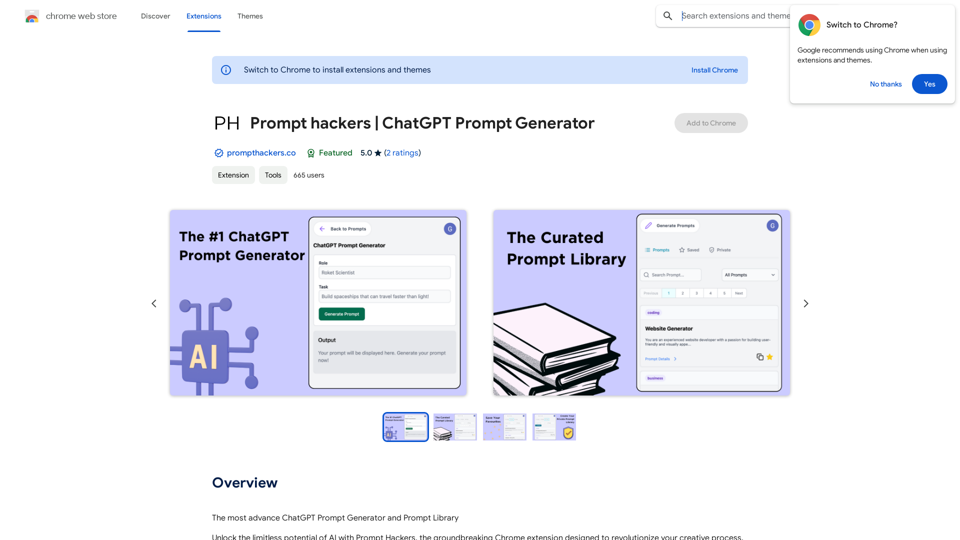
Prompt Hackers ===================== Generate creative and effective prompts to get the most out of your language model.

The Most Advanced ChatGPT Prompt Generator and Prompt Library
Visit Website
Prompt Hackers
=====================

Generate creative and effective prompts to get the most out of your language model.
Visit Website

Introduction

Prompt Hackers is a Chrome extension designed to enhance creativity and productivity by providing a vast collection of curated prompts across various categories. It offers an AI-powered prompt generator, a library of verified high-quality prompts, and features to save and organize favorite prompts. This tool is ideal for content creators, problem solvers, and anyone seeking inspiration to streamline their workflow and boost their creative output.

Feature

Curated Prompt Library

Prompt Hackers offers an extensive library of professionally curated prompts covering a wide range of categories, including business, writing, coding, and education.

Verified Prompts

All prompts in the library are rigorously vetted for quality, ensuring users have access to only the best prompts for their projects.

AI Prompt Generator

The extension harnesses AI technology to generate creative prompts tailored to specific needs. Users can input a "Role" and "Task," and the AI will create a custom prompt.

Save Favorites

Users can easily organize and manage their preferred prompts, building a personal collection for frequent use.

Private Prompt Library

A secure feature allows users to create a private library of prompts, keeping valuable ideas confidential.

Time-Saving Tool

Prompt Hackers helps users save time and effort by providing pre-written, high-quality prompts.

Quality Improvement

The tool aids in generating more creative, informative, and engaging content, improving overall work quality.

Productivity Boost

By streamlining the ideation process, Prompt Hackers helps users complete tasks faster and more efficiently.

Regular Updates

The extension is constantly updated with new prompts and features, ensuring users have access to the latest resources.

FAQ

What is Prompt Hackers?

Prompt Hackers is a Chrome extension that provides a curated collection of prompts for AI-powered creativity, designed to revolutionize the creative process across various fields.

How does Prompt Hackers work?

The extension uses AI to generate creative prompts tailored to specific needs and provides a library of verified, high-quality prompts. Users can access, save, and organize prompts for various projects.

What are the benefits of using Prompt Hackers?

Benefits include:

  • Time and effort savings
  • Improved work quality
  • Increased productivity
  • Access to cutting-edge prompts and features

How can I get started with Prompt Hackers?

  1. Install the Prompt Hackers Chrome extension from the Chrome Web Store
  2. Launch the extension and explore the curated prompt library
  3. Use the AI prompt generator for custom prompts
  4. Save favorite prompts for easy access
  5. Utilize the private prompt library for secure storage of valuable prompts

Is Prompt Hackers free?

Prompt Hackers is a free Chrome extension, with optional premium features available for a subscription fee.

How can I get support for Prompt Hackers?

For support, questions, suggestions, or problems, users can visit the developer's support site.

Latest Traffic Insights

  • Monthly Visits

    193.90 M

  • Bounce Rate

    56.27%

  • Pages Per Visit

    2.71

  • Time on Site(s)

    115.91

  • Global Rank

    -

  • Country Rank

    -

Recent Visits

Traffic Sources

  • Social Media:
    0.48%
  • Paid Referrals:
    0.55%
  • Email:
    0.15%
  • Referrals:
    12.81%
  • Search Engines:
    16.21%
  • Direct:
    69.81%
More Data

Related Websites

Discover the Best AI Tools List & AI Tools Directory with tyy.ai
View Detail

Discover the Best AI Tools List & AI Tools Directory with tyy.ai

Discover the Best AI Tools List & AI Tools Directory with tyy.ai

tyy.ai - Leading AI tools directory. Discover the best AI tools, apps & websites to enhance personal & business productivity and tackle any challenge!

1.58 K
Team Sync
View Detail

Team Sync

Team Sync

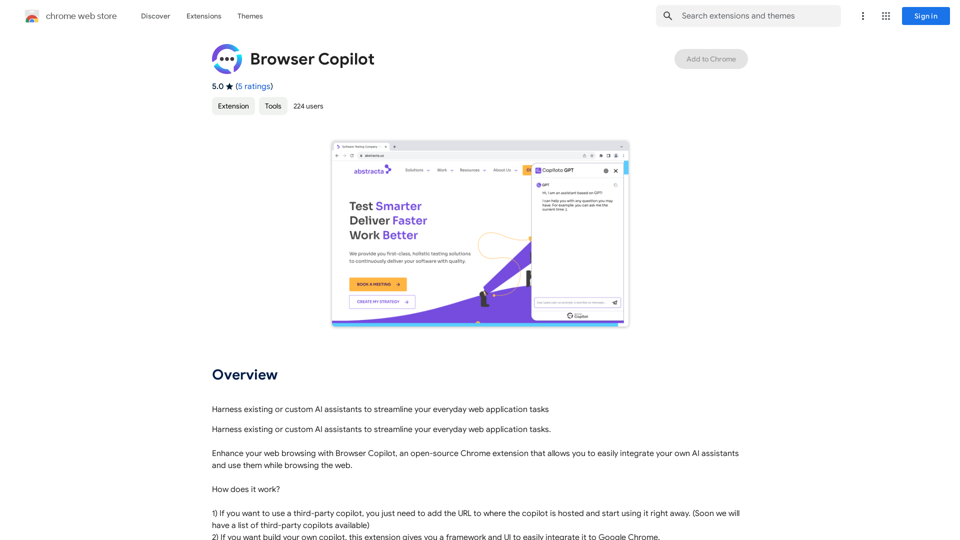
⭐ Your AI work assistant can answer any work questions you have. It integrates with collaborative work, work message notifications, to optimize your workflow and boost your productivity. ⭐ How to install Simply go to the Chrome Web Store, search for the extension, and click "Add to Chrome." Once installed, the extension will be available in your toolbar for easy access.

193.90 M
Claude to Notion

This is a guide on how to connect Claude, an AI assistant, with Notion, a note-taking and workspace app. 

Why connect Claude and Notion?

* Boost your productivity: Use Claude to generate content, summarize information, and automate tasks directly within Notion.
* Enhance your research: Ask Claude questions about your Notion notes and get insightful answers.
* Unlock new creative possibilities: Leverage Claude's generative capabilities to brainstorm ideas, write stories, or compose emails within your Notion workspace.

How to connect Claude and Notion:

1. API Keys: Obtain an API key for both Claude and Notion. 
2. Integration Tool: Explore integration tools like Zapier or Integromat to connect Claude and Notion. These platforms allow you to create workflows that trigger actions in one app based on events in the other.
3. Custom Development: For advanced users, you can develop your own custom integration using the Claude and Notion APIs. This gives you the most flexibility but requires coding knowledge.

Example Use Cases:

* Meeting Summarization: After a meeting, paste the transcript into Notion and use Claude to generate a concise summary.
* Content Creation:  Use Claude to write blog posts, articles, or social media captions directly within your Notion pages.
* Idea Generation: Brainstorm new ideas for projects or tasks by prompting Claude with specific questions within your Notion workspace.


Remember to review the documentation and terms of service for both Claude and Notion to ensure proper usage and security.
View Detail

Claude to Notion This is a guide on how to connect Claude, an AI assistant, with Notion, a note-taking and workspace app. Why connect Claude and Notion? * Boost your productivity: Use Claude to generate content, summarize information, and automate tasks directly within Notion. * Enhance your research: Ask Claude questions about your Notion notes and get insightful answers. * Unlock new creative possibilities: Leverage Claude's generative capabilities to brainstorm ideas, write stories, or compose emails within your Notion workspace. How to connect Claude and Notion: 1. API Keys: Obtain an API key for both Claude and Notion. 2. Integration Tool: Explore integration tools like Zapier or Integromat to connect Claude and Notion. These platforms allow you to create workflows that trigger actions in one app based on events in the other. 3. Custom Development: For advanced users, you can develop your own custom integration using the Claude and Notion APIs. This gives you the most flexibility but requires coding knowledge. Example Use Cases: * Meeting Summarization: After a meeting, paste the transcript into Notion and use Claude to generate a concise summary. * Content Creation: Use Claude to write blog posts, articles, or social media captions directly within your Notion pages. * Idea Generation: Brainstorm new ideas for projects or tasks by prompting Claude with specific questions within your Notion workspace. Remember to review the documentation and terms of service for both Claude and Notion to ensure proper usage and security.

Claude to Notion This is a guide on how to connect Claude, an AI assistant, with Notion, a note-taking and workspace app. Why connect Claude and Notion? * Boost your productivity: Use Claude to generate content, summarize information, and automate tasks directly within Notion. * Enhance your research: Ask Claude questions about your Notion notes and get insightful answers. * Unlock new creative possibilities: Leverage Claude's generative capabilities to brainstorm ideas, write stories, or compose emails within your Notion workspace. How to connect Claude and Notion: 1. API Keys: Obtain an API key for both Claude and Notion. 2. Integration Tool: Explore integration tools like Zapier or Integromat to connect Claude and Notion. These platforms allow you to create workflows that trigger actions in one app based on events in the other. 3. Custom Development: For advanced users, you can develop your own custom integration using the Claude and Notion APIs. This gives you the most flexibility but requires coding knowledge. Example Use Cases: * Meeting Summarization: After a meeting, paste the transcript into Notion and use Claude to generate a concise summary. * Content Creation: Use Claude to write blog posts, articles, or social media captions directly within your Notion pages. * Idea Generation: Brainstorm new ideas for projects or tasks by prompting Claude with specific questions within your Notion workspace. Remember to review the documentation and terms of service for both Claude and Notion to ensure proper usage and security.

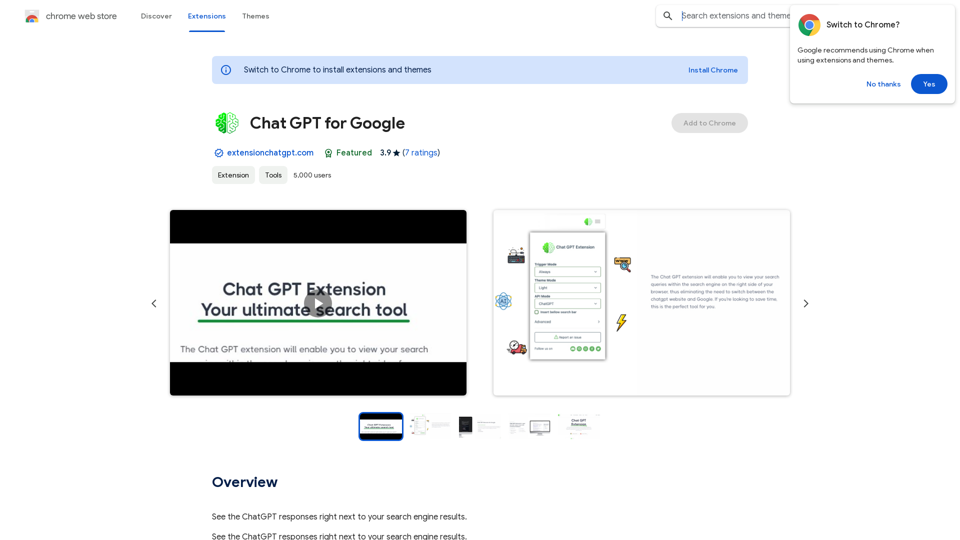
Save Claude conversations to Notion with one click. Export Claude conversations.

193.90 M
Chrome Web Store
View Detail

Chrome Web Store

Chrome Web Store

Enhance your browser with new features and customize your web browsing.

193.90 M
Get Your Best AI Tools | bestaitoolsforthat.com
View Detail

Get Your Best AI Tools | bestaitoolsforthat.com

Get Your Best AI Tools | bestaitoolsforthat.com

Discover the top AI tools of 2024 with the bestaitoolsforthat.com AI Directory! Explore the best and latest innovations in artificial intelligence technology.

0
Octoparse VOC - AI Review Research & Analysis 

This is a document outlining the research and analysis conducted on user voice (VOC) data using Octoparse's AI capabilities.
View Detail

Octoparse VOC - AI Review Research & Analysis This is a document outlining the research and analysis conducted on user voice (VOC) data using Octoparse's AI capabilities.

Octoparse VOC - AI Review Research & Analysis This is a document outlining the research and analysis conducted on user voice (VOC) data using Octoparse's AI capabilities.

AI Consumer Review Research Extension by Octoparse.

193.90 M
EclecticIQ Threat Scout
View Detail

EclecticIQ Threat Scout

EclecticIQ Threat Scout

Turn information about online dangers into data that artificial intelligence can understand and use. This data will follow the STIX 2.1 standard, so you can easily include it in your security programs.

193.90 M
Sentence Rewriter
View Detail

Sentence Rewriter

Sentence Rewriter

AI sentence and paragraph rewriter. Supports 50+ languages including English, Spanish, French, German, Hindi, Chinese, and more.

193.90 M