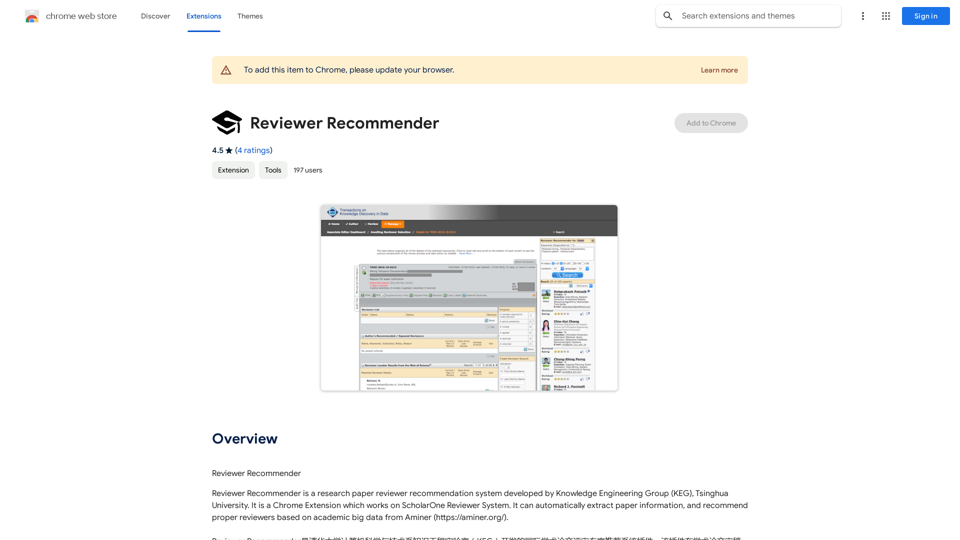
Reviewer Recommender is a Chrome Extension developed by the Knowledge Engineering Group (KEG) at Tsinghua University. It integrates with the ScholarOne Reviewer System to automate the process of recommending reviewers for research papers. By leveraging academic big data from Aminer, this tool streamlines the reviewer selection process for journal editors and academic institutions.
Reviewer Recommender
Reviewer Recommender
Introduction
Feature
Automatic Paper Information Extraction
The extension seamlessly extracts paper information, including author details, directly from the ScholarOne Reviewer System. This feature eliminates manual data entry and reduces the potential for errors.
Intelligent Reviewer Recommendation
Utilizing Aminer's extensive academic database, Reviewer Recommender suggests the most appropriate reviewers for each paper. This data-driven approach ensures a more efficient and accurate reviewer selection process.
ScholarOne Integration
Designed specifically for the ScholarOne Reviewer System, this extension seamlessly integrates into existing workflows, enhancing productivity without disrupting established processes.
User-Friendly Interface
As a Chrome Extension, Reviewer Recommender offers a simple and intuitive user experience. It can be easily installed from the Chrome Web Store and used immediately with minimal setup.
Cost-Effective Solution
Reviewer Recommender is available as a free extension, making it an accessible tool for academic institutions and journal editors of all sizes.
FAQ
Is Reviewer Recommender a paid extension?
No, Reviewer Recommender is completely free to use. There are no subscription fees or hidden costs associated with the extension.
How does Reviewer Recommender work?
Reviewer Recommender utilizes academic big data from Aminer to analyze paper information and recommend suitable reviewers. It automatically extracts paper details from ScholarOne and uses this information to suggest the most appropriate reviewers based on their expertise and research areas.
Can I use Reviewer Recommender with other reviewer systems?
No, Reviewer Recommender is specifically designed to work with the ScholarOne Reviewer System. It is not compatible with other reviewer systems at this time.
Related Websites
Create music with Suno AI for free. Download and enjoy new music today! Discover SunoCC.com and the innovative Suno AI Music Generator V3.
96.16 K
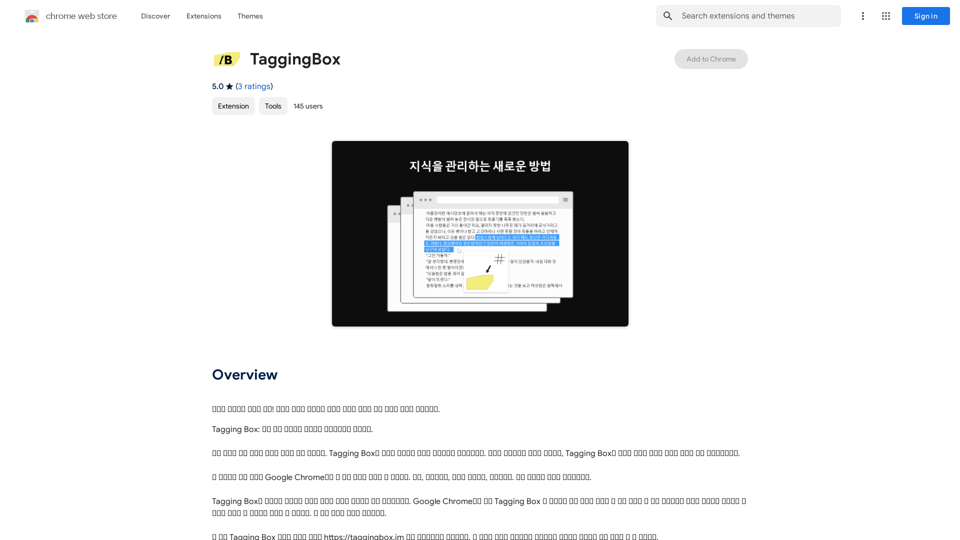
A new way to manage your knowledge! Just like sticking a sticker on an important note, we recommend the best tags for your information.
193.90 M
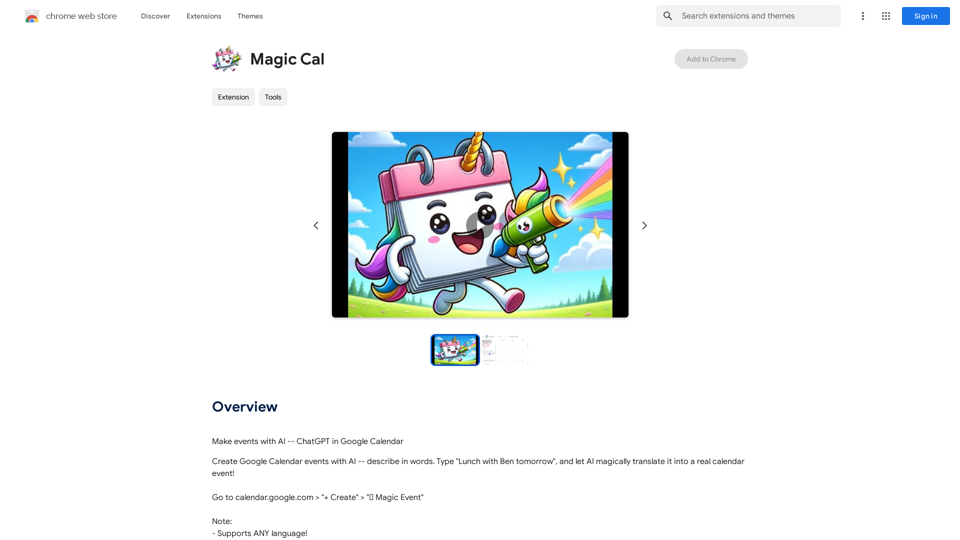
Make events with AI -- ChatGPT in Google Calendar This is a guide on how to use ChatGPT to create events in your Google Calendar. 1. Open ChatGPT and Google Calendar: * Start a new conversation in ChatGPT. * Open your Google Calendar in a separate tab or window. 2. Tell ChatGPT what you want to schedule: * Be specific about the event details, including: * Event name: (e.g., "Team Meeting") * Date and time: (e.g., "Next Tuesday at 2:00 PM") * Duration: (e.g., "1 hour") * Location: (e.g., "Conference Room") * Description: (optional, add any relevant details) 3. ChatGPT will generate a calendar event string: * ChatGPT will provide you with a text string that includes all the event details in a format suitable for Google Calendar. 4. Copy and paste the event string into Google Calendar: * Click on the "Create" button in Google Calendar. * Paste the event string generated by ChatGPT into the event details field. * Adjust any details if needed. 5. Save the event: * Click "Save" to add the event to your Google Calendar. Let me know if you have any other questions.
193.90 M
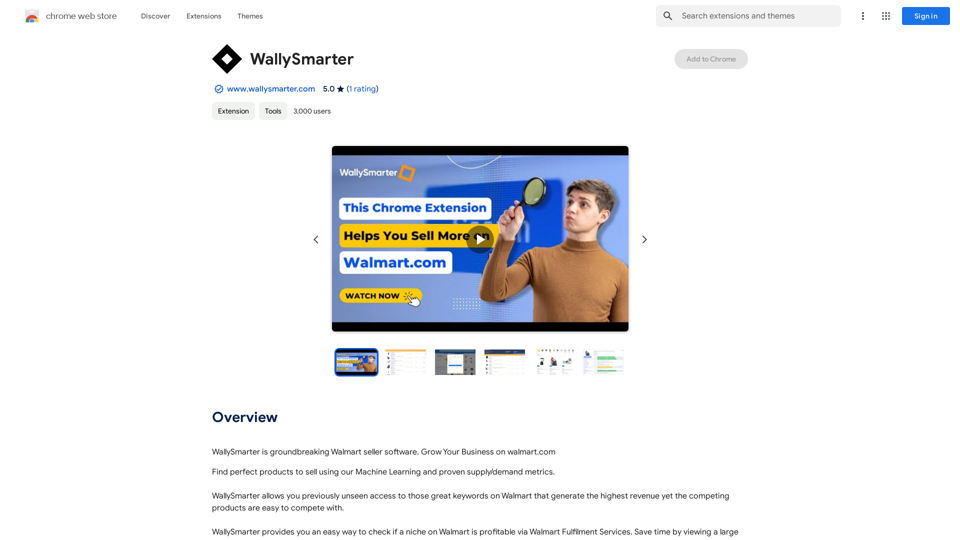
WallySmarter is groundbreaking software for selling on Walmart. Grow your business on walmart.com.
193.90 M
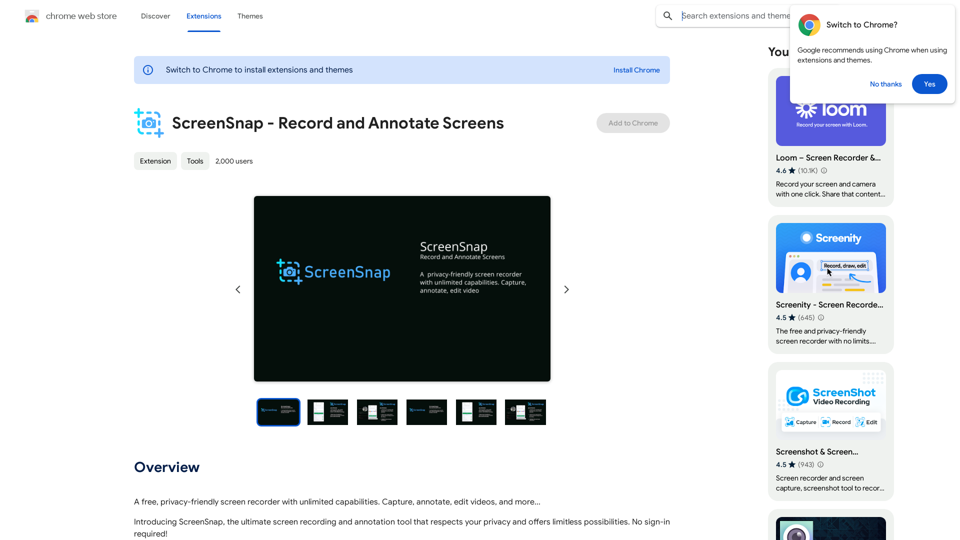
A free, privacy-friendly screen recorder with unlimited capabilities. Capture, annotate, edit videos, and more...
193.90 M