ChatGPT to Feishu is a Chrome extension that enables users to save ChatGPT conversations to Feishu with a single click. This tool enhances efficiency in learning, working, and daily management by providing a seamless integration between ChatGPT and Feishu. It's designed to be user-friendly, accurate, and reliable, catering to users who frequently interact with ChatGPT and need to store or share their conversations.
Save ChatGPT to Feishu
Save ChatGPT conversations to Feishu with one click. Export ChatGPT conversations.
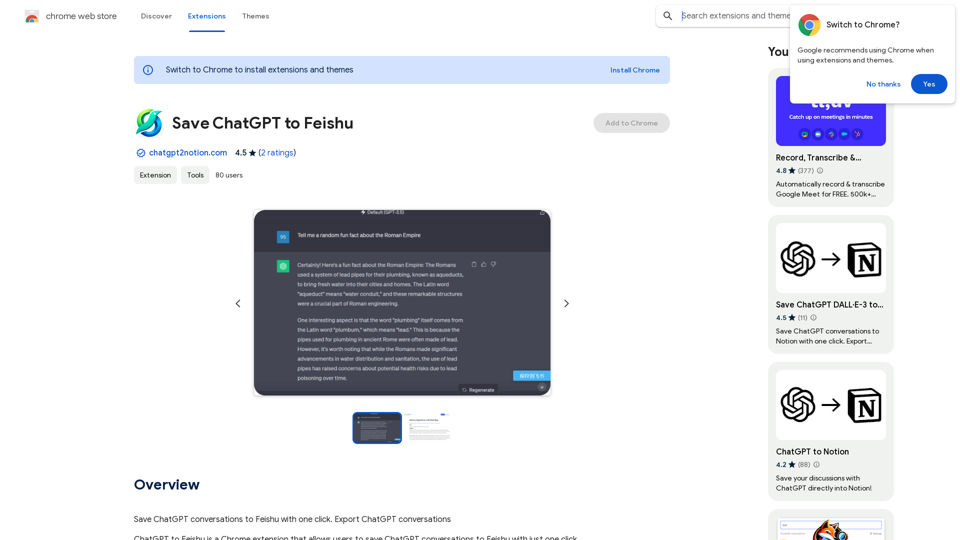
Introduction
Feature
One-Click Saving
Save entire ChatGPT conversations to Feishu effortlessly with just one click, streamlining your workflow and information management.
Easy Installation and Use
Install the extension from the Chrome Web Store and start using it immediately. The simple interface ensures a smooth user experience.
Free of Charge
ChatGPT to Feishu is completely free, with no hidden costs or subscription fees.
Multi-Platform Compatibility
While primarily designed for Feishu, the extension also supports saving conversations to other platforms like Notion and Google Meet.
Step-by-Step Usage Guide
- Install the extension
- Open ChatGPT in a new Chrome tab
- Start a conversation
- Click "Save to Feishu" in the extension toolbar
- Select your Feishu account
- Conversation saved automatically
Regular Updates and Support
The extension is regularly updated to ensure compatibility with the latest Chrome versions. FAQs and developer support are available for troubleshooting.
FAQ
Is ChatGPT to Feishu free to use?
Yes, ChatGPT to Feishu is a completely free Chrome extension. There are no subscription fees or hidden costs associated with its use.
How do I install and use ChatGPT to Feishu?
To use ChatGPT to Feishu:
- Install the extension from the Chrome Web Store
- Open ChatGPT in a new Chrome tab
- Start a conversation with ChatGPT
- Click the "Save to Feishu" button in the extension toolbar
- Select your Feishu account
- The conversation will be automatically saved to your Feishu account
Can I use this extension with platforms other than Feishu?
Yes, while primarily designed for Feishu, the extension also supports saving conversations to other platforms such as Notion and Google Meet.
Related Websites
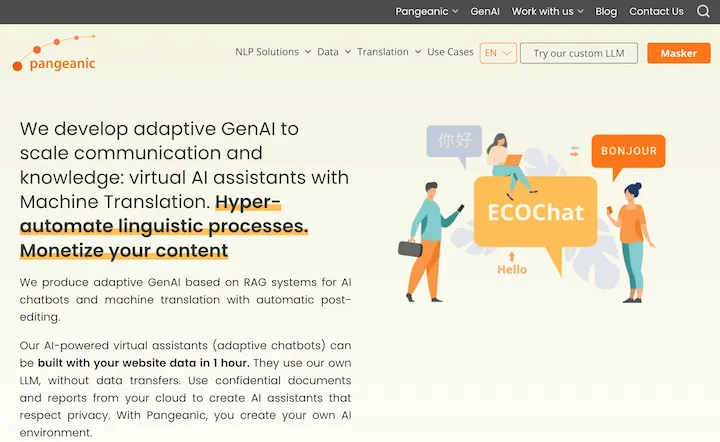
Hyper-automate linguistic services: AI assistants with your data, privacy, automatic translation with automatic post-editing, no hallucinations, human fluency
45.58 K
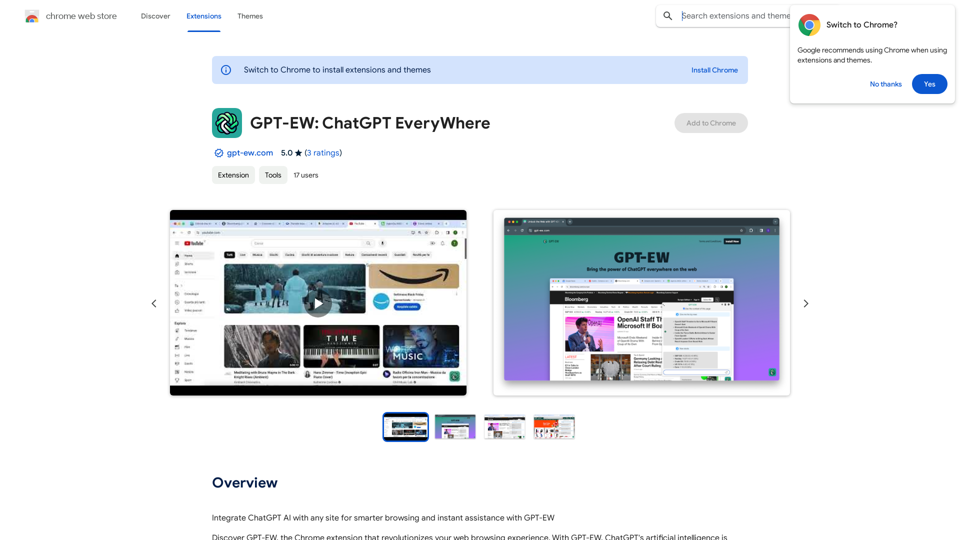
Add ChatGPT AI to Any Website for Smarter Browsing and Instant Help with GPT-EW Imagine having ChatGPT's powerful AI right there on any website you visit. That's what GPT-EW makes possible! It lets you seamlessly integrate ChatGPT into your favorite sites, giving you: * Smarter Browsing: Get instant answers to your questions about the content on the page. * Instant Assistance: Have ChatGPT help you summarize articles, translate text, or even write emails based on the information you're reading. GPT-EW unlocks a whole new level of interactivity and intelligence for your online experience.
193.90 M
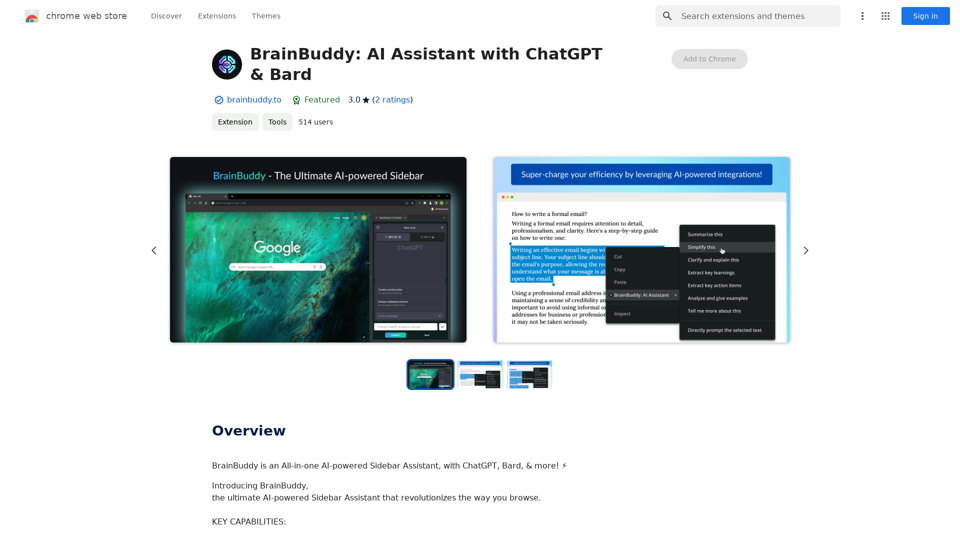
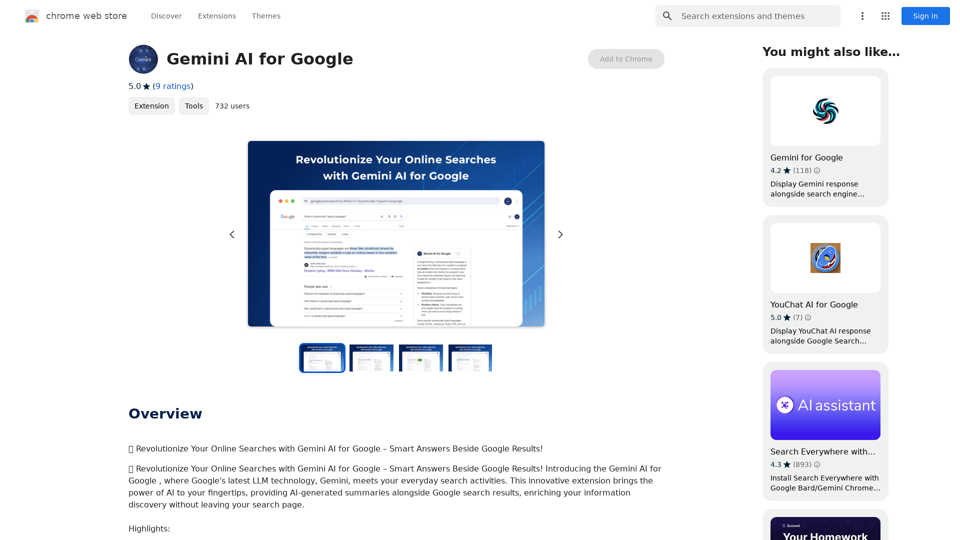
Gemini AI for Google Gemini AI is an innovative artificial intelligence (AI) model designed to revolutionize the way Google interacts with its users. This cutting-edge technology is capable of understanding and responding to natural language inputs, making it an ideal solution for enhancing user experience on Google's platforms. Key Features: * Conversational Interface: Gemini AI enables users to interact with Google using conversational language, making it easier to find information and perform tasks. * Contextual Understanding: The AI model can understand the context of a user's query, providing more accurate and relevant results. * Personalized Experience: Gemini AI can learn a user's preferences and tailor the search results and recommendations to their individual needs. * Multitasking Capability: The AI model can handle multiple tasks simultaneously, allowing users to perform complex queries and tasks with ease. Benefits: * Enhanced User Experience: Gemini AI provides a more intuitive and user-friendly experience, making it easier for users to find what they're looking for on Google. * Improved Accuracy: The AI model's ability to understand context and nuances of language reduces the likelihood of irrelevant search results. * Increased Productivity: Gemini AI's multitasking capability and personalized experience enable users to accomplish more in less time. Potential Applications: * Google Assistant: Gemini AI can be integrated into Google Assistant, enabling users to have more natural and conversational interactions with the virtual assistant. * Google Search: The AI model can be used to improve the search engine's ability to understand complex queries and provide more accurate results. * Google Workspace: Gemini AI can be applied to Google Workspace (formerly G Suite) to enhance the productivity and collaboration capabilities of the platform.
Gemini AI for Google Gemini AI is an innovative artificial intelligence (AI) model designed to revolutionize the way Google interacts with its users. This cutting-edge technology is capable of understanding and responding to natural language inputs, making it an ideal solution for enhancing user experience on Google's platforms. Key Features: * Conversational Interface: Gemini AI enables users to interact with Google using conversational language, making it easier to find information and perform tasks. * Contextual Understanding: The AI model can understand the context of a user's query, providing more accurate and relevant results. * Personalized Experience: Gemini AI can learn a user's preferences and tailor the search results and recommendations to their individual needs. * Multitasking Capability: The AI model can handle multiple tasks simultaneously, allowing users to perform complex queries and tasks with ease. Benefits: * Enhanced User Experience: Gemini AI provides a more intuitive and user-friendly experience, making it easier for users to find what they're looking for on Google. * Improved Accuracy: The AI model's ability to understand context and nuances of language reduces the likelihood of irrelevant search results. * Increased Productivity: Gemini AI's multitasking capability and personalized experience enable users to accomplish more in less time. Potential Applications: * Google Assistant: Gemini AI can be integrated into Google Assistant, enabling users to have more natural and conversational interactions with the virtual assistant. * Google Search: The AI model can be used to improve the search engine's ability to understand complex queries and provide more accurate results. * Google Workspace: Gemini AI can be applied to Google Workspace (formerly G Suite) to enhance the productivity and collaboration capabilities of the platform.🗨️ Revolutionize Your Online Searches with Gemini AI for Google – Get Smart Answers Right Beside Google Results!
193.90 M
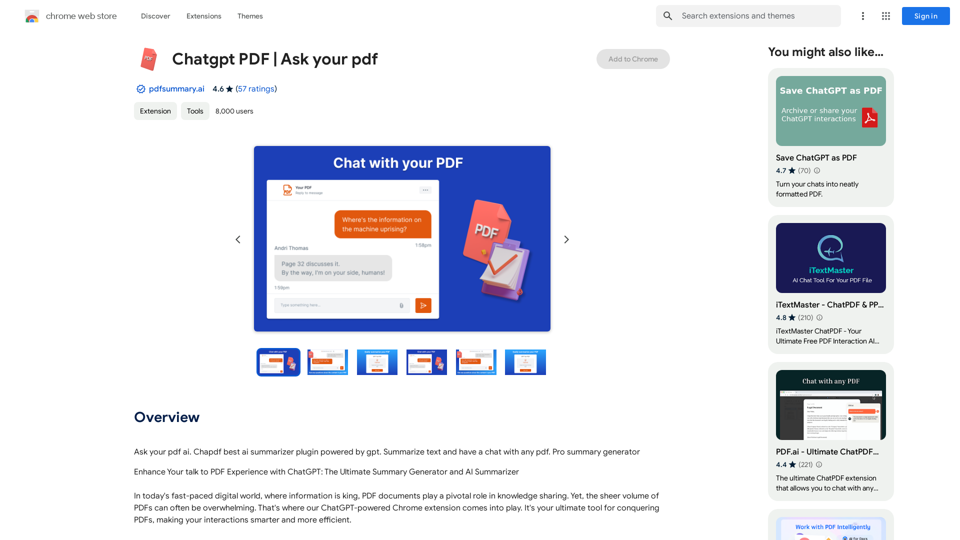
Chatgpt PDF =============== Ask your PDF ----------------
Chatgpt PDF =============== Ask your PDF ----------------Ask Your PDF AI Chapdf: Best AI Summarizer Plugin Powered by GPT Summarize Text and Have a Chat with Any PDF Pro Summary Generator
193.90 M
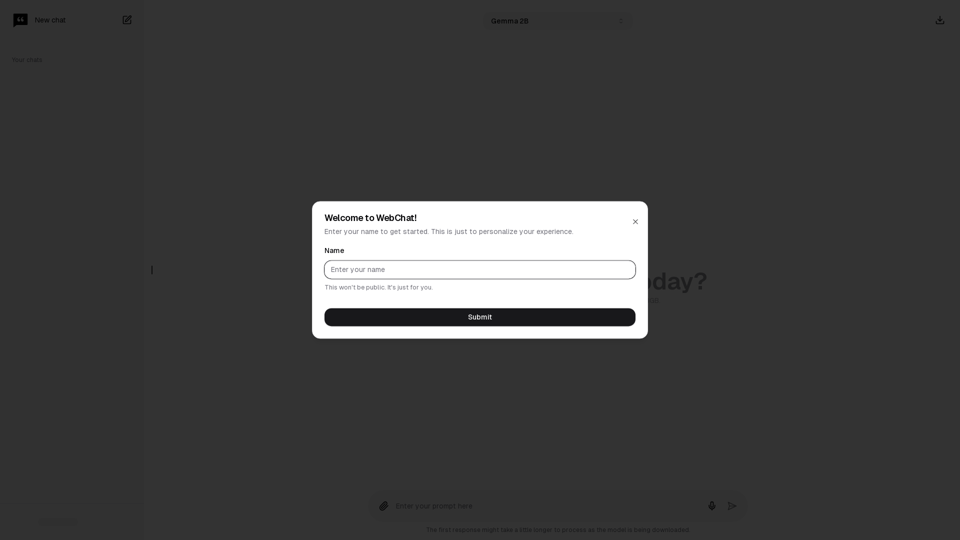
Chat with Web-LLM Models in the Browser You can interact with Web-LLM models directly in your web browser without requiring any additional setup or installation. This allows you to easily experiment with and explore the capabilities of these models. Getting Started To get started, simply open a web browser and navigate to the Web-LLM model's website or platform. Once you're on the website, you can usually find a chat interface or text input field where you can enter your prompts or questions. How it Works When you enter a prompt or question, the Web-LLM model processes your input and generates a response. This response is then displayed in the chat interface or output field, allowing you to read and interact with the model's output. Benefits The benefits of chatting with Web-LLM models in the browser include: * Convenience: No need to install any software or set up any development environments. * Accessibility: Anyone with a web browser can interact with the model, regardless of their technical expertise. * Ease of use: The chat interface provides a user-friendly way to interact with the model, making it easy to experiment and explore its capabilities. Use Cases Some potential use cases for chatting with Web-LLM models in the browser include: * Research and development: Quickly experiment with different models and prompts to explore their capabilities and limitations. * Education and learning: Use the chat interface to teach students about AI and language models, or to provide interactive learning experiences. * Creative writing and ideation: Use the model as a tool to generate ideas, write stories, or create poetry. Overall, chatting with Web-LLM models in the browser provides a convenient and accessible way to interact with these powerful language models, and can be a valuable tool for a wide range of applications.
2.59 K