TEE Buddy is an innovative automation extension designed to simplify the process of reserving tee times at golf courses. By mimicking user actions on reservation pages based on input instructions, it significantly increases the chances of securing hard-to-book slots. This tool is particularly useful for golf enthusiasts who struggle with manual booking processes, offering a time-saving and efficient solution.
TEE Buddy Free
Helps you reserve a tee time at your favorite golf course.
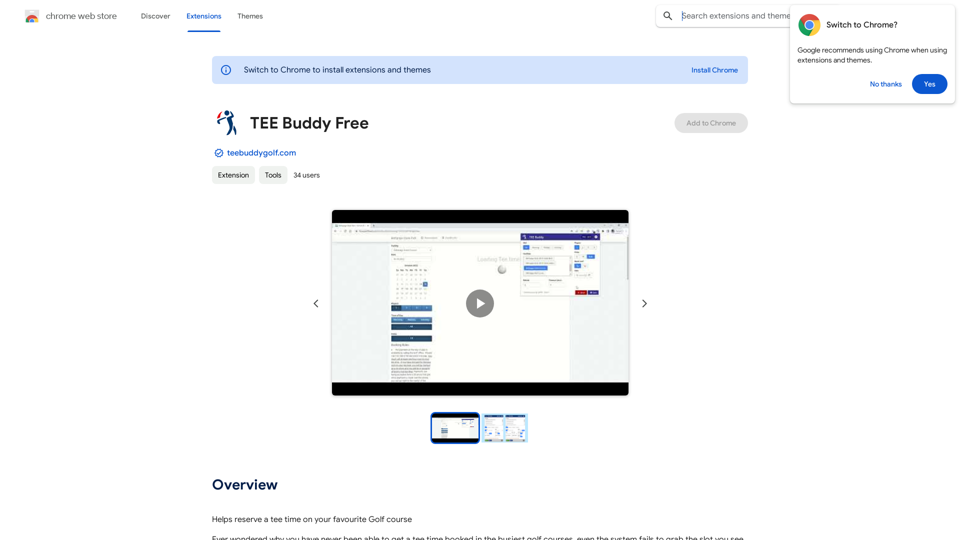
Introduction
Feature
Automated Tee Time Booking
TEE Buddy automates the entire process of reserving tee times on golf course websites, saving users considerable time and effort.
User-Friendly Interface
The extension boasts a simple and intuitive interface, guiding users effortlessly through the booking process.
High Success Rate
With a proven 95% success rate across multiple golf courses, TEE Buddy demonstrates exceptional reliability in securing tee times.
Easy Setup Process
- Log in to your preferred golf course booking website
- Navigate to the reservations page
- Fill in the required information in the extension's form
- Click "Run" to initiate the booking process
Cost-Effective Solution
TEE Buddy is offered as a free extension, with no associated costs or subscription fees.
Customizable Parameters
Users can adjust booking parameters to optimize their chances of securing desired tee times.
FAQ
How does TEE Buddy function?
TEE Buddy operates by automating the booking process on golf course websites, mimicking user actions to secure tee times efficiently.
What are the main benefits of using TEE Buddy?
- Time-saving automation of the booking process
- Increased chances of securing desired tee times
- User-friendly interface suitable for all skill levels
Are there any costs associated with TEE Buddy?
No, TEE Buddy is completely free to use, with no hidden costs or subscription fees.
What is the success rate of TEE Buddy?
TEE Buddy has demonstrated a 95% success rate in booking tee times across various golf courses.
Any tips for using TEE Buddy effectively?
- Test the extension during non-peak hours to ensure proper functionality
- Experiment with different parameters to optimize booking chances
- Be patient and persistent, as immediate success is not guaranteed
Related Websites
Create high-quality books faster and more cost-effectively than ever, with the world’s first AI designed exclusively for digital publishers.
5.18 K
Track your emails in real-time with TraceMail and get instant notifications when someone opens them.
193.90 M
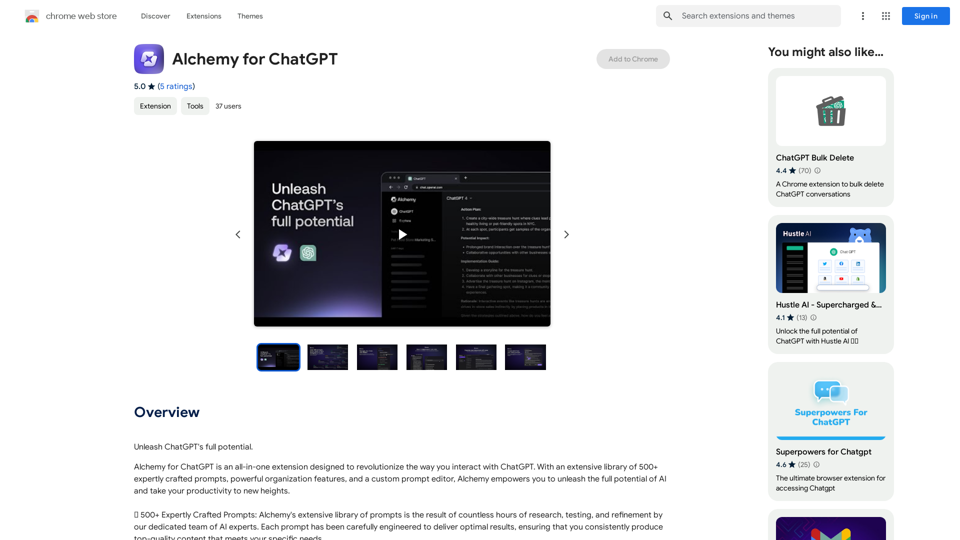
Alchemy for ChatGPT Introduction Alchemy is a powerful framework for building and deploying large language models (LLMs) like ChatGPT. It provides a comprehensive set of tools and resources to streamline the entire LLM development lifecycle, from training to deployment and monitoring. Key Features * Modular Design: Alchemy is built with a modular architecture, allowing developers to easily customize and extend its functionality. * Fine-Tuning Capabilities: Alchemy offers robust fine-tuning capabilities, enabling users to adapt pre-trained LLMs to specific tasks and domains. * Deployment Flexibility: Alchemy supports deployment across various platforms, including cloud, on-premise, and edge devices. * Monitoring and Evaluation: Alchemy provides tools for monitoring LLM performance and evaluating their effectiveness. Benefits * Accelerated Development: Alchemy's modularity and pre-built components significantly reduce development time and effort. * Improved Accuracy: Fine-tuning capabilities allow for higher accuracy and performance on specific tasks. * Scalability and Reliability: Alchemy's deployment flexibility ensures scalability and reliability for diverse applications. * Cost-Effectiveness: Alchemy's efficient resource utilization and streamlined workflows contribute to cost savings. Use Cases Alchemy can be used in a wide range of applications, including: * Chatbots and Conversational AI: * Text Generation and Summarization: * Code Generation and Debugging: * Data Analysis and Insights: * Personalized Learning and Education: Conclusion Alchemy is a powerful and versatile framework that empowers developers to build, deploy, and manage LLMs effectively. Its comprehensive features, benefits, and diverse use cases make it an ideal choice for organizations looking to leverage the transformative potential of LLMs.
Alchemy for ChatGPT Introduction Alchemy is a powerful framework for building and deploying large language models (LLMs) like ChatGPT. It provides a comprehensive set of tools and resources to streamline the entire LLM development lifecycle, from training to deployment and monitoring. Key Features * Modular Design: Alchemy is built with a modular architecture, allowing developers to easily customize and extend its functionality. * Fine-Tuning Capabilities: Alchemy offers robust fine-tuning capabilities, enabling users to adapt pre-trained LLMs to specific tasks and domains. * Deployment Flexibility: Alchemy supports deployment across various platforms, including cloud, on-premise, and edge devices. * Monitoring and Evaluation: Alchemy provides tools for monitoring LLM performance and evaluating their effectiveness. Benefits * Accelerated Development: Alchemy's modularity and pre-built components significantly reduce development time and effort. * Improved Accuracy: Fine-tuning capabilities allow for higher accuracy and performance on specific tasks. * Scalability and Reliability: Alchemy's deployment flexibility ensures scalability and reliability for diverse applications. * Cost-Effectiveness: Alchemy's efficient resource utilization and streamlined workflows contribute to cost savings. Use Cases Alchemy can be used in a wide range of applications, including: * Chatbots and Conversational AI: * Text Generation and Summarization: * Code Generation and Debugging: * Data Analysis and Insights: * Personalized Learning and Education: Conclusion Alchemy is a powerful and versatile framework that empowers developers to build, deploy, and manage LLMs effectively. Its comprehensive features, benefits, and diverse use cases make it an ideal choice for organizations looking to leverage the transformative potential of LLMs.Unlock the full capabilities of ChatGPT.
193.90 M
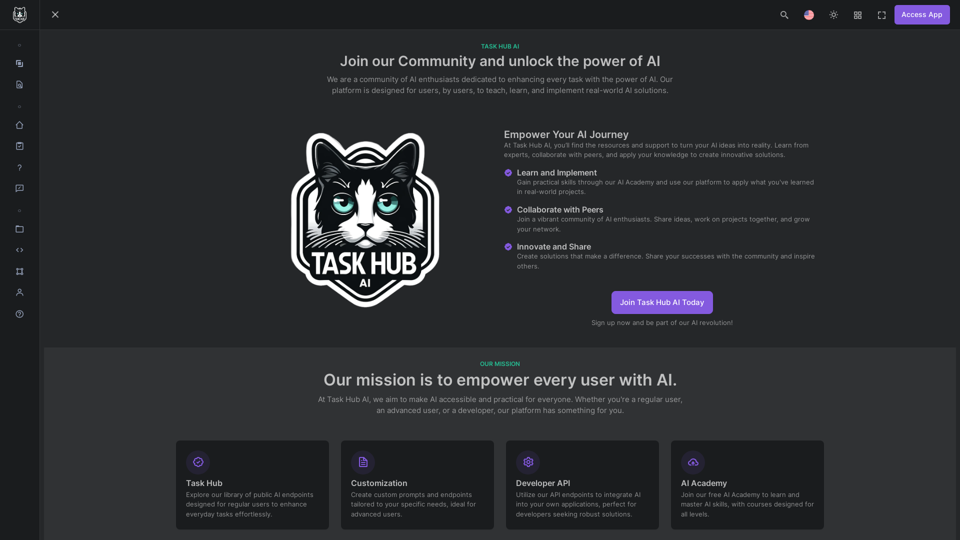
Unlock the power of AI with Task Hub AI. Learn from experts, collaborate with peers, and innovate with our AI community. Sign up now to turn your AI ideas into reality!
0
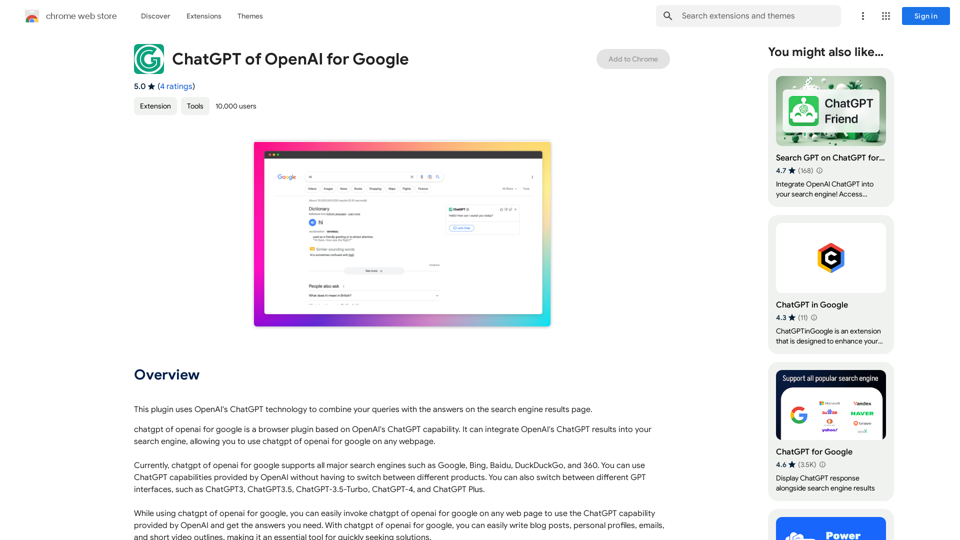
This plugin uses OpenAI's ChatGPT technology to combine your questions with the answers found on the search engine results page.
193.90 M
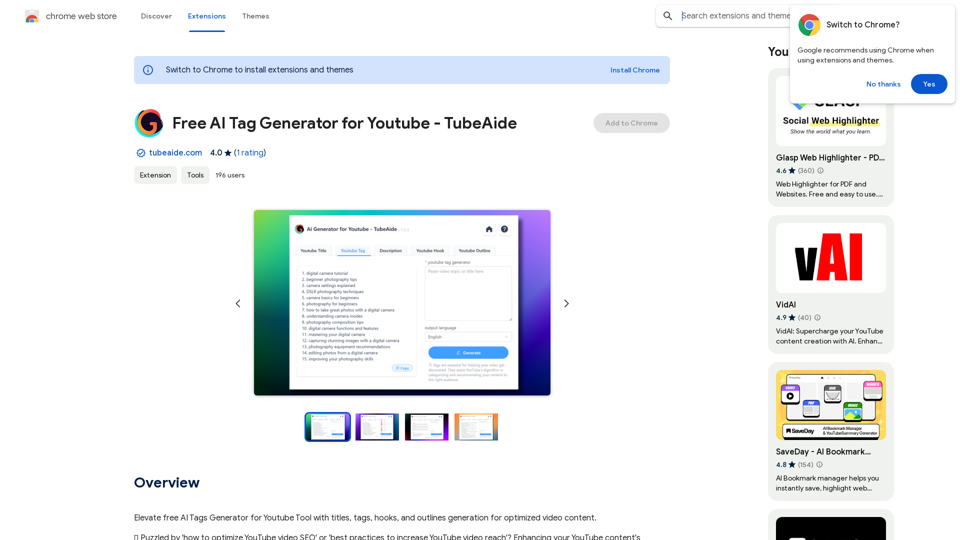
Improve the free AI Tags Generator for YouTube tool by adding features to generate titles, tags, hooks, and outlines for optimized video content.
193.90 M