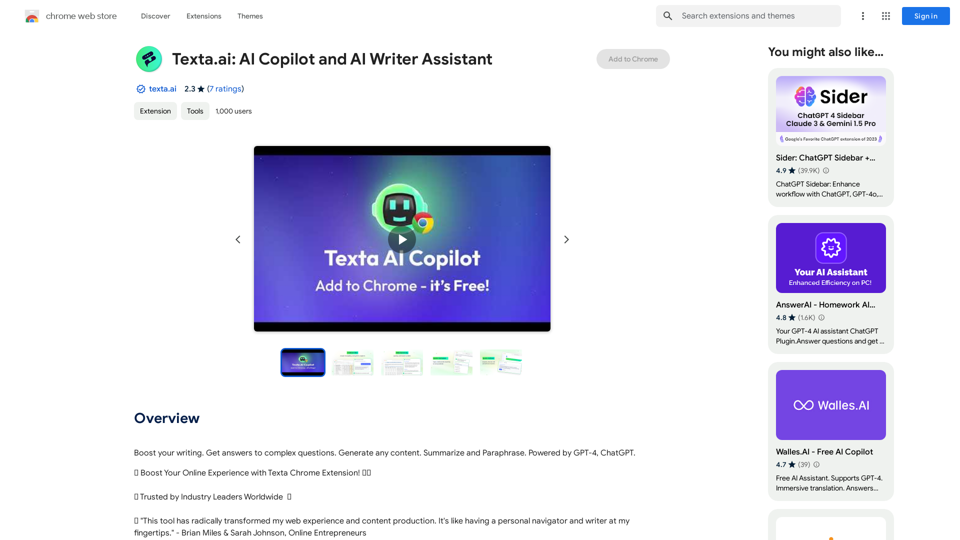
Texta.ai is a powerful AI-powered Chrome extension designed to enhance your online experience. It offers intelligent writing assistance, web navigation, data analysis, and search optimization features. This versatile tool aims to boost productivity by reducing writing and editing time, increasing web research speed, and improving task completion rates.
Texta.ai: AI Copilot and AI Writer Assistant
Boost your writing. Get answers to complex questions. Generate any content. Summarize and Paraphrase. Powered by GPT-4, ChatGPT.
Introduction
Feature
🔍 Unlock Endless Insights from Every Website
- Enhanced Search: Get fast and pertinent search results
- Web Summary: Condense, digest, and understand web content rapidly
- Multilingual Assistant: Overcome language barriers
✍️ Write Like a Pro
- Quick Email Reply: Respond swiftly and professionally
- Paraphrase: Expand, shorten, and reword any text
- Versatile Writing Assistance: Handle any writing task with ease
💼 Supercharge Team Efficiency with Customizable Snippets
- Create and Customize: Save short pieces of text for recurring tasks
- Share and Stay Consistent: Share snippets with your team
- Speed and Convenience: Bypass typing repetitive phrases or instructions
- Enhance Workflow: Improve team efficiency with shareable snippets
Easy Setup and Usage
- Download the Texta Chrome extension
- Create an account using email, Google, Facebook, or GitHub
- Enjoy a seamless, professional web experience
FAQ
What is Texta.ai?
Texta.ai is an AI-powered Chrome extension that enhances your online experience with intelligent writing assistance, web navigation, data analysis, and search optimization.
How can Texta.ai benefit me?
Texta.ai boosts productivity by reducing writing and editing time, increasing web research speed, and improving task completion rates. It helps you write professionally, navigate websites seamlessly, and communicate effectively.
How does the Quick Compose feature work?
Quick Compose allows users to write anything with ease, from filling out forms to crafting professional documents.
Can Texta.ai help me write professional emails?
Yes, the Quick Email Reply feature enables you to respond swiftly and professionally to emails, making communication more efficient and error-free.
What is the Paraphrase feature used for?
The Paraphrase feature helps you expand, shorten, and reword sentences, allowing you to tailor your writing style for different contexts and achieve coherence in your content.
How does the Enhanced Search feature work?
Enhanced Search improves your web search experience by providing fast and pertinent search results with just one click.
Is Texta.ai safe to use?
Yes, Texta.ai follows strict security measures to ensure user data privacy and protection.
Related Websites
Note AI Tools This is a placeholder for a list of AI tools related to note-taking. Please provide me with the content you'd like me to translate.
Note AI Tools This is a placeholder for a list of AI tools related to note-taking. Please provide me with the content you'd like me to translate.AI Tools
193.90 M
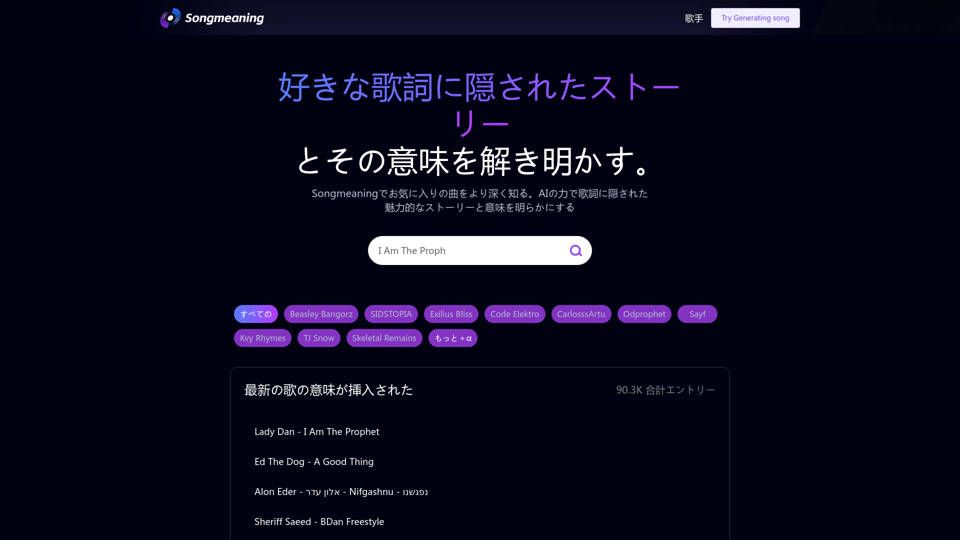
Songmeaning - Uncovering the Hidden Story Behind Your Favorite Song Lyrics
Songmeaning - Uncovering the Hidden Story Behind Your Favorite Song LyricsLet's unlock the hidden depths of your favorite song with the power of AI. With Songmeaning, let's uncover the true meaning behind your favorite lyrics.
84.13 K
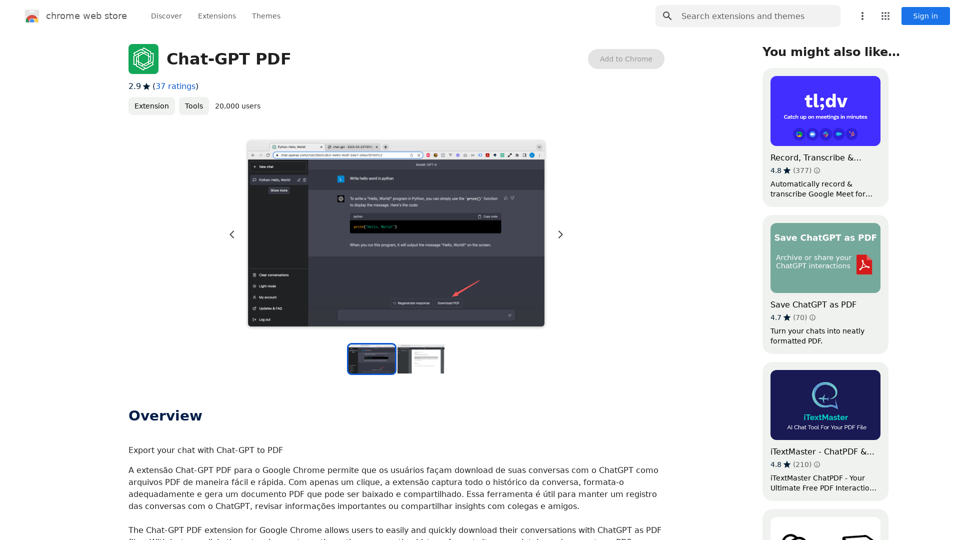
Chat-GPT PDF What is Chat-GPT PDF? Chat-GPT PDF is a tool that allows users to generate PDF files from Chat-GPT conversations. This innovative tool enables users to save and share their conversations in a more organized and visually appealing format. How does Chat-GPT PDF work? The process is simple and straightforward. Here's a step-by-step guide: 1. Copy the conversation: Copy the entire conversation from the Chat-GPT platform. 2. Paste the conversation: Paste the copied conversation into the Chat-GPT PDF tool. 3. Customize the layout: Customize the layout, font, and design of the PDF file according to your preferences. 4. Generate the PDF: Click the "Generate PDF" button to create a downloadable PDF file. Features of Chat-GPT PDF Chat-GPT PDF offers several features that make it an essential tool for users: * Customizable layout: Customize the layout, font, and design of the PDF file to suit your needs. * Easy sharing: Share the PDF file with others via email, social media, or messaging apps. * Offline access: Access your conversations offline, even without an internet connection. * Organization: Organize your conversations in a neat and tidy format, making it easier to review and reference. Benefits of Chat-GPT PDF The benefits of using Chat-GPT PDF are numerous: * Improved productivity: Save time and increase productivity by having all your conversations in one place. * Enhanced collaboration: Collaborate with others more effectively by sharing conversations in a clear and concise format. * Better organization: Keep your conversations organized, making it easier to review and reference them later. Conclusion Chat-GPT PDF is a game-changer for anyone who uses Chat-GPT regularly. With its ease of use, customization options, and benefits, it's an essential tool for anyone looking to get the most out of their conversations.
Chat-GPT PDF What is Chat-GPT PDF? Chat-GPT PDF is a tool that allows users to generate PDF files from Chat-GPT conversations. This innovative tool enables users to save and share their conversations in a more organized and visually appealing format. How does Chat-GPT PDF work? The process is simple and straightforward. Here's a step-by-step guide: 1. Copy the conversation: Copy the entire conversation from the Chat-GPT platform. 2. Paste the conversation: Paste the copied conversation into the Chat-GPT PDF tool. 3. Customize the layout: Customize the layout, font, and design of the PDF file according to your preferences. 4. Generate the PDF: Click the "Generate PDF" button to create a downloadable PDF file. Features of Chat-GPT PDF Chat-GPT PDF offers several features that make it an essential tool for users: * Customizable layout: Customize the layout, font, and design of the PDF file to suit your needs. * Easy sharing: Share the PDF file with others via email, social media, or messaging apps. * Offline access: Access your conversations offline, even without an internet connection. * Organization: Organize your conversations in a neat and tidy format, making it easier to review and reference. Benefits of Chat-GPT PDF The benefits of using Chat-GPT PDF are numerous: * Improved productivity: Save time and increase productivity by having all your conversations in one place. * Enhanced collaboration: Collaborate with others more effectively by sharing conversations in a clear and concise format. * Better organization: Keep your conversations organized, making it easier to review and reference them later. Conclusion Chat-GPT PDF is a game-changer for anyone who uses Chat-GPT regularly. With its ease of use, customization options, and benefits, it's an essential tool for anyone looking to get the most out of their conversations.Exporting Chat History to PDF You can export your chat history with Chat-GPT to a PDF file using the following methods: #Method 1: Browser Print Function 1. Open your chat conversation with Chat-GPT in a web browser. 2. Press `Ctrl + P` (Windows) or `Cmd + P` (Mac) to open the print dialog box. 3. Select "Save as PDF" as the printer destination. 4. Choose a location to save the PDF file and set the file name. 5. Click "Save" to export the chat history to a PDF file. #Method 2: Online PDF Conversion Tools 1. Copy the entire chat conversation by pressing `Ctrl + A` (Windows) or `Cmd + A` (Mac) and then `Ctrl + C` (Windows) or `Cmd + C` (Mac). 2. Go to an online PDF conversion tool, such as SmallPDF or Convertio. 3. Paste the chat conversation into the conversion tool's text box. 4. Select the PDF format and click "Convert" to generate the PDF file. 5. Download the PDF file to your computer. #Method 3: Browser Extensions 1. Install a browser extension, such as Print Friendly & PDF or FireShot, that allows you to save web pages as PDF files. 2. Open your chat conversation with Chat-GPT in a web browser. 3. Click the browser extension's icon in the toolbar. 4. Select the "Save as PDF" option and choose a location to save the file. 5. Click "Save" to export the chat history to a PDF file. By following these methods, you can easily export your chat history with Chat-GPT to a PDF file for future reference or sharing.
193.90 M

Genspark Genspark is a technology company that provides AI-powered education and talent development solutions.
Genspark Genspark is a technology company that provides AI-powered education and talent development solutions.GenSpark GenSpark is a training program that focuses on providing skills and knowledge to individuals in the field of software development, data science, and other related technologies. The program aims to bridge the gap between the skills possessed by the students and the requirements of the industry.
8.76 M
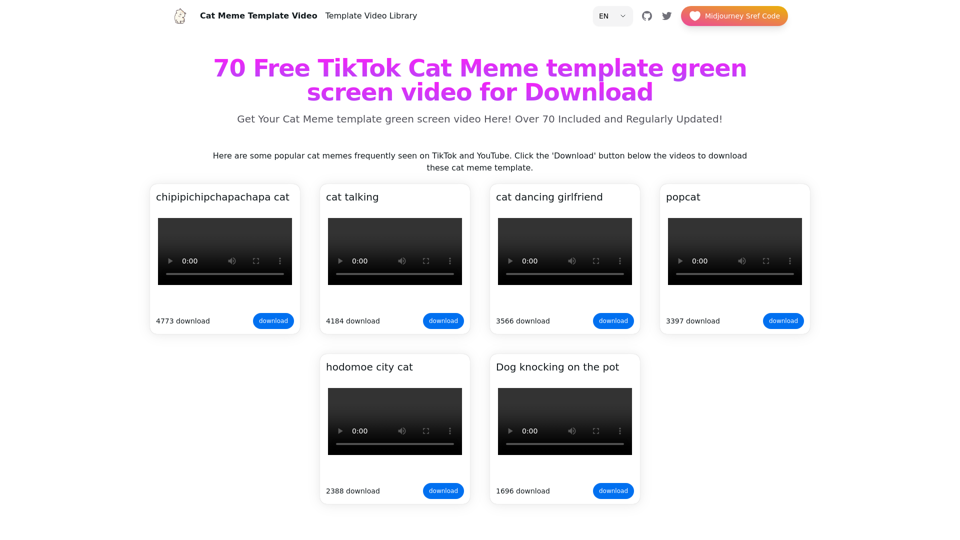
Top 70 TikTok Cat Meme Template Videos for Download
Top 70 TikTok Cat Meme Template Videos for DownloadYou can download the latest and most popular green screen cat meme template video featured on TikTok and YouTube. These materials are free.
11.93 K