TraceMail is a Chrome extension designed for professionals seeking to enhance their email effectiveness. It offers real-time email tracking, providing instant notifications when emails are read. The extension seamlessly integrates with Gmail, offering features like instant read alerts, link opening tracking, and detailed reports. TraceMail also includes an AI-powered email assistant for improved communication.
TraceMail Extension
Track your emails in real-time with TraceMail and get instant notifications when someone opens them.
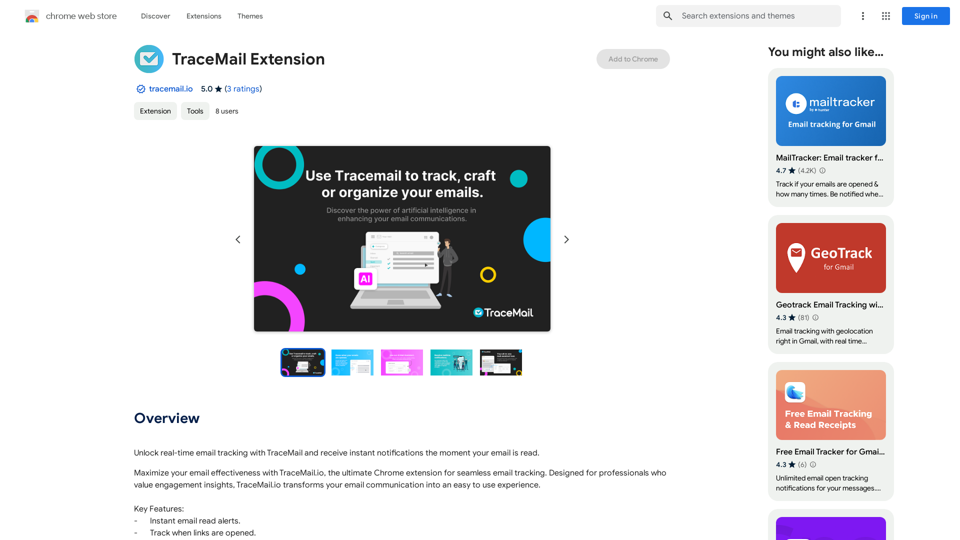
Introduction
Feature
Instant Email Read Alerts
Get notified immediately when your email is read, providing valuable insights into your email communication effectiveness.
Track Link Opens
Monitor when recipients open links in your emails, giving you a better understanding of content engagement.
Detailed Tracking Reports
Access comprehensive reports on your email tracking activity to refine your email marketing strategies.
Seamless Gmail Integration
Enjoy a user-friendly experience with TraceMail's smooth integration into the Gmail interface.
AI Email Assistant
Leverage AI-powered insights, suggestions, and draft creation to improve your email writing and communication effectiveness.
Free and Paid Options
TraceMail offers a free version with limited features and a paid subscription with additional benefits and extended access.
FAQ
Is my data safe with TraceMail?
TraceMail is committed to upholding the highest standards of data privacy and compliance with global regulations.
How do I get support or provide feedback?
Contact TraceMail at [email protected] for support or to share feedback.
Can I use TraceMail with other email providers?
Currently, TraceMail is only compatible with Gmail.
Related Websites
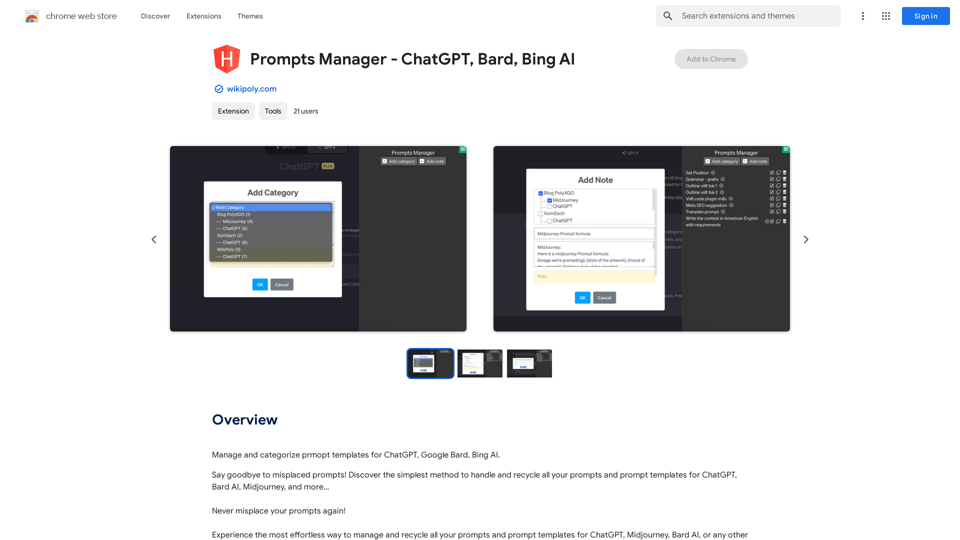
Organize and sort templates designed to give instructions to ChatGPT, Google Bard, and Bing AI.
193.90 M
Brilliant summaries in a single click. Well written AI summaries in both text and audio. Summarize articles in any language.
193.90 M
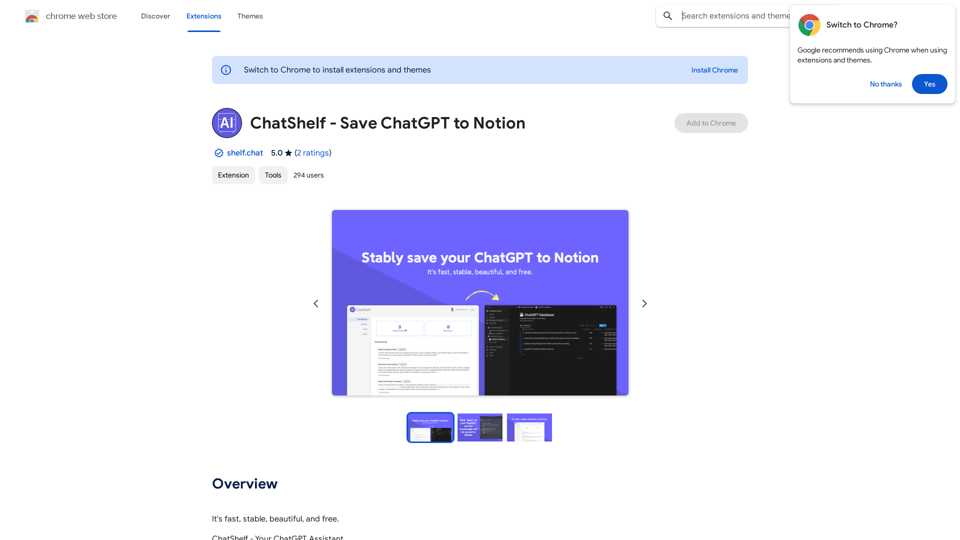
ChatShelf - Save ChatGPT to Notion ChatShelf is a tool that lets you save your ChatGPT conversations directly into Notion. It's a simple way to keep track of your AI interactions and use them later. Just copy the link to your ChatGPT conversation and paste it into ChatShelf. It will then extract the conversation and create a Notion page for you.
ChatShelf - Save ChatGPT to Notion ChatShelf is a tool that lets you save your ChatGPT conversations directly into Notion. It's a simple way to keep track of your AI interactions and use them later. Just copy the link to your ChatGPT conversation and paste it into ChatShelf. It will then extract the conversation and create a Notion page for you.It's fast, stable, beautiful, and free.
193.90 M
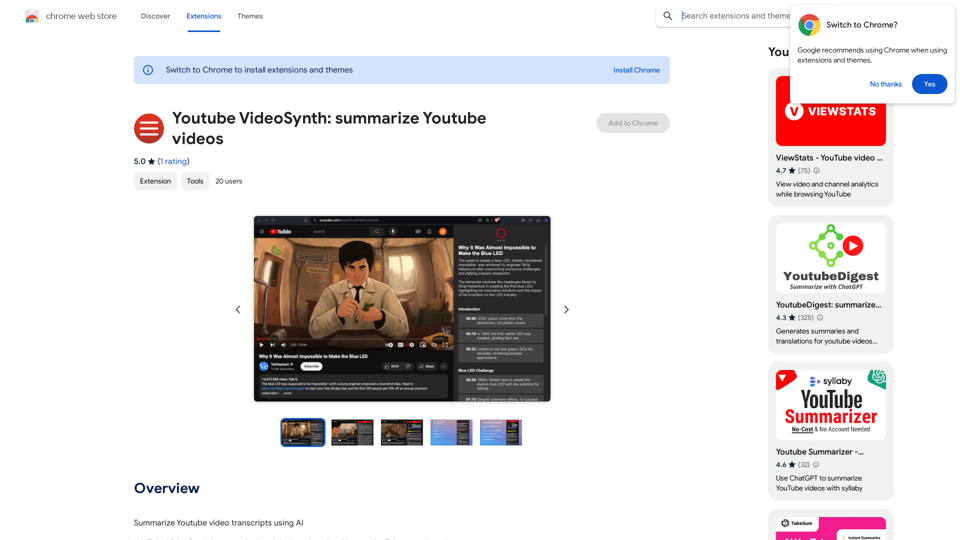
Youtube VideoSynth: Summarize Youtube Videos This tool uses artificial intelligence to create short summaries of YouTube videos. Simply paste the YouTube video URL into the input field, and VideoSynth will generate a concise summary of the video's content.
Youtube VideoSynth: Summarize Youtube Videos This tool uses artificial intelligence to create short summaries of YouTube videos. Simply paste the YouTube video URL into the input field, and VideoSynth will generate a concise summary of the video's content.Summarize YouTube Video Transcripts Using AI This is a powerful tool for quickly understanding the main points of long videos. Here's how it works: 1. Get the Transcript: You'll need a text transcript of the YouTube video. Many videos have automatic captions, or you can use a transcription service. 2. Choose an AI Summarizer: There are many free and paid AI summarization tools available online. Some popular options include: * OpenAI's GPT-3: A powerful language model that can generate high-quality summaries. * Google Cloud AI Platform: Offers a variety of AI services, including text summarization. * Hugging Face Transformers: An open-source library with pre-trained summarization models. 3. Input the Transcript: Paste the transcript into the AI summarizer. 4. Generate the Summary: The AI will analyze the text and generate a concise summary of the video's main points. 5. Review and Edit: Read through the AI-generated summary and make any necessary edits to ensure accuracy and clarity. Let me know if you'd like more details on any of these steps!
193.90 M
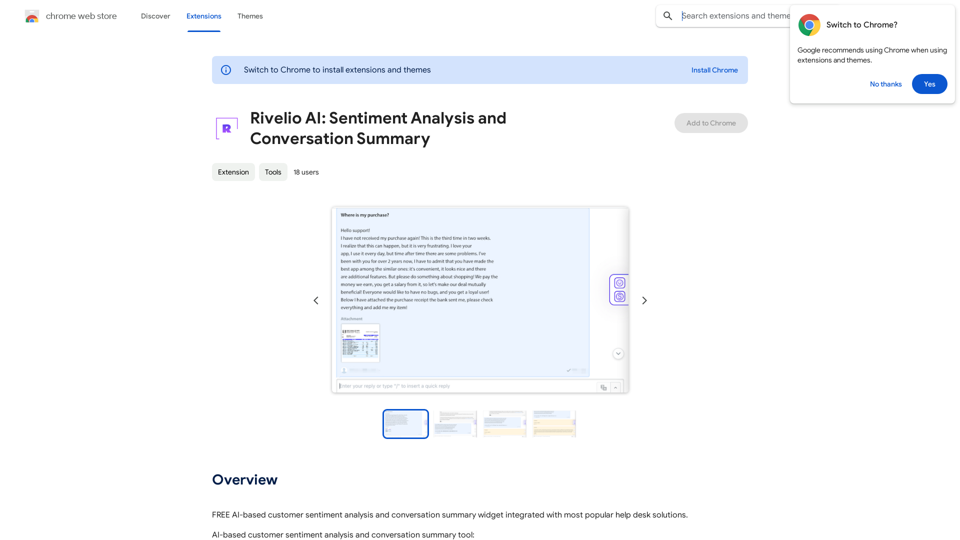
Rivelio AI: Sentiment Analysis and Conversation Summary
Rivelio AI: Sentiment Analysis and Conversation SummaryFREE AI-powered tool that analyzes customer feelings and summarizes conversations. It works with most popular customer service platforms.
193.90 M
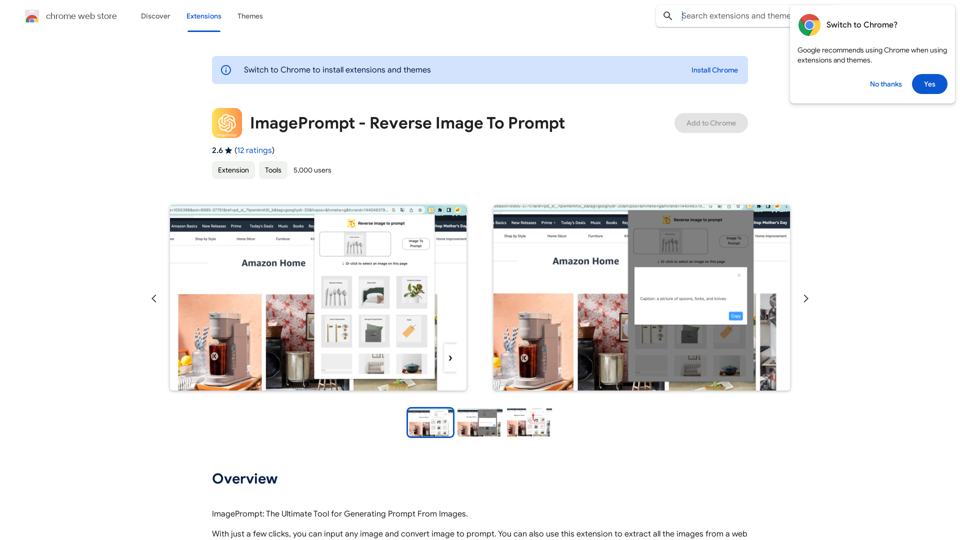
ImagePrompt - Reverse Image To Prompt This tool takes an image as input and generates a textual description (prompt) that can be used to recreate the image using text-to-image AI models.
ImagePrompt - Reverse Image To Prompt This tool takes an image as input and generates a textual description (prompt) that can be used to recreate the image using text-to-image AI models.ImagePrompt: The Ultimate Tool for Generating Prompts From Images.
193.90 M