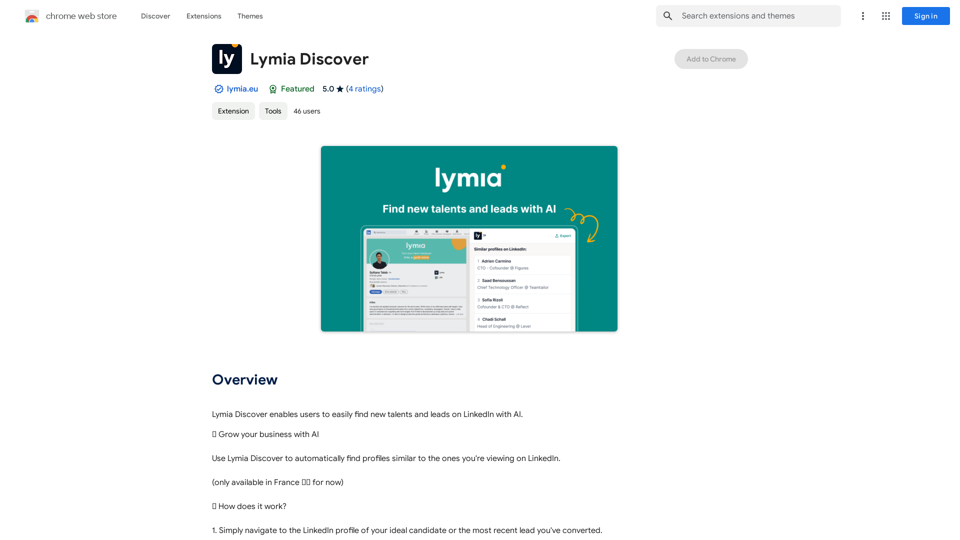
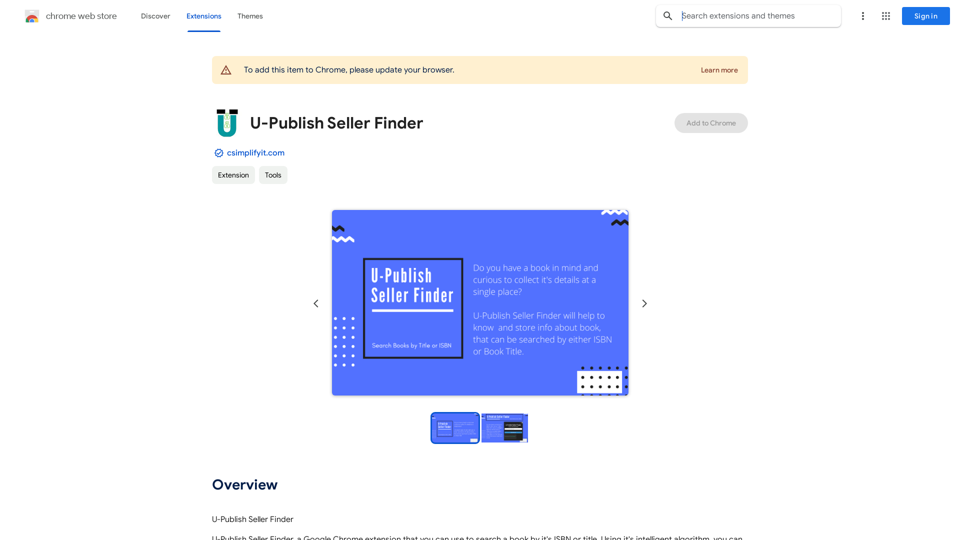
U-Publish Seller Finder is a Google Chrome extension designed to simplify book searches. It allows users to find books using ISBN or title, leveraging an intelligent algorithm to gather comprehensive book details from multiple sellers. This tool provides a centralized platform for accessing book information, saving search records, and enhancing the overall book search experience.
U-Publish Seller Finder
U-Publish Seller Finder
Introduction
Feature
Intelligent Algorithm
The extension utilizes a smart algorithm to collect book details from various sellers, offering users a comprehensive view of book information in one place.
Versatile Book Search
Users can easily search for books using either ISBN or title, providing flexibility in finding desired book information.
Search History Management
The extension allows users to save records of their past searches, enabling quick access to previously searched books for convenience.
User-Friendly Installation
Adding U-Publish Seller Finder to Chrome is straightforward, making it accessible to a wide range of users.
Intuitive Search Process
Users can effortlessly search for books using the extension's search bar, streamlining the book discovery process.
Comprehensive Results Display
The extension presents detailed book information, including data from multiple sellers, in an easy-to-read format.
Free Availability
U-Publish Seller Finder is available for free download from the Chrome Web Store, making it accessible to all users without cost barriers.
FAQ
Is U-Publish Seller Finder free to use?
Yes, U-Publish Seller Finder is a free extension that can be downloaded from the Chrome Web Store at no cost.
How does the extension's algorithm function?
The extension's intelligent algorithm gathers book details from multiple sellers, providing users with a comprehensive overview of the book's information in one place.
Can I save my search history?
Yes, the extension allows users to save records of their past searches, offering a convenient way to access previously searched books whenever needed.
Related Websites
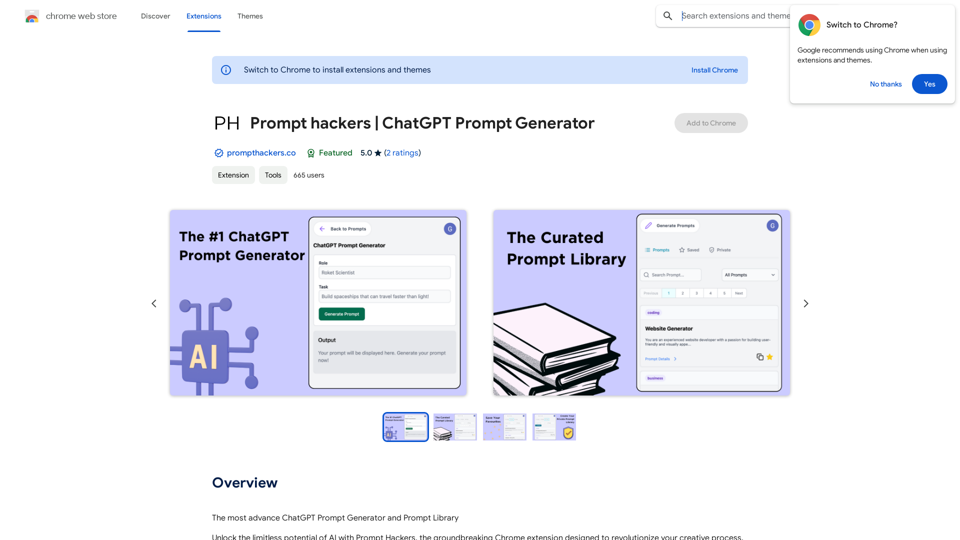
Prompt Hackers ===================== Generate creative and effective prompts to get the most out of your language model.
Prompt Hackers ===================== Generate creative and effective prompts to get the most out of your language model.The Most Advanced ChatGPT Prompt Generator and Prompt Library
193.90 M
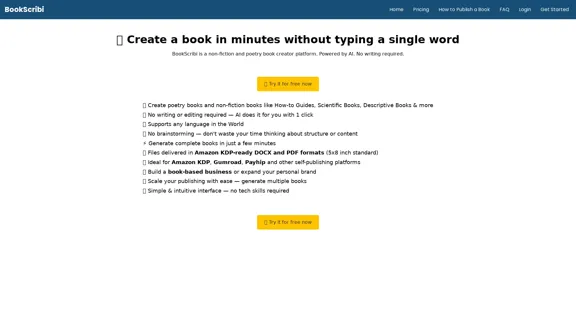
BookScribi is a platform for creating non-fiction and poetry books. Powered by AI. No writing needed.
445
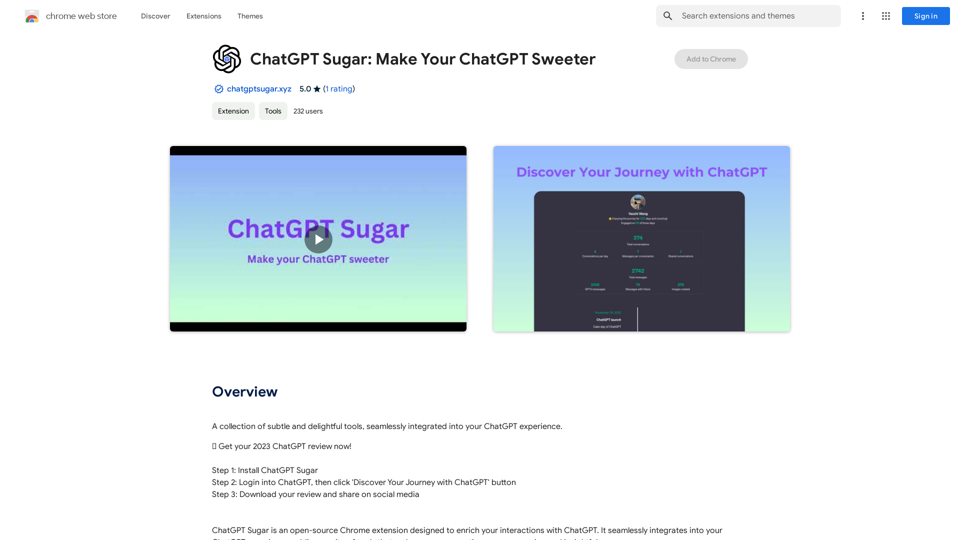
A collection of subtle and delightful tools, seamlessly integrated into your ChatGPT experience.
193.90 M
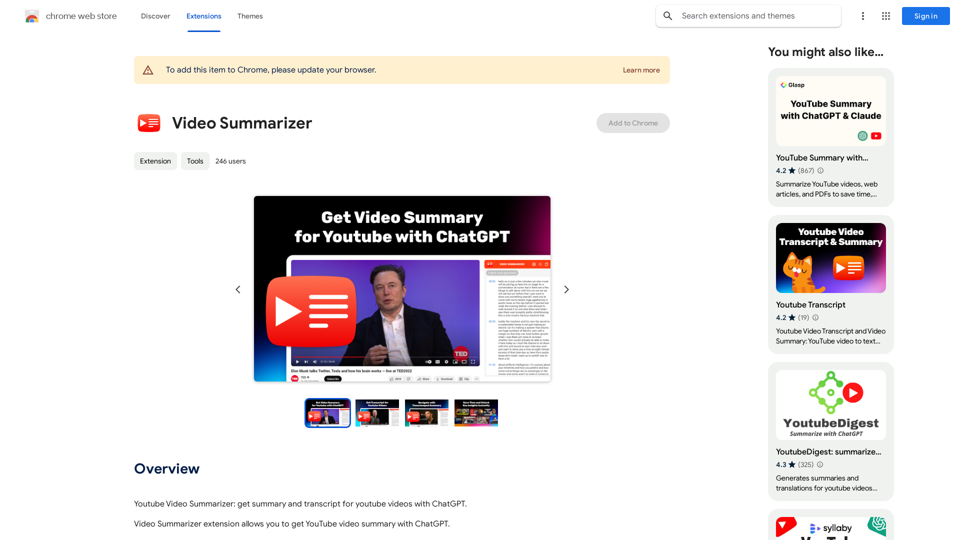
Youtube Video Summarizer: Get Summaries and Transcripts for YouTube Videos with ChatGPT This tool helps you quickly understand YouTube videos by providing: * Summaries: Concise overviews of the video's main points. * Transcripts: Full text versions of what is spoken in the video. Both summaries and transcripts are powered by ChatGPT, allowing for accurate and insightful analysis.
193.90 M
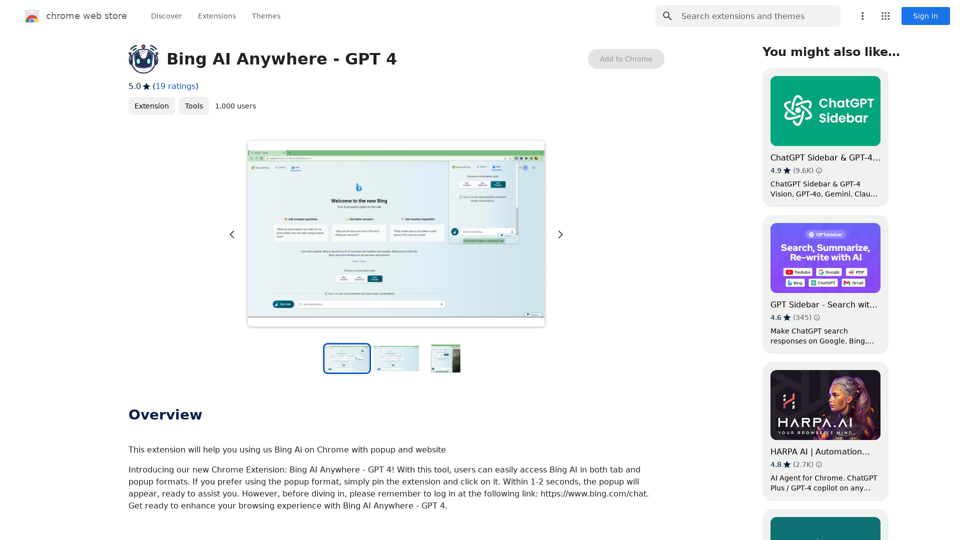
Bing AI Anywhere - GPT 4 Bing AI Anywhere is a cutting-edge technology that integrates the power of artificial intelligence into various aspects of our daily lives. With the latest GPT-4 model, this innovative platform is poised to revolutionize the way we interact, work, and live. What is GPT-4? GPT-4 is the fourth generation of the Generative Pre-trained Transformer (GPT) model, a type of artificial intelligence language model developed by OpenAI. This advanced language model is trained on a massive dataset of text from the internet and can generate human-like language, making it an ideal tool for a wide range of applications. Key Features of Bing AI Anywhere with GPT-4 * Conversational AI: Engage in natural-sounding conversations with Bing AI Anywhere, which can understand and respond to voice or text inputs. * Contextual Understanding: GPT-4's advanced language model enables Bing AI Anywhere to comprehend context, nuances, and subtleties of language, making interactions more human-like. * Multitasking: This technology can handle multiple tasks simultaneously, making it an efficient and productive tool for various industries and applications. * Personalization: Bing AI Anywhere with GPT-4 can learn and adapt to individual preferences, providing a tailored experience for each user. Potential Applications of Bing AI Anywhere with GPT-4 * Virtual Assistants: Integrate Bing AI Anywhere into virtual assistants to create more conversational and helpful AI-powered companions. * Customer Service: Implement this technology in customer service platforms to provide 24/7 support and improve customer satisfaction. * Healthcare: Utilize Bing AI Anywhere with GPT-4 to develop AI-powered chatbots that can assist with medical inquiries, appointments, and more. * Education: Create interactive and engaging educational tools that can provide personalized learning experiences for students. The Future of AI with Bing AI Anywhere and GPT-4 As Bing AI Anywhere continues to evolve with the power of GPT-4, we can expect to see even more innovative applications and use cases emerge. This technology has the potential to transform industries, revolutionize the way we work and live, and bring us closer to a future where humans and AI collaborate seamlessly.
Bing AI Anywhere - GPT 4 Bing AI Anywhere is a cutting-edge technology that integrates the power of artificial intelligence into various aspects of our daily lives. With the latest GPT-4 model, this innovative platform is poised to revolutionize the way we interact, work, and live. What is GPT-4? GPT-4 is the fourth generation of the Generative Pre-trained Transformer (GPT) model, a type of artificial intelligence language model developed by OpenAI. This advanced language model is trained on a massive dataset of text from the internet and can generate human-like language, making it an ideal tool for a wide range of applications. Key Features of Bing AI Anywhere with GPT-4 * Conversational AI: Engage in natural-sounding conversations with Bing AI Anywhere, which can understand and respond to voice or text inputs. * Contextual Understanding: GPT-4's advanced language model enables Bing AI Anywhere to comprehend context, nuances, and subtleties of language, making interactions more human-like. * Multitasking: This technology can handle multiple tasks simultaneously, making it an efficient and productive tool for various industries and applications. * Personalization: Bing AI Anywhere with GPT-4 can learn and adapt to individual preferences, providing a tailored experience for each user. Potential Applications of Bing AI Anywhere with GPT-4 * Virtual Assistants: Integrate Bing AI Anywhere into virtual assistants to create more conversational and helpful AI-powered companions. * Customer Service: Implement this technology in customer service platforms to provide 24/7 support and improve customer satisfaction. * Healthcare: Utilize Bing AI Anywhere with GPT-4 to develop AI-powered chatbots that can assist with medical inquiries, appointments, and more. * Education: Create interactive and engaging educational tools that can provide personalized learning experiences for students. The Future of AI with Bing AI Anywhere and GPT-4 As Bing AI Anywhere continues to evolve with the power of GPT-4, we can expect to see even more innovative applications and use cases emerge. This technology has the potential to transform industries, revolutionize the way we work and live, and bring us closer to a future where humans and AI collaborate seamlessly.This extension helps you use Bing AI on Chrome with a popup and website.
193.90 M