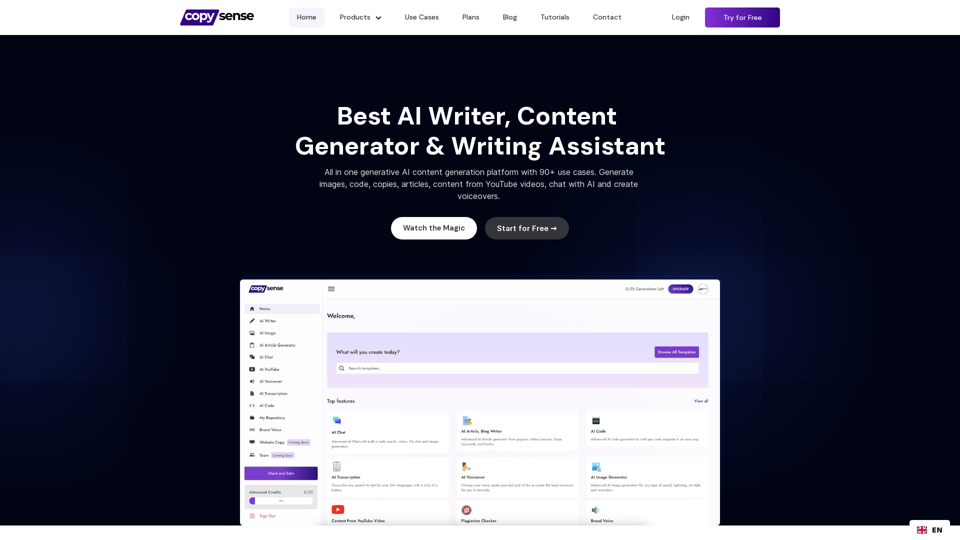
Copysense AI is a comprehensive AI-powered content generation platform designed to revolutionize content creation and management. With over 90 use cases and a wide array of features, it streamlines the content creation process, boosts productivity, and unleashes creative potential. The platform offers AI-driven tools for article writing, image generation, voiceovers, and more, catering to various content needs across different industries.
Copysense AI Copysense AI is an innovative artificial intelligence technology designed to detect and prevent copyright infringement.
Copysense AI is the Generative AI platform for crafting factually accurate, on-brand content with real-time data, generating images, voiceovers, and content from YouTube and URLs.
Introduction
Feature
AI Article and Blog Writer
Generate up to 5,000 words of factually correct, well-structured content.
Advanced AI Chat
Interact with PDF files, images, URLs, and more to generate content or get answers to questions.
AI Voiceover
Convert text to speech in multiple languages with a single click.
AI Image Generator
Create realistic images from text descriptions.
90+ Content Generators
From blog conclusions to YouTube video content, covering a wide range of use cases.
Built-in Smart Editor
Edit and refine content with AI assistance, including brand voice customization, rewriting, summarizing, and grammar correction.
Flexible Pricing Plans
| Plan | Price | Key Features |
|---|---|---|
| Forever Free | $0/month | 90+ Content Generators, Image Generator, 3-day AI Chat trial, 25 one-time Advanced Credits |
| Personal | $9/month | Everything in Free plan, AI Article Writer, Unlimited AI Chat, 25 Advanced Credits/month |
| Freelancer | $18/month | Everything in Personal, Higher quality AI Chat, 50 Advanced Credits/month |
| Professional | $30/month | Highest quality results, 100 Advanced Credits/month, 50 Brand Voices allowed |
Brand Voice Feature
Create consistent content aligned with your brand's tone and style.
Content from YouTube Generator
Transform YouTube video content into written articles, summaries, or social media posts.
FAQ
What is Copysense AI?
Copysense AI is an all-in-one generative AI content creation platform offering 90+ use cases, including article writing, image generation, voiceovers, and more.
How does the AI Writer function?
The AI Writer uses advanced natural language processing to generate high-quality, coherent text content based on your input and requirements.
Can Copysense AI generate images?
Yes, Copysense AI includes an AI Image Generator that creates realistic images from text descriptions.
How does the AI Voiceover feature work?
The AI Voiceover feature converts text to speech in multiple languages, allowing you to create voiceovers for your content easily.
Is there a feature for maintaining brand voice consistency?
Yes, Copysense AI offers a Brand Voice feature that allows you to customize and maintain a consistent tone and style across your content.
Related Websites
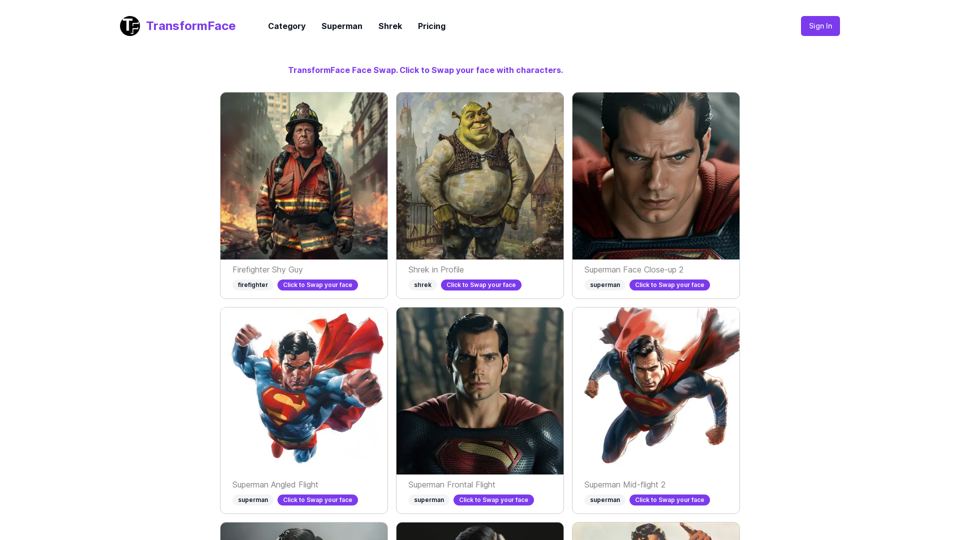
TransformFace Swap with AI. Click to add your photo/face. or in a more natural English tone: Transform Your Face Swap with AI. Click to Upload Your Photo!
TransformFace Swap with AI. Click to add your photo/face. or in a more natural English tone: Transform Your Face Swap with AI. Click to Upload Your Photo!Upload your face or photo and swap faces with TransformFace. Free Download Image. TransformFace
0
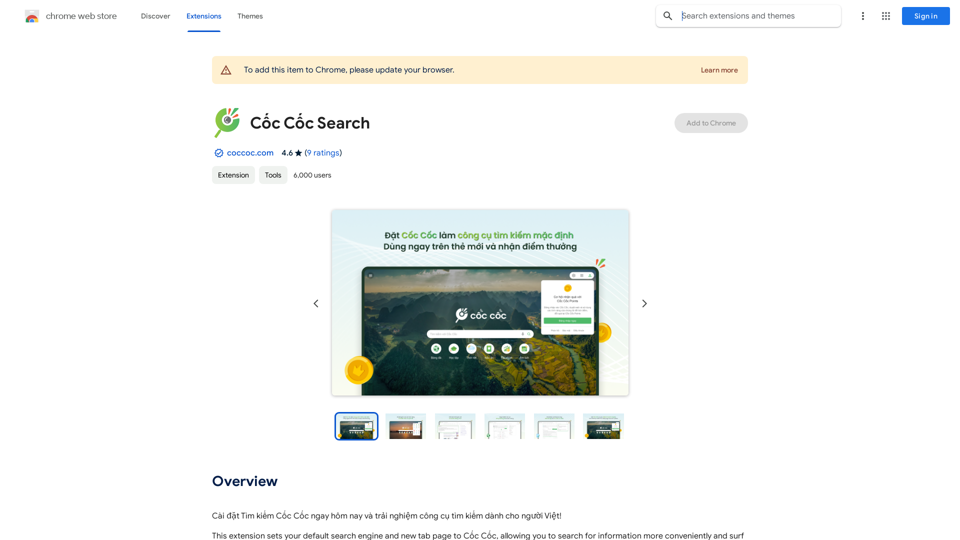
Install Cốc Cốc Search today and experience the search engine designed for Vietnamese people!
193.90 M
ChatTTS is a voice generation model on GitHub at 2noise/chattts. Chat TTS is specifically designed for conversational scenarios. It is ideal for applications such as dialogue tasks for large language model assistants, as well as conversational audio and video introductions. The model supports both Chinese and English, demonstrating high quality and naturalness in speech synthesis. This level of performance is achieved through training on approximately 100,000 hours of Chinese and English data. Additionally, the project team plans to open-source a basic model trained with 40,000 hours of data, which will aid the academic and developer communities in further research and development.
23.26 K
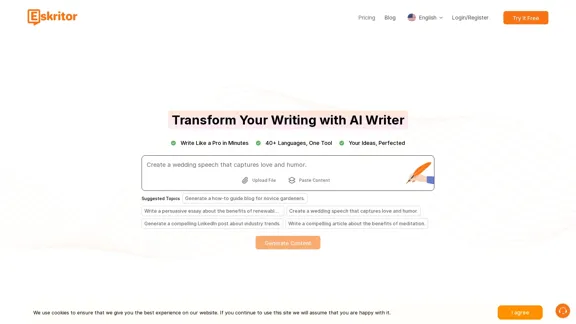
Eskritor AI Writer: Intelligent AI Content Creator
Eskritor AI Writer: Intelligent AI Content CreatorWrite 5x faster with Eskritor AI Writer's 20+ content tools. Start creating perfectly tailored content today - from articles to social posts. Try it free!
100.32 K
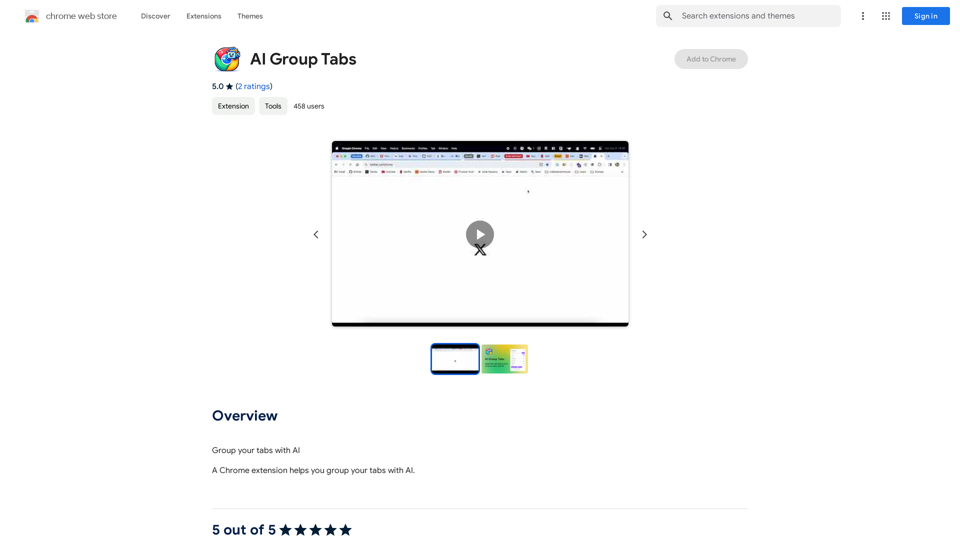
Group your tabs with AI This is a simple and effective way to organize your browser tabs using artificial intelligence. Here's how it works: * Select multiple tabs: Choose the tabs you want to group together. * AI grouping: Our AI will analyze the content of the selected tabs and suggest relevant groups. * Customize groups: You can adjust the suggested groups or create your own. * Save and access: Save your grouped tabs for easy access later. Let AI help you stay organized and productive!
193.90 M
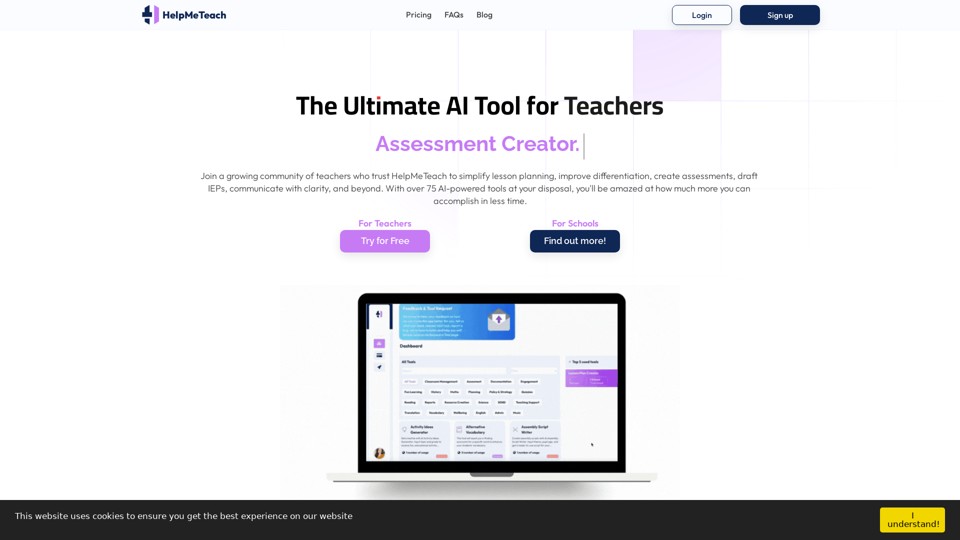
HelpMeTeach - AI Simplifies Teaching | Lesson Plans, Assessments, and More!
HelpMeTeach - AI Simplifies Teaching | Lesson Plans, Assessments, and More!Revolutionize your teaching with HelpMeTeach, the premier AI assistant for teachers. Simplify lesson plans and assessments, generate ideas, and create reports with ease. Enhance work-life balance and reduce workload with our 70+ teacher tools. Start now!
1.62 K