Open-source RightAI Tools Directory
  • Discover AI
  • Submit
  • Startup
  • Blog
Open-source RightAI Tools Directory
Discover the best AI tools of 2025 with the RightAI Tools Directory!

Friend Links

AI Anime GeneratorToolsApp AI

Support

Tap4
Privacy policyTerms & ConditionsContact Us
Loading...
loading...

Free AI Face Swap Online Tool for Videos, GIFs and Photos | Faceswap.tech

Try our free online face swap tool to swap faces in photos, videos, and GIFs. Easy, fast, and powered by AI for amazing results. Swap faces now!
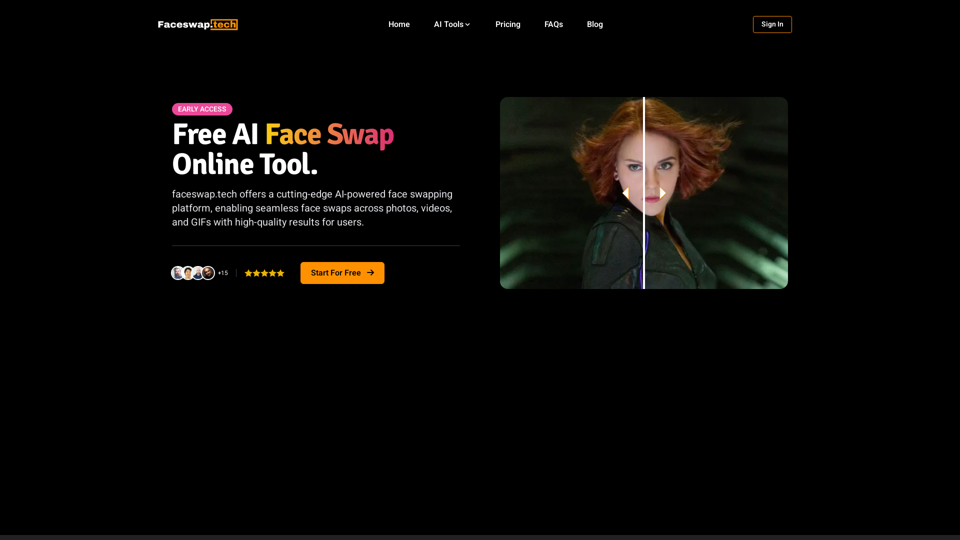
Visit Website
Free AI Face Swap Online Tool for Videos, GIFs and Photos | Faceswap.tech
Visit Website

Introduction

Faceswap.tech is an advanced AI-powered platform that enables users to seamlessly swap faces in photos, videos, and GIFs. It offers high-quality results, fast processing, and ensures user privacy and data security. The platform is designed for both casual users and content creators, providing a range of features to create realistic and fun face swap effects.

Feature

Advanced AI Technology

Faceswap.tech utilizes cutting-edge AI algorithms to deliver accurate and efficient face swapping, resulting in realistic and detailed outputs.

Multi-Media Support

The platform supports face swapping across various media types:

  • Photos
  • Videos
  • GIFs

Fast Processing

Users can obtain their face swap creations within seconds, allowing for quick experimentation and creativity.

High-Quality Results

The AI ensures that face swaps look natural and seamless, perfect for creating fun and realistic effects.

Secure and Private

  • Files are encrypted for security
  • Auto-deletion of files is implemented regularly
  • User data remains private and protected

Easy-to-Use Interface

Face swapping is simplified into a 3-step process:

  1. Upload original media
  2. Upload target face photo
  3. Start face swapping with one click

Flexible Pricing Options

  • Free credit allowance for basic usage
  • Paid plans available for:
    • Faster processing
    • Higher quality results
    • Increased number of swaps

FAQ

What is Face Swap?

Face Swap is a technology that replaces one person's face with another's in photos, videos, and GIFs. Faceswap.tech uses advanced AI to blend the target face onto the original media, creating realistic and entertaining results.

Can I swap faces for free?

Yes, Faceswap.tech provides each user with a free credit allowance for face swapping in videos, photos, and GIFs. Paid plans are available for enhanced features and increased usage.

How do I use Faceswap.tech?

Follow these three simple steps:

  1. Upload the photo, video, or GIF where you want to swap faces
  2. Upload the photo of the face you want to swap in
  3. Click the 'Start' button and wait for your face swap to complete

Related Websites

moyuNote
View Detail

moyuNote

moyuNote

An all-in-one tool for organizing, collecting, and managing information. Build your structured knowledge base from fragmented information.

193.90 M
Universal Listening Comprehension - Speech-to-Text, Bilingual Subtitle Translation
View Detail

Universal Listening Comprehension - Speech-to-Text, Bilingual Subtitle Translation

Universal Listening Comprehension - Speech-to-Text, Bilingual Subtitle Translation

Alibaba's free large model application, real-time speech recognition, AI subtitle translation, and intelligent summarization. Essential for online courses, chasing dramas, and online meetings. Record, transcribe, translate, and summarize online courses and meetings from any web page.

193.90 M
LearnHouse - The modern Open source learning platform for everyone.
View Detail

LearnHouse - The modern Open source learning platform for everyone.

LearnHouse - The modern Open source learning platform for everyone.

LearnHouse is an open source platform that makes it easy for anyone to provide world-class educational content and it offers a variety of content types : Dynamic Pages, Videos, Documents & more.

12
Wispy-1 - Personal AI Agent for Chrome
View Detail

Wispy-1 - Personal AI Agent for Chrome

Wispy-1 - Personal AI Agent for Chrome

Discover, Use, and Share AI Abilities for the Web, right from your Chrome browser.

193.90 M
AISPEED for ChatGPT

What is AISPEED?

AISPEED is a powerful AI assistant designed to enhance your ChatGPT experience.

Key Features:

* Faster Response Times: Experience significantly reduced wait times for ChatGPT responses.
* Improved Accuracy: Benefit from enhanced accuracy and fluency in ChatGPT's generated text.
* Personalized Settings: Customize your ChatGPT experience with tailored settings to suit your needs.
* Multi-Modal Support: Interact with ChatGPT using text, voice, and even images.
* Seamless Integration: AISPEED integrates seamlessly with various platforms and applications.

How AISPEED Works:

AISPEED leverages advanced AI algorithms and techniques to optimize ChatGPT's performance. It accelerates response generation, refines text quality, and enables new interaction modes.

Benefits:

* Increased Productivity: Get faster answers and complete tasks more efficiently.
* Enhanced Creativity: Explore new ideas and generate more creative content.
* Improved Communication: Engage in more natural and meaningful conversations.
* Expanded Capabilities: Unlock the full potential of ChatGPT with advanced features.
View Detail

AISPEED for ChatGPT What is AISPEED? AISPEED is a powerful AI assistant designed to enhance your ChatGPT experience. Key Features: * Faster Response Times: Experience significantly reduced wait times for ChatGPT responses. * Improved Accuracy: Benefit from enhanced accuracy and fluency in ChatGPT's generated text. * Personalized Settings: Customize your ChatGPT experience with tailored settings to suit your needs. * Multi-Modal Support: Interact with ChatGPT using text, voice, and even images. * Seamless Integration: AISPEED integrates seamlessly with various platforms and applications. How AISPEED Works: AISPEED leverages advanced AI algorithms and techniques to optimize ChatGPT's performance. It accelerates response generation, refines text quality, and enables new interaction modes. Benefits: * Increased Productivity: Get faster answers and complete tasks more efficiently. * Enhanced Creativity: Explore new ideas and generate more creative content. * Improved Communication: Engage in more natural and meaningful conversations. * Expanded Capabilities: Unlock the full potential of ChatGPT with advanced features.

AISPEED for ChatGPT What is AISPEED? AISPEED is a powerful AI assistant designed to enhance your ChatGPT experience. Key Features: * Faster Response Times: Experience significantly reduced wait times for ChatGPT responses. * Improved Accuracy: Benefit from enhanced accuracy and fluency in ChatGPT's generated text. * Personalized Settings: Customize your ChatGPT experience with tailored settings to suit your needs. * Multi-Modal Support: Interact with ChatGPT using text, voice, and even images. * Seamless Integration: AISPEED integrates seamlessly with various platforms and applications. How AISPEED Works: AISPEED leverages advanced AI algorithms and techniques to optimize ChatGPT's performance. It accelerates response generation, refines text quality, and enables new interaction modes. Benefits: * Increased Productivity: Get faster answers and complete tasks more efficiently. * Enhanced Creativity: Explore new ideas and generate more creative content. * Improved Communication: Engage in more natural and meaningful conversations. * Expanded Capabilities: Unlock the full potential of ChatGPT with advanced features.

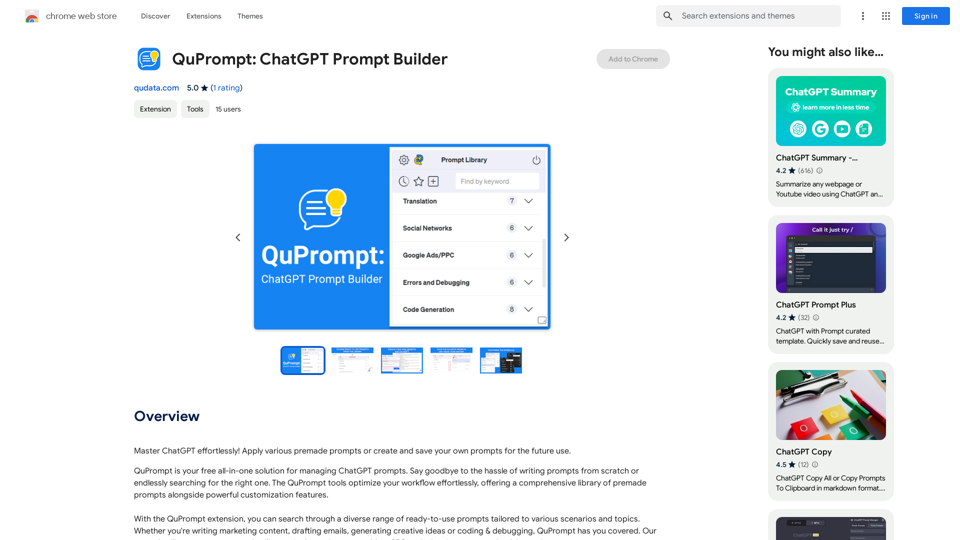
Provides a number of custom prompts to help you use ChatGPT effectively and efficiently.

193.90 M
Octopuses VAX (Virtual Assistant Experience)
View Detail

Octopuses VAX (Virtual Assistant Experience)

Octopuses VAX (Virtual Assistant Experience)

Octopi.health: Revolutionizing healthcare with computer vision, language processing, and Motion Assessment.

193.90 M
Get ChatGPT for Free with Google

You can now access ChatGPT, a powerful language model, for free with Google. Here's how:

Method 1: Google Colab

* Open Google Colab ([colab.research.google.com](http://colab.research.google.com))
* Create a new notebook
* Install the `transformers` library by running `!pip install transformers`
* Import the `transformers` library and load the ChatGPT model using `from transformers import AutoModelForCausalLM, AutoTokenizer; model = AutoModelForCausalLM.from_pretrained('chatgpt'); tokenizer = AutoTokenizer.from_pretrained('chatgpt')`
* Use the model to generate text using `input_text = "Your input here"; inputs = tokenizer.encode_plus(input_text, return_tensors='pt', max_length=1024, padding='max_length', truncation=True); output = model(inputs['input_ids'], attention_mask=inputs['attention_mask']); print(tokenizer.decode(output.logits[0], skip_special_tokens=True))`

Method 2: Google Apps Script

* Open Google Apps Script ([script.google.com](http://script.google.com))
* Create a new project
* Install the `transformers` library by running `npm install transformers`
* Import the `transformers` library and load the ChatGPT model using `const { AutoModelForCausalLM, AutoTokenizer } = require('transformers'); const model = new AutoModelForCausalLM('chatgpt'); const tokenizer = new AutoTokenizer('chatgpt');`
* Use the model to generate text using `const inputText = "Your input here"; const inputs = tokenizer.encodePlus(inputText, { return_tensors: 'pt', max_length: 1024, padding: 'max_length', truncation: true }); const output = model(inputs.inputIds, inputs.attentionMask); console.log(tokenizer.decode(output.logits[0], { skipSpecialTokens: true }));`

Note: These methods require some technical knowledge and may have limitations compared to the original ChatGPT model.
View Detail

Get ChatGPT for Free with Google You can now access ChatGPT, a powerful language model, for free with Google. Here's how: Method 1: Google Colab * Open Google Colab ([colab.research.google.com](http://colab.research.google.com)) * Create a new notebook * Install the `transformers` library by running `!pip install transformers` * Import the `transformers` library and load the ChatGPT model using `from transformers import AutoModelForCausalLM, AutoTokenizer; model = AutoModelForCausalLM.from_pretrained('chatgpt'); tokenizer = AutoTokenizer.from_pretrained('chatgpt')` * Use the model to generate text using `input_text = "Your input here"; inputs = tokenizer.encode_plus(input_text, return_tensors='pt', max_length=1024, padding='max_length', truncation=True); output = model(inputs['input_ids'], attention_mask=inputs['attention_mask']); print(tokenizer.decode(output.logits[0], skip_special_tokens=True))` Method 2: Google Apps Script * Open Google Apps Script ([script.google.com](http://script.google.com)) * Create a new project * Install the `transformers` library by running `npm install transformers` * Import the `transformers` library and load the ChatGPT model using `const { AutoModelForCausalLM, AutoTokenizer } = require('transformers'); const model = new AutoModelForCausalLM('chatgpt'); const tokenizer = new AutoTokenizer('chatgpt');` * Use the model to generate text using `const inputText = "Your input here"; const inputs = tokenizer.encodePlus(inputText, { return_tensors: 'pt', max_length: 1024, padding: 'max_length', truncation: true }); const output = model(inputs.inputIds, inputs.attentionMask); console.log(tokenizer.decode(output.logits[0], { skipSpecialTokens: true }));` Note: These methods require some technical knowledge and may have limitations compared to the original ChatGPT model.

Get ChatGPT for Free with Google You can now access ChatGPT, a powerful language model, for free with Google. Here's how: Method 1: Google Colab * Open Google Colab ([colab.research.google.com](http://colab.research.google.com)) * Create a new notebook * Install the `transformers` library by running `!pip install transformers` * Import the `transformers` library and load the ChatGPT model using `from transformers import AutoModelForCausalLM, AutoTokenizer; model = AutoModelForCausalLM.from_pretrained('chatgpt'); tokenizer = AutoTokenizer.from_pretrained('chatgpt')` * Use the model to generate text using `input_text = "Your input here"; inputs = tokenizer.encode_plus(input_text, return_tensors='pt', max_length=1024, padding='max_length', truncation=True); output = model(inputs['input_ids'], attention_mask=inputs['attention_mask']); print(tokenizer.decode(output.logits[0], skip_special_tokens=True))` Method 2: Google Apps Script * Open Google Apps Script ([script.google.com](http://script.google.com)) * Create a new project * Install the `transformers` library by running `npm install transformers` * Import the `transformers` library and load the ChatGPT model using `const { AutoModelForCausalLM, AutoTokenizer } = require('transformers'); const model = new AutoModelForCausalLM('chatgpt'); const tokenizer = new AutoTokenizer('chatgpt');` * Use the model to generate text using `const inputText = "Your input here"; const inputs = tokenizer.encodePlus(inputText, { return_tensors: 'pt', max_length: 1024, padding: 'max_length', truncation: true }); const output = model(inputs.inputIds, inputs.attentionMask); console.log(tokenizer.decode(output.logits[0], { skipSpecialTokens: true }));` Note: These methods require some technical knowledge and may have limitations compared to the original ChatGPT model.

How to Add ChatGPT to All Google Searches ===================================================== Step 1: Create a Custom Search Engine -------------------------------------- * Go to the [Google Custom Search Engine](https://cse.google.com/) website and sign in with your Google account. * Click on the "New Search Engine" button. * Fill in the required information, such as the name and description of your search engine. * Click on the "Create" button. Step 2: Add ChatGPT to the Search Engine ----------------------------------------- * In the "Setup" tab, click on the "Add" button next to "Sites to search". * Enter the following URL: `https://chat.openai.com/` * Click on the "Add" button. Step 3: Configure the Search Engine -------------------------------------- * In the "Setup" tab, click on the "Edit" button next to "Search engine keywords". * Add the following keywords: `ChatGPT` * Click on the "Save" button. Step 4: Get the Search Engine Code ------------------------------------- * In the "Setup" tab, click on the "Get code" button. * Copy the HTML code provided. Step 5: Add the Search Engine to Your Browser ------------------------------------------------ * Open your browser and go to the "Settings" or "Options" page. * Look for the "Search engine" or "Default search engine" option. * Click on the "Add" or "Manage search engines" button. * Paste the HTML code you copied earlier. * Click on the "Add" or "Save" button. You're Done! =============== Now, whenever you search on Google, ChatGPT will be included in the search results. You can also use the custom search engine URL provided by Google to search directly.

193.90 M
WallySmarter
View Detail

WallySmarter

WallySmarter

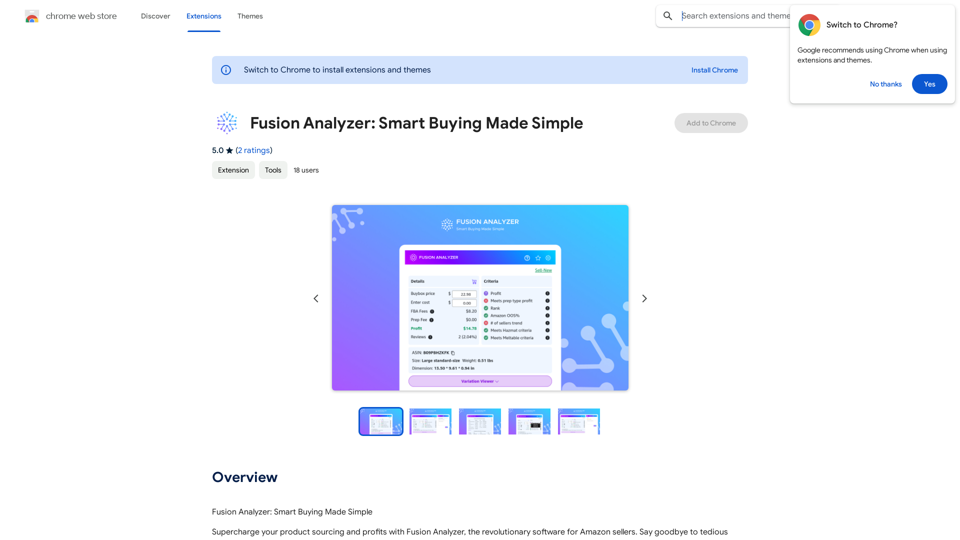
WallySmarter is groundbreaking software for selling on Walmart. Grow your business on walmart.com.

193.90 M