Open-source RightAI Tools Directory
  • Discover AI
  • Submit
  • Startup
  • Blog
Open-source RightAI Tools Directory
Discover the best AI tools of 2025 with the RightAI Tools Directory!

Friend Links

AI Anime GeneratorToolsApp AI

Support

Tap4
Privacy policyTerms & ConditionsContact Us
Loading...
loading...

HiveHubAI - Social Media Analytics and Insights

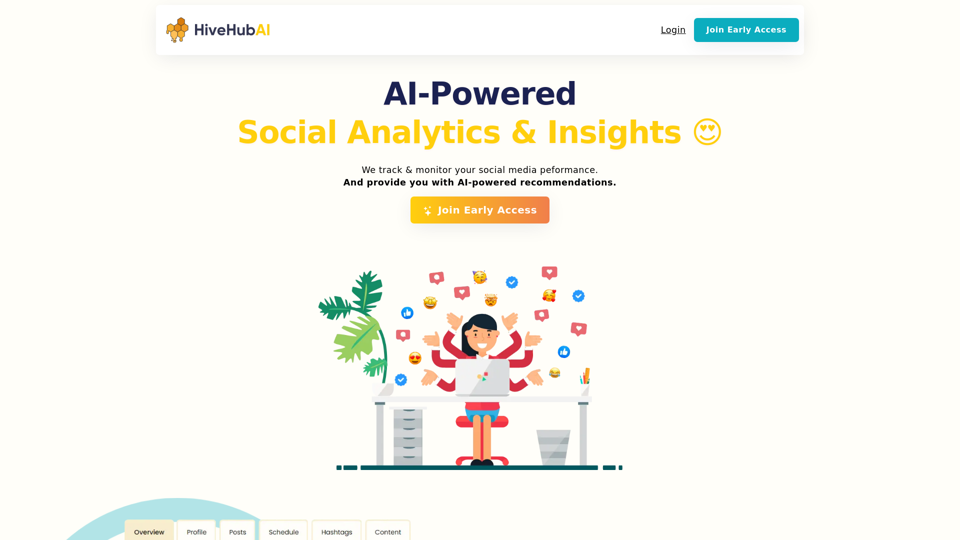
Discover HiveHubAI, your go-to AI-driven social media analytics platform. Elevate your digital influence with real-time Instagram and Facebook analytics, personalized AI insights, and strategic content optimization. Join our early access to transform your social media strategy!
Visit Website
HiveHubAI - Social Media Analytics and Insights
Visit Website

Introduction

HiveHubAI is an AI-powered social media analytics and insights platform designed for influencers and marketers. It provides custom AI insights tailored to your audience and goals, helping enhance your social strategy and accelerate growth. The platform offers real-time updates on key metrics, detailed breakdowns of content performance, and actionable tips to refine your strategy and grow your follower base effectively.

Feature

AI-Powered Insights

Leverage advanced AI to gain personalized insights tailored to your content and audience, helping you make data-driven decisions that fuel your social media growth.

Core Metrics Tracking

Track key metrics such as follower growth and engagement rates with real-time updates, giving you the data you need to understand and optimize your social media performance.

Detailed Performance Breakdowns

Dive deep into the performance of your posts, stories, reels, and hashtags with comprehensive analytics that reveal what works best for your audience.

Actionable Recommendations

Receive targeted recommendations based on your analytics to refine your strategy, improve engagement, and grow your follower base effectively.

Multi-Platform Support

Starting with Instagram, HiveHubAI plans to expand to other social networks, including Facebook, to provide comprehensive analytics across multiple platforms.

Early Access Program

Join the early access program to be among the first to experience HiveHubAI's features and contribute to its development.

FAQ

What is HiveHubAI?

HiveHubAI is an AI-powered social media analytics and insights platform designed for influencers and marketers. It provides custom AI insights to enhance social media strategies and accelerate growth.

How does HiveHubAI work?

HiveHubAI uses AI-powered insights to analyze your social media performance and provide personalized recommendations to help you grow your audience and improve engagement.

When will HiveHubAI be available?

The early access release is scheduled for June 2024, starting with Instagram core analytics monitoring, updated every 24 hours.

How can I get started with HiveHubAI?

You can join for free today to start learning from your social analytics and get early access to the platform.

What's next for HiveHubAI?

After the successful launch of Instagram analytics, HiveHubAI plans to integrate Facebook and expand to other social networks, providing comprehensive analytics and AI-powered insights across multiple platforms.

Latest Traffic Insights

  • Monthly Visits

    740

  • Bounce Rate

    37.79%

  • Pages Per Visit

    1.03

  • Time on Site(s)

    0.00

  • Global Rank

    10540295

  • Country Rank

    -

Recent Visits

Traffic Sources

  • Social Media:
    1.14%
  • Paid Referrals:
    0.45%
  • Email:
    0.05%
  • Referrals:
    3.46%
  • Search Engines:
    85.21%
  • Direct:
    9.37%
More Data

Related Websites

OnePoint AI
View Detail

OnePoint AI

OnePoint AI

ChatGPT-based templates for multiple scenarios on Xiaohongshu, short videos, and public accounts. Based on SD text-to-image generation, cutout, erasure, lossless enlargement, reimagining, text removal, background replacement, and sketch-to-image.

193.90 M
Soca
View Detail

Soca

Soca

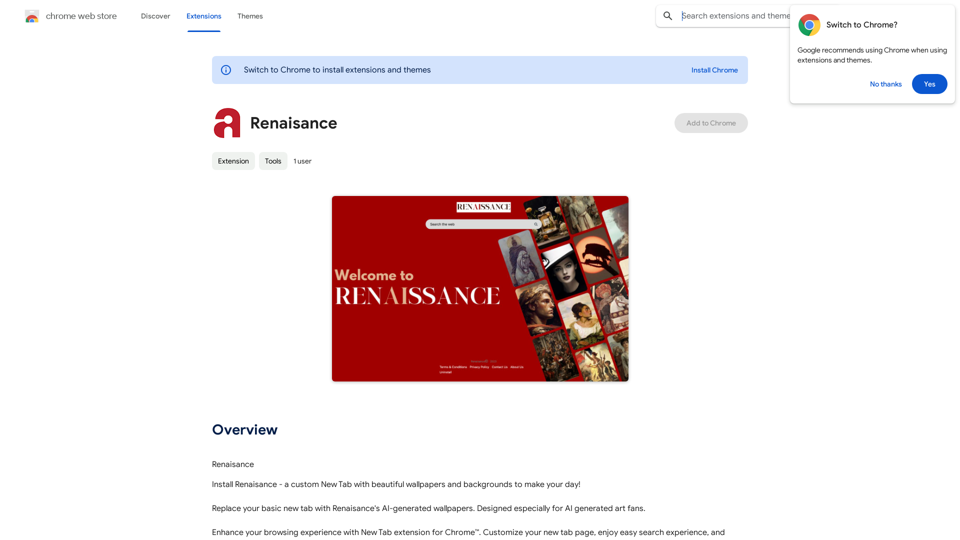
Soca Chrome Extension

193.90 M
Chrome Web Store
View Detail

Chrome Web Store

Chrome Web Store

Add new features to your browser and personalize your browsing experience.

193.90 M
JustRecap
View Detail

JustRecap

JustRecap

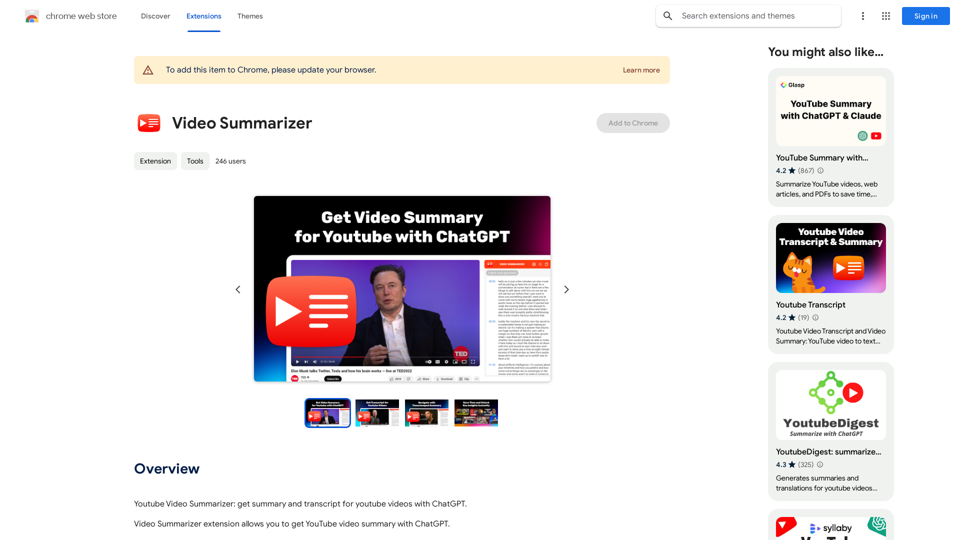
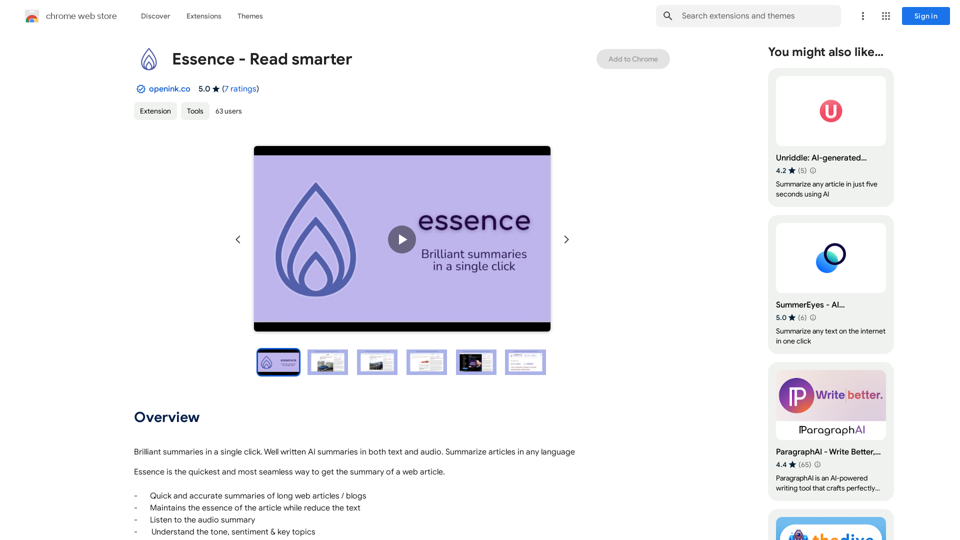
JustRecap extracts summaries and key moments from videos so you can learn more in less time.

193.90 M
Doozy: AI Made Easy
View Detail

Doozy: AI Made Easy

Doozy: AI Made Easy

✨ Translate, summarize, and more with a single click.

193.90 M
Readel: AI Text-to-Speech
View Detail

Readel: AI Text-to-Speech

Readel: AI Text-to-Speech

A small program that can read aloud any Reddit posts, audiobooks, or webpages using the highest quality text-to-speech technology.

193.90 M
Fast AI
View Detail

Fast AI

Fast AI

A fast and helpful tool that lets you use ChatGPT on any website.

193.90 M
AI Voice Over for YouTube 

This is a guide to using AI voice over for your YouTube videos. 

Why Use AI Voice Over?

* Cost-Effective: AI voice over is much cheaper than hiring a professional voice actor.
* Time-Saving: You can generate voice over quickly and easily, without needing to schedule recording sessions.
* Variety of Voices: Choose from a wide range of AI voices, including male, female, and even robotic voices.
* Accessibility: Make your videos accessible to viewers who are deaf or hard of hearing by adding captions generated by AI.

How to Use AI Voice Over

1. Choose a Platform: There are many different platforms that offer AI voice over services, such as:
    * Google Cloud Text-to-Speech
    * Amazon Polly
    * Microsoft Azure Text to Speech
    * Murf.ai
    * NaturalReader
2. Write Your Script:  Write a clear and concise script for your video.
3. Upload Your Script:  Upload your script to the chosen platform.
4. Select a Voice: Choose the voice that best suits your video.
5. Adjust Settings:  Adjust settings such as speed, pitch, and volume.
6. Generate Voice Over:  Click the "Generate" button to create your voice over.
7. Download and Edit: Download the generated voice over file and edit it as needed.
8. Add to Your Video:  Add the voice over to your YouTube video.

Tips for Using AI Voice Over

* Use Natural Language:  Write your script as if you were speaking naturally.
* Vary Your Tone:  Use different tones of voice to keep your viewers engaged.
* Add Pauses:  Include pauses in your script to allow viewers to process information.
* Proofread Carefully:  Always proofread your script before generating the voice over.
* Experiment:  Try different voices, settings, and styles to find what works best for you.
View Detail

AI Voice Over for YouTube This is a guide to using AI voice over for your YouTube videos. Why Use AI Voice Over? * Cost-Effective: AI voice over is much cheaper than hiring a professional voice actor. * Time-Saving: You can generate voice over quickly and easily, without needing to schedule recording sessions. * Variety of Voices: Choose from a wide range of AI voices, including male, female, and even robotic voices. * Accessibility: Make your videos accessible to viewers who are deaf or hard of hearing by adding captions generated by AI. How to Use AI Voice Over 1. Choose a Platform: There are many different platforms that offer AI voice over services, such as: * Google Cloud Text-to-Speech * Amazon Polly * Microsoft Azure Text to Speech * Murf.ai * NaturalReader 2. Write Your Script: Write a clear and concise script for your video. 3. Upload Your Script: Upload your script to the chosen platform. 4. Select a Voice: Choose the voice that best suits your video. 5. Adjust Settings: Adjust settings such as speed, pitch, and volume. 6. Generate Voice Over: Click the "Generate" button to create your voice over. 7. Download and Edit: Download the generated voice over file and edit it as needed. 8. Add to Your Video: Add the voice over to your YouTube video. Tips for Using AI Voice Over * Use Natural Language: Write your script as if you were speaking naturally. * Vary Your Tone: Use different tones of voice to keep your viewers engaged. * Add Pauses: Include pauses in your script to allow viewers to process information. * Proofread Carefully: Always proofread your script before generating the voice over. * Experiment: Try different voices, settings, and styles to find what works best for you.

AI Voice Over for YouTube This is a guide to using AI voice over for your YouTube videos. Why Use AI Voice Over? * Cost-Effective: AI voice over is much cheaper than hiring a professional voice actor. * Time-Saving: You can generate voice over quickly and easily, without needing to schedule recording sessions. * Variety of Voices: Choose from a wide range of AI voices, including male, female, and even robotic voices. * Accessibility: Make your videos accessible to viewers who are deaf or hard of hearing by adding captions generated by AI. How to Use AI Voice Over 1. Choose a Platform: There are many different platforms that offer AI voice over services, such as: * Google Cloud Text-to-Speech * Amazon Polly * Microsoft Azure Text to Speech * Murf.ai * NaturalReader 2. Write Your Script: Write a clear and concise script for your video. 3. Upload Your Script: Upload your script to the chosen platform. 4. Select a Voice: Choose the voice that best suits your video. 5. Adjust Settings: Adjust settings such as speed, pitch, and volume. 6. Generate Voice Over: Click the "Generate" button to create your voice over. 7. Download and Edit: Download the generated voice over file and edit it as needed. 8. Add to Your Video: Add the voice over to your YouTube video. Tips for Using AI Voice Over * Use Natural Language: Write your script as if you were speaking naturally. * Vary Your Tone: Use different tones of voice to keep your viewers engaged. * Add Pauses: Include pauses in your script to allow viewers to process information. * Proofread Carefully: Always proofread your script before generating the voice over. * Experiment: Try different voices, settings, and styles to find what works best for you.

Watch foreign language YouTube videos in your own language.

193.90 M