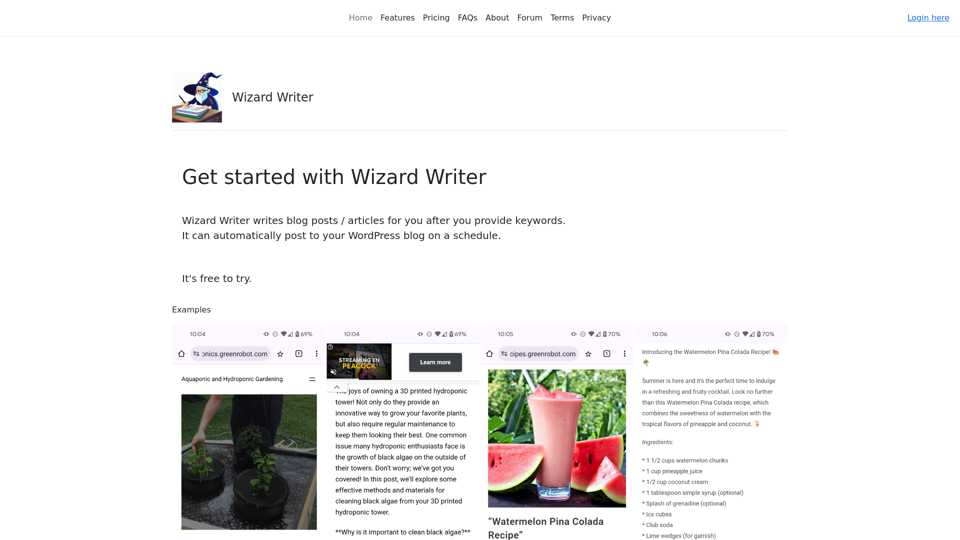
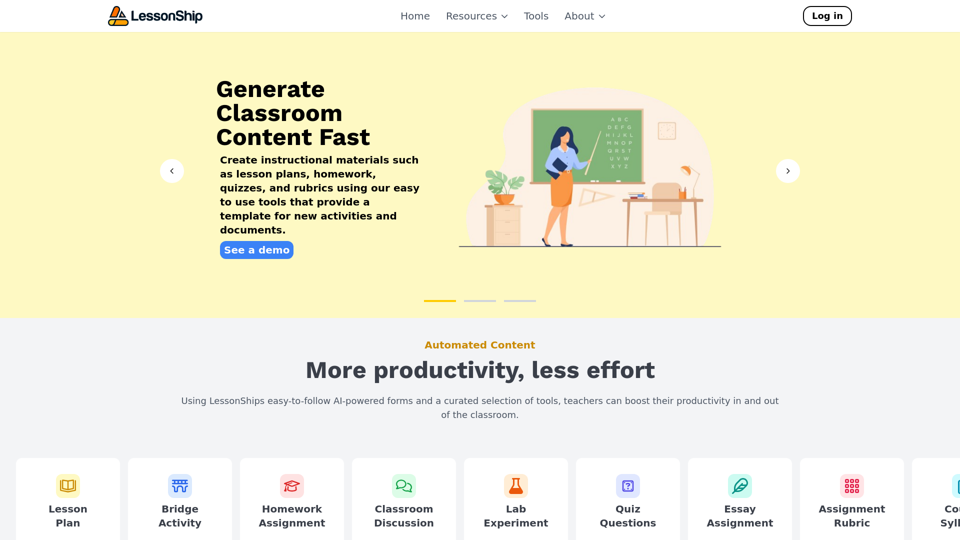
LessonShip is an innovative AI-powered platform designed to revolutionize the way teachers create and manage classroom instructional materials. By leveraging advanced artificial intelligence technology, LessonShip enables educators to quickly generate high-quality lesson plans, homework assignments, quizzes, and rubrics. This efficient tool not only saves time but also ensures that the content aligns with educational standards, making it an invaluable asset for modern educators.
Welcome - LessonShip
LessonShip is an AI-powered LMS that allows teachers to quickly generate classroom instructional materials with our easy-to-use forms.
Introduction
Feature
AI-Powered Form Generation
LessonShip's core functionality revolves around its intelligent form generation system. Teachers can easily create a wide array of instructional materials by simply filling out user-friendly forms. This feature significantly reduces the time and effort required for lesson preparation.
Editing and Organization Tools
The platform offers robust editing and organization capabilities, allowing teachers to:
- Customize generated content
- Manage and categorize materials
- Easily retrieve and reuse content
This streamlined approach enhances efficiency and promotes better resource management.
Standard-Aligned Content Creation
LessonShip ensures that all generated materials can be tailored to meet specific educational standards. This feature guarantees that:
- Content aligns with curriculum requirements
- Learning objectives are consistently met
- Students receive standardized, high-quality educational materials
Learning Management System (LMS) Integration
To further streamline workflows, LessonShip seamlessly integrates with popular LMS platforms such as:
- Google Classroom
- Canvas
- Other common LMS solutions
This integration allows for a more cohesive and efficient teaching experience.
FAQ
What types of instructional materials can LessonShip generate?
LessonShip can generate a variety of classroom materials, including:
- Lesson plans
- Homework assignments
- Quizzes
- Rubrics
- Other essential teaching resources
How user-friendly is LessonShip?
LessonShip is designed with ease of use in mind. Teachers can generate materials by simply filling out intuitive forms, making the platform accessible even for those with limited technical expertise.
Are there different pricing options available for LessonShip?
Yes, LessonShip offers various pricing plans to accommodate different needs and budgets. Schools and educators are encouraged to contact the LessonShip team for detailed information on available pricing options.
Related Websites

JuicyChat.Ai - Spicy NSFW Character AI Chat - AI Girlfriend
JuicyChat.Ai - Spicy NSFW Character AI Chat - AI GirlfriendJuicyChat.ai - Immerse yourself in provocative NSFW character AI conversations and indulge in the excitement of unrestricted, personal interactions with your AI partner.
11.47 M
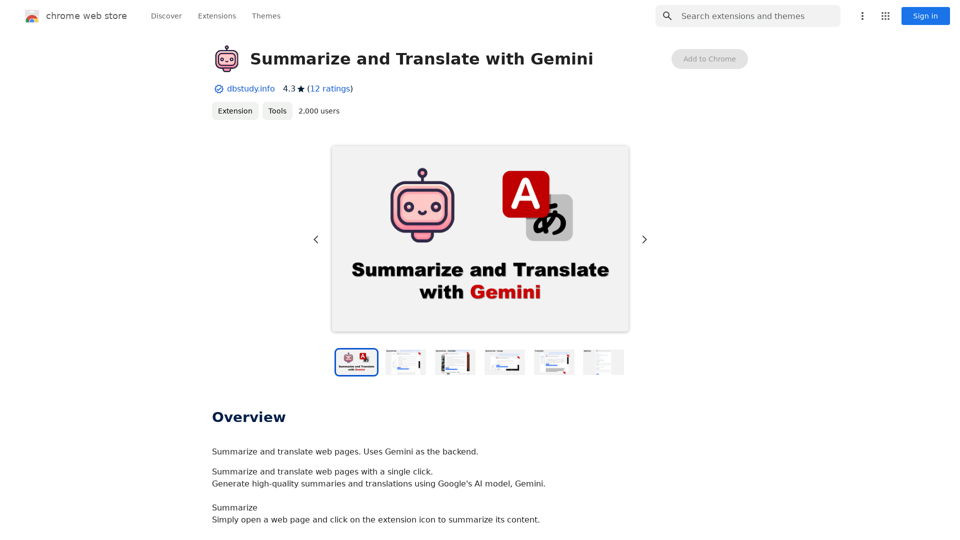
Summarize and Translate with Gemini Gemini是一个基于人工智能的多语言翻译和文本摘要工具。它可以将长篇文本转换为简洁的摘要,同时提供多种语言的翻译选项。 #Key Features * Multilingual Translation: Gemini支持多种语言的翻译,包括英语、法语、德语、西班牙语、葡萄牙语、意大利语、荷兰语、俄语、中文、日语和韩语等。 * Text Summarization: Gemini可以将长篇文本转换为简洁的摘要,帮助用户快速了解文本的主要内容。 * AI-powered: Gemini基于人工智能技术,能够智能地识别和处理语言,提供高质量的翻译和摘要结果。 #How to Use Gemini 1. Copy and Paste: 将需要翻译或摘要的文本复制并粘贴到Gemini的输入框中。 2. Select Language: 选择需要翻译的语言或摘要的格式。 3. Get Result: Gemini将提供翻译或摘要结果,用户可以根据需要进行调整和编辑。 #Benefits * Save Time: Gemini可以快速地翻译和摘要长篇文本,节省用户的时间和精力。 * Improve Efficiency: Gemini的翻译和摘要结果可以帮助用户更好地理解和处理文本,提高工作效率。 * Enhance Productivity: Gemini可以帮助用户更好地与他人交流和合作,提高生产力和效率。
Summarize and Translate with Gemini Gemini是一个基于人工智能的多语言翻译和文本摘要工具。它可以将长篇文本转换为简洁的摘要,同时提供多种语言的翻译选项。 #Key Features * Multilingual Translation: Gemini支持多种语言的翻译,包括英语、法语、德语、西班牙语、葡萄牙语、意大利语、荷兰语、俄语、中文、日语和韩语等。 * Text Summarization: Gemini可以将长篇文本转换为简洁的摘要,帮助用户快速了解文本的主要内容。 * AI-powered: Gemini基于人工智能技术,能够智能地识别和处理语言,提供高质量的翻译和摘要结果。 #How to Use Gemini 1. Copy and Paste: 将需要翻译或摘要的文本复制并粘贴到Gemini的输入框中。 2. Select Language: 选择需要翻译的语言或摘要的格式。 3. Get Result: Gemini将提供翻译或摘要结果,用户可以根据需要进行调整和编辑。 #Benefits * Save Time: Gemini可以快速地翻译和摘要长篇文本,节省用户的时间和精力。 * Improve Efficiency: Gemini的翻译和摘要结果可以帮助用户更好地理解和处理文本,提高工作效率。 * Enhance Productivity: Gemini可以帮助用户更好地与他人交流和合作,提高生产力和效率。Summarize and Translate Web Pages This tool utilizes Gemini as its backend to provide a convenient way to summarize and translate web pages.
193.90 M
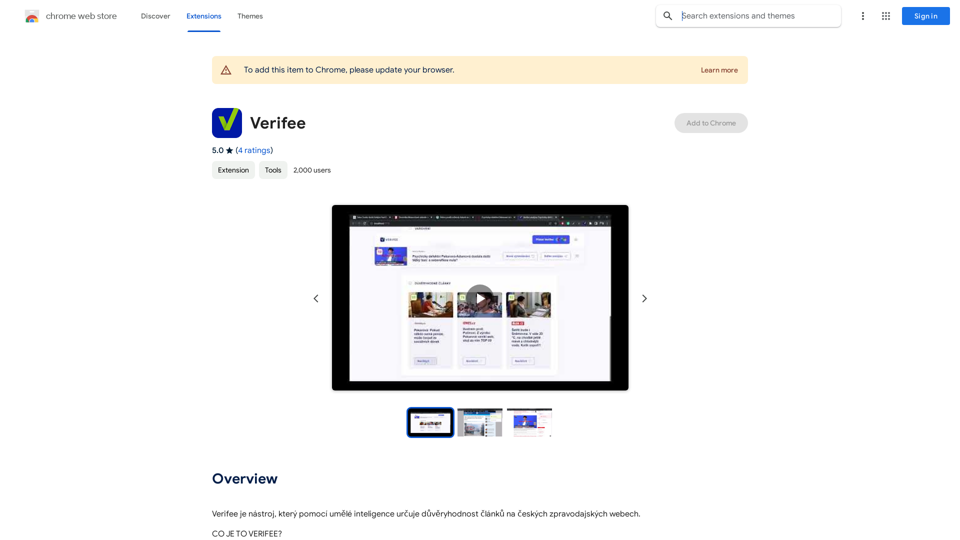
Verify is a tool that uses artificial intelligence to determine the trustworthiness of articles on Czech news websites.
193.90 M
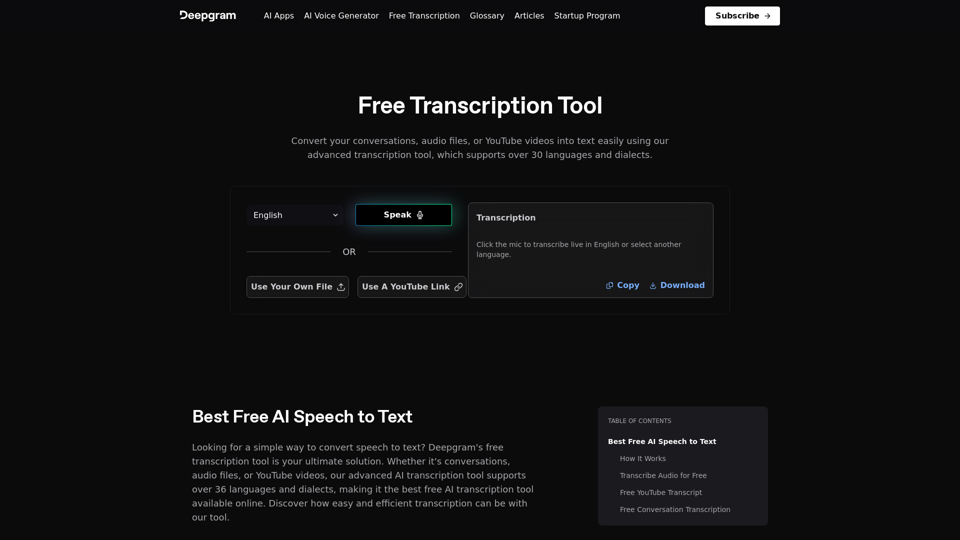
Easily convert your conversations, audio files, or YouTube videos into text for free with our advanced transcription tool.
835.16 K
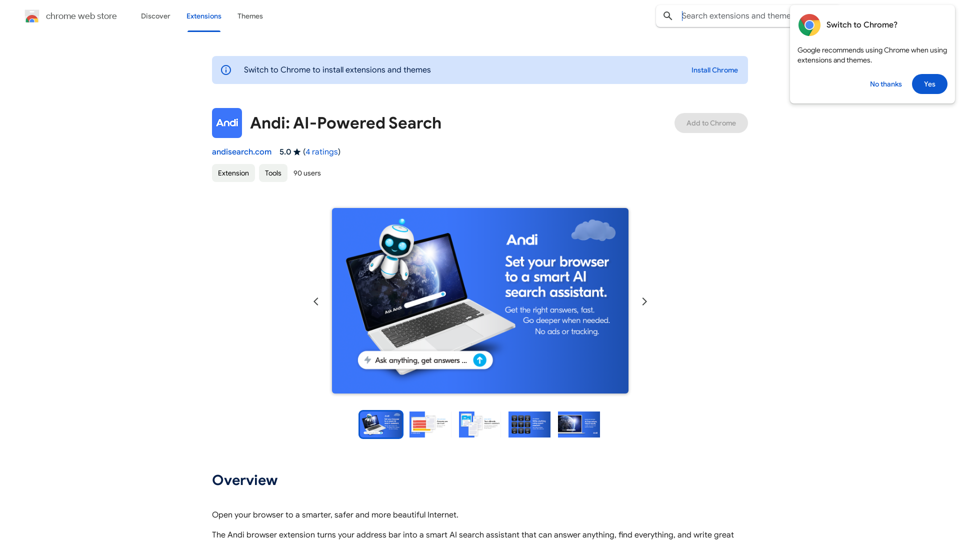
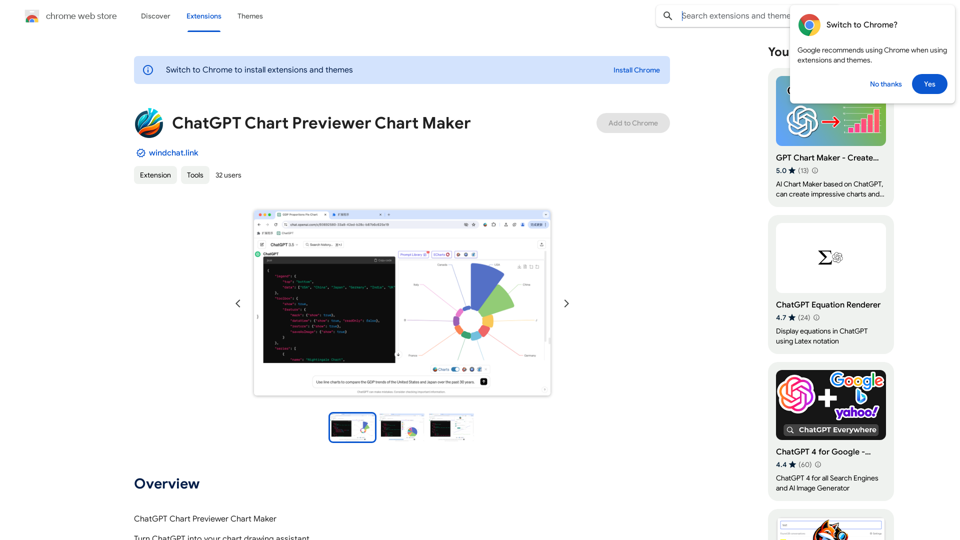
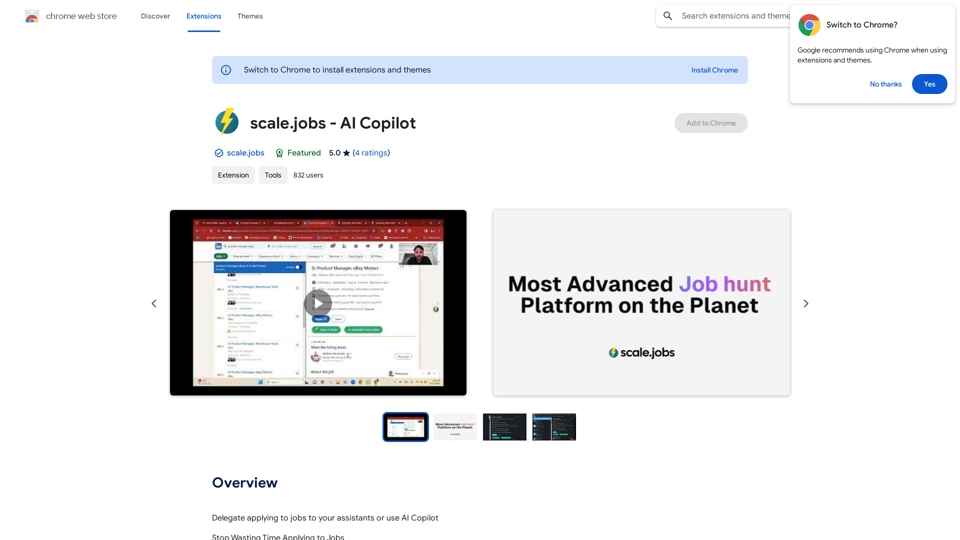
Delegate applying to jobs to your assistants or use AI Copilot Applying to jobs can be a tedious and time-consuming task. Delegate this task to your assistants and let them handle the initial application process, including resume submission and cover letter writing. Alternatively, utilize AI Copilot, an innovative tool that can automate the job application process, saving you time and energy. By delegating or automating this task, you can focus on more important things, such as preparing for interviews, networking, and building meaningful connections in your industry. This approach can also increase your chances of getting hired, as your assistants or AI Copilot can help you apply to more job openings, thereby increasing your visibility and reach. Remember, time is valuable, and by delegating or automating the job application process, you can make the most of your time and achieve your career goals more efficiently.
193.90 M