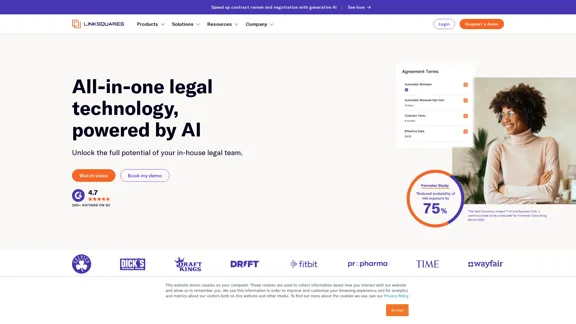
LinkSquares is an AI-powered contract management platform tailored for legal teams. It offers a comprehensive suite of tools for contract lifecycle management and legal project management, leveraging artificial intelligence to streamline various aspects of legal work. The platform aims to improve efficiency, collaboration, and insights in contract-related processes.
AI-Powered Contract Management for Legal Teams | LinkSquares
Legal teams depend on LinkSquares for effortless agreement drafting, reviewing, and execution using AI-powered contract lifecycle management and project management software.
Introduction
Feature
Contract Lifecycle Management (CLM)
LinkSquares provides end-to-end management of contracts, from creation to analysis, ensuring a smooth workflow throughout the contract's lifecycle.
AI-Powered Contract Analysis
The platform utilizes purpose-built AI to analyze contracts, extract key information, and provide valuable insights to legal teams.
Contract Repository (Analyze)
LinkSquares offers an AI-powered contract organization and analysis system, making it easier to store, retrieve, and understand contract information.
Negotiation (Finalize)
Streamlined contract drafting, review, and approval processes are available, enhancing efficiency in contract negotiations.
Reporting and Analytics
The platform provides data-driven insights and metrics for contract management, enabling better decision-making and performance tracking.
Project Management (Prioritize)
LinkSquares includes centralized task management features specifically designed for legal teams, improving workflow organization.
Integrations
The platform offers pre-built integrations and an API, allowing seamless connection with existing tools and workflows.
FAQ
What makes LinkSquares unique?
LinkSquares stands out with its purpose-built AI specifically for legal tasks, an all-in-one platform for various legal needs, and a native AI model that doesn't rely on third-party AI technologies.
What benefits does LinkSquares offer?
LinkSquares provides faster contract review and negotiation, improved efficiency in legal workflows, better collaboration across teams, centralized legal work management, and AI-powered insights and data extraction.
How can I get started with LinkSquares?
Interested users can schedule a demo to learn more about LinkSquares and its capabilities. The website doesn't provide specific pricing information, so requesting a demo is the best way to explore the platform and discuss potential costs.
What do customers say about LinkSquares?
Customers from various industries have provided positive testimonials, highlighting benefits such as easier contract location and management, unified processes across companies, time savings in contract review, and cost savings in unnecessary spend.
Related Websites
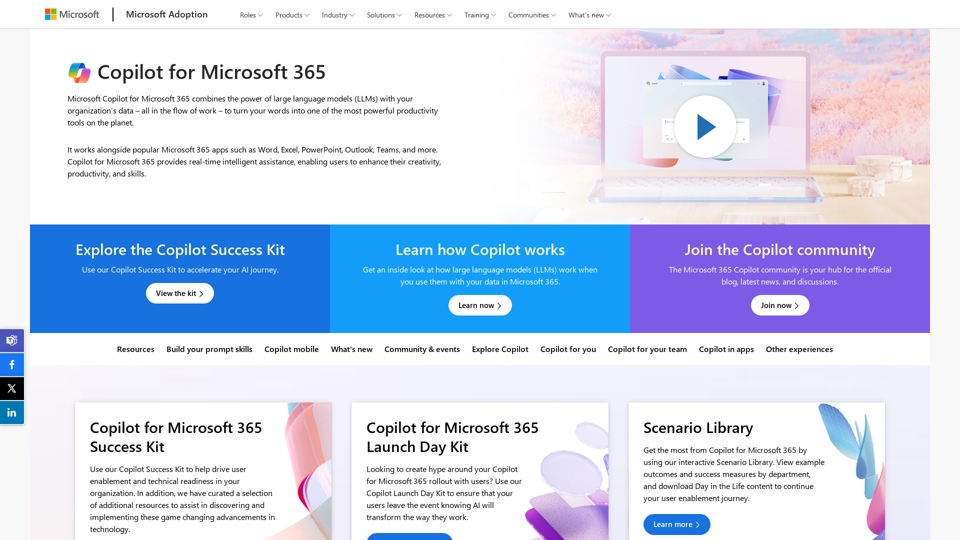
Copilot for Microsoft 365 – Microsoft Adoption Copilot for Microsoft 365 is a powerful AI assistant that helps you work smarter and faster across Microsoft 365 apps and services. It combines the power of large language models (LLMs) with your organization's data in the Microsoft Graph and Microsoft 365 apps to turn your words into the most powerful productivity tool on the planet. Copilot is designed to help you: • Unleash creativity • Unlock productivity • Uplevel skills Copilot is built on Microsoft's comprehensive approach to security, compliance, and privacy. Copilot in Microsoft 365 apps and services: • Does not use your data to train the underlying LLM • Does not replace human ingenuity and judgment • Is designed to keep humans in the loop Copilot is currently available in Word, Excel, PowerPoint, Outlook, Teams, and more. Getting Started with Copilot To get started with Copilot, follow these steps: 1. Check availability: Ensure your organization has access to Copilot. 2. Learn the basics: Familiarize yourself with Copilot's capabilities and how to use it effectively. 3. Explore use cases: Discover how Copilot can help you in your specific role and tasks. 4. Practice and refine: Use Copilot regularly and refine your prompts for better results. 5. Share and collaborate: Collaborate with colleagues using Copilot and share best practices. Best Practices for Using Copilot 1. Be specific in your prompts 2. Provide context for better results 3. Review and edit Copilot's output 4. Use Copilot as a starting point, not a final product 5. Experiment with different approaches 6. Stay informed about new features and updates Copilot in Different Microsoft 365 Apps • Word: Draft, edit, summarize, and rewrite content • Excel: Analyze data, create formulas, and generate insights • PowerPoint: Create presentations, design slides, and generate content • Outlook: Compose emails, summarize threads, and manage your inbox • Teams: Summarize meetings, generate action items, and create meeting notes Responsible AI and Copilot Microsoft is committed to developing AI systems responsibly. When using Copilot, keep in mind: • AI-generated content may contain biases or inaccuracies • Always review and verify Copilot's output • Use your judgment and expertise alongside Copilot's suggestions • Be aware of your organization's policies regarding AI use Conclusion Copilot for Microsoft 365 is a powerful tool that can significantly enhance your productivity and creativity. By understanding its capabilities, following best practices, and using it responsibly, you can make the most of this AI assistant in your daily work.
Copilot for Microsoft 365 – Microsoft Adoption Copilot for Microsoft 365 is a powerful AI assistant that helps you work smarter and faster across Microsoft 365 apps and services. It combines the power of large language models (LLMs) with your organization's data in the Microsoft Graph and Microsoft 365 apps to turn your words into the most powerful productivity tool on the planet. Copilot is designed to help you: • Unleash creativity • Unlock productivity • Uplevel skills Copilot is built on Microsoft's comprehensive approach to security, compliance, and privacy. Copilot in Microsoft 365 apps and services: • Does not use your data to train the underlying LLM • Does not replace human ingenuity and judgment • Is designed to keep humans in the loop Copilot is currently available in Word, Excel, PowerPoint, Outlook, Teams, and more. Getting Started with Copilot To get started with Copilot, follow these steps: 1. Check availability: Ensure your organization has access to Copilot. 2. Learn the basics: Familiarize yourself with Copilot's capabilities and how to use it effectively. 3. Explore use cases: Discover how Copilot can help you in your specific role and tasks. 4. Practice and refine: Use Copilot regularly and refine your prompts for better results. 5. Share and collaborate: Collaborate with colleagues using Copilot and share best practices. Best Practices for Using Copilot 1. Be specific in your prompts 2. Provide context for better results 3. Review and edit Copilot's output 4. Use Copilot as a starting point, not a final product 5. Experiment with different approaches 6. Stay informed about new features and updates Copilot in Different Microsoft 365 Apps • Word: Draft, edit, summarize, and rewrite content • Excel: Analyze data, create formulas, and generate insights • PowerPoint: Create presentations, design slides, and generate content • Outlook: Compose emails, summarize threads, and manage your inbox • Teams: Summarize meetings, generate action items, and create meeting notes Responsible AI and Copilot Microsoft is committed to developing AI systems responsibly. When using Copilot, keep in mind: • AI-generated content may contain biases or inaccuracies • Always review and verify Copilot's output • Use your judgment and expertise alongside Copilot's suggestions • Be aware of your organization's policies regarding AI use Conclusion Copilot for Microsoft 365 is a powerful tool that can significantly enhance your productivity and creativity. By understanding its capabilities, following best practices, and using it responsibly, you can make the most of this AI assistant in your daily work.Microsoft Copilot combines the power of large language models (LLMs) with your organization's data to turn your words into one of the most powerful productivity tools on the planet.
608.60 K
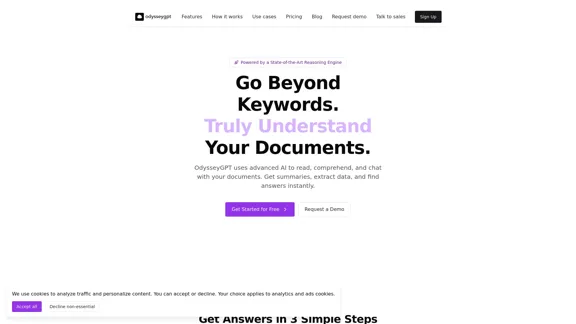
OdysseyGPT reads and genuinely understands your documents, allowing you to search, summarize, and extract insights instantly.
0
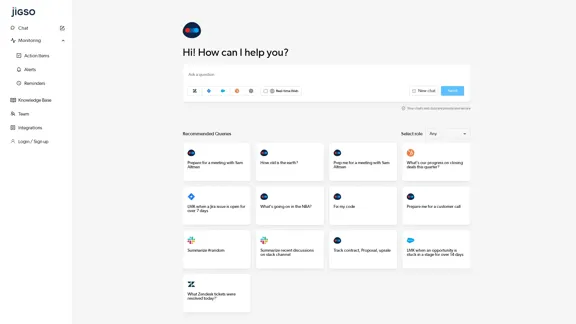
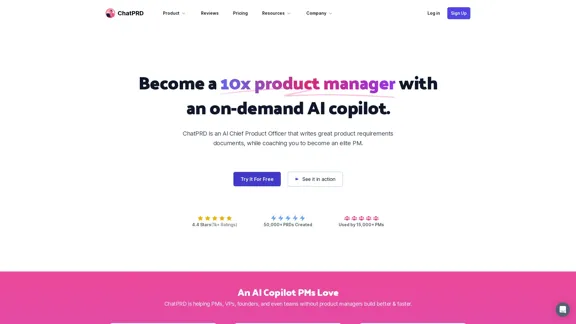
An on-demand Chief Product Officer who creates and enhances your Product Requirements Documents (PRDs), while mentoring you to become a top-tier Product Manager.
162.60 K
qsourcer.com - Talent Acquisition with AI, Boolean and X-ray Search.
qsourcer.com - Talent Acquisition with AI, Boolean and X-ray Search.Discover top-tier professionals on LinkedIn, GitHub, and StackOverflow using qSourcer's AI-powered Boolean search recruitment software.
1.38 K
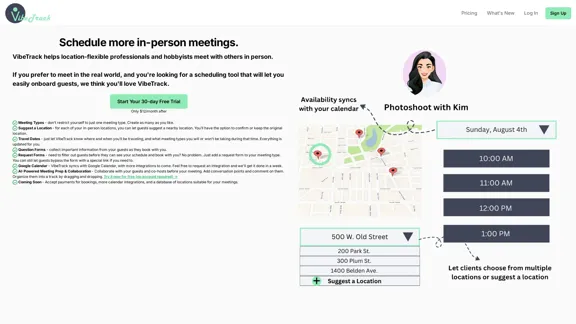
VibeTrack is a scheduling tool designed for location-flexible professionals and hobbyists who prefer in-person meetings.
0
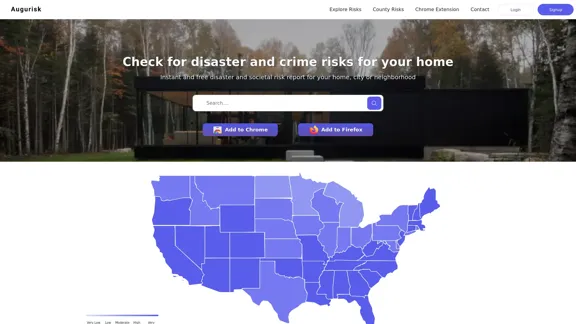
Augurisk: Explore Disaster and Crime risk in the US
Augurisk: Explore Disaster and Crime risk in the USHere is the translation: Discover Natural Disaster and Crime risk for cities and counties in your state, including Flood, Hurricanes, Tornadoes, Wildfires, Drought and Earthquakes.
22.03 K
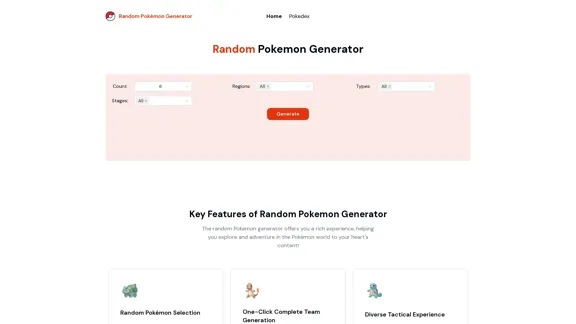
Random Pokemon Generator - Quickly customize and randomly generate Pokemon.
Random Pokemon Generator - Quickly customize and randomly generate Pokemon.Discover the world of Pokémon with our interactive website! Unleash the excitement of random Pokémon generation, and delve into comprehensive Pokédex entries to learn about each creature's unique characteristics, abilities, and evolutions.
94