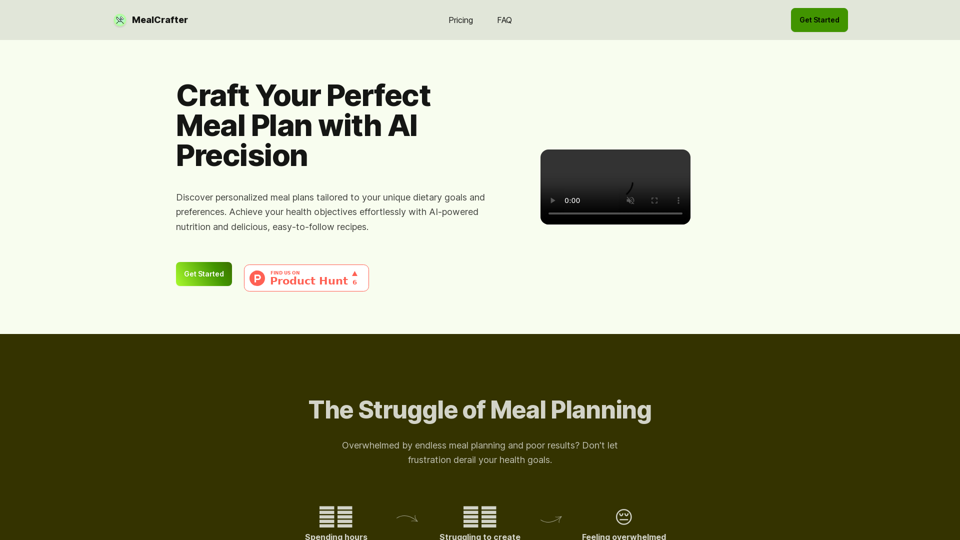
MealCrafter is an AI-powered platform designed to create personalized meal plans tailored to individual dietary goals and preferences. It offers a comprehensive solution for those seeking to improve their eating habits and achieve health objectives effortlessly. The platform provides customized meal plans, easy-to-follow recipes, and additional features to support users in their journey towards better health.
MealCrafter
The Web App for personalized meal planning tailored to your dietary goals
Introduction
Feature
Personalized Meal Planning
MealCrafter utilizes AI technology to generate customized meal plans based on user-specific dietary goals and preferences. These plans include breakfast, lunch, dinner, and snacks, ensuring a well-rounded approach to nutrition.
Diverse Recipe Database
Users have access to a variety of delicious and easy-to-follow recipes that align with their personalized meal plans. The platform allows for recipe regeneration, providing continuous variety and options.
Convenient Grocery List
MealCrafter generates a comprehensive grocery list organized by category and quantity, simplifying the shopping process for users.
AI-Driven Customization
The platform's AI technology takes care of the meal planning process based on user input during the onboarding process, creating tailored plans that suit individual needs.
Ongoing Support
Users receive email support to help them stay on track and overcome challenges in their health journey.
Flexible Subscription Options
MealCrafter offers both monthly and yearly subscription plans, with a discount available for annual subscriptions.
| Subscription | Price | Savings |
|---|---|---|
| Monthly | €9.9 | - |
| Yearly | €89.9 | 20% OFF |
FAQ
What does a MealCrafter subscription include?
A MealCrafter subscription provides:
- 1 personalized meal plan
- Access to 20 delicious recipes
- Ability to generate new recipes as needed
- Groceries list
- Stock list
- Email support
How does MealCrafter handle dietary restrictions?
MealCrafter allows users to input dietary restrictions and allergies during the onboarding process. The AI ensures that meal plans exclude any ingredients that users cannot consume.
Is there a free trial available?
Currently, MealCrafter does not offer a free trial. However, interested users can email [email protected] to potentially participate in a 7-day test program.
Can subscriptions be cancelled at any time?
Yes, users can cancel their subscription at any time directly from their account settings without any long-term commitments.
How can users contact customer support?
Customer support can be reached via email at [email protected] for any questions or assistance needed.
Related Websites
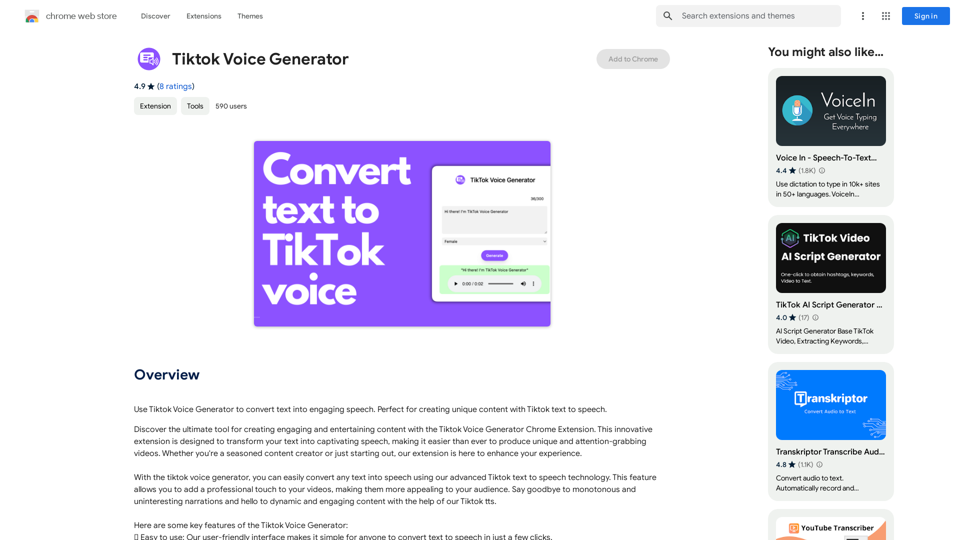
TikTok Voice Generator ========================== The TikTok voice generator is a popular feature on the social media platform that allows users to create and share videos with unique and entertaining voiceovers. This feature has become a sensation among TikTok users, with many using it to add humor, creativity, and personality to their videos. How Does it Work? -------------------- The TikTok voice generator uses advanced AI technology to convert written text into a spoken voice. Users can type in the text they want to convert, and the generator will produce a natural-sounding voiceover in a matter of seconds. The voice generator offers a range of voices, accents, and languages to choose from, allowing users to customize their voiceovers to fit their style and preferences. Features and Benefits ------------------------- Variety of Voices The TikTok voice generator offers a vast library of voices, including male and female voices, different accents, and languages. This allows users to experiment with different voices and find the one that best suits their content. Easy to Use The voice generator is incredibly easy to use. Users simply need to type in the text they want to convert, select the voice they want to use, and the generator will do the rest. Add Humor and Creativity The TikTok voice generator is a great way to add humor and creativity to videos. Users can use the generator to create funny voiceovers, parody songs, or even create their own characters. Increase Engagement Videos with voiceovers generated by the TikTok voice generator tend to perform better in terms of engagement. The unique and entertaining voiceovers can help capture viewers' attention and increase the chances of going viral. Conclusion ---------- The TikTok voice generator is a powerful tool that can help users take their content to the next level. With its advanced AI technology, ease of use, and variety of voices, it's no wonder why it has become a favorite among TikTok users. Whether you're looking to add humor, creativity, or personality to your videos, the TikTok voice generator is definitely worth trying out.
TikTok Voice Generator ========================== The TikTok voice generator is a popular feature on the social media platform that allows users to create and share videos with unique and entertaining voiceovers. This feature has become a sensation among TikTok users, with many using it to add humor, creativity, and personality to their videos. How Does it Work? -------------------- The TikTok voice generator uses advanced AI technology to convert written text into a spoken voice. Users can type in the text they want to convert, and the generator will produce a natural-sounding voiceover in a matter of seconds. The voice generator offers a range of voices, accents, and languages to choose from, allowing users to customize their voiceovers to fit their style and preferences. Features and Benefits ------------------------- Variety of Voices The TikTok voice generator offers a vast library of voices, including male and female voices, different accents, and languages. This allows users to experiment with different voices and find the one that best suits their content. Easy to Use The voice generator is incredibly easy to use. Users simply need to type in the text they want to convert, select the voice they want to use, and the generator will do the rest. Add Humor and Creativity The TikTok voice generator is a great way to add humor and creativity to videos. Users can use the generator to create funny voiceovers, parody songs, or even create their own characters. Increase Engagement Videos with voiceovers generated by the TikTok voice generator tend to perform better in terms of engagement. The unique and entertaining voiceovers can help capture viewers' attention and increase the chances of going viral. Conclusion ---------- The TikTok voice generator is a powerful tool that can help users take their content to the next level. With its advanced AI technology, ease of use, and variety of voices, it's no wonder why it has become a favorite among TikTok users. Whether you're looking to add humor, creativity, or personality to your videos, the TikTok voice generator is definitely worth trying out.Use the Tiktok Voice Generator to convert text into engaging speech. Perfect for creating unique content with Tiktok text to speech.
193.90 M
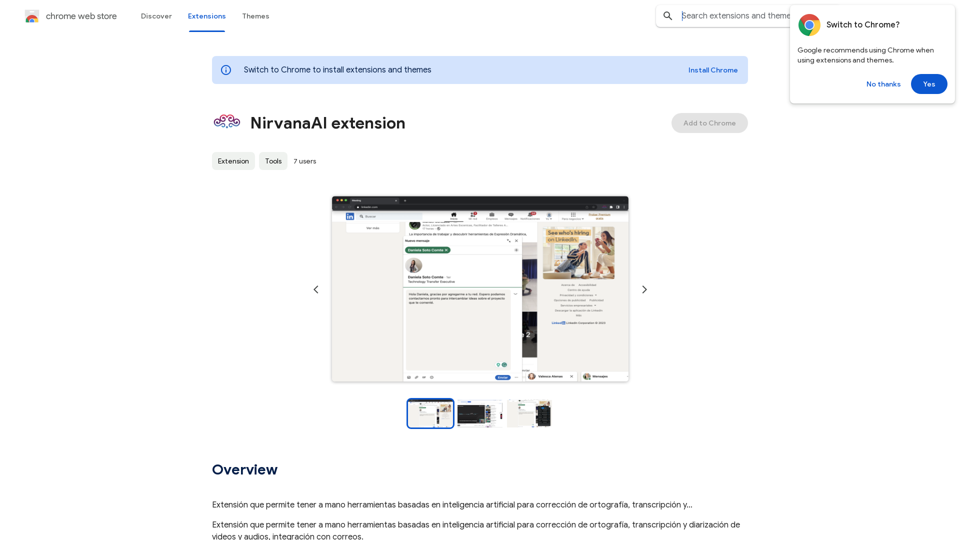
Extension that allows you to have AI-powered tools for grammar correction, transcription, and...
193.90 M
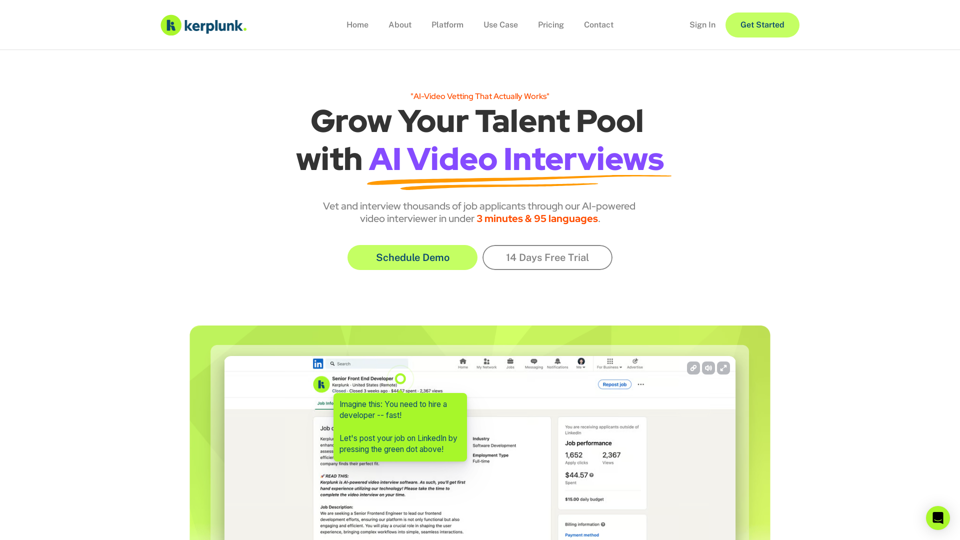
Optimize your hiring with our AI-powered video interviewer. Kerplunk delivers insightful interviews. Get an AI Interview Assistant for your recruitment.
7.59 K
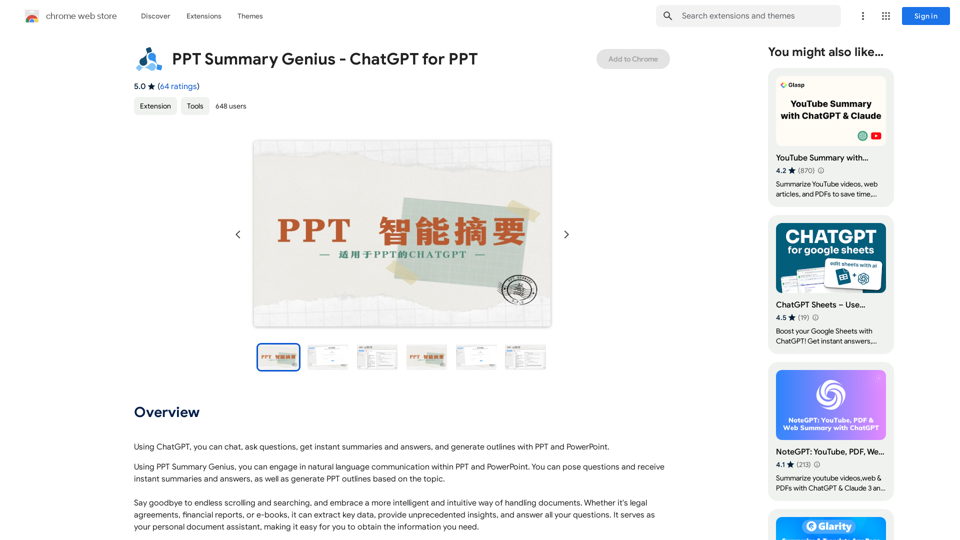
PPT Summary Genius - ChatGPT for PPT Turn your boring presentations into engaging masterpieces! * Summarize lengthy PPTs: ChatGPT can condense your slides into concise summaries, perfect for quick reviews or sharing key points. * Generate compelling narratives: Transform your data and bullet points into captivating stories that resonate with your audience. * Craft impactful introductions and conclusions: Start strong and leave a lasting impression with ChatGPT's help. * Overcome writer's block: Struggling with slide content? ChatGPT can provide creative ideas and help you overcome creative hurdles. * Tailor your message: Adjust the tone and style of your presentation to match your audience and purpose. Boost your productivity and create presentations that truly shine!
PPT Summary Genius - ChatGPT for PPT Turn your boring presentations into engaging masterpieces! * Summarize lengthy PPTs: ChatGPT can condense your slides into concise summaries, perfect for quick reviews or sharing key points. * Generate compelling narratives: Transform your data and bullet points into captivating stories that resonate with your audience. * Craft impactful introductions and conclusions: Start strong and leave a lasting impression with ChatGPT's help. * Overcome writer's block: Struggling with slide content? ChatGPT can provide creative ideas and help you overcome creative hurdles. * Tailor your message: Adjust the tone and style of your presentation to match your audience and purpose. Boost your productivity and create presentations that truly shine!Using ChatGPT, you can chat, ask questions, get instant summaries and answers, and generate outlines for presentations in PPT and PowerPoint format.
193.90 M