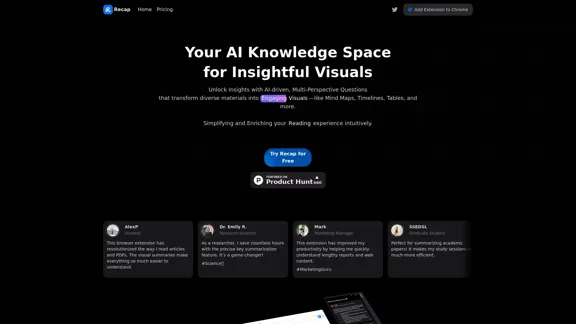
Recap is an AI-powered tool designed to simplify and enhance the reading experience by providing real-time summaries and visual insights. It transforms diverse materials into engaging visuals such as mind maps, timelines, and tables, making it easier for users to digest and understand complex information. The tool is particularly beneficial for students, researchers, and professionals looking to save time and improve productivity.
Recap | AI-Driven Summaries and Visual Insights Instantly
Recap, an AI platform, transforms complex information into concise summaries and intuitive visuals, such as mind maps, timelines, and tables, enhancing productivity and saving time by extracting key details from various sources. |Recap
Introduction
Feature
-
AI-Powered Summarization
Recap condenses lengthy articles, reports, and academic papers into concise summaries, allowing users to quickly grasp key points.
-
Visual Insights
The tool generates engaging visual representations, including mind maps, timelines, and tables, to simplify complex information and enhance retention.
-
Multi-Perspective Questions
Recap transforms content into thought-provoking questions, promoting critical thinking and deeper understanding.
-
Seamless Accessibility
Users can easily save and share their summaries and insights across devices, facilitating organized knowledge management.
-
YouTube Optimization
Recap is optimized for summarizing YouTube videos, providing users with quick summaries and timestamps for video content.
-
Chrome Extension Support
The browser extension allows users to summarize web pages and online content instantly, enhancing productivity and information retrieval.
How to Use?
- Install the Recap Chrome extension from the official website.
- Open an article or web page you want to summarize.
- Click on the Recap extension icon in your browser.
- Select the summarization option to generate a concise summary.
- Explore visual insights like mind maps or timelines for better understanding.
- Save or share your summaries with colleagues or friends directly from the extension.
FAQ
What is Recap?
Recap is an AI-driven tool that provides summaries and visual insights to help users digest large volumes of content quickly and effectively.
How does Recap help in digesting information?
Recap condenses complex materials into concise summaries and visual formats, making it easier for users to understand and retain information.
Can I use Recap for presentations?
Yes, Recap allows users to create visual diagrams and summaries that can be utilized in presentations.
How do visual insights contribute to intuitive learning?
Visual insights simplify complex information, making it easier to absorb and remember, thus enhancing the learning experience.
What role do expert insights play in Recap's AI summaries?
Expert insights help in crafting multi-perspective questions and summaries that promote critical thinking and deeper understanding of the content.
Price
- Free Plan: $0/month
- Basic Plan: $9.99/month
- Standard Plan: $19.99/month
- Professional Plan: $49.99/month
The price is for reference only, please refer to the latest official data for actual information.
Evaluation
-
Recap effectively streamlines the reading process, allowing users to quickly understand and summarize content, which is particularly beneficial for students and professionals.
-
The visual representation features enhance comprehension and retention, making complex information more accessible.
-
However, the reliance on AI for summarization may sometimes lead to oversimplification, potentially missing nuanced details in the content.
-
The tool's optimization for YouTube is a strong point, but expanding support for other media formats could further enhance its utility.
-
Overall, Recap is a valuable tool for anyone looking to improve their reading efficiency, though users should remain aware of its limitations in capturing detailed information.
Related Websites
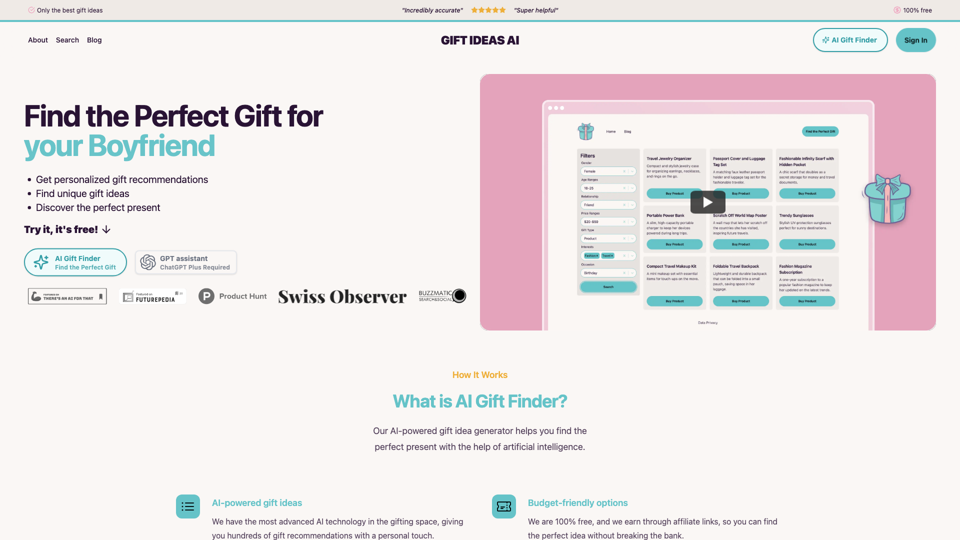
Gift Ideas AI: Free AI Gift Finder & Idea Generator
Gift Ideas AI: Free AI Gift Finder & Idea GeneratorDiscover the ideal present for those dear to you with our AI-powered gift finder. Receive customized gift suggestions for any occasion.
3.60 K
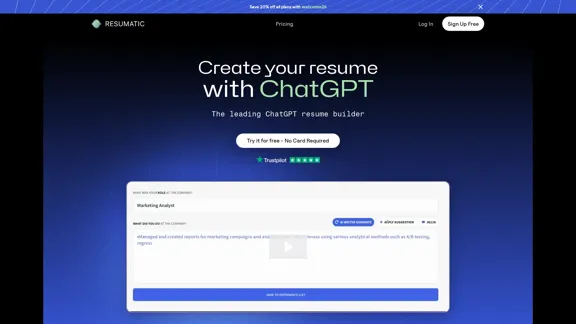
Resumatic - Fastest ChatGPT-Powered Resume Builder
Resumatic - Fastest ChatGPT-Powered Resume BuilderCreate your ideal resume quickly with Resumatic, the speediest ChatGPT-powered resume builder. Captivate employers with a professionally customized, AI-generated resume that showcases your distinctive skills and accomplishments. Give it a try today!
36.26 K
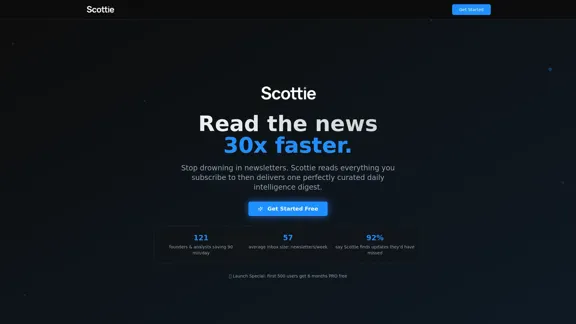
Get personalized daily news briefs powered by AI. Transform your news experience with Scottie's intelligent summaries.
0
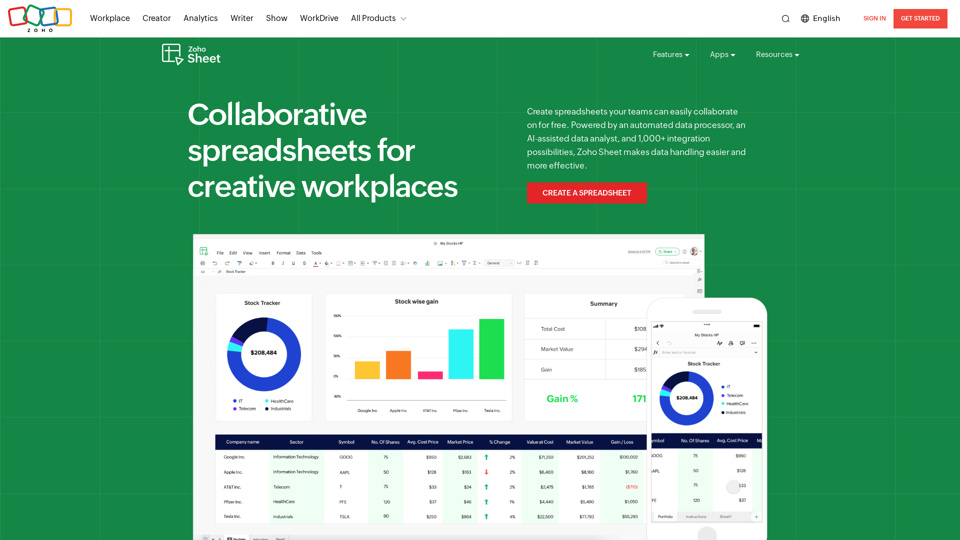
Online Spreadsheet Software | Create Spreadsheets for Free - Zoho Sheet
Online Spreadsheet Software | Create Spreadsheets for Free - Zoho SheetCreate and collaborate on spreadsheets online with your team in real-time, from anywhere. Available on mobile devices too! Import your Excel spreadsheet files and get started now.
67.14 M
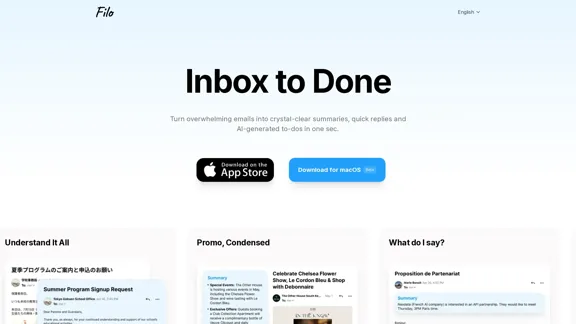
Turn overwhelming emails into clear summaries, quick replies, and AI-generated to-dos in one second.
6.31 K
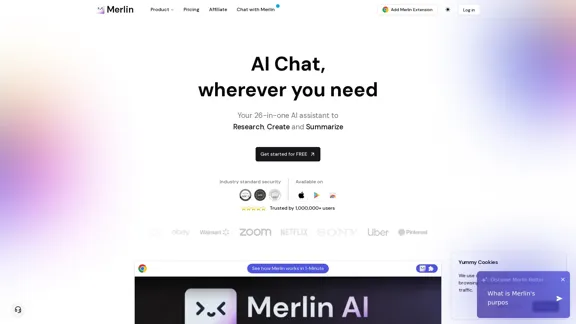
Merlin AI | Ask AI to Research, Write, Summarize in 1-click
Merlin AI | Ask AI to Research, Write, Summarize in 1-clickFree AI Chat to answer all your questions. Ask Merlin to summarize videos, articles, PDFs, and websites, write emails and content for social media, and review content using an AI detector.
1.84 M