Reliv is an AI-driven platform that revolutionizes QA testing by automating the process without requiring any coding. It enables users to effortlessly record test scenarios, create tests, and execute them, providing an efficient and reliable solution for software testing. Reliv's user-friendly interface and AI capabilities make it accessible to both technical and non-technical team members, streamlining the QA process and improving overall software quality.
Reliv
Automate QA Tests in Just 5 Minutes
Introduction
Feature
Record and Playback
Record test scenarios by simply pressing a button and performing actions in your browser. Reliv's AI recognizes these actions and automatically creates a test.
One-Click Test Execution
Run created tests with a single click. The system automatically executes the test and provides comprehensive results for review.
No-Code Testing
Reliv's intuitive interface allows anyone on the team to create and edit tests without coding knowledge, promoting collaboration in test management.
AI-Powered Simplicity
Describe desired actions in plain text, and let AI handle the complexities. Reliv's AI interprets and executes test scenarios based on natural language descriptions.
Resilient Element Identification
Reliv's Locator Engine identifies UI elements like buttons, even as interfaces change, ensuring tests remain functional despite frequent updates.
Time-Saving Automation
Eliminate the need for manual QA checks with every deployment, significantly reducing time and effort in the testing process.
Confidence in Deployment
Automate critical scenarios to prevent serious bugs, enhancing the reliability of software releases.
Efficient Test Creation
Create tests 10 times faster compared to traditional coding methods using frameworks like Selenium.
Flexible Test Execution
Run unlimited tests without additional fees (with some limitations for cloud runs).
24/7 Service Monitoring
Regularly scheduled tests provide constant monitoring of service status.
CI/CD Integration
Seamlessly integrate with popular CI/CD tools to identify bugs early in the development process.
Team Collaboration
Invite team members to collaboratively write and manage tests, fostering a unified approach to QA.
FAQ
How is Reliv different from existing testing tools?
Reliv stands out as an AI-driven platform that automates QA tests without requiring any coding. Its user-friendly interface and AI capabilities make it accessible to both technical and non-technical team members.
Can I use Reliv without any development knowledge?
Yes, Reliv is designed to be user-friendly and accessible to anyone, regardless of their technical background. Its no-code approach allows even non-developers to create and manage tests effectively.
Which platforms does Reliv support?
Reliv supports a wide range of platforms and services, making it versatile for various testing needs across different technologies and environments.
What pricing plans does Reliv offer?
Reliv offers four pricing tiers:
| Plan | Price | Key Features |
|---|---|---|
| Free | $0/month | Record and playback, unlimited test runs, 5 test files, 1 project, 1 team member |
| Basic | $20/month | Everything in Free Plan, 30 test files, unlimited projects and team members |
| Pro | $50/month | Everything in Basic Plan, 100 test files, 100 hours/month of Cloud Run usage, CI/CD Integration |
| Enterprise | Custom | Everything in Pro Plan, unlimited test files, dedicated technical support team |
How does Reliv ensure tests remain functional as interfaces change?
Reliv uses its Locator Engine to identify elements like buttons, even as the service interface changes. This ensures that tests are resilient against frequent updates and modifications to the UI.
Latest Traffic Insights
Monthly Visits
0
Bounce Rate
0.00%
Pages Per Visit
0.00
Time on Site(s)
0.00
Global Rank
-
Country Rank
-
Recent Visits
Traffic Sources
- Social Media:0.00%
- Paid Referrals:0.00%
- Email:0.00%
- Referrals:0.00%
- Search Engines:0.00%
- Direct:0.00%
Related Websites
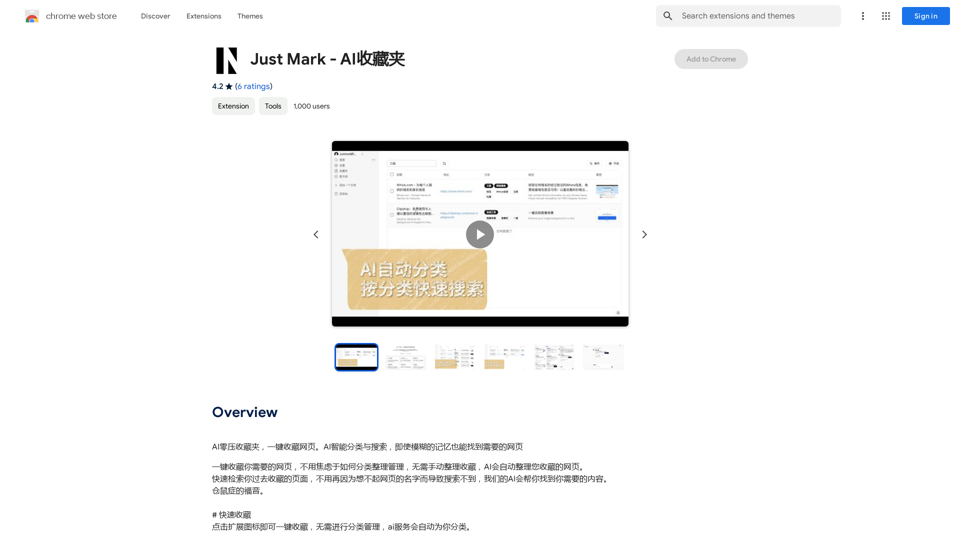
AI Zero-Pressure Bookmark Folder, one-click to collect web pages. AI intelligent classification and search, even with vague memories, you can find the web pages you need.
193.90 M
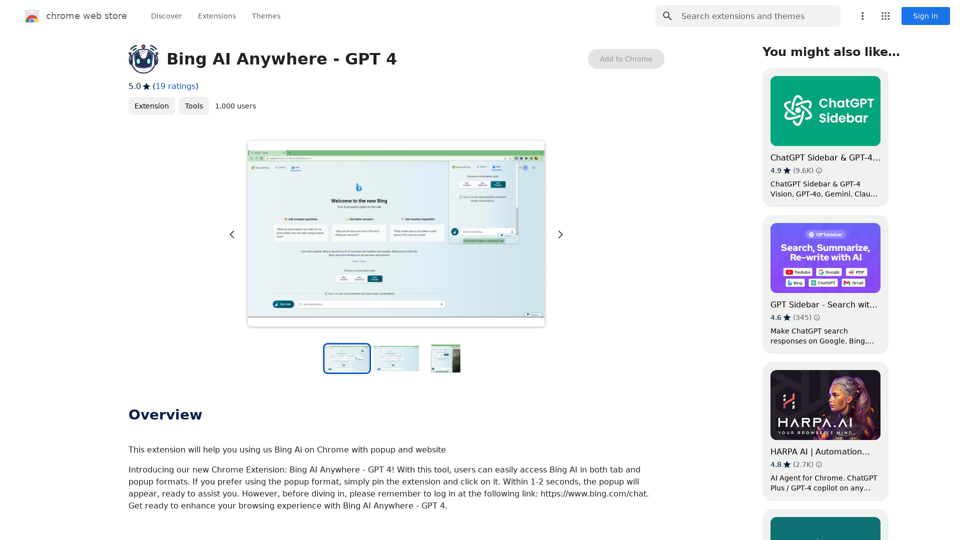
Bing AI Anywhere - GPT 4 Bing AI Anywhere is a cutting-edge technology that integrates the power of artificial intelligence into various aspects of our daily lives. With the latest GPT-4 model, this innovative platform is poised to revolutionize the way we interact, work, and live. What is GPT-4? GPT-4 is the fourth generation of the Generative Pre-trained Transformer (GPT) model, a type of artificial intelligence language model developed by OpenAI. This advanced language model is trained on a massive dataset of text from the internet and can generate human-like language, making it an ideal tool for a wide range of applications. Key Features of Bing AI Anywhere with GPT-4 * Conversational AI: Engage in natural-sounding conversations with Bing AI Anywhere, which can understand and respond to voice or text inputs. * Contextual Understanding: GPT-4's advanced language model enables Bing AI Anywhere to comprehend context, nuances, and subtleties of language, making interactions more human-like. * Multitasking: This technology can handle multiple tasks simultaneously, making it an efficient and productive tool for various industries and applications. * Personalization: Bing AI Anywhere with GPT-4 can learn and adapt to individual preferences, providing a tailored experience for each user. Potential Applications of Bing AI Anywhere with GPT-4 * Virtual Assistants: Integrate Bing AI Anywhere into virtual assistants to create more conversational and helpful AI-powered companions. * Customer Service: Implement this technology in customer service platforms to provide 24/7 support and improve customer satisfaction. * Healthcare: Utilize Bing AI Anywhere with GPT-4 to develop AI-powered chatbots that can assist with medical inquiries, appointments, and more. * Education: Create interactive and engaging educational tools that can provide personalized learning experiences for students. The Future of AI with Bing AI Anywhere and GPT-4 As Bing AI Anywhere continues to evolve with the power of GPT-4, we can expect to see even more innovative applications and use cases emerge. This technology has the potential to transform industries, revolutionize the way we work and live, and bring us closer to a future where humans and AI collaborate seamlessly.
Bing AI Anywhere - GPT 4 Bing AI Anywhere is a cutting-edge technology that integrates the power of artificial intelligence into various aspects of our daily lives. With the latest GPT-4 model, this innovative platform is poised to revolutionize the way we interact, work, and live. What is GPT-4? GPT-4 is the fourth generation of the Generative Pre-trained Transformer (GPT) model, a type of artificial intelligence language model developed by OpenAI. This advanced language model is trained on a massive dataset of text from the internet and can generate human-like language, making it an ideal tool for a wide range of applications. Key Features of Bing AI Anywhere with GPT-4 * Conversational AI: Engage in natural-sounding conversations with Bing AI Anywhere, which can understand and respond to voice or text inputs. * Contextual Understanding: GPT-4's advanced language model enables Bing AI Anywhere to comprehend context, nuances, and subtleties of language, making interactions more human-like. * Multitasking: This technology can handle multiple tasks simultaneously, making it an efficient and productive tool for various industries and applications. * Personalization: Bing AI Anywhere with GPT-4 can learn and adapt to individual preferences, providing a tailored experience for each user. Potential Applications of Bing AI Anywhere with GPT-4 * Virtual Assistants: Integrate Bing AI Anywhere into virtual assistants to create more conversational and helpful AI-powered companions. * Customer Service: Implement this technology in customer service platforms to provide 24/7 support and improve customer satisfaction. * Healthcare: Utilize Bing AI Anywhere with GPT-4 to develop AI-powered chatbots that can assist with medical inquiries, appointments, and more. * Education: Create interactive and engaging educational tools that can provide personalized learning experiences for students. The Future of AI with Bing AI Anywhere and GPT-4 As Bing AI Anywhere continues to evolve with the power of GPT-4, we can expect to see even more innovative applications and use cases emerge. This technology has the potential to transform industries, revolutionize the way we work and live, and bring us closer to a future where humans and AI collaborate seamlessly.This extension helps you use Bing AI on Chrome with a popup and website.
193.90 M
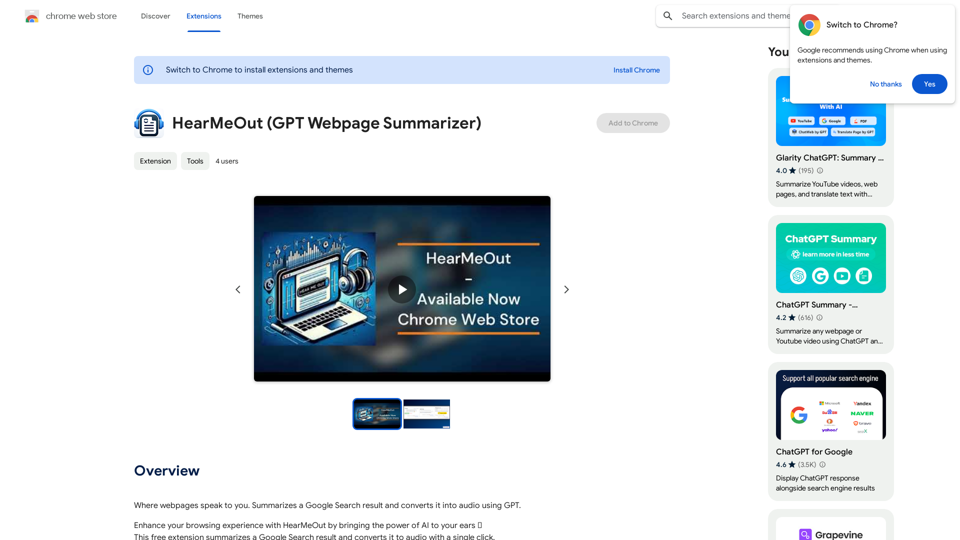
Where webpages speak to you. Summarizes a Google Search result and converts it into audio using GPT.
193.90 M
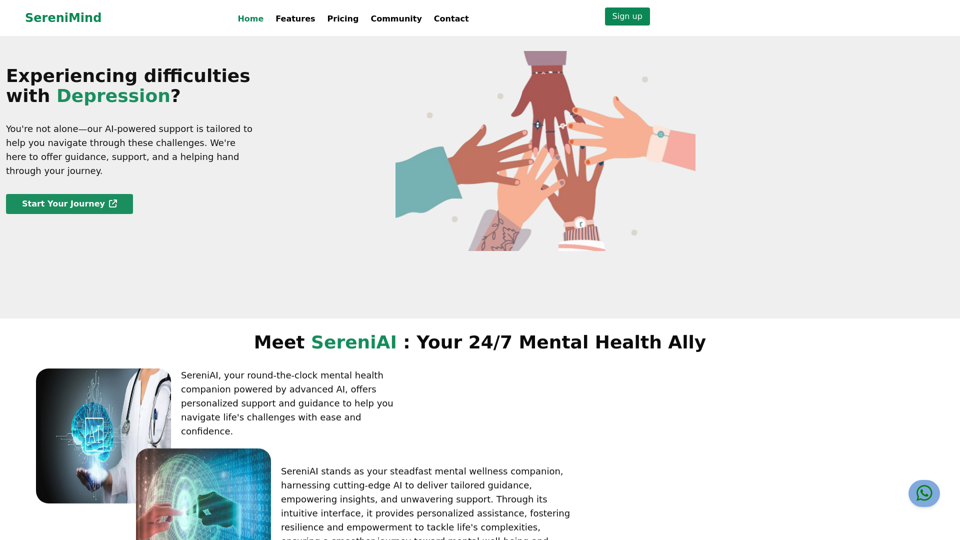
Best Mental Health Services in Nigeria | SereniMind
Best Mental Health Services in Nigeria | SereniMindSereniMind is a top mental health platform in Nigeria, offering accessible online counseling services across Africa. Our expert counselors provide personalized mental health support to help you overcome challenges like depression, anxiety, and stress. Join SereniMind today for a path to better mental well-being.
88