Open-source RightAI Tools Directory
  • Discover AI
  • Submit
  • Startup
  • Blog
Open-source RightAI Tools Directory
Discover the best AI tools of 2025 with the RightAI Tools Directory!

Friend Links

AI Anime GeneratorToolsApp AI

Support

Tap4
Privacy policyTerms & ConditionsContact Us
Loading...
loading...

WIGGLE

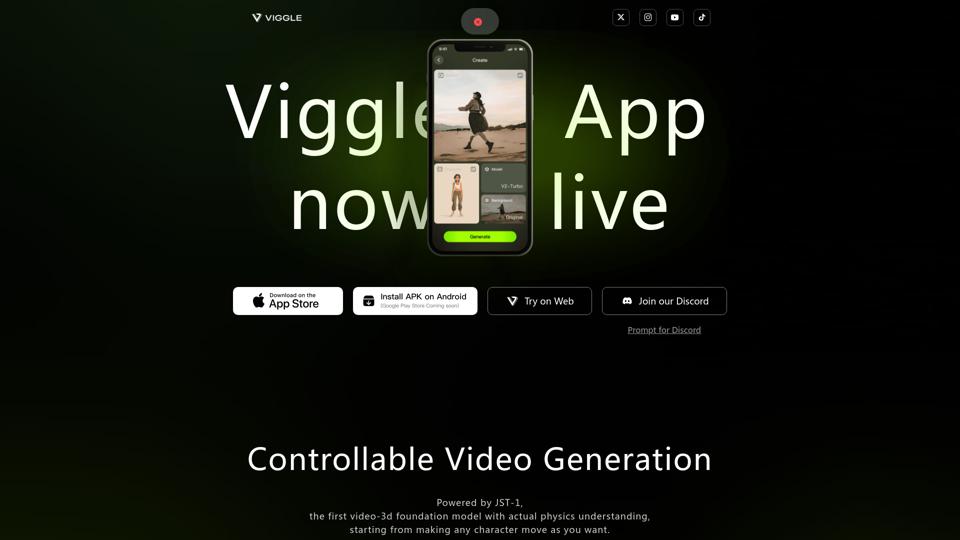
Controllable Video Generation, Powered by JST-1, the first video-3d foundation model with actual physics understanding, starting from making any character move as you want.
Visit Website
WIGGLE
Visit Website

Introduction

Viggle is an innovative platform that offers controllable video generation capabilities. It leverages JST-1, the first video-3D foundation model with actual physics understanding, to create and manipulate video content. Viggle focuses on character animation and motion, allowing users to mix characters into videos, animate static images, and control motion directly. The platform is accessible through web browsers, mobile apps, and Discord integration, catering to a wide range of users from beginners to professionals.

Feature

Mix Function

Users can combine character images with motion videos using the /mix command, creating unique visual content.

Animate Function

The /animate command brings static characters to life using text motion prompts, enabling dynamic animations.

Move Function

With /move, users can manually control the motion of their images, offering precise manipulation.

Multi-Platform Accessibility

  • Web-based interface for easy access
  • iOS app available on the App Store
  • Android app via APK installation
  • Discord integration for community engagement

Large Community

Viggle boasts a Discord community with over 4 million members, fostering collaboration and creativity.

Powered by Advanced AI

Viggle utilizes JST-1, a cutting-edge video-3D foundation model with physics understanding, for high-quality video generation.

FAQ

What is JST-1?

JST-1 is the first video-3D foundation model with actual physics understanding, powering Viggle's video generation capabilities.

Can I use Viggle on my mobile device?

Yes, Viggle is available for both iOS (via App Store) and Android (via APK installation).

How large is the Viggle community?

The platform boasts a community of over 4 million members.

Is Viggle only for professional creators?

While loved by creators, Viggle caters to a wide range of users, from beginners to professionals.

Are there any usage restrictions or guidelines?

Viggle has Terms of Use, Community Rules, and a Privacy Policy in place for proper usage of the platform.

Latest Traffic Insights

  • Monthly Visits

    1.97 M

  • Bounce Rate

    36.46%

  • Pages Per Visit

    6.08

  • Time on Site(s)

    250.14

  • Global Rank

    22063

  • Country Rank

    United States 24125

Recent Visits

Traffic Sources

  • Social Media:
    1.75%
  • Paid Referrals:
    0.28%
  • Email:
    0.06%
  • Referrals:
    3.54%
  • Search Engines:
    44.61%
  • Direct:
    49.75%
More Data

Related Websites

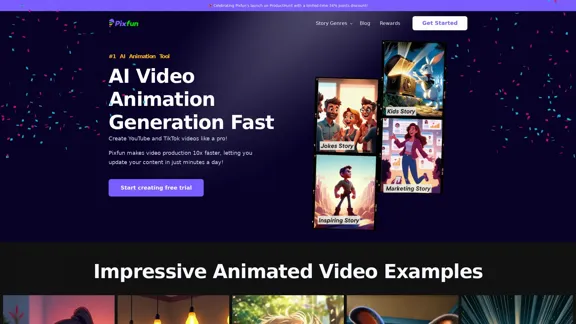
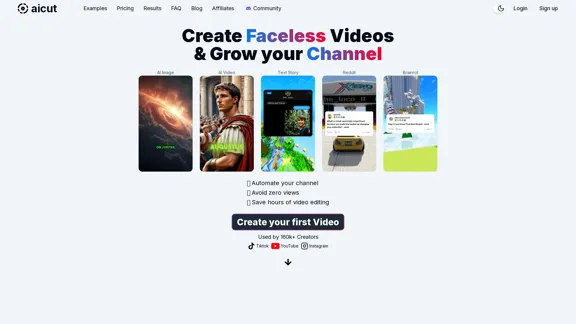
Automate Your Faceless Video Channel with AI 

Tired of spending hours creating videos?  Let AI do the heavy lifting! 

* Generate scripts:  Say goodbye to writer's block. AI can write engaging scripts for your videos on any topic.
* Create voiceovers:  Give your videos a professional voice with AI-generated voiceovers in multiple languages.
* Produce stunning visuals:  Use AI to generate captivating visuals, animations, and graphics to accompany your videos.
* Edit and optimize:  AI can automatically edit your videos, add music, transitions, and optimize them for different platforms.
* Schedule and publish:  Set it and forget it! AI can schedule and publish your videos to your chosen platforms. 


Start creating faceless videos effortlessly with the power of AI.
View Detail

Automate Your Faceless Video Channel with AI Tired of spending hours creating videos? Let AI do the heavy lifting! * Generate scripts: Say goodbye to writer's block. AI can write engaging scripts for your videos on any topic. * Create voiceovers: Give your videos a professional voice with AI-generated voiceovers in multiple languages. * Produce stunning visuals: Use AI to generate captivating visuals, animations, and graphics to accompany your videos. * Edit and optimize: AI can automatically edit your videos, add music, transitions, and optimize them for different platforms. * Schedule and publish: Set it and forget it! AI can schedule and publish your videos to your chosen platforms. Start creating faceless videos effortlessly with the power of AI.

Automate Your Faceless Video Channel with AI Tired of spending hours creating videos? Let AI do the heavy lifting! * Generate scripts: Say goodbye to writer's block. AI can write engaging scripts for your videos on any topic. * Create voiceovers: Give your videos a professional voice with AI-generated voiceovers in multiple languages. * Produce stunning visuals: Use AI to generate captivating visuals, animations, and graphics to accompany your videos. * Edit and optimize: AI can automatically edit your videos, add music, transitions, and optimize them for different platforms. * Schedule and publish: Set it and forget it! AI can schedule and publish your videos to your chosen platforms. Start creating faceless videos effortlessly with the power of AI.

Create videos with text and transform your ideas into amazing videos using pictures, GIFs, music, transitions, and captions. Boost your social media presence automatically, saving you time and money.

4.34 K
gan.ai – powering the future of communication
View Detail

gan.ai – powering the future of communication

gan.ai – powering the future of communication

building models & products for text-to-speech, avatars, lip synchronization and conversational speech!

112.54 K
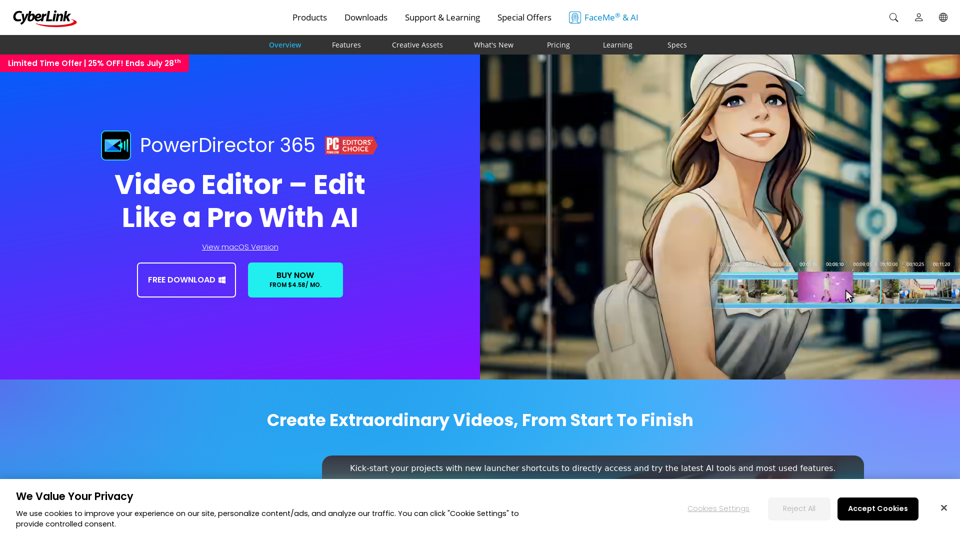
Choppity - AI video editing
View Detail

Choppity - AI video editing

Choppity - AI video editing

Choppity® uses AI to edit your videos for you. Choppity can help you grow. Try it for free.

24.38 K
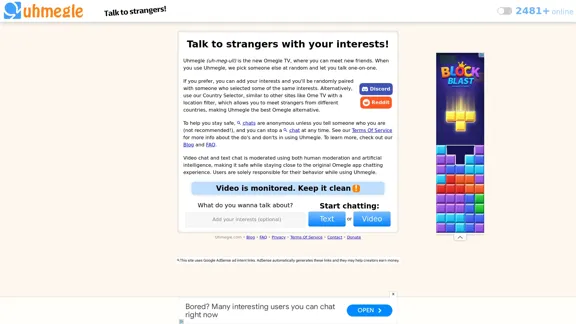
Uhmegle: Omegle Alternative for Video and Text Chat
View Detail

Uhmegle: Omegle Alternative for Video and Text Chat

Uhmegle: Omegle Alternative for Video and Text Chat

Explore Uhmegle, a new Omegle alternative for free video and text chats. Talk to strangers globally with our new Omegle TV feature.

7.81 M
Free AI Kissing Video Generator | AI Kiss Video Generator
View Detail

Free AI Kissing Video Generator | AI Kiss Video Generator

Free AI Kissing Video Generator | AI Kiss Video Generator

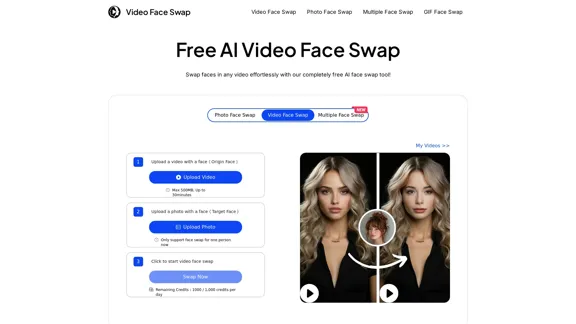
AI Kissing Video Generator Free is an AI-powered tool that allows you to upload two photos and use custom prompts to animate your images.

399
Video Tap - Transform videos into endless content
View Detail

Video Tap - Transform videos into endless content

Video Tap - Transform videos into endless content

Transform videos into endless content such as blog posts, short clips, summaries and more with Video Tap.

19.54 K
Balise Video Summarizer
View Detail

Balise Video Summarizer

Balise Video Summarizer

Video Summarizer

0
lipsyncer.ai - Create AI Lip-Sync Videos
View Detail

lipsyncer.ai - Create AI Lip-Sync Videos

lipsyncer.ai - Create AI Lip-Sync Videos

Create AI Lip-Sync Videos Lip-sync technology has advanced significantly, allowing for the creation of realistic videos where characters appear to speak in different languages or say things they never actually said. Here's how to create AI lip-sync videos: 1. Choose your video editing software - Popular options include Adobe After Effects, Reallusion's CrazyTalk, or Synthesia 2. Prepare your source video - Select a high-quality video clip with clear facial features 3. Generate or record the audio - Create the audio track you want the character to lip-sync to 4. Use AI-powered lip-sync tools - Many software options now include AI-driven lip-sync features - Upload your video and audio files - The AI will analyze the audio and match it to the character's mouth movements 5. Fine-tune the results - Adjust timing and mouth shapes as needed for a more natural look 6. Render the final video - Export your lip-synced video in your desired format Tips: - Ensure good lighting and clear facial features in the source video - Use high-quality audio for better results - Practice and experiment with different tools to improve your skills Remember to consider ethical implications and obtain necessary permissions when creating lip-sync videos of real people.

0