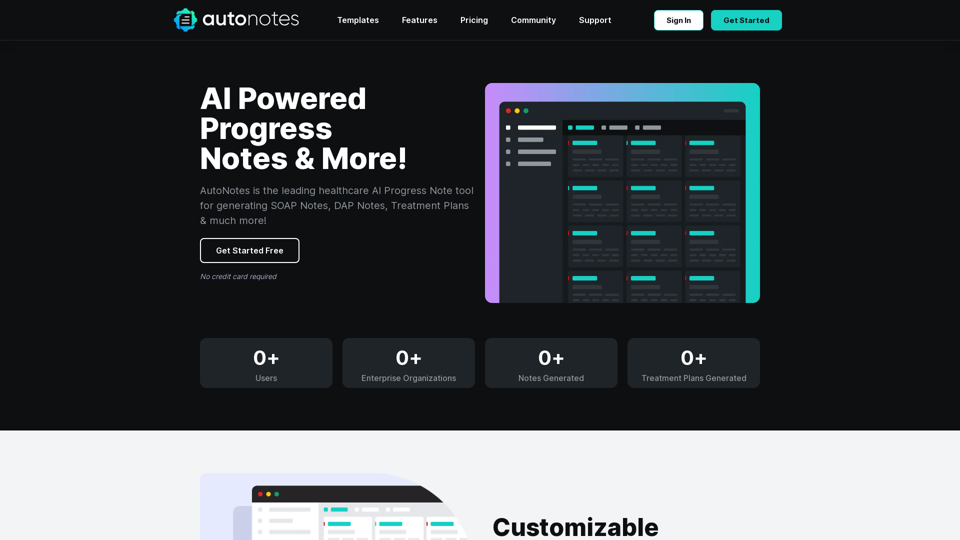
AutoNotes 是一個由人工智能驅動的平台,旨在革新醫療專業人員的臨床文檔記錄。它提供高效生成 SOAP 記錄、DAP 記錄、治療計劃和其他重要文件的功能。通過簡化文檔記錄過程,AutoNotes 幫助醫療提供者節省時間並提高實務工作效率。
AutoNotes | AI進度筆記、評估與更多!
AutoNotes 是頂尖的人工智慧進度筆記工具,適用於心理健康、語言治療和職業治療。立即免費嘗試 AutoNotes!
介紹
功能
可自訂的文檔模板
AutoNotes 提供多種可自訂的模板,包括:
- 個人進度記錄
- 團體記錄模板
- 治療計劃模板 這些模板便於追蹤病患就診和治療進展。
人工智能驅動的會診摘要
用戶可以:
- 用幾句話總結會診
- 使用聽寫功能
- 包含治療計劃目標、方法和循證實踐
編輯和下載功能
AutoNotes 提供:
- 輕鬆創建詳細的臨床記錄
- 自訂選項:
- 添加個人標誌
- 包含臨床醫生詳細資訊
- 輸入客戶姓名、診斷、會診類型和時長
靈活的定價方案
| 方案 | 功能 | 價格 |
|---|---|---|
| 基本版 | 每月 10 次文檔生成、模板設置、安全存儲、聽寫 | 免費 |
| 專業版 | 無限次生成、自訂模板、優先支援 | 每月 $24.99 |
| 企業版 | 5+ 用戶、每用戶無限次生成、客戶經理 | 自訂定價 |
安全文檔存儲
AutoNotes 優先考慮客戶資訊安全,提供安全的文檔存儲功能。
常見問題
AutoNotes 是什麼?
AutoNotes 是一個由人工智能驅動的平台,協助醫療專業人員生成各種臨床文檔,包括 SOAP 記錄、DAP 記錄和治療計劃。
AutoNotes 的主要功能有哪些?
主要功能包括:
- 可自訂的文檔模板
- 人工智能驅動的會診摘要
- 編輯和下載功能
- 安全文檔存儲
- 適應不同需求的多種定價方案
如何有效使用 AutoNotes?
要有效使用 AutoNotes:
- 選擇適合您需求的方案
- 自訂文檔模板以適應您的實務
- 利用聽寫功能進行高效記錄
- 利用安全存儲保護客戶資訊
AutoNotes 有哪些定價選項?
AutoNotes 提供三種定價層級:
- 基本方案:免費
- 專業方案:每月 $24.99
- 企業方案:自訂定價(聯繫銷售)
相關網站

Please provide me with the text you'd like me to summarize and translate. I'm ready! 😊
Please provide me with the text you'd like me to summarize and translate. I'm ready! 😊Claude 協助網頁摘要及翻譯 使用 Claude 作為後端,可以幫您: * 摘要網頁內容: 簡潔地概括網頁的主要資訊。 * 翻譯網頁: 將網頁內容翻譯成您想要的語言。
193.90 M
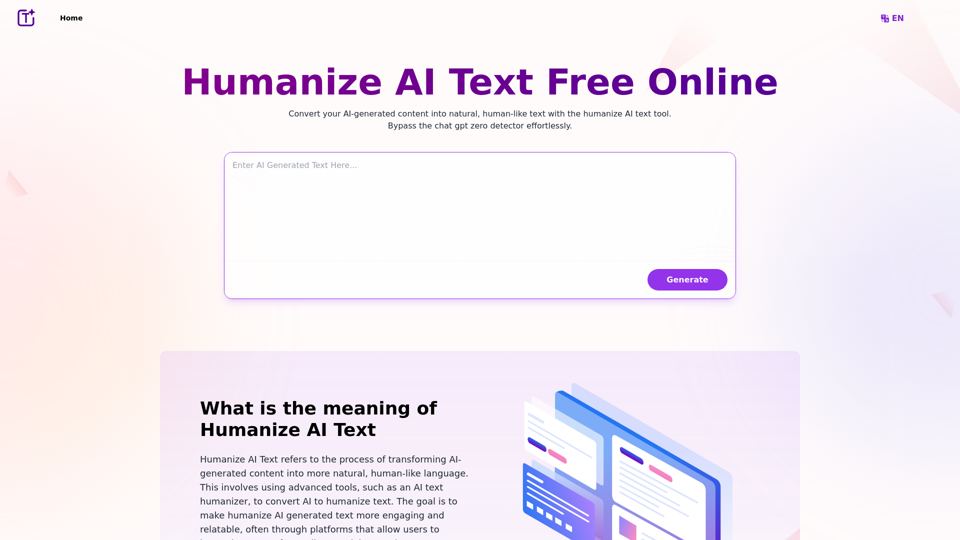
體驗我們 AI 文字人性化工具的力量,輕鬆將 AI 文字轉化為人性化文字。免費線上人性化 AI 文字,打造引人入勝且難以察覺的內容。非常適合人性化 AI 文字 ChatGPT 的輸出。
337.20 K