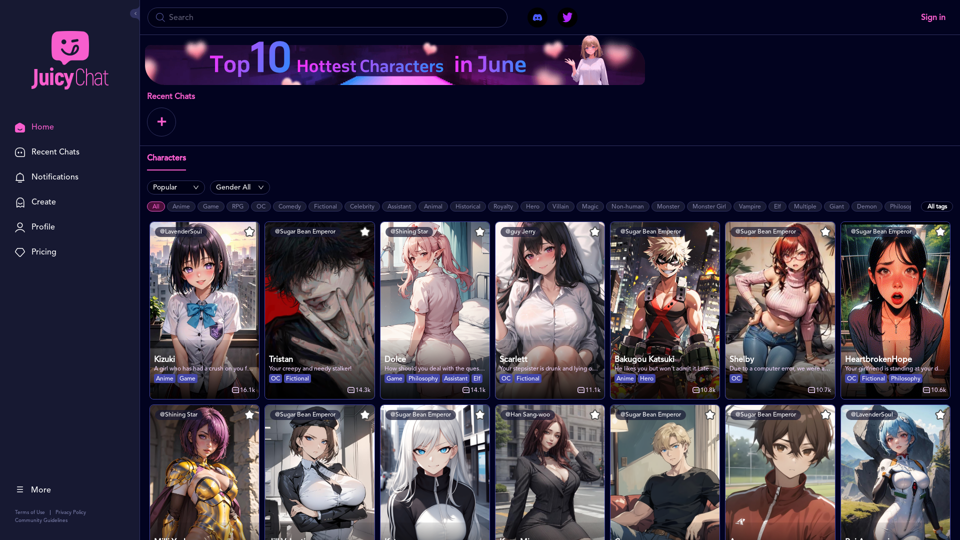
JuicyChat is an innovative AI-powered chat platform that offers users the opportunity to interact with a diverse array of AI characters. Each character possesses unique personalities, traits, and storylines, allowing users to immerse themselves in various scenarios ranging from romantic relationships to fantasy adventures. The platform provides a highly engaging and customizable experience, enabling users to explore different narratives and create their own stories.
JuicyChat.Ai - Spicy NSFW Character AI Chat - AI Girlfriend
JuicyChat.ai - Immerse yourself in provocative NSFW character AI conversations and indulge in the excitement of unrestricted, personal interactions with your AI partner.
Introduction
Feature
Vast Character Library
JuicyChat boasts an extensive collection of AI characters, each with distinct profiles and storylines. Users can browse through this diverse library, selecting characters that pique their interest for engaging conversations.
Customization Options
The platform offers robust customization features, allowing users to:
- Select preferred characters for interaction
- Create custom scenarios and storylines
- Tailor the experience to personal preferences
Real-time AI Conversations
JuicyChat's advanced AI technology facilitates real-time conversations with characters, enhancing the realism and engagement of the user experience.
Multi-platform Accessibility
Users can access JuicyChat on both desktop and mobile devices, ensuring flexibility and convenience in usage.
Flexible Pricing Plans
JuicyChat offers various pricing options to accommodate different user needs:
- Free trials
- Premium subscriptions
- Plans tailored to different budgets and preferences
FAQ
Is JuicyChat suitable for all ages?
JuicyChat is designed for users aged 18 and above. Some content may not be appropriate for younger audiences.
Can users create their own custom characters?
Yes, JuicyChat provides customization options that include the ability to create personalized characters.
How can users maximize their JuicyChat experience?
To get the most out of JuicyChat:
- Experiment with various characters and storylines
- Utilize customization options to tailor the experience
- Be open to trying new scenarios and taking risks for added enjoyment
Is JuicyChat available on mobile devices?
Yes, JuicyChat is accessible on both desktop and mobile platforms, allowing users to engage with the service from any location.
Related Websites

Lingban AI Assistant - GPT Chat, Web Translation, Bilingual Comparison, Intelligent Writing, AI Full-Network Search, AI Article Reading, Real-Time Internet Connection
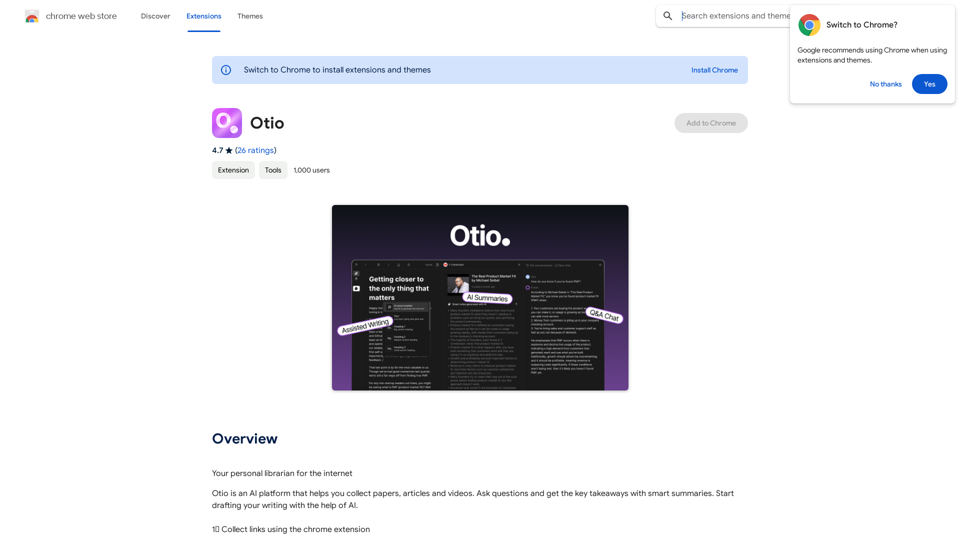
Lingban AI Assistant - GPT Chat, Web Translation, Bilingual Comparison, Intelligent Writing, AI Full-Network Search, AI Article Reading, Real-Time Internet ConnectionLingban AI Assistant is your personal AI assistant on any webpage. It can help you translate various webpages, provide bilingual comparisons, offer creative inspiration, and answer your questions in chat conversations.
193.90 M
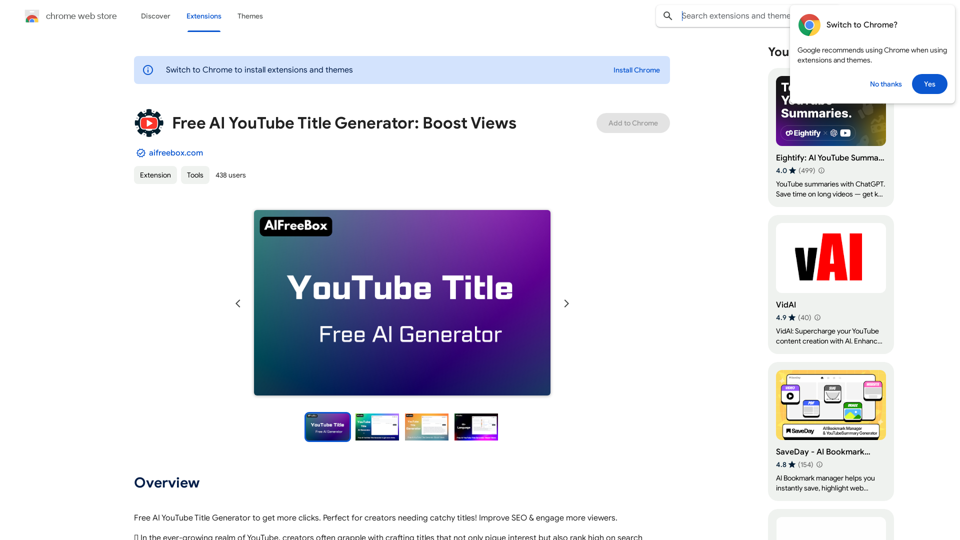
Free AI YouTube Title Generator to Get More Clicks. Perfect for Creators Needing Catchy Titles! Improve SEO & Engage More Viewers.
193.90 M
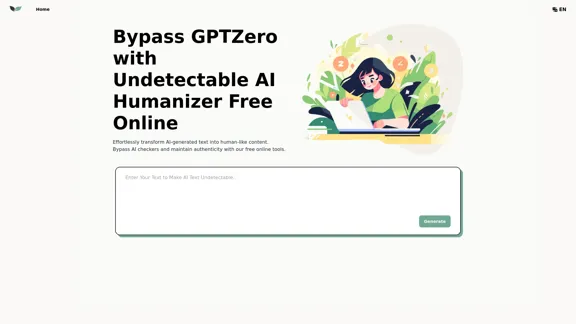
UndetectableGPT.ai: Bypass GPTZero with Undetectable AI Humanizer Free Online
UndetectableGPT.ai: Bypass GPTZero with Undetectable AI Humanizer Free OnlineTransform AI-generated content with our undetectable AI humanizer and rewriter. Make AI text undetectable and bypass AI checkers like GPTZero and ZeroGPT using undetectable AI free online tools. Perfect for creating undetecable GPT content.
1.66 K

Addlly AI: 1st Complete AI Playground for Content Creation
Addlly AI: 1st Complete AI Playground for Content CreationThe best all-in-one, no-prompt Gen AI Playground for enterprises. Generate SEO blogs, social media posts, ad copy, press releases, newsletters & more.
46.81 K
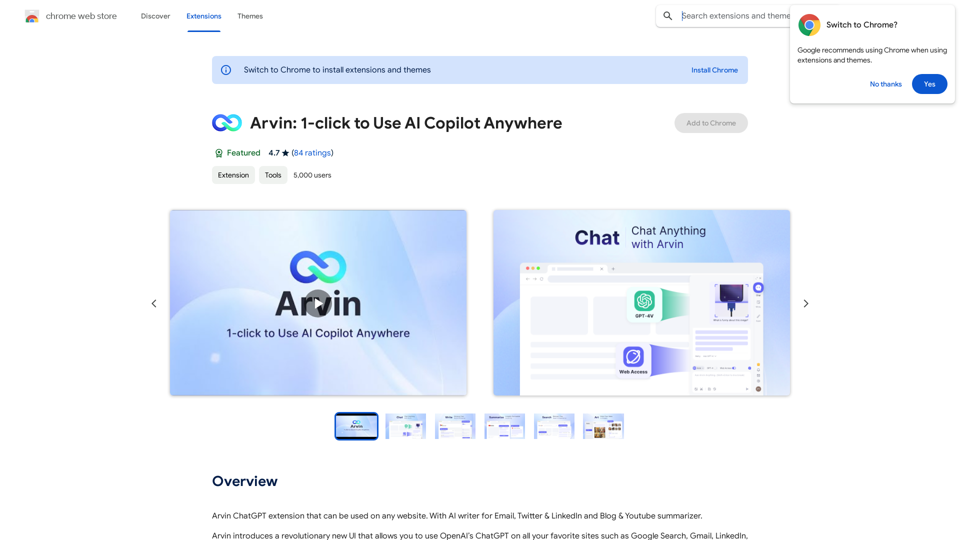
The Arvin ChatGPT extension is a versatile tool that can be used on any website, offering a range of features to enhance your online experience. These features include an AI writer for crafting emails, Twitter posts, and LinkedIn updates, as well as a summarizer for blogs and YouTube videos.
193.90 M
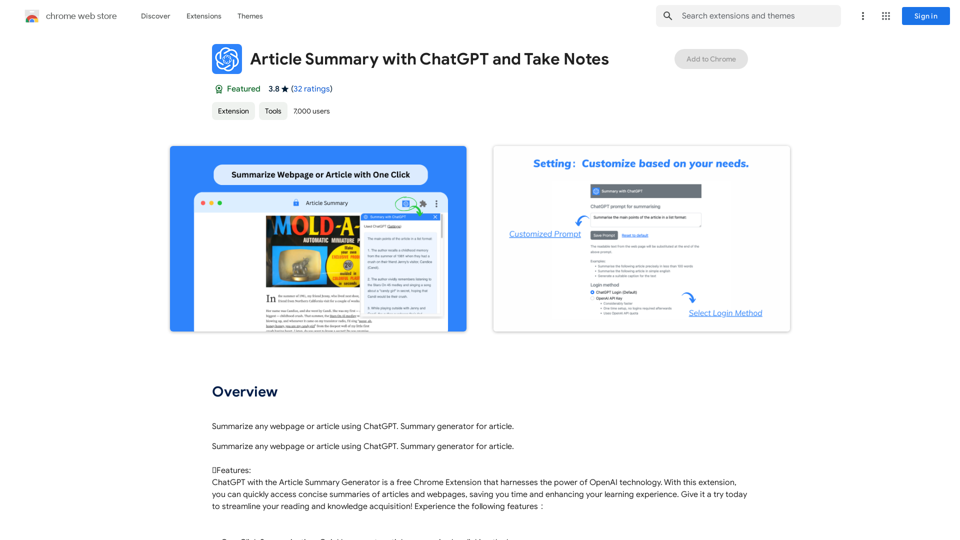
Article Summary with ChatGPT and Take Notes This is a guide on how to use ChatGPT to summarize articles and take notes effectively. Step 1: Provide ChatGPT with the Article Copy and paste the full text of the article into the ChatGPT interface. Step 2: Craft Your Prompt Tell ChatGPT what you want it to do. Here are some examples: * Summarize: "Please summarize this article in 200 words." * Key Points: "What are the main points of this article?" * Bullet Points: "Summarize the key findings of this article in bullet points." * Notes: "Take notes on this article, focusing on the author's arguments and supporting evidence." Step 3: Review and Refine ChatGPT will generate a summary, key points, bullet points, or notes based on your prompt. * Read carefully: Make sure the output accurately reflects the article's content. * Edit as needed: You can ask ChatGPT to rephrase sections or provide more detail. * Add your own insights: Don't just copy ChatGPT's output. Use it as a starting point and add your own thoughts, questions, and connections. Tips for Effective Use: * Be specific: The more specific your prompt, the better the output will be. * Experiment with different prompts: Try various phrasing to see what works best. * Use ChatGPT as a tool: It's a powerful aid, but it's not a replacement for critical reading and thinking.
Article Summary with ChatGPT and Take Notes This is a guide on how to use ChatGPT to summarize articles and take notes effectively. Step 1: Provide ChatGPT with the Article Copy and paste the full text of the article into the ChatGPT interface. Step 2: Craft Your Prompt Tell ChatGPT what you want it to do. Here are some examples: * Summarize: "Please summarize this article in 200 words." * Key Points: "What are the main points of this article?" * Bullet Points: "Summarize the key findings of this article in bullet points." * Notes: "Take notes on this article, focusing on the author's arguments and supporting evidence." Step 3: Review and Refine ChatGPT will generate a summary, key points, bullet points, or notes based on your prompt. * Read carefully: Make sure the output accurately reflects the article's content. * Edit as needed: You can ask ChatGPT to rephrase sections or provide more detail. * Add your own insights: Don't just copy ChatGPT's output. Use it as a starting point and add your own thoughts, questions, and connections. Tips for Effective Use: * Be specific: The more specific your prompt, the better the output will be. * Experiment with different prompts: Try various phrasing to see what works best. * Use ChatGPT as a tool: It's a powerful aid, but it's not a replacement for critical reading and thinking.I can do that! Please provide me with the URL of the webpage or article you'd like me to summarize. I'll do my best to create a concise and easy-to-understand summary for you.
193.90 M