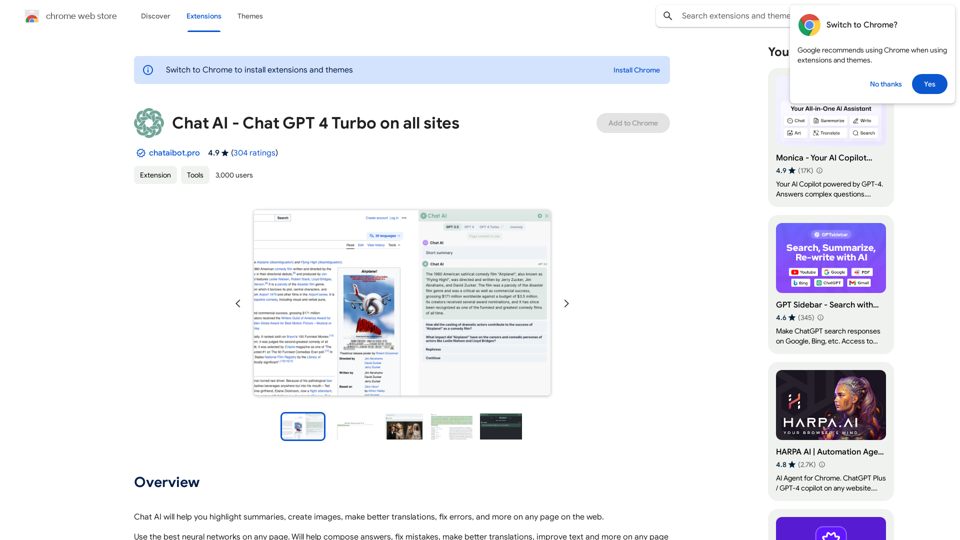
LunaNotes 是一個由 AI 驅動的 YouTube 筆記擴充功能,可增強觀看影片的體驗。它允許用戶在觀看內容時輕鬆地做筆記、截圖和組織資訊。透過增強型編輯器、截圖註釋和 AI 驅動的自動完成等功能,LunaNotes 簡化了從 YouTube 影片中擷取和保留重要資訊的過程。
LunaNotes - YouTube
YouTube !
介紹
功能
增強型筆記編輯器
- 更乾淨和用戶友善的界面
- 輸入時自動儲存筆記
- 各種樣式選項,使筆記更有條理和吸引力
截圖和註釋
- 捕捉影片中的重要場景
- 強大的編輯器用於註釋截圖
- 完美編輯截圖
時間戳記、標籤和集中式標籤管理
- 用時間戳記標記特定的影片時刻
- 用標籤分類筆記以便快速檢索
- 新的標籤頁面,方便管理標籤
- 在一個地方查看與特定標籤相關的所有筆記
可在任何裝置上使用
- 網頁應用程式可在手機、平板電腦和電腦上使用
- 隨時隨地做筆記
AI 驅動的自動完成和整合
- 利用 AI 自動完成功能實現更智能的筆記
- 更快速、更有效率地寫筆記
- 影片摘要和關鍵字提取
常見問題
LunaNotes 是免費的嗎?
是的,LunaNotes 是一個免費的擴充功能,用戶可以立即開始使用。然而,也有價格合理的訂閱選項可以解鎖額外的功能和優勢。
LunaNotes 的主要功能有哪些?
LunaNotes 的主要功能包括:
- 增強型筆記編輯器
- 截圖和註釋功能
- 時間戳記和標籤
- 集中式標籤管理
- 跨裝置可用性
- AI 驅動的自動完成和整合
我可以在任何裝置上使用 LunaNotes 嗎?
是的,由於其多功能網頁應用程式,LunaNotes 可以在任何裝置上使用,包括手機、平板電腦和電腦。
LunaNotes 如何使用 AI?
LunaNotes 以多種方式整合 AI:
- AI 驅動的自動完成功能,幫助更快速、更有效率地寫筆記
- AI 整合用於影片摘要
- 關鍵字提取,專注於重要內容