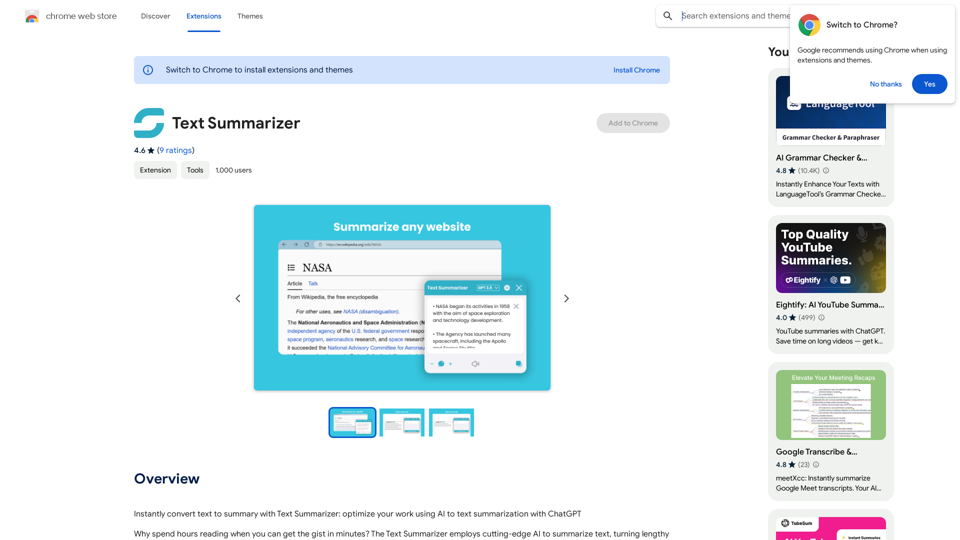
文字摘要器是一個由人工智能驅動的瀏覽器擴展程序,旨在快速將冗長的文本轉換為簡潔的摘要。這個工具利用先進的人工智能技術來分析和濃縮文章、書籍和各種類型的文本,為用戶提供易於理解的主要要點。它旨在通過提供快速獲取關鍵信息的方式來節省時間並提高生產力。
文字摘要器
立即使用文字摘要工具將文字轉換為摘要:利用 ChatGPT 的 AI 文字摘要功能,優化您的工作流程。
介紹
功能
人工智能驅動的摘要
文字摘要器採用包括ChatGPT在內的先進人工智能技術,為各種類型的文本生成準確且具有上下文意識的摘要。
一鍵操作
用戶只需點擊"獲取摘要"按鈕,即可對任何網頁內容進行摘要,簡化了信息提取的過程。
可自定義摘要長度
該擴展程序提供調整摘要長度的選項,允許用戶根據特定需求定制輸出。
瀏覽器集成
文字摘要器無縫集成到您的瀏覽器中,無需離開當前網頁即可高效地進行摘要。
隱私和安全
該擴展程序優先考慮用戶隱私,確保安全的數據處理並維護信息的機密性。
免費提供
文字摘要器作為免費的Chrome擴展程序提供,使其可供廣泛的用戶使用。
多用途應用
該工具可以摘要各種類型的文本,包括文章、書籍、網頁和在線文檔,滿足多樣化的用戶需求。
常見問題
我可以添加以項目符號列表格式呈現摘要網頁的選項嗎?
是的,您可以添加以項目符號列表格式呈現摘要網頁的選項。
這個擴展程序對我的工作有幫助嗎?
是的,用戶發現這個擴展程序對他們的工作很有幫助。它提供了網頁文本的良好摘要,提高了生產力和效率。
文字摘要器是如何工作的?
- 導航到包含您想要摘要的文本的網頁
- 點擊擴展程序提供的"獲取摘要"按鈕
- 人工智能分析頁面上的文本
- 快速生成簡潔明了的摘要
- 高級選項允許自定義摘要過程
相關網站
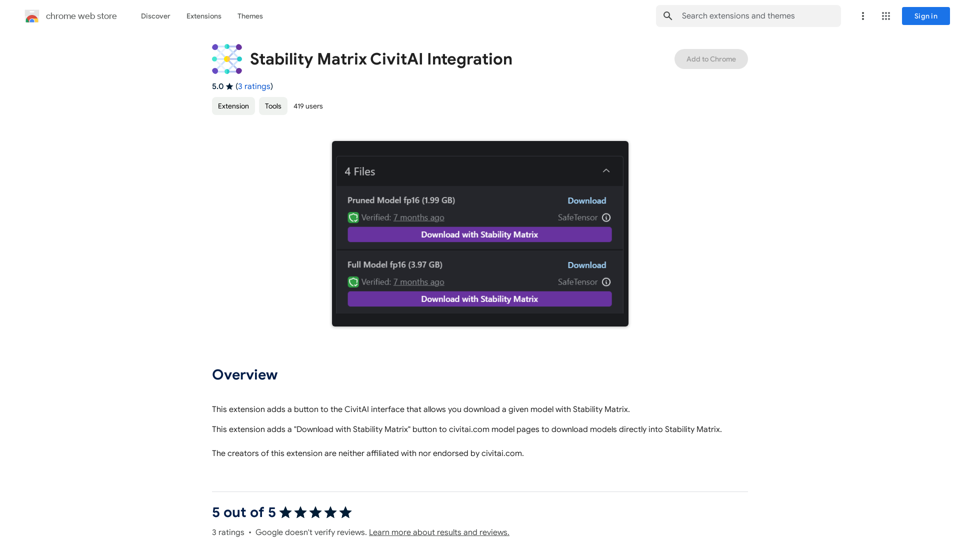
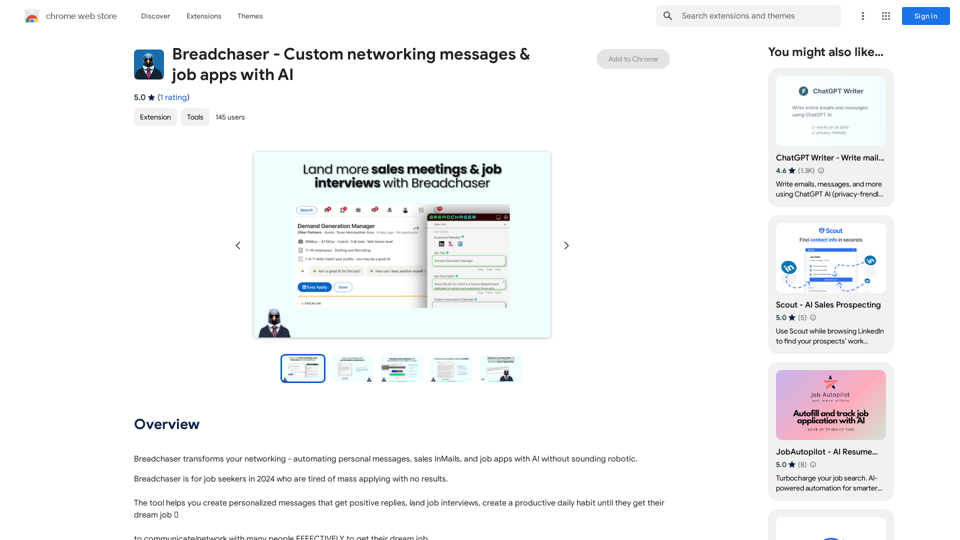
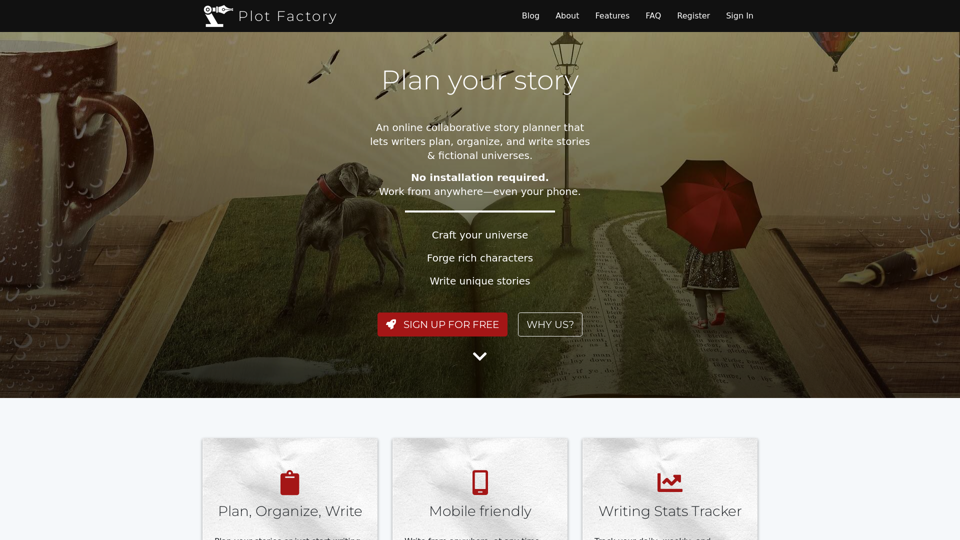

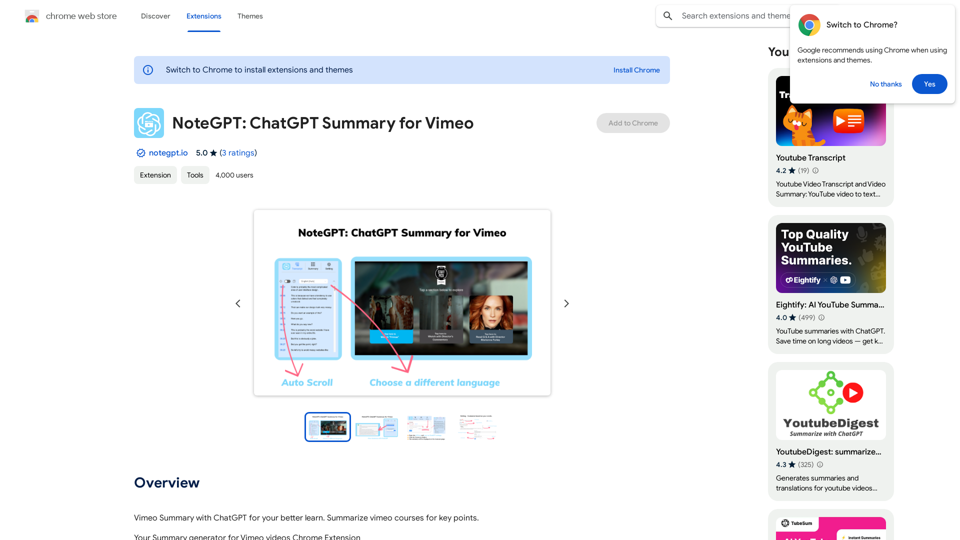
NoteGPT: Vimeo NoteGPT 是一個基於人工智慧的聊天機器人,它可以幫助用戶生成 Vimeo 影片的摘要。
NoteGPT: Vimeo NoteGPT 是一個基於人工智慧的聊天機器人,它可以幫助用戶生成 Vimeo 影片的摘要。Vimeo Summary with ChatGPT for your better learn Vimeo 使用 ChatGPT 總結 Vimeo 課程的要點。 What is Vimeo? Vimeo 是一個視頻分享平台,允許用戶上傳、分享和觀看高品質的視頻內容。 Key Features of Vimeo * 高品質的視頻播放 * 強大的視頻編輯工具 * 自定義的播放器和品牌化選項 * 進階的分析和 Insights 工具 * 安全的視頻存儲和保護 How to Use Vimeo for Learning * 上傳和分享課程視頻 * 使用 Vimeo 的編輯工具進行視頻剪輯和編輯 * 創建自定義的播放器和品牌化選項 * 使用 Vimeo 的分析工具追蹤學習進度 * 與他人分享和討論課程內容 Benefits of Using Vimeo for Learning * 提高學習效率和效果 * 提供高品質的視頻內容 * 方便學習和討論 * 提高學習者的參與度和互動性
193.90 M