Abacus.AI is an advanced AI super assistant platform designed for enterprise-scale applied AI systems and agents. Built on cutting-edge generative AI technology, it offers a comprehensive suite of AI products and features to drive business ROI and improve operations. The platform caters to various AI needs, from natural language processing to predictive modeling and personalization.
Abacus.AI - Effortlessly Embed Cutting-Edge AI in Your Applications.
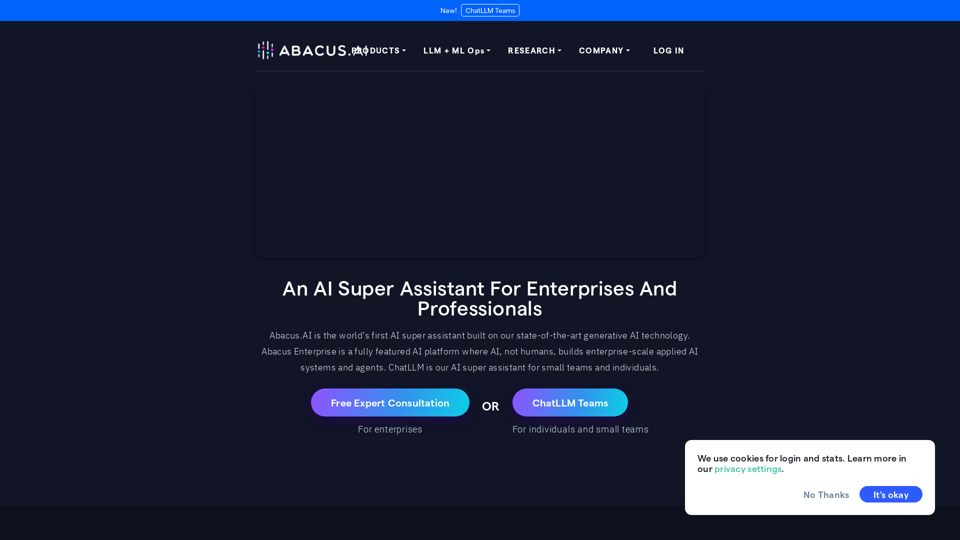
Abacus.AI is the world’s first AI super assistant built on our state-of-the-art generative AI technology.
Abacus Enterprise is a fully featured AI platform where AI, not humans, builds enterprise-scale applied AI systems and agents.
ChatLLM is our AI super assistant for small teams and individuals.
Introduction
Feature
ChatLLM
- Access to state-of-the-art language models
- Web search and image generation capabilities
- Custom chatbot creation tools
AI Agents and RAG
- Build intelligent AI agents using LLMs
- Create complex task automation workflows
- Combine multiple LLMs and vector stores
- Connect various data sources and design custom interfaces
Forecasting and Planning
- Demand Forecasting
- Real-Time Forecasting
- Financial Metrics Forecasting
Marketing and Sales AI
- Predictive Lead Scoring
- Personalized Promotions
- Customer Churn Prediction
- Sales and Revenue Forecasting
Anomaly Detection
- Time Series Anomaly Detection
- Event Stream Anomaly Detection
- Event Anomaly Detection
Language AI
- Text extraction and classification
- NLP-Powered Search
- Questions & Answers
- Sentiment Analysis
Vision AI
- Image Classification & Detection
- Hybrid Models
- Object Detection
Additional Features
- Discrete Optimization (ML + constraint-based optimization)
- Predictive Modeling (ML models for tabular data)
- Personalization AI (Recommendations, Related Items, Personalized Search, Real-Time Feed Recommendations)
FAQ
What is Abacus.AI?
Abacus.AI is an AI super assistant built on state-of-the-art generative AI technology, providing a fully featured AI platform for enterprise-scale applied AI systems and agents.
What products does Abacus.AI offer?
Abacus.AI offers various products, including ChatLLM, AI Agents And RAG, Forecasting and Planning, Marketing and Sales AI, Anomaly Detection, Language AI, Vision AI, Discrete Optimization, Predictive Modeling, and Personalization AI.
How do I get started with Abacus.AI?
You can start by requesting a free expert consultation or a free trial. Pricing information is not publicly available, but the platform offers various tools and capabilities to help businesses leverage AI technology effectively.
Related Websites
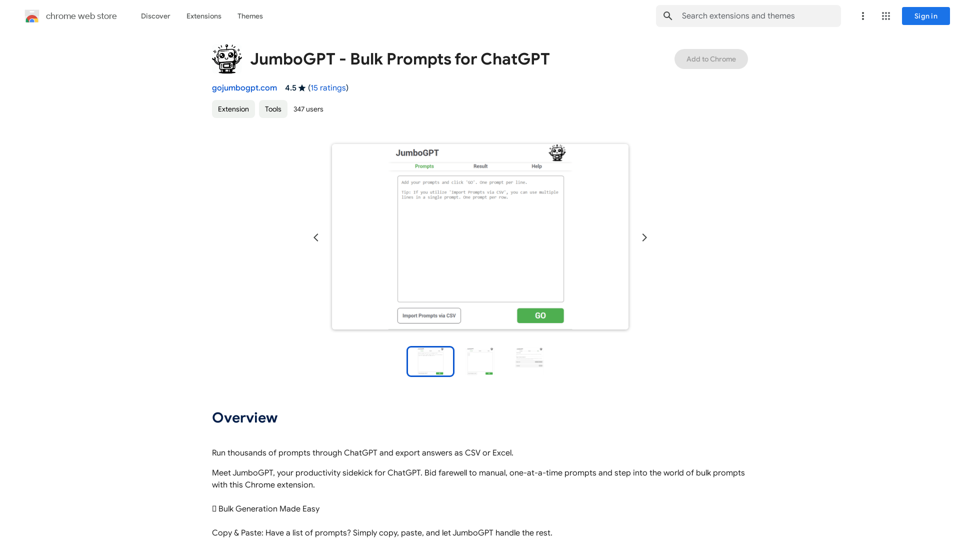
JumboGPT - Bulk Prompts for ChatGPT This is a collection of bulk prompts for ChatGPT, designed to help you explore its capabilities and generate diverse creative text formats. Instructions: * Each prompt is designed to be used individually with ChatGPT. * You can copy and paste the prompts directly into the ChatGPT interface. * Feel free to modify the prompts to suit your specific needs and interests. Categories: * Story Starters: > A lone astronaut stumbles upon a derelict spaceship... > The old woman sat on the park bench, watching the children play... > A mysterious package arrived on her doorstep, addressed simply to "The Keeper"... * Creative Writing: > Write a short poem about the feeling of nostalgia. > Compose a song about a robot who falls in love with a human. > Describe a world where animals can talk. * Dialogue Prompts: > Two friends argue about the best way to spend a weekend. > A detective interrogates a suspect in a murder case. > A parent tries to explain a difficult concept to their child. * Worldbuilding: > Create a detailed description of a fantasy city. > Design a new species of creature for a science fiction story. > Develop a unique magic system for a medieval world. * Code Generation: > Write a Python function to calculate the factorial of a number. > Generate HTML code for a simple webpage. > Create a SQL query to retrieve data from a database. * Humor: > Write a joke about a programmer. > Create a funny story about a talking cat. > Generate a list of puns about food. * Educational: > Explain the concept of photosynthesis in simple terms. > Summarize the main events of the American Revolution. > Provide a brief history of the development of the internet.
JumboGPT - Bulk Prompts for ChatGPT This is a collection of bulk prompts for ChatGPT, designed to help you explore its capabilities and generate diverse creative text formats. Instructions: * Each prompt is designed to be used individually with ChatGPT. * You can copy and paste the prompts directly into the ChatGPT interface. * Feel free to modify the prompts to suit your specific needs and interests. Categories: * Story Starters: > A lone astronaut stumbles upon a derelict spaceship... > The old woman sat on the park bench, watching the children play... > A mysterious package arrived on her doorstep, addressed simply to "The Keeper"... * Creative Writing: > Write a short poem about the feeling of nostalgia. > Compose a song about a robot who falls in love with a human. > Describe a world where animals can talk. * Dialogue Prompts: > Two friends argue about the best way to spend a weekend. > A detective interrogates a suspect in a murder case. > A parent tries to explain a difficult concept to their child. * Worldbuilding: > Create a detailed description of a fantasy city. > Design a new species of creature for a science fiction story. > Develop a unique magic system for a medieval world. * Code Generation: > Write a Python function to calculate the factorial of a number. > Generate HTML code for a simple webpage. > Create a SQL query to retrieve data from a database. * Humor: > Write a joke about a programmer. > Create a funny story about a talking cat. > Generate a list of puns about food. * Educational: > Explain the concept of photosynthesis in simple terms. > Summarize the main events of the American Revolution. > Provide a brief history of the development of the internet.Use ChatGPT to process many different questions and save the responses in a spreadsheet format like CSV or Excel.
193.90 M
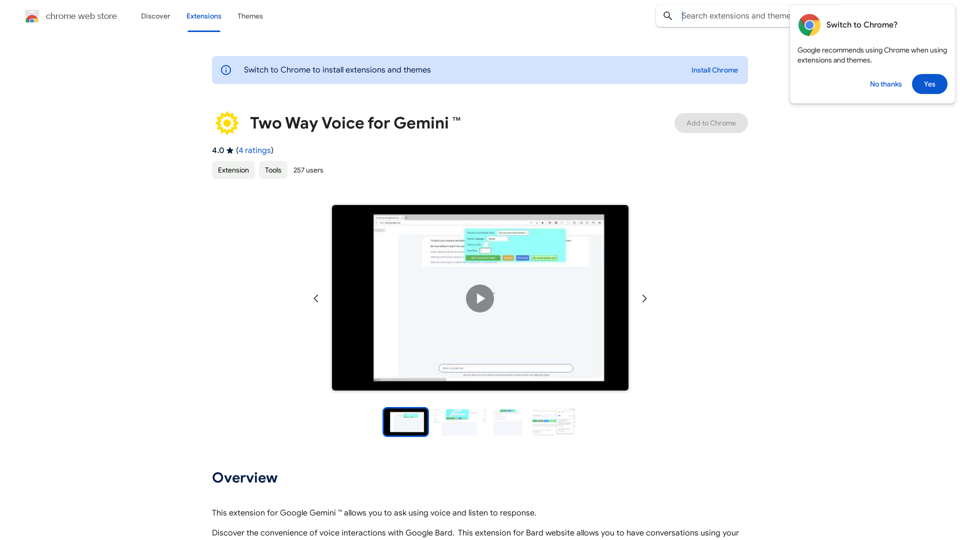
This extension for Google Gemini™ lets you ask questions using your voice and listen to the answers.
193.90 M
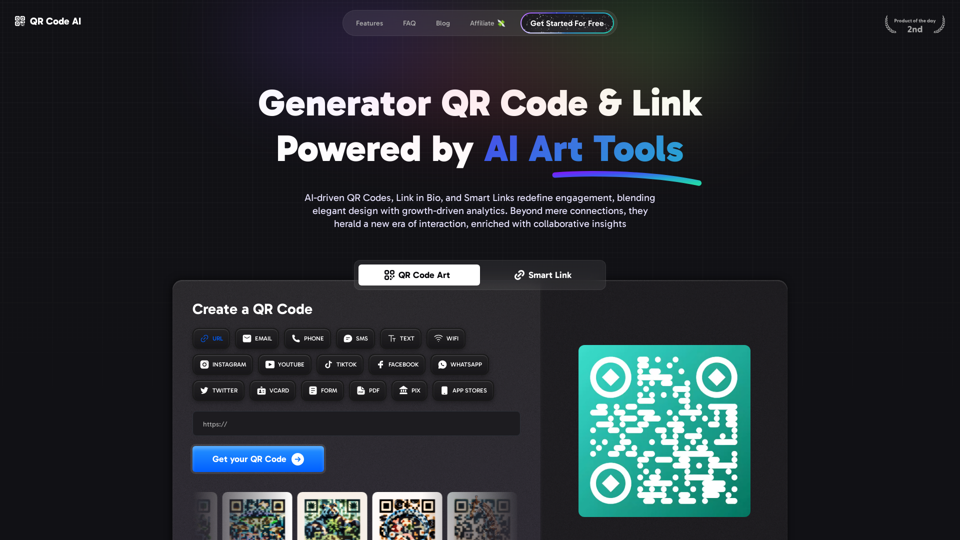
Free QR Code AI Art Generator (2024) • Scanner, Link in Bio, Smart Link, Analytics, Workspace, Monkey, Tiger
Free QR Code AI Art Generator (2024) • Scanner, Link in Bio, Smart Link, Analytics, Workspace, Monkey, TigerCreate an artistic QR Code for free, featuring images, logos, colors, and shapes. Select from templates that link to your website, email, WiFi, URL, phone, UPI, PIX, or Rick Roll. Use tools like Canva, Adobe, or Google to design. Compatible with Android and iOS devices. A top alternative to QR Monkey, Tiger, Chimp, and Unitag.
194.49 K
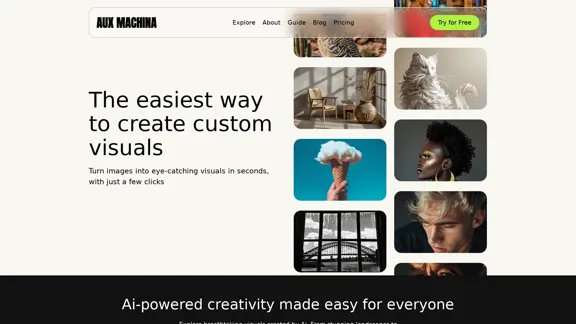

Opulli | AI Fashion Model Platform for Clothing Brands
Opulli | AI Fashion Model Platform for Clothing BrandsCreate captivating AI-generated fashion models, cutting photoshoot costs dramatically. Enhance audience engagement, accelerate market debut, and lead fashion trends with unparalleled speed and precision.
0
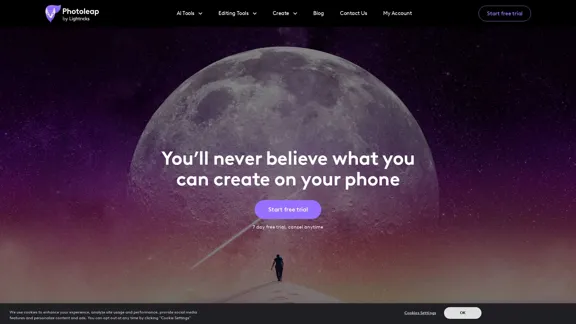
Photoleap - Creative & powerful photo editing app by Lightricks
Photoleap - Creative & powerful photo editing app by LightricksUse the comprehensive photo editor Photoleap for incredible creations on your iPhone: Alter backgrounds, eliminate objects, design collages, and apply filters & effects. Start a 7-day free trial now.
196.20 K