Open-source RightAI Tools Directory
  • Discover AI
  • Submit
  • Startup
  • Blog
Open-source RightAI Tools Directory
Discover the best AI tools of 2025 with the RightAI Tools Directory!

Friend Links

AI Anime GeneratorToolsApp AI

Support

Tap4
Privacy policyTerms & ConditionsContact Us
Loading...
loading...

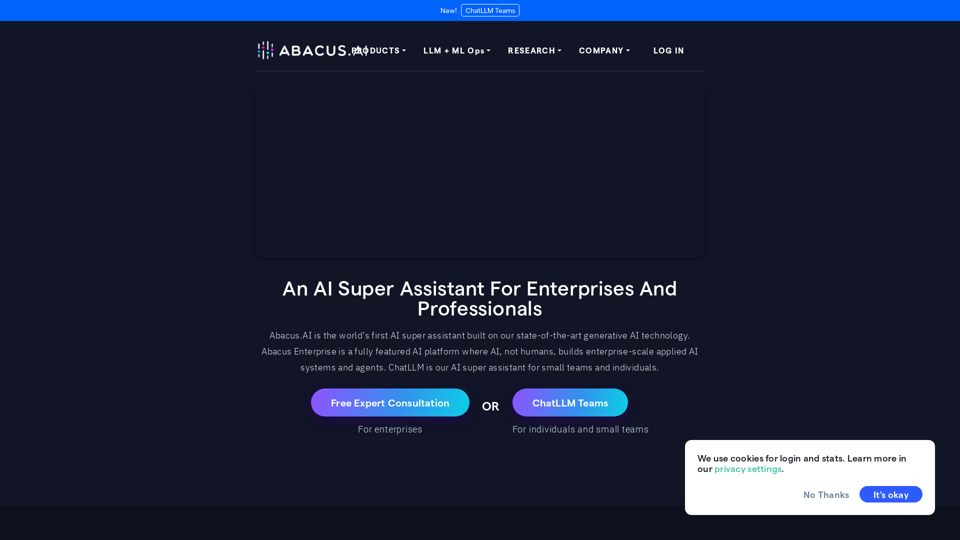
Abacus.AI - Effortlessly Embed Cutting-Edge AI in Your Applications.

Abacus.AI is the world’s first AI super assistant built on our state-of-the-art generative AI technology. Abacus Enterprise is a fully featured AI platform where AI, not humans, builds enterprise-scale applied AI systems and agents. ChatLLM is our AI super assistant for small teams and individuals.
Visit Website
Abacus.AI - Effortlessly Embed Cutting-Edge AI in Your Applications.
Visit Website

Introduction

Abacus.AI is an advanced AI super assistant platform designed for enterprise-scale applied AI systems and agents. Built on cutting-edge generative AI technology, it offers a comprehensive suite of AI products and features to drive business ROI and improve operations. The platform caters to various AI needs, from natural language processing to predictive modeling and personalization.

Feature

ChatLLM

  • Access to state-of-the-art language models
  • Web search and image generation capabilities
  • Custom chatbot creation tools

AI Agents and RAG

  • Build intelligent AI agents using LLMs
  • Create complex task automation workflows
  • Combine multiple LLMs and vector stores
  • Connect various data sources and design custom interfaces

Forecasting and Planning

  • Demand Forecasting
  • Real-Time Forecasting
  • Financial Metrics Forecasting

Marketing and Sales AI

  • Predictive Lead Scoring
  • Personalized Promotions
  • Customer Churn Prediction
  • Sales and Revenue Forecasting

Anomaly Detection

  • Time Series Anomaly Detection
  • Event Stream Anomaly Detection
  • Event Anomaly Detection

Language AI

  • Text extraction and classification
  • NLP-Powered Search
  • Questions & Answers
  • Sentiment Analysis

Vision AI

  • Image Classification & Detection
  • Hybrid Models
  • Object Detection

Additional Features

  • Discrete Optimization (ML + constraint-based optimization)
  • Predictive Modeling (ML models for tabular data)
  • Personalization AI (Recommendations, Related Items, Personalized Search, Real-Time Feed Recommendations)

FAQ

What is Abacus.AI?

Abacus.AI is an AI super assistant built on state-of-the-art generative AI technology, providing a fully featured AI platform for enterprise-scale applied AI systems and agents.

What products does Abacus.AI offer?

Abacus.AI offers various products, including ChatLLM, AI Agents And RAG, Forecasting and Planning, Marketing and Sales AI, Anomaly Detection, Language AI, Vision AI, Discrete Optimization, Predictive Modeling, and Personalization AI.

How do I get started with Abacus.AI?

You can start by requesting a free expert consultation or a free trial. Pricing information is not publicly available, but the platform offers various tools and capabilities to help businesses leverage AI technology effectively.

Latest Traffic Insights

  • Monthly Visits

    3.84 M

  • Bounce Rate

    32.43%

  • Pages Per Visit

    5.34

  • Time on Site(s)

    338.16

  • Global Rank

    13676

  • Country Rank

    United States 13564

Recent Visits

Traffic Sources

  • Social Media:
    3.98%
  • Paid Referrals:
    0.26%
  • Email:
    0.04%
  • Referrals:
    2.95%
  • Search Engines:
    26.71%
  • Direct:
    66.07%
More Data

Related Websites

Torii Image Translator — Use GPT-4 & DeepL to Translate Any Image, Manga...
View Detail

Torii Image Translator — Use GPT-4 & DeepL to Translate Any Image, Manga...

Torii Image Translator — Use GPT-4 & DeepL to Translate Any Image, Manga...

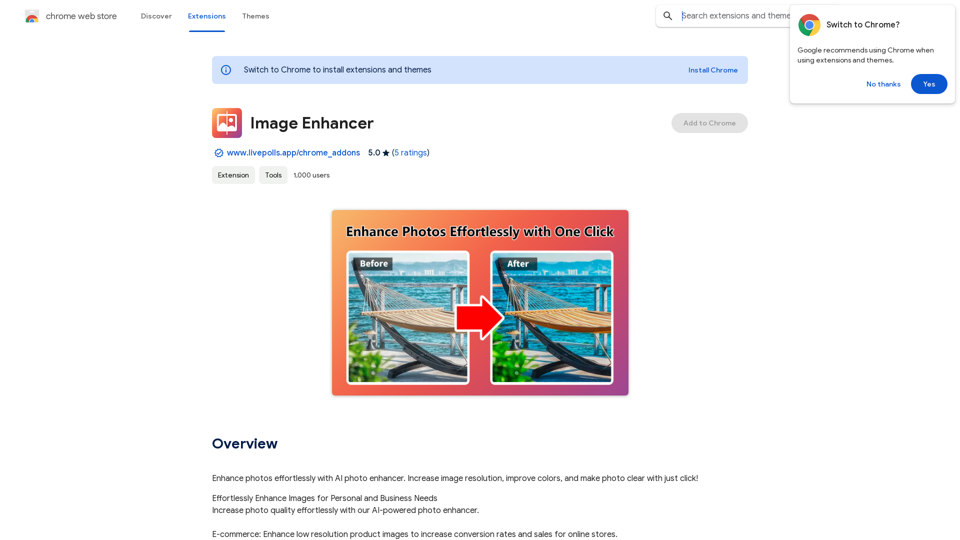
Translate any image on any website into any language! Perfect for Manga, Manhwa, Manhua, Comics, ArtistCG, Memes, or any image at all!

193.90 M
BG Remover - Remove and Change Background
View Detail

BG Remover - Remove and Change Background

BG Remover - Remove and Change Background

With the AI-powered tool, you can easily remove the background from a photo, or further replace the transparent backdrop with colors.

193.90 M
abcdefGPT Extension
View Detail

abcdefGPT Extension

abcdefGPT Extension

Support for Real Estate Selection

193.90 M
Machina
View Detail

Machina

Machina

2.41 K
ImageTrans
View Detail

ImageTrans

ImageTrans

Translate text within images found on websites.

193.90 M
Super Time Travel - Explore the Past... and the Future
View Detail

Super Time Travel - Explore the Past... and the Future

Super Time Travel - Explore the Past... and the Future

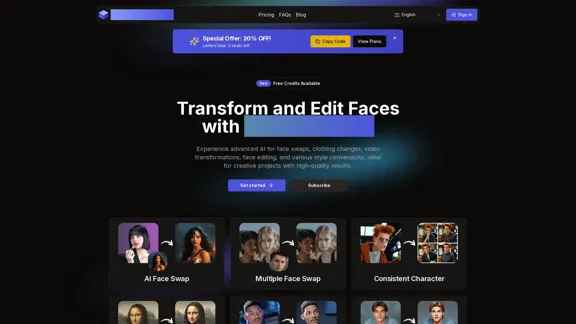
Super Time Travel lets you upload your photos and see them transformed to any past or future year. Experience your images as they would appear in any historical era or future setting with the magic of AI.

0
Midjourney API - Automate Midjourney AI Image Generation 

This document outlines how to use the Midjourney API to automate the generation of AI images. 

What is the Midjourney API?

The Midjourney API allows developers to programmatically interact with the powerful Midjourney AI model. This means you can generate images, control various parameters, and integrate Midjourney into your own applications and workflows.

Why Use the Midjourney API?

* Automation: Automate the creation of images for various purposes, such as marketing materials, website content, or research projects.
* Customization: Fine-tune image generation by controlling parameters like aspect ratio, style, and seed values.
* Integration: Seamlessly integrate Midjourney's capabilities into your existing tools and platforms.

Getting Started

1. Sign Up for a Midjourney Account: You'll need a Midjourney account to access the API.

2. Obtain an API Key: Once you have an account, you can generate an API key from your account settings.

3. Choose a Programming Language: The Midjourney API supports various programming languages, including Python, JavaScript, and Go.

4. Install the API Client: Install the appropriate API client library for your chosen language.

5. Start Generating Images: Use the API client to send image generation requests to the Midjourney server.

Example (Python):

```python
import midjourney

Replace with your actual API key
api_key = "YOUR_API_KEY"

Create a Midjourney client
client = midjourney.Client(api_key=api_key)

Generate an image
response = client.create_image(prompt="A cat wearing a hat", num_images=1)

Print the image URL
print(response.images[0].url)
```

Documentation and Resources

For detailed information about the Midjourney API, including available endpoints, parameters, and examples, please refer to the official documentation: [https://docs.midjourney.com/](https://docs.midjourney.com/)
View Detail

Midjourney API - Automate Midjourney AI Image Generation This document outlines how to use the Midjourney API to automate the generation of AI images. What is the Midjourney API? The Midjourney API allows developers to programmatically interact with the powerful Midjourney AI model. This means you can generate images, control various parameters, and integrate Midjourney into your own applications and workflows. Why Use the Midjourney API? * Automation: Automate the creation of images for various purposes, such as marketing materials, website content, or research projects. * Customization: Fine-tune image generation by controlling parameters like aspect ratio, style, and seed values. * Integration: Seamlessly integrate Midjourney's capabilities into your existing tools and platforms. Getting Started 1. Sign Up for a Midjourney Account: You'll need a Midjourney account to access the API. 2. Obtain an API Key: Once you have an account, you can generate an API key from your account settings. 3. Choose a Programming Language: The Midjourney API supports various programming languages, including Python, JavaScript, and Go. 4. Install the API Client: Install the appropriate API client library for your chosen language. 5. Start Generating Images: Use the API client to send image generation requests to the Midjourney server. Example (Python): ```python import midjourney Replace with your actual API key api_key = "YOUR_API_KEY" Create a Midjourney client client = midjourney.Client(api_key=api_key) Generate an image response = client.create_image(prompt="A cat wearing a hat", num_images=1) Print the image URL print(response.images[0].url) ``` Documentation and Resources For detailed information about the Midjourney API, including available endpoints, parameters, and examples, please refer to the official documentation: [https://docs.midjourney.com/](https://docs.midjourney.com/)

Midjourney API - Automate Midjourney AI Image Generation This document outlines how to use the Midjourney API to automate the generation of AI images. What is the Midjourney API? The Midjourney API allows developers to programmatically interact with the powerful Midjourney AI model. This means you can generate images, control various parameters, and integrate Midjourney into your own applications and workflows. Why Use the Midjourney API? * Automation: Automate the creation of images for various purposes, such as marketing materials, website content, or research projects. * Customization: Fine-tune image generation by controlling parameters like aspect ratio, style, and seed values. * Integration: Seamlessly integrate Midjourney's capabilities into your existing tools and platforms. Getting Started 1. Sign Up for a Midjourney Account: You'll need a Midjourney account to access the API. 2. Obtain an API Key: Once you have an account, you can generate an API key from your account settings. 3. Choose a Programming Language: The Midjourney API supports various programming languages, including Python, JavaScript, and Go. 4. Install the API Client: Install the appropriate API client library for your chosen language. 5. Start Generating Images: Use the API client to send image generation requests to the Midjourney server. Example (Python): ```python import midjourney Replace with your actual API key api_key = "YOUR_API_KEY" Create a Midjourney client client = midjourney.Client(api_key=api_key) Generate an image response = client.create_image(prompt="A cat wearing a hat", num_images=1) Print the image URL print(response.images[0].url) ``` Documentation and Resources For detailed information about the Midjourney API, including available endpoints, parameters, and examples, please refer to the official documentation: [https://docs.midjourney.com/](https://docs.midjourney.com/)

Easily integrate Midjourney AI into your apps using the Midjourney API. Start creating AI images automatically today!

0
IC-Light V2 - Advanced AI Image Processing Tool
View Detail

IC-Light V2 - Advanced AI Image Processing Tool

IC-Light V2 - Advanced AI Image Processing Tool

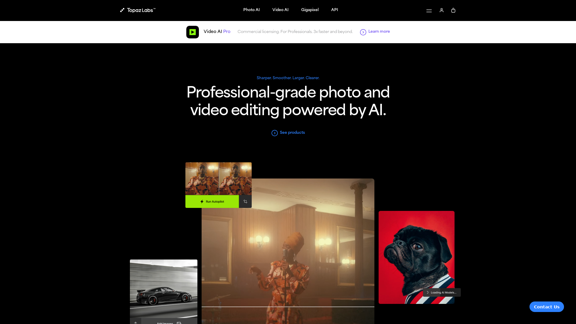
IC-Light V2: AI image enhancement tool with Flux models and VAE technology. Transform lighting and enhance image quality. Try our free demo today.

1.60 K