Youdao Read is an AI-powered browser extension designed to enhance reading experiences for PDF files and web pages. It utilizes advanced AI technology to recognize and extract text, making complex documents more accessible and easier to understand. This tool offers features like PDF recognition, web page reading, AI-powered translation, and text summarization, catering to various reading and comprehension needs.
Youdao Speed Reading Plugin
Recognize PDF files on the page, one-click jump to Youdao Speed Reading and upload to open.
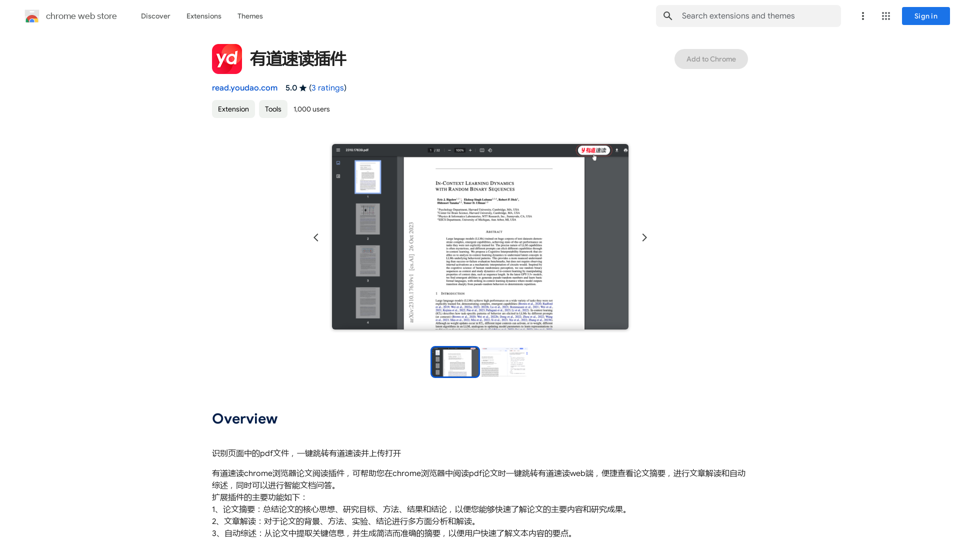
Introduction
Feature
PDF Recognition
Youdao Read can extract and recognize text from PDF files, simplifying the process of reading complex documents.
Web Page Reading
The extension offers web page reading capabilities, allowing users to quickly grasp the main points of online articles or documents.
AI-powered Translation
Users can translate text between languages using Youdao Read's AI-powered translation feature.
Summarization
Long documents and articles can be summarized, enabling users to quickly understand key points.
Easy Installation and Use
- Install from Chrome Web Store
- Open PDF or web page in browser
- Click extension icon
- Select preferred reading mode
- Start reading with automatic text recognition
Free to Use
Youdao Read is available as a free browser extension with no subscription fees or charges.
FAQ
How do I install the Youdao Read extension?
You can install the Youdao Read extension from the Chrome Web Store.
How do I use the Youdao Read extension?
To use Youdao Read, open a PDF file or web page in your browser, click the extension icon, and select your preferred reading mode.
Is the Youdao Read extension free?
Yes, the Youdao Read extension is completely free to use, with no subscription fees or charges.
Related Websites
LocalhostAI - Your AI Assistant for Chrome and Gemini Nano
LocalhostAI - Your AI Assistant for Chrome and Gemini NanoLocalhostAI: Your AI assistant designed to work seamlessly with Chrome and Gemini Nano. Enhance your productivity with advanced AI models.
0
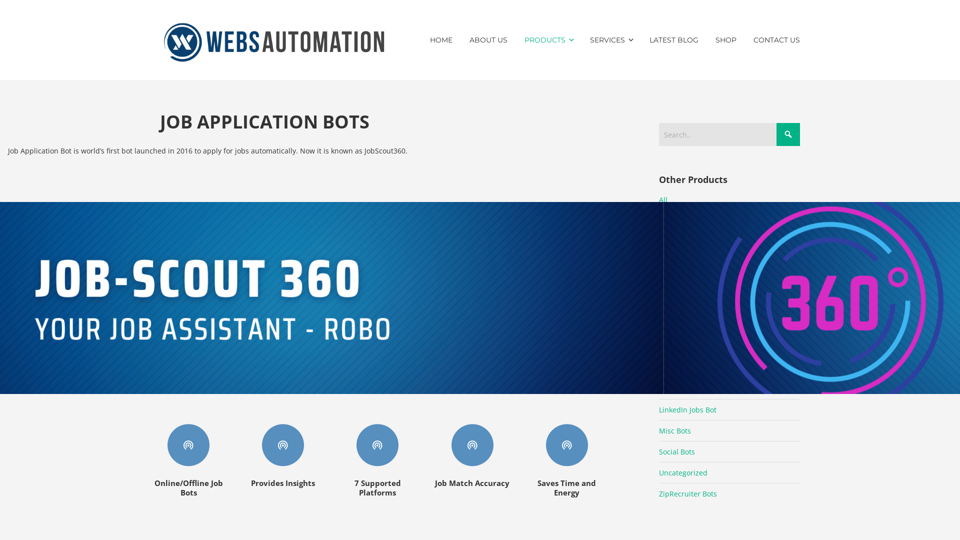
Best AI Job Application Bot 2024 | Webs-Automation This AI-powered job application bot is designed to simplify and streamline the job application process for both job seekers and employers. With its advanced automation capabilities, this bot can efficiently search for job openings, tailor resumes and cover letters, and even submit applications on behalf of the job seeker.
Best AI Job Application Bot 2024 | Webs-Automation This AI-powered job application bot is designed to simplify and streamline the job application process for both job seekers and employers. With its advanced automation capabilities, this bot can efficiently search for job openings, tailor resumes and cover letters, and even submit applications on behalf of the job seeker.Enhance Your Job Search with the Ultimate AI Job Application Bot! Simplify the Application Process and Boost Your Prospects with Our Top Job Application Bot.
2.69 K
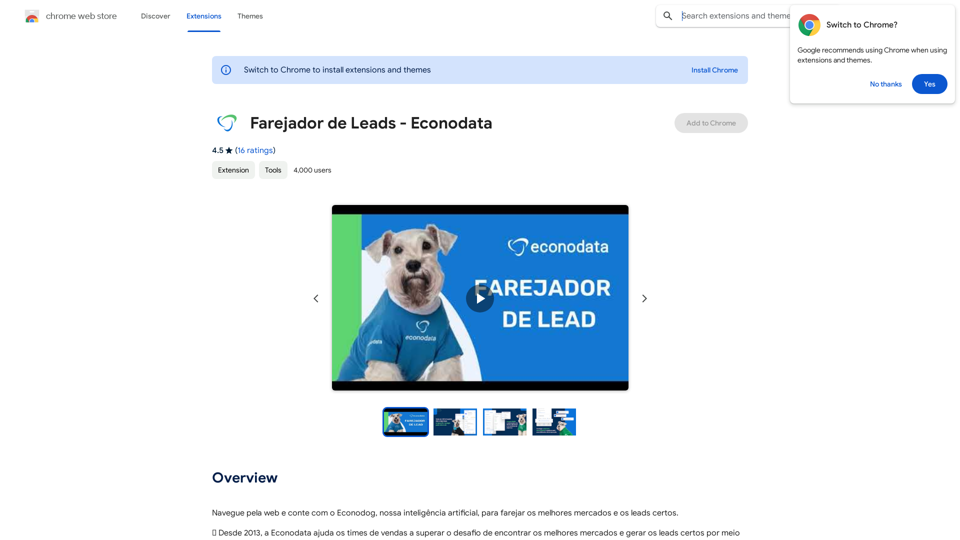
Browse the web and count on Econodog, our artificial intelligence, to sniff out the best markets and the right leads.
193.90 M
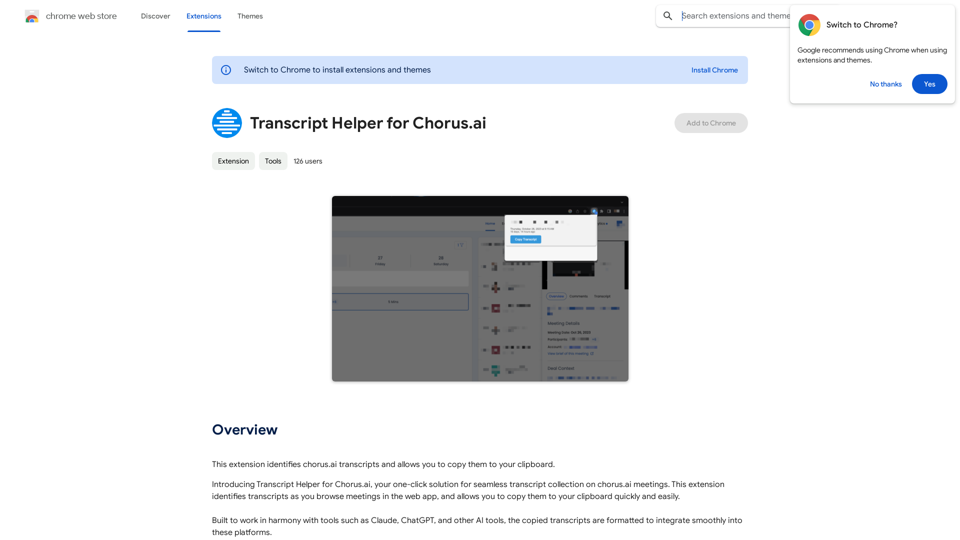
Transcript Helper for Chorus.ai This is a tool designed to help you work with transcripts generated by Chorus.ai. Let me know what you need help with! For example, you can ask me to: * Summarize a transcript: Give me a transcript and I'll provide a concise summary of the main points. * Find specific information: Tell me what you're looking for (e.g., "find all mentions of product X") and I'll search the transcript for relevant text. * Identify key speakers: I can analyze the transcript and tell you who the main speakers are. * Generate action items: Based on the transcript, I can help you identify tasks that need to be completed. * Translate the transcript: I can translate the transcript into another language. What can I do for you today?
Transcript Helper for Chorus.ai This is a tool designed to help you work with transcripts generated by Chorus.ai. Let me know what you need help with! For example, you can ask me to: * Summarize a transcript: Give me a transcript and I'll provide a concise summary of the main points. * Find specific information: Tell me what you're looking for (e.g., "find all mentions of product X") and I'll search the transcript for relevant text. * Identify key speakers: I can analyze the transcript and tell you who the main speakers are. * Generate action items: Based on the transcript, I can help you identify tasks that need to be completed. * Translate the transcript: I can translate the transcript into another language. What can I do for you today?This extension finds chorus.ai transcripts and lets you copy them to your clipboard.
193.90 M
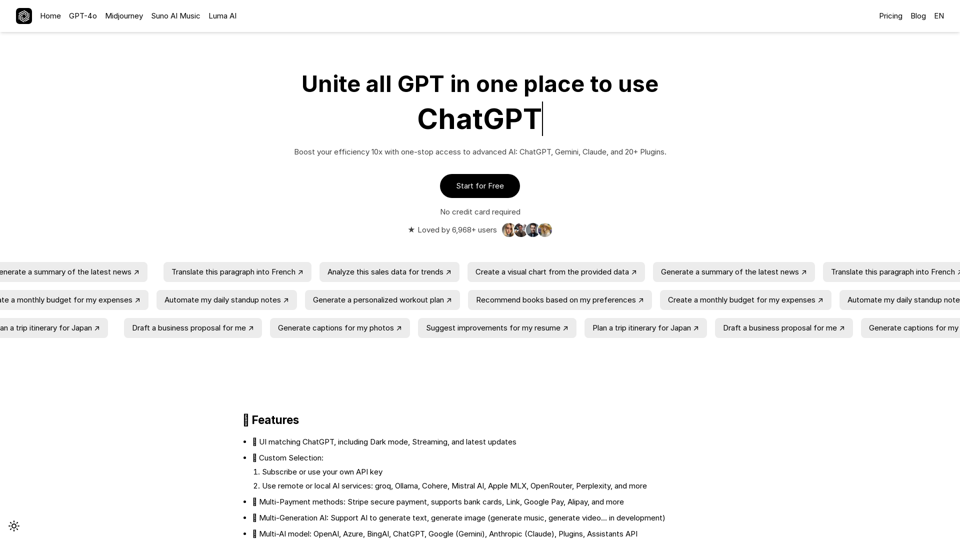
UniGPT UniGPT is a type of artificial intelligence (AI) model that combines the capabilities of both Unified and Generative models.
UniGPT UniGPT is a type of artificial intelligence (AI) model that combines the capabilities of both Unified and Generative models.UniGPT is a platform that unites all GPTs in one place, providing access to advanced AI technologies
0
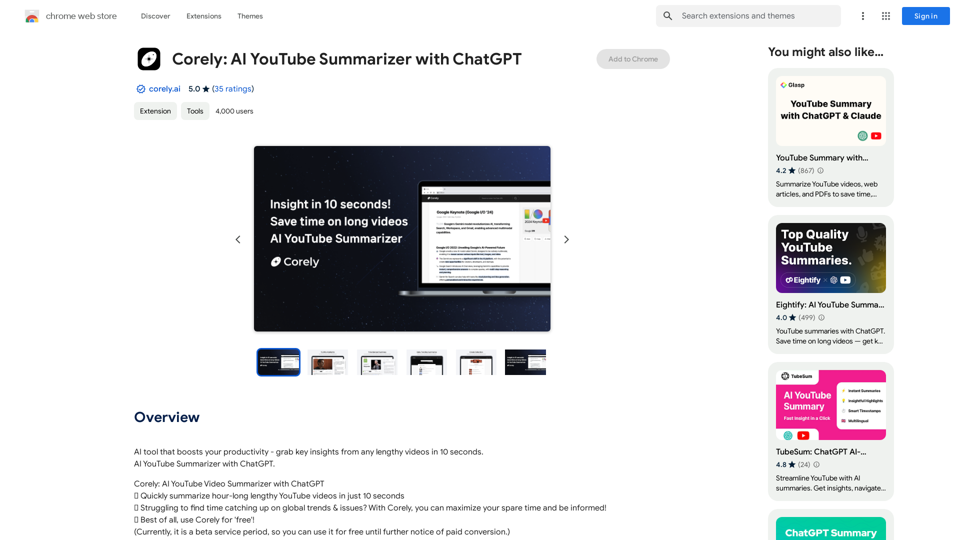
AI tool that boosts your productivity - grab key insights from any lengthy videos in 10 seconds. AI YouTube Summarizer with ChatGPT.
193.90 M
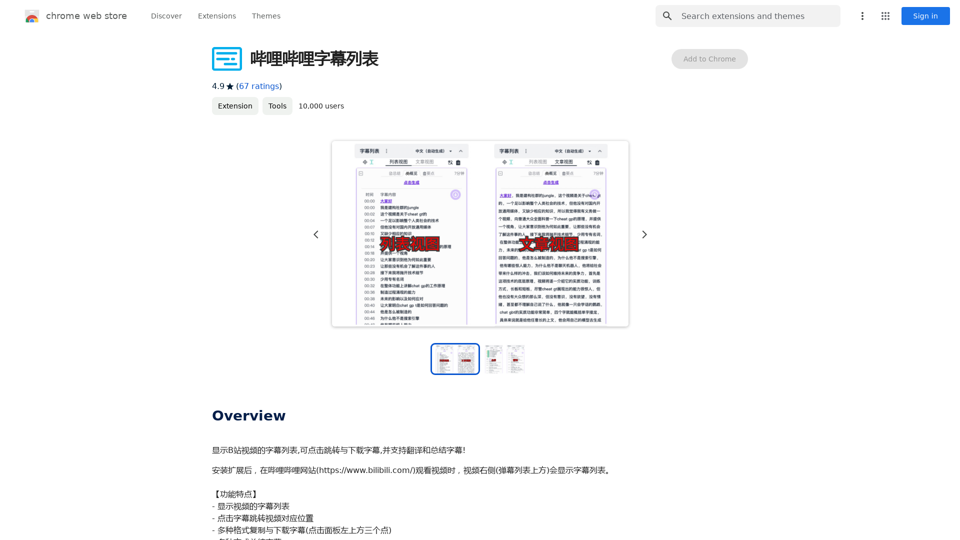
Display a list of Bilibili video subtitles, allowing you to click to jump and download subtitles, and supporting translation and summary of subtitles!
193.90 M