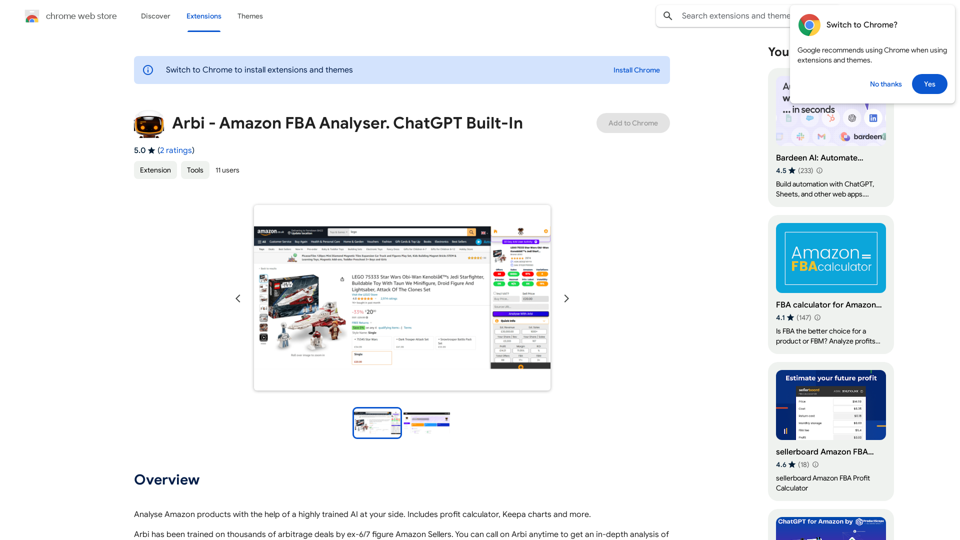
Arbi - Amazon FBA Analyser is an innovative extension that leverages AI technology to assist users in analyzing Amazon products. This powerful tool combines the expertise of experienced Amazon sellers with advanced artificial intelligence to provide comprehensive insights for FBA (Fulfillment by Amazon) sellers. With features like a profit calculator and Keepa charts, Arbi aims to streamline the product analysis process and help sellers make informed decisions.
Arbi - Amazon FBA Analyser. ChatGPT Built-In
Analyze Amazon products with the help of a powerful AI assistant. Features include a profit calculator, Keepa charts, and more.
Introduction
Feature
AI-Powered Product Analysis
Arbi utilizes a highly trained AI system to analyze Amazon products, offering insights that go beyond surface-level information. This AI is trained on thousands of arbitrage deals by former 6 and 7-figure Amazon sellers, enabling it to identify nuanced considerations such as seasonal demand and holiday trends.
Comprehensive Toolset
The extension includes a variety of useful tools for Amazon sellers:
- Profit calculator
- Keepa charts integration
- AI-driven insights and recommendations
User-Friendly Interface
Arbi is designed for ease of use:
- Simple installation process
- Intuitive product analysis workflow
- Customizable settings to suit individual needs
Free Access with Optional Upgrades
The extension offers a free base version with the option for in-app purchases, allowing users to access advanced features as needed.
Data Privacy and Security
Arbi handles user data, including personally identifiable information and authentication details, in compliance with its privacy policy, ensuring user trust and data protection.
FAQ
How does Arbi's AI technology work?
Arbi's AI is trained on a vast dataset of arbitrage deals curated by successful Amazon sellers. This training allows the AI to:
- Identify non-obvious product considerations
- Analyze seasonal demand patterns
- Predict potential holiday season impacts on sales
What are the key benefits of using Arbi for Amazon FBA sellers?
Using Arbi can provide several advantages:
- More informed decision-making through AI-driven insights
- Time-saving product analysis with integrated tools
- Potential for increased profitability through better product selection
Is Arbi suitable for both new and experienced Amazon sellers?
Yes, Arbi is designed to benefit sellers at various experience levels:
- New sellers can leverage the AI insights to avoid common pitfalls
- Experienced sellers can use the advanced features to refine their strategies
- The customizable nature of the tool allows for adaptation to different skill levels
How frequently is Arbi updated?
While specific update information isn't provided, users should note:
- The extension is currently in beta, suggesting ongoing development
- Features may be limited or not fully functional
- Regular updates are likely as the tool evolves based on user feedback
Can Arbi guarantee success in Amazon FBA selling?
No tool can guarantee success, but Arbi aims to improve decision-making:
- It provides data-driven insights to inform product choices
- The profit calculator helps estimate potential returns
- Users should combine Arbi's insights with their own research and judgment
Related Websites
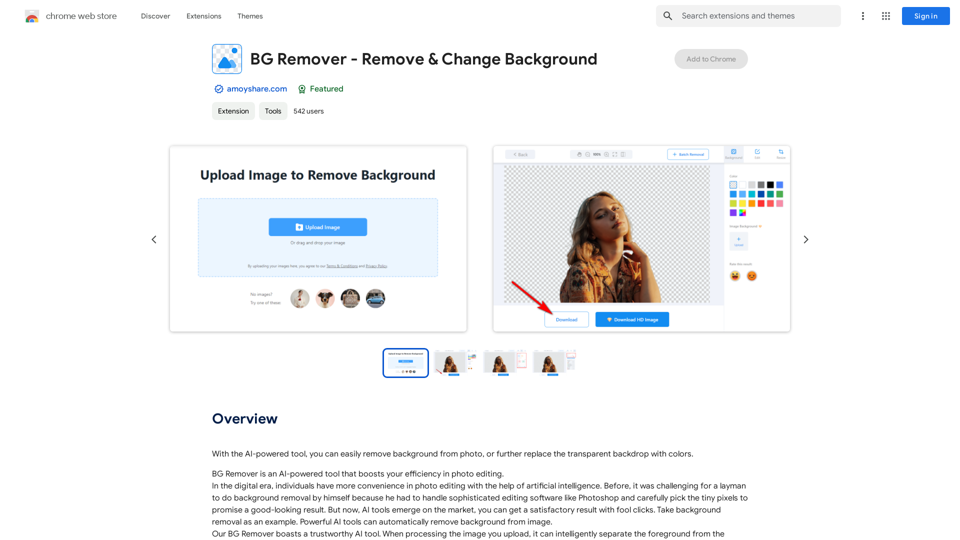
With the AI-powered tool, you can easily remove the background from a photo, or further replace the transparent backdrop with colors.
193.90 M

GPT Chinese Station - Experience the Official Chinese Website of ChatGPT, GPT-4, Midjourney AI Painting, AI Programming, AI Translation, and AI Creation.
GPT Chinese Station - Experience the Official Chinese Website of ChatGPT, GPT-4, Midjourney AI Painting, AI Programming, AI Translation, and AI Creation.Experience the Chinese official website of ChatGPT, GPT-4, Midjourney AI painting, AI programming, AI translation, and AI creation.
1.25 K
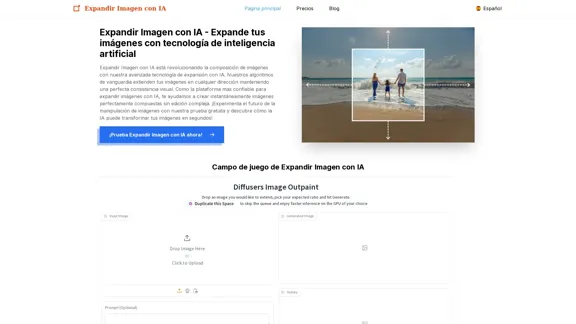
Expand Image with AI - Expand images for free with AI, free trial to extend images.
Expand Image with AI - Expand images for free with AI, free trial to extend images.Expand Image with AI is the leading platform that allows you to expand and extend images using artificial intelligence technology. Simply upload your image to our AI system to expand images and get impressive results in seconds. Experience the future of image composition with our advanced Expand Image with AI technology.
0
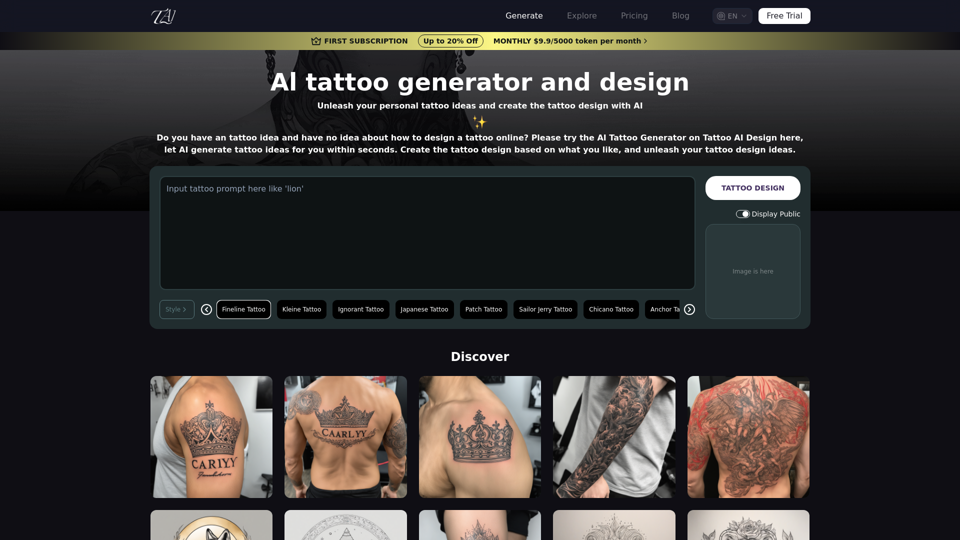
Tattoo AI Design is a tool that offers a free AI Tattoo Generator and Design service. It provides inspiration through AI-generated Tattoo Designs. The goal of Tattoo AI Design is to spark amazing ideas for users and help them create their own unique tattoo designs.
601
![Simplified Chrome Extension
This is a basic Chrome extension designed to be easy to understand and modify.
Manifest File (manifest.json):
```json
{
"manifest_version": 3,
"name": "Simplified Extension",
"version": "1.0",
"description": "A simple Chrome extension example.",
"permissions": [
"activeTab"
],
"action": {
"default_popup": "popup.html"
}
}
```
Popup HTML (popup.html):
```html
<!DOCTYPE html>
<html>
<head>
<title>Simplified Extension</title>
</head>
<body>
<h1>Hello from the extension!</h1>
<p>This is a simple popup.</p>
</body>
</html>
```
Explanation:
* manifest.json: This file tells Chrome what your extension does.
* `manifest_version`: Specifies the version of the manifest file format.
* `name`: The name of your extension.
* `version`: The current version of your extension.
* `description`: A brief description of your extension.
* `permissions`: Lists the permissions your extension needs to function. Here, it needs access to the active tab.
* `action`: Defines the popup that appears when the extension icon is clicked.
* popup.html: This file contains the HTML code for the popup window.
How it works:
1. When you install the extension, Chrome reads the `manifest.json` file.
2. When you click the extension icon, Chrome opens the `popup.html` file in a new window.
3. The popup displays the "Hello from the extension!" message.](https://static.right-ai.com/tools/2024/7/4/chromewebstore-google-com-detail-simplified-chrome-extensi-hibfheifkaehlpnfggmfimfbhhffcmla-thumbnail-1720057553.png "Simplified Chrome Extension
This is a basic Chrome extension designed to be easy to understand and modify.
Manifest File (manifest.json):
```json
{
\"manifest_version\": 3,
\"name\": \"Simplified Extension\",
\"version\": \"1.0\",
\"description\": \"A simple Chrome extension example.\",
\"permissions\": [
\"activeTab\"
],
\"action\": {
\"default_popup\": \"popup.html\"
}
}
```
Popup HTML (popup.html):
```html
<!DOCTYPE html>
<html>
<head>
<title>Simplified Extension</title>
</head>
<body>
<h1>Hello from the extension!</h1>
<p>This is a simple popup.</p>
</body>
</html>
```
Explanation:
* manifest.json: This file tells Chrome what your extension does.
* `manifest_version`: Specifies the version of the manifest file format.
* `name`: The name of your extension.
* `version`: The current version of your extension.
* `description`: A brief description of your extension.
* `permissions`: Lists the permissions your extension needs to function. Here, it needs access to the active tab.
* `action`: Defines the popup that appears when the extension icon is clicked.
* popup.html: This file contains the HTML code for the popup window.
How it works:
1. When you install the extension, Chrome reads the `manifest.json` file.
2. When you click the extension icon, Chrome opens the `popup.html` file in a new window.
3. The popup displays the \"Hello from the extension!\" message.")
Simplified Chrome Extension This is a basic Chrome extension designed to be easy to understand and modify. Manifest File (manifest.json): ```json { "manifest_version": 3, "name": "Simplified Extension", "version": "1.0", "description": "A simple Chrome extension example.", "permissions": [ "activeTab" ], "action": { "default_popup": "popup.html" } } ``` Popup HTML (popup.html): ```html <!DOCTYPE html> <html> <head> <title>Simplified Extension</title> </head> <body> <h1>Hello from the extension!</h1> <p>This is a simple popup.</p> </body> </html> ``` Explanation: * manifest.json: This file tells Chrome what your extension does. * `manifest_version`: Specifies the version of the manifest file format. * `name`: The name of your extension. * `version`: The current version of your extension. * `description`: A brief description of your extension. * `permissions`: Lists the permissions your extension needs to function. Here, it needs access to the active tab. * `action`: Defines the popup that appears when the extension icon is clicked. * popup.html: This file contains the HTML code for the popup window. How it works: 1. When you install the extension, Chrome reads the `manifest.json` file. 2. When you click the extension icon, Chrome opens the `popup.html` file in a new window. 3. The popup displays the "Hello from the extension!" message.
Simplified Chrome Extension This is a basic Chrome extension designed to be easy to understand and modify. Manifest File (manifest.json): ```json { "manifest_version": 3, "name": "Simplified Extension", "version": "1.0", "description": "A simple Chrome extension example.", "permissions": [ "activeTab" ], "action": { "default_popup": "popup.html" } } ``` Popup HTML (popup.html): ```html <!DOCTYPE html> <html> <head> <title>Simplified Extension</title> </head> <body> <h1>Hello from the extension!</h1> <p>This is a simple popup.</p> </body> </html> ``` Explanation: * manifest.json: This file tells Chrome what your extension does. * `manifest_version`: Specifies the version of the manifest file format. * `name`: The name of your extension. * `version`: The current version of your extension. * `description`: A brief description of your extension. * `permissions`: Lists the permissions your extension needs to function. Here, it needs access to the active tab. * `action`: Defines the popup that appears when the extension icon is clicked. * popup.html: This file contains the HTML code for the popup window. How it works: 1. When you install the extension, Chrome reads the `manifest.json` file. 2. When you click the extension icon, Chrome opens the `popup.html` file in a new window. 3. The popup displays the "Hello from the extension!" message.Design & Collaborate Marketing made easy #Simplified
193.90 M
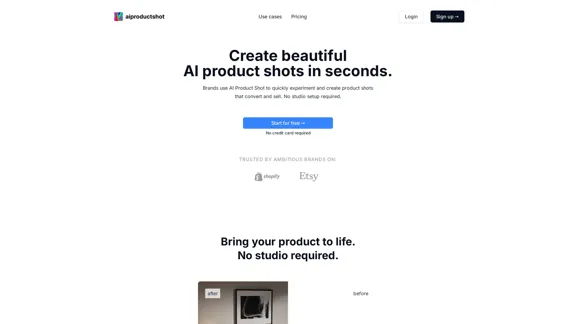
AI Product Shot - Create Beautiful Product Images with AI
AI Product Shot - Create Beautiful Product Images with AIAI Product Shot - Create stunning and professional AI-generated product images that boost your sales. Achieve expert-level product photos using AI technology. Begin your journey for free.
1.69 K
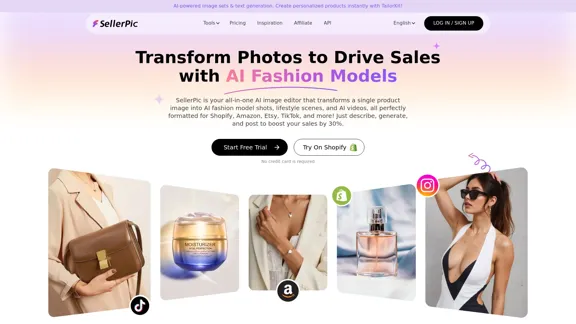
SellerPic: AI Fashion Models and Product Image Creator
SellerPic: AI Fashion Models and Product Image CreatorTransform your eCommerce store with AI Fashion Models and AI Product Images. Create stunning images that drive sales and revenue. Try it FREE!
203.22 K

Photoleap - Creative & powerful photo editing app by Lightricks
Photoleap - Creative & powerful photo editing app by LightricksUse the comprehensive photo editor Photoleap for incredible creations on your iPhone: Alter backgrounds, eliminate objects, design collages, and apply filters & effects. Start a 7-day free trial now.
196.20 K