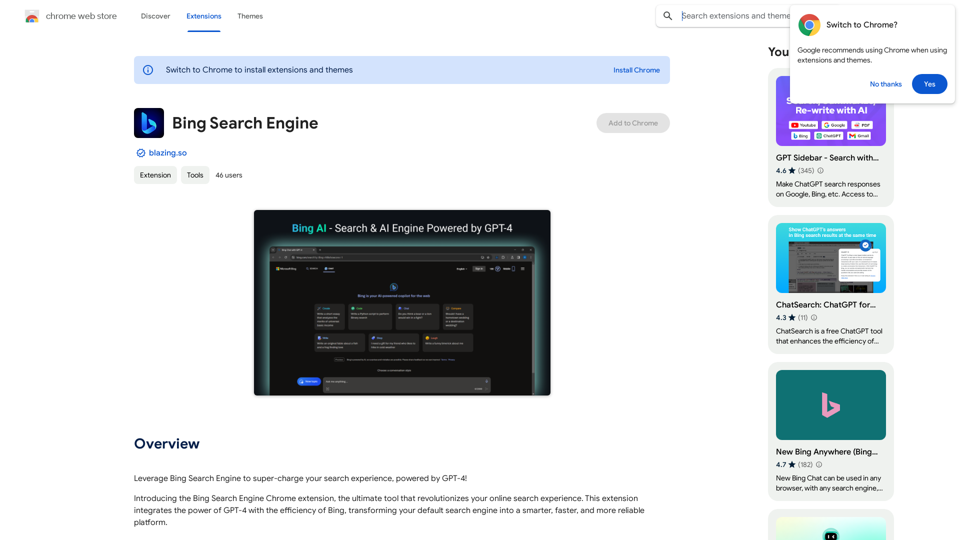
The Bing Search Engine Chrome Extension enhances your search experience by integrating Bing with GPT-4. This powerful tool transforms your default search engine into a smarter, faster, and more reliable platform. It offers users a seamless way to access AI-powered search capabilities directly from their Chrome browser.
Bing Search Engine
Use the Bing Search Engine to make your searches even better, powered by GPT-4!
Introduction
Feature
GPT-4 Powered Search
The extension leverages GPT-4 technology to provide faster and more accurate search results, offering users a smarter way to find information online.
Easy Installation and Use
Users can quickly install the extension from the Chrome Web Store and start using it immediately, replacing their default search engine with the GPT-4 powered Bing search.
Enhanced Search Efficiency
The extension helps users save time by providing precise results quickly, making it an ideal tool for students, researchers, professionals, and anyone needing quick and accurate information.
AI-Powered Features
Users can take advantage of various AI-powered features to optimize their search experience and get the most relevant results.
Free to Use
The basic version of the extension is free to install and use, making it accessible to all Chrome users.
FAQ
Is the Bing Search Engine Chrome extension free?
Yes, the basic version of the extension is free to install and use. However, additional features or extended access may require a subscription.
How does the extension work?
The extension integrates GPT-4 technology with Bing's search capabilities, transforming the default search engine into a more intelligent and efficient platform.
Is the extension safe to use?
Yes, the Bing Search Engine Chrome extension is safe to use and has a good record with no history of violations.
Can I use the extension with other search engines?
While the extension is designed to work with Bing, you can experiment with using it alongside other search engines to maximize its features.
Are there any tips for getting the most out of the extension?
To optimize your experience, install the extension from the official Chrome Web Store, experiment with different search queries, and take full advantage of the AI-powered features.
Latest Traffic Insights
Monthly Visits
193.90 M
Bounce Rate
56.27%
Pages Per Visit
2.71
Time on Site(s)
115.91
Global Rank
-
Country Rank
-
Recent Visits
Traffic Sources
- Social Media:0.48%
- Paid Referrals:0.55%
- Email:0.15%
- Referrals:12.81%
- Search Engines:16.21%
- Direct:69.81%
Related Websites

AI Letter Generator: Free AI Letter Writer, Cover Letter
AI Letter Generator: Free AI Letter Writer, Cover LetterAI Letter Generator helps you create professional letters easily with AI. Try our free letter writer, cover letter generator, and more!
0
The Empress Tarot Card: Symbolism, Interpretations, and Significance The Empress is the third card in the Major Arcana of the tarot deck. This powerful and nurturing figure represents feminine energy, abundance, creativity, and fertility. Here's a comprehensive look at the Empress card: Symbolism: 1. The Empress herself: A regal woman seated on a throne, often depicted as pregnant or holding a scepter. 2. Crown: Usually adorned with 12 stars, representing the zodiac and her connection to the celestial realm. 3. Venus symbol: Often visible on her shield or clothing, emphasizing love and beauty. 4. Lush surroundings: Abundant nature, trees, and flowing water symbolize fertility and growth. 5. Wheat or grain: Represents the harvest and abundance. 6. Cushions and comfort: Signify luxury, comfort, and nurturing. Interpretations: Upright: 1. Fertility and creation 2. Nurturing and motherhood 3. Abundance and prosperity 4. Beauty and sensuality 5. Connection with nature 6. Creativity and artistic expression 7. Feminine power and energy Reversed: 1. Creative block or stagnation 2. Neglect of self-care or others 3. Codependency or overprotectiveness 4. Lack of growth or progress 5. Infertility or reproductive issues 6. Materialism or vanity 7. Disconnection from nature or intuition Significance in Tarot Readings: 1. Personal Growth: The Empress encourages embracing one's nurturing side and creative potential. 2. Relationships: Indicates a time of love, care, and emotional fulfillment in partnerships. 3. Career: Suggests a period of growth, abundance, and creative breakthroughs in professional endeavors. 4. Health: Often associated with pregnancy, fertility, and overall well-being. 5. Spirituality: Represents a connection to the divine feminine and the nurturing aspects of the universe. 6. Finances: Indicates a time of material abundance and prosperity. 7. Decision Making: Encourages trusting intuition and embracing a nurturing approach to problem-solving. The Empress in Combinations: - With The Emperor: Balance of masculine and feminine energies, strong partnerships. - With The High Priestess: Powerful feminine wisdom and intuition. - With The Star: Hope, inspiration, and creative renewal. - With Pentacle cards: Material abundance and financial growth. The Empress is a card of creation, nurturing, and abundance. When it appears in a reading, it often signals a time of growth, fertility (literal or metaphorical), and the blossoming of creative or nurturing energies. It reminds the querent to connect with their feminine side, regardless of gender, and to embrace the abundance that surrounds them.
0
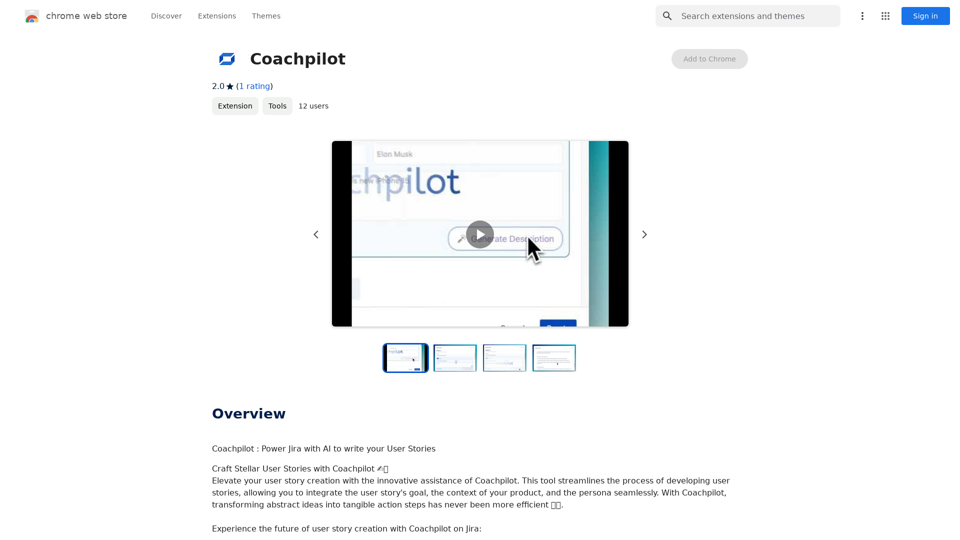
Coachpilot: Use AI to Write User Stories in Jira Coachpilot helps you write better user stories in Jira using the power of artificial intelligence.
193.90 M
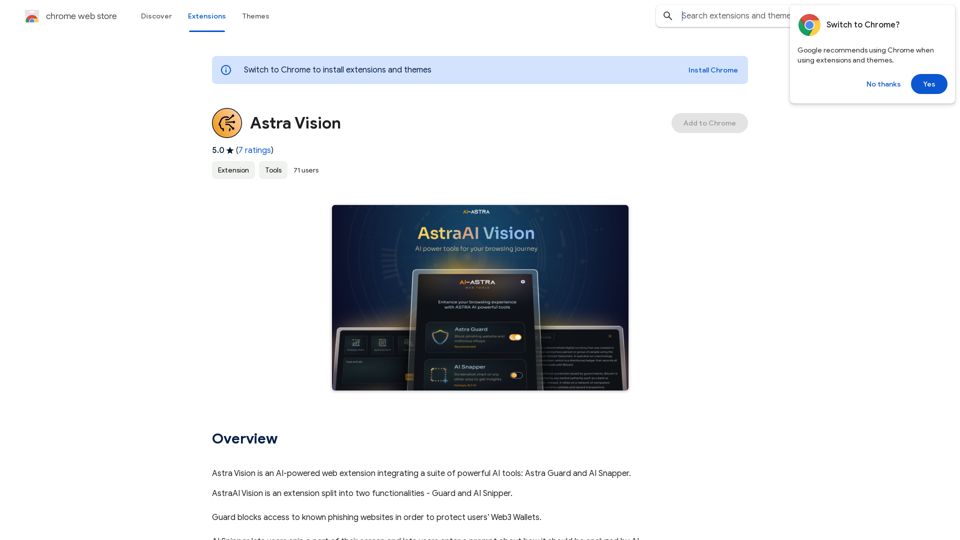
Astra Vision is an AI-powered web extension that includes a set of powerful AI tools: Astra Guard and AI Snapper.
193.90 M
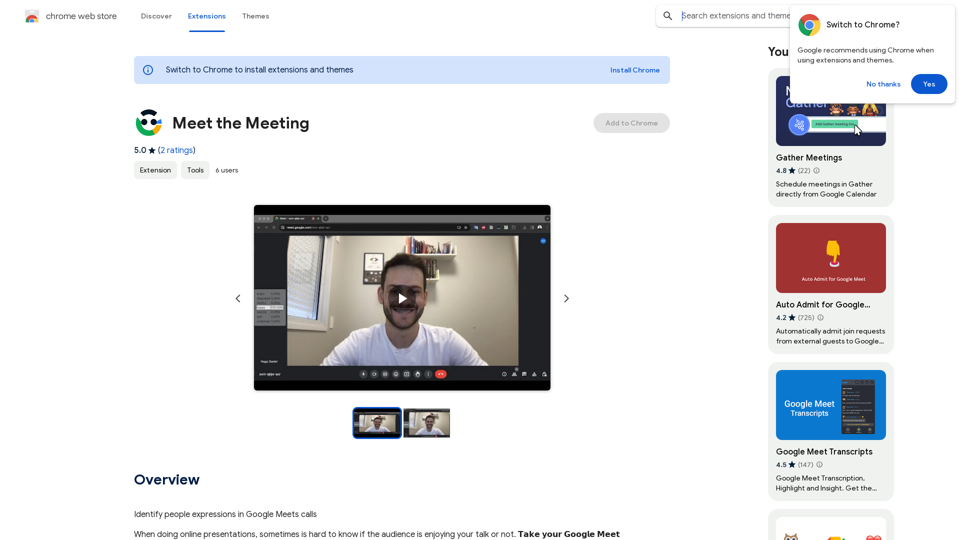
Identifying People Expressions in Google Meets Calls This is a complex task with several challenges: * Technical Limitations: Google Meets doesn't currently offer an API to directly access facial expressions of participants. * Privacy Concerns: Analyzing facial expressions raises significant privacy issues. Users should have control over whether their expressions are being tracked and used. * Accuracy: Even with access to facial data, accurately interpreting expressions can be difficult due to variations in lighting, angles, and individual differences. Possible Approaches (with limitations): * User-Submitted Data: Participants could manually indicate their emotions during the call, which could be collected and analyzed. This relies on user honesty and may not capture subtle expressions. * Third-Party Tools: Some external tools might analyze video feeds and attempt to detect expressions. However, their accuracy and privacy practices should be carefully evaluated. * Future Developments: Google or other companies might develop features that allow for more ethical and accurate expression analysis in the future. It's important to remember that facial expressions are just one aspect of communication, and relying solely on them can be misleading.
193.90 M
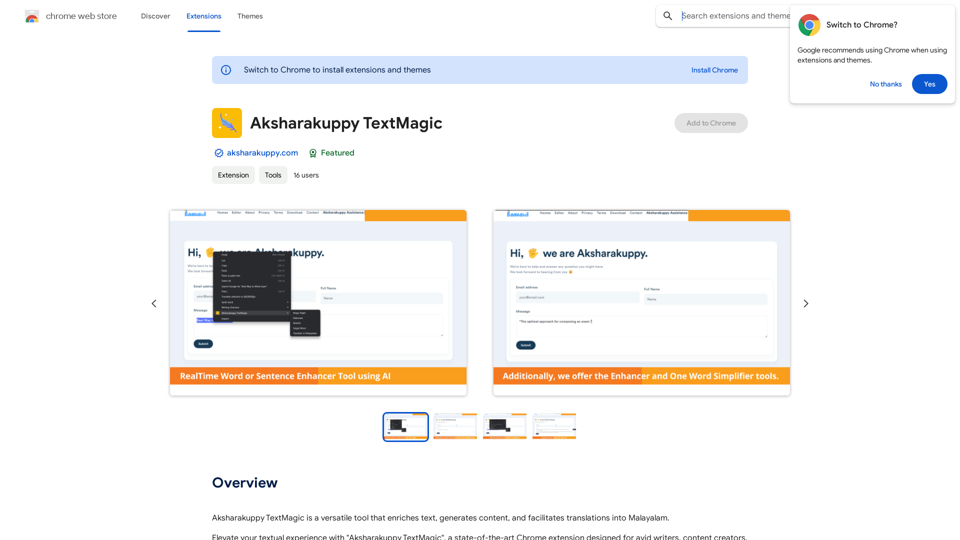
Aksharakuppy TextMagic is a versatile tool that enriches text, generates content, and facilitates translations into Malayalam.
193.90 M
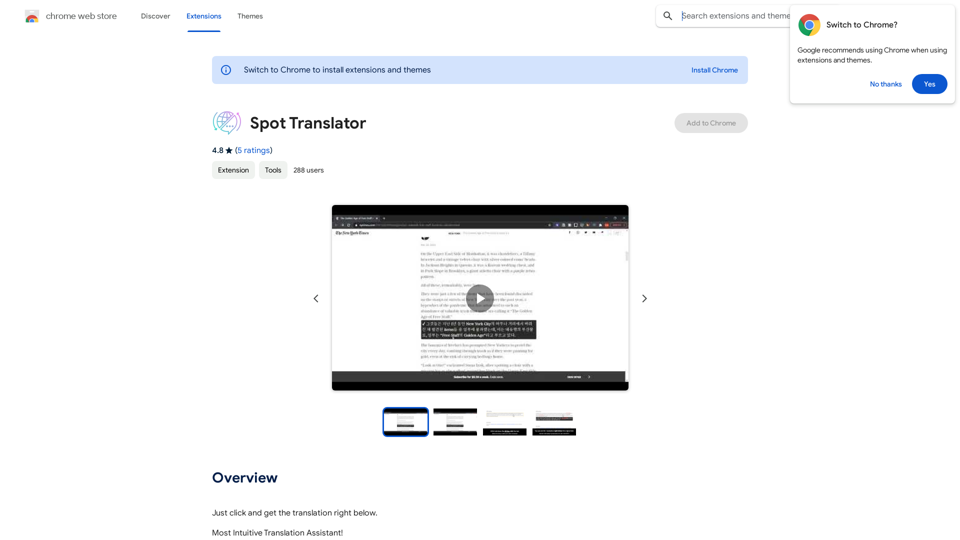
Spot Translator This is a simple tool to translate text from one language to another. How to use: 1. Enter the text you want to translate in the input box. 2. Choose the source language from the dropdown menu. 3. Choose the target language from the dropdown menu. 4. Click the "Translate" button. The translated text will appear in the output box.
Spot Translator This is a simple tool to translate text from one language to another. How to use: 1. Enter the text you want to translate in the input box. 2. Choose the source language from the dropdown menu. 3. Choose the target language from the dropdown menu. 4. Click the "Translate" button. The translated text will appear in the output box.Just click and get the translation right below.
193.90 M