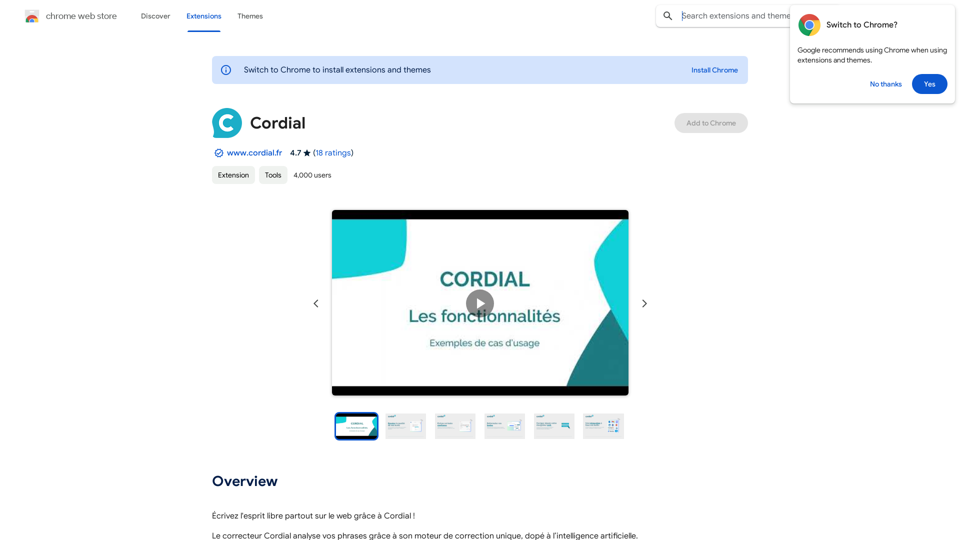
Cordial is an AI-driven platform offering comprehensive text correction and analysis services. It utilizes a unique AI-powered correction engine to detect and rectify spelling, grammar, and style errors in texts. The platform integrates seamlessly with various popular tools and provides personalized analytics to help users improve their writing skills.
Warm and friendly
Write the free spirit everywhere on the web with Cordial!
Introduction
Feature
AI-Powered Text Correction
Cordial's advanced AI engine provides unlimited text correction with a 90% accuracy rate, ensuring high-quality improvements to your writing.
Personalized Analytics
Cordial Analytics tracks your progress, highlights frequent errors, and analyzes your writing quality, offering valuable insights for improvement.
Seamless Integration
The platform integrates with popular tools like Gmail, Outlook, WordPress, Trello, Jira, Word, Hubspot, Salesforce, and Discord, enhancing your workflow efficiency.
Linguistic Resources
Users gain access to a comprehensive dictionary, French language rules, and over 200 pages of content covering grammar categories and agreements.
Browser Extension
Cordial offers a browser extension for easy access, allowing users to correct and improve texts without interruption, anytime and anywhere.
Affordable Pricing
The platform provides a free version with limited usage and an affordable subscription plan with extended access and additional benefits.
FAQ
What makes Cordial unique among text correction tools?
Cordial stands out with its AI-driven correction engine, personalized analytics, and seamless integration with popular tools. It offers unlimited text correction and access to extensive linguistic resources, making it a comprehensive solution for improving writing skills.
How does Cordial's AI-powered correction engine work?
Cordial's AI engine analyzes texts to detect and correct spelling, grammar, and style errors. It leverages advanced algorithms to provide accurate corrections and suggestions, helping users enhance the quality of their writing.
Can Cordial be used across different platforms and devices?
Yes, Cordial is designed for versatility. It offers a browser extension that works across various platforms, and its integration with popular tools ensures accessibility on different devices and applications.
Is Cordial suitable for non-native speakers or language learners?
Absolutely. Cordial's comprehensive correction features, linguistic resources, and personalized analytics make it an excellent tool for non-native speakers and language learners to improve their writing skills and understanding of language rules.
Related Websites
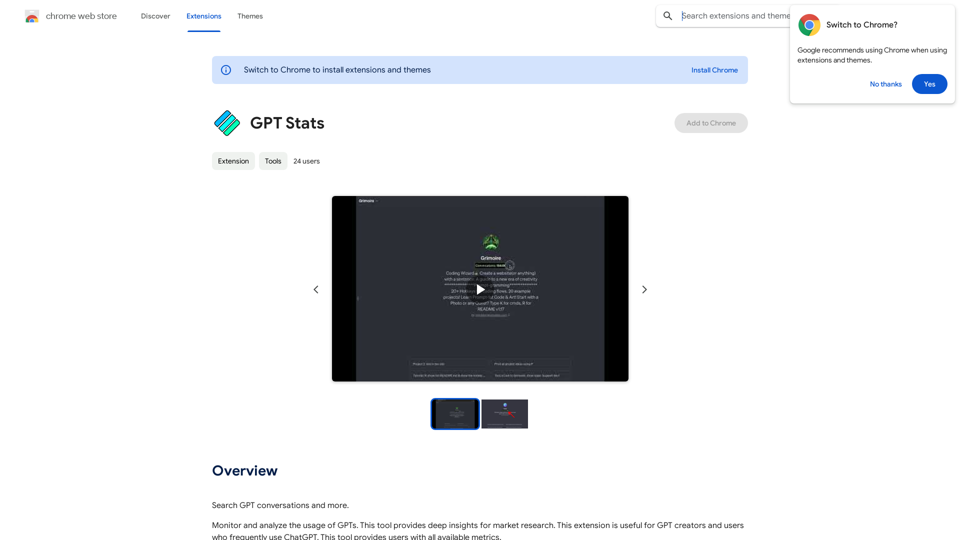
GPT Stats * Parameters: 175 Billion * Trainers: * Dataset: Massive dataset of text and code * Method: Supervised fine-tuning * Capabilities: * Text Generation * Text Summarization * Language Translation * Code Generation * Question Answering * Dialogue Generation * Limitations: * Can sometimes generate incorrect or biased information * Lacks real-world knowledge and common sense * Can be fooled by adversarial examples
GPT Stats * Parameters: 175 Billion * Trainers: * Dataset: Massive dataset of text and code * Method: Supervised fine-tuning * Capabilities: * Text Generation * Text Summarization * Language Translation * Code Generation * Question Answering * Dialogue Generation * Limitations: * Can sometimes generate incorrect or biased information * Lacks real-world knowledge and common sense * Can be fooled by adversarial examplesSearch for conversations with GPT and other content.
193.90 M
This application helps users find and implement ideas based on advanced AI platforms with daily updated information...
193.90 M
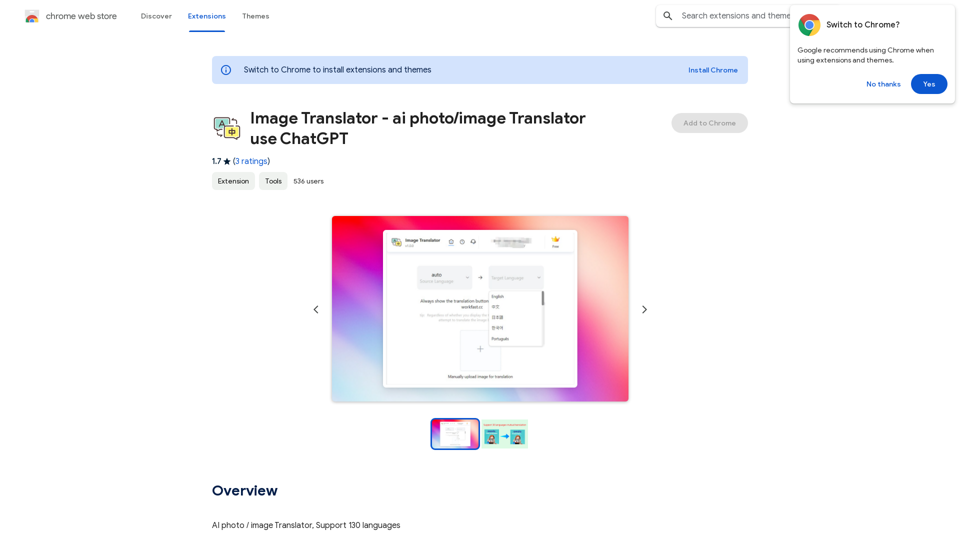
Image Translator - ai photo/image Translator use ChatGPT This is a tool that uses ChatGPT to describe images. You can upload a photo and ChatGPT will generate a written description of what it sees.
Image Translator - ai photo/image Translator use ChatGPT This is a tool that uses ChatGPT to describe images. You can upload a photo and ChatGPT will generate a written description of what it sees.AI Photo/Image Translator, Supports 130 Languages
193.90 M
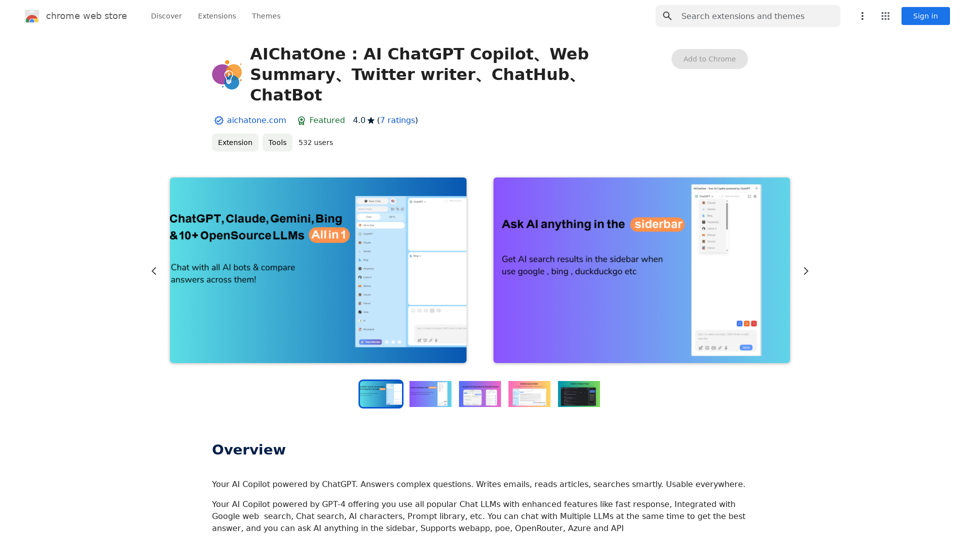
AIChatOne: AI ChatGPT Copilot, Web Summary, Twitter Writer, ChatHub, ChatBot
AIChatOne: AI ChatGPT Copilot, Web Summary, Twitter Writer, ChatHub, ChatBotYour AI Copilot powered by ChatGPT. Answers complex questions. Writes emails. Reads articles. Searches smartly. Usable everywhere.
193.90 M