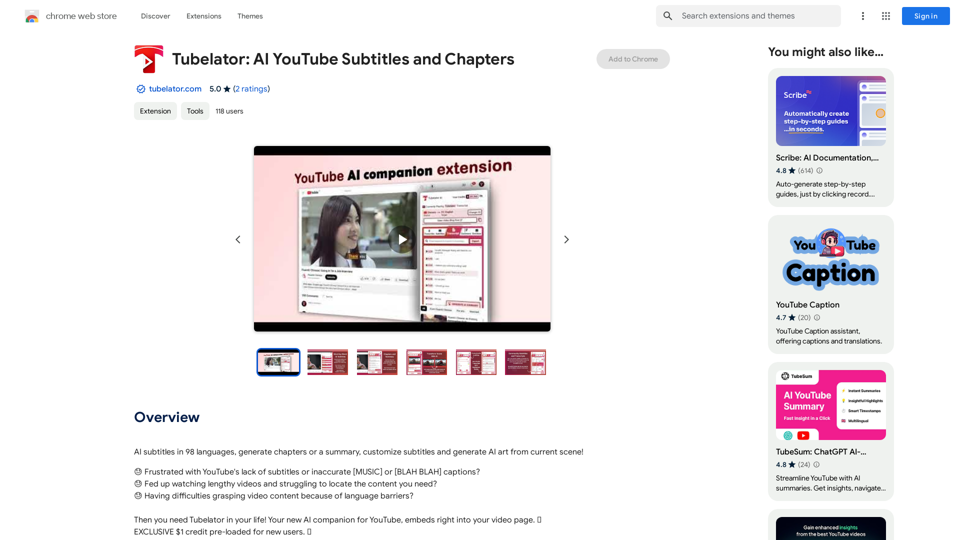
Tubelator is an AI-powered platform offering a wide range of AI technologies, primarily focused on enhancing YouTube video accessibility and engagement. It provides features such as customizable subtitles, transcription services, chapter generation, and AI art creation from video scenes. Tubelator supports multiple languages and offers efficient video content navigation through searchable transcripts and timestamps.
Tubelator: AI YouTube Subtitles and Chapters
AI subtitles in 98 languages, generate chapters or a summary, customize subtitles and generate AI art from the current scene!
Introduction
Feature
Transcribe YouTube Videos
Tubelator can transcribe any YouTube video in 98 languages, making content accessible to a global audience.
Customizable Subtitles
Generate word-by-word synced subtitles in your preferred language for any YouTube video, enhancing viewer understanding and engagement.
Efficient Content Navigation
Searchable transcripts with timestamps allow for quick and efficient skimming of video content.
Chapters and Summary Generation
Create accurate chapters and summaries for YouTube videos, saving time by providing a quick overview of the content.
AI Art Creation
The Envision feature transforms selected video scenes into captivating AI-generated artwork.
Flexible Pricing
Affordable pay-per-use model with flexible options, allowing users to maintain control over their credits.
Community Transcripts
Automatic detection and free use of community-provided transcripts for supported videos.
FAQ
How can I start using Tubelator?
Tubelator is available as a Chrome extension. Users can install the extension and start generating AI subtitles, chapters, and summaries for YouTube videos immediately.
What are the pricing options for Tubelator?
Tubelator offers in-app purchases with a flexible, pay-per-use model. Users only pay for the duration they need, allowing for better control over credits and costs.
Can Tubelator be used to download YouTube videos?
No, Tubelator does not allow or include any feature for downloading YouTube videos. Its primary functions are related to enhancing video accessibility and engagement through AI-powered tools.
What are some helpful tips for using Tubelator?
- Use Tubelator to convert video audio into timestamped transcriptions
- Quickly review video content by jumping to specific time points of interest
- Opt for the high-quality option when precise results are needed
Related Websites
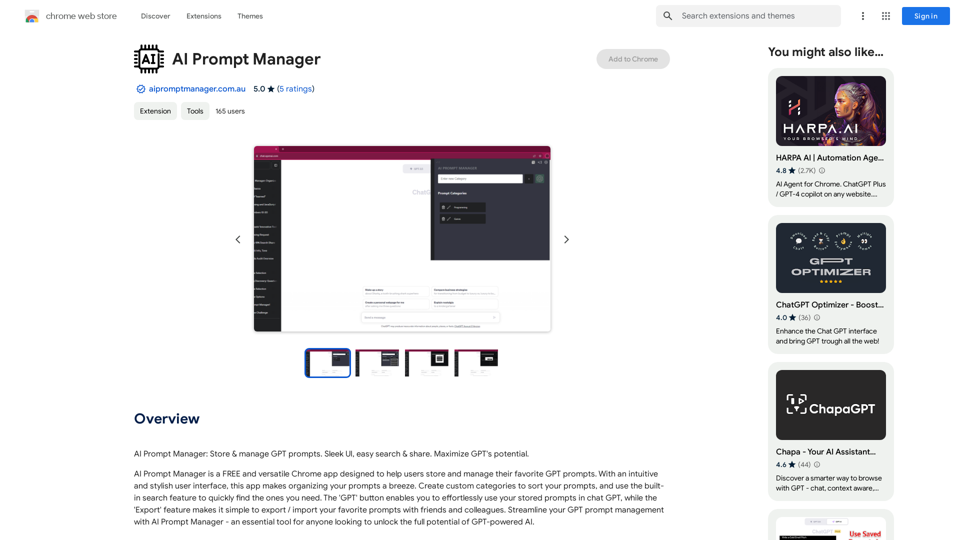
AI Prompt Manager: Store and manage GPT prompts. Sleek user interface, easy search and sharing. Maximize the potential of GPT.
193.90 M
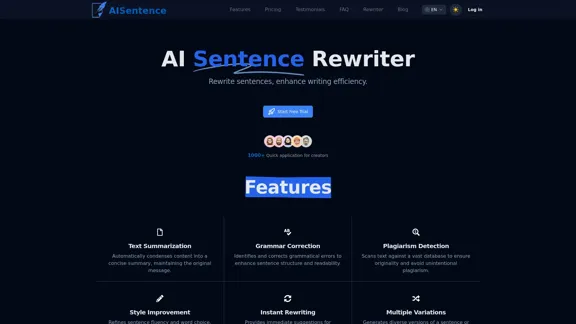
AI Sentence | Free Online AI Sentence Rewriter Tool 2024
AI Sentence | Free Online AI Sentence Rewriter Tool 2024Transform your writing instantly with AI Sentence Rewriter. Our free AI-powered tool helps you rewrite sentences, paragraphs, and articles to be more engaging, professional, and natural-sounding. Perfect for content creators, students, and professionals.
0
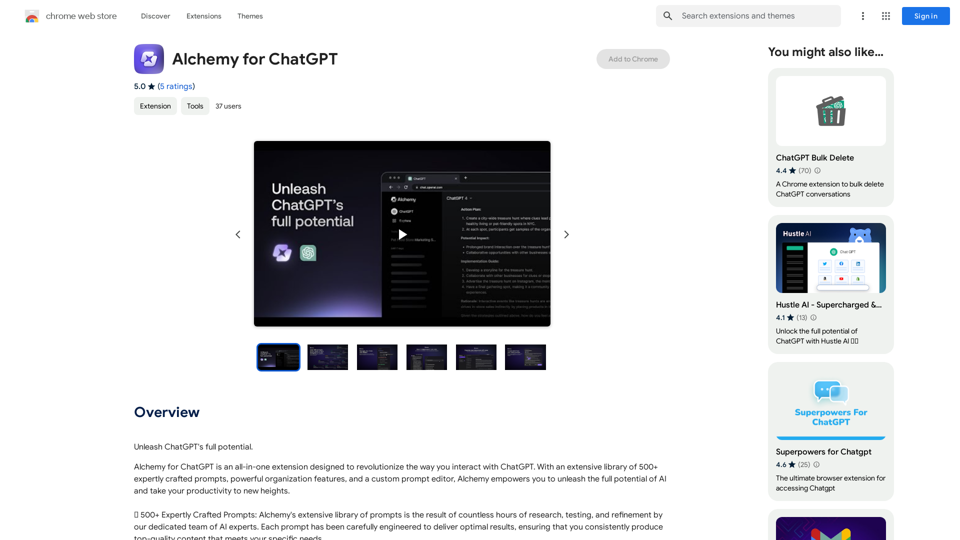
Alchemy for ChatGPT Introduction Alchemy is a powerful framework for building and deploying large language models (LLMs) like ChatGPT. It provides a comprehensive set of tools and resources to streamline the entire LLM development lifecycle, from training to deployment and monitoring. Key Features * Modular Design: Alchemy is built with a modular architecture, allowing developers to easily customize and extend its functionality. * Fine-Tuning Capabilities: Alchemy offers robust fine-tuning capabilities, enabling users to adapt pre-trained LLMs to specific tasks and domains. * Deployment Flexibility: Alchemy supports deployment across various platforms, including cloud, on-premise, and edge devices. * Monitoring and Evaluation: Alchemy provides tools for monitoring LLM performance and evaluating their effectiveness. Benefits * Accelerated Development: Alchemy's modularity and pre-built components significantly reduce development time and effort. * Improved Accuracy: Fine-tuning capabilities allow for higher accuracy and performance on specific tasks. * Scalability and Reliability: Alchemy's deployment flexibility ensures scalability and reliability for diverse applications. * Cost-Effectiveness: Alchemy's efficient resource utilization and streamlined workflows contribute to cost savings. Use Cases Alchemy can be used in a wide range of applications, including: * Chatbots and Conversational AI: * Text Generation and Summarization: * Code Generation and Debugging: * Data Analysis and Insights: * Personalized Learning and Education: Conclusion Alchemy is a powerful and versatile framework that empowers developers to build, deploy, and manage LLMs effectively. Its comprehensive features, benefits, and diverse use cases make it an ideal choice for organizations looking to leverage the transformative potential of LLMs.
Alchemy for ChatGPT Introduction Alchemy is a powerful framework for building and deploying large language models (LLMs) like ChatGPT. It provides a comprehensive set of tools and resources to streamline the entire LLM development lifecycle, from training to deployment and monitoring. Key Features * Modular Design: Alchemy is built with a modular architecture, allowing developers to easily customize and extend its functionality. * Fine-Tuning Capabilities: Alchemy offers robust fine-tuning capabilities, enabling users to adapt pre-trained LLMs to specific tasks and domains. * Deployment Flexibility: Alchemy supports deployment across various platforms, including cloud, on-premise, and edge devices. * Monitoring and Evaluation: Alchemy provides tools for monitoring LLM performance and evaluating their effectiveness. Benefits * Accelerated Development: Alchemy's modularity and pre-built components significantly reduce development time and effort. * Improved Accuracy: Fine-tuning capabilities allow for higher accuracy and performance on specific tasks. * Scalability and Reliability: Alchemy's deployment flexibility ensures scalability and reliability for diverse applications. * Cost-Effectiveness: Alchemy's efficient resource utilization and streamlined workflows contribute to cost savings. Use Cases Alchemy can be used in a wide range of applications, including: * Chatbots and Conversational AI: * Text Generation and Summarization: * Code Generation and Debugging: * Data Analysis and Insights: * Personalized Learning and Education: Conclusion Alchemy is a powerful and versatile framework that empowers developers to build, deploy, and manage LLMs effectively. Its comprehensive features, benefits, and diverse use cases make it an ideal choice for organizations looking to leverage the transformative potential of LLMs.Unlock the full capabilities of ChatGPT.
193.90 M
Octoparse VOC - AI Review Research & Analysis This is a document outlining the research and analysis conducted on user voice (VOC) data using Octoparse's AI capabilities.
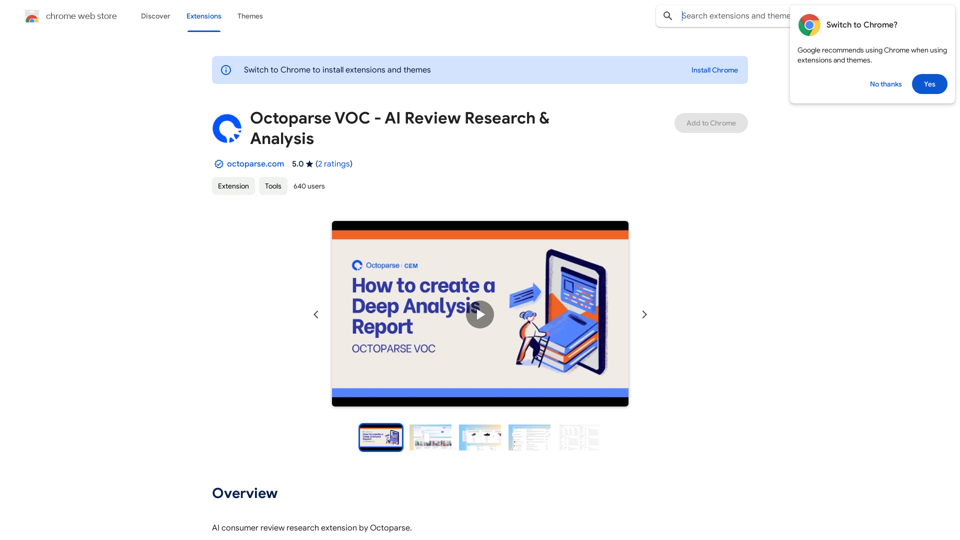
Octoparse VOC - AI Review Research & Analysis This is a document outlining the research and analysis conducted on user voice (VOC) data using Octoparse's AI capabilities.AI Consumer Review Research Extension by Octoparse.
193.90 M
ChatGPT Prompt Generator - AI Mind This is a tool to help you generate creative and effective prompts for ChatGPT. Features: * Diverse Prompt Types: Explore various prompt categories like story writing, dialogue, code generation, and more. * Customization Options: Tailor your prompts with specific details, tone, style, and length preferences. * Inspiration & Examples: Discover a library of pre-made prompts and examples to spark your imagination. * AI-Powered Suggestions: Get intelligent suggestions and refinements for your prompts based on your input. How it Works: 1. Choose a Prompt Type: Select the type of output you desire from ChatGPT. 2. Provide Input: Enter your desired keywords, themes, or specific instructions. 3. Customize Settings: Adjust parameters like tone, style, length, and format. 4. Generate Prompt: Click "Generate" to receive a unique and optimized prompt tailored to your needs. Start Creating! Let your imagination run wild and explore the possibilities of ChatGPT with our AI-powered prompt generator.
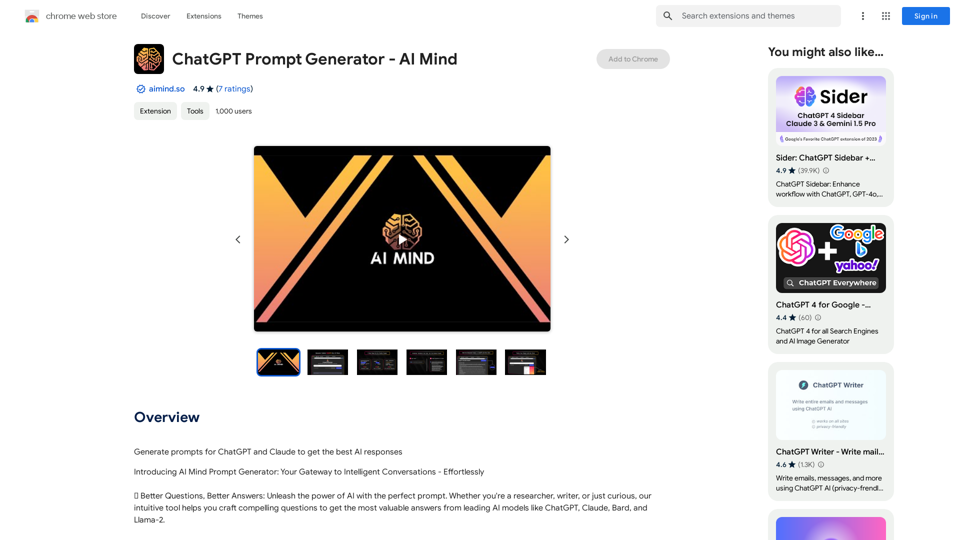
ChatGPT Prompt Generator - AI Mind This is a tool to help you generate creative and effective prompts for ChatGPT. Features: * Diverse Prompt Types: Explore various prompt categories like story writing, dialogue, code generation, and more. * Customization Options: Tailor your prompts with specific details, tone, style, and length preferences. * Inspiration & Examples: Discover a library of pre-made prompts and examples to spark your imagination. * AI-Powered Suggestions: Get intelligent suggestions and refinements for your prompts based on your input. How it Works: 1. Choose a Prompt Type: Select the type of output you desire from ChatGPT. 2. Provide Input: Enter your desired keywords, themes, or specific instructions. 3. Customize Settings: Adjust parameters like tone, style, length, and format. 4. Generate Prompt: Click "Generate" to receive a unique and optimized prompt tailored to your needs. Start Creating! Let your imagination run wild and explore the possibilities of ChatGPT with our AI-powered prompt generator.Generate prompts for ChatGPT and Claude to get the best AI responses
193.90 M
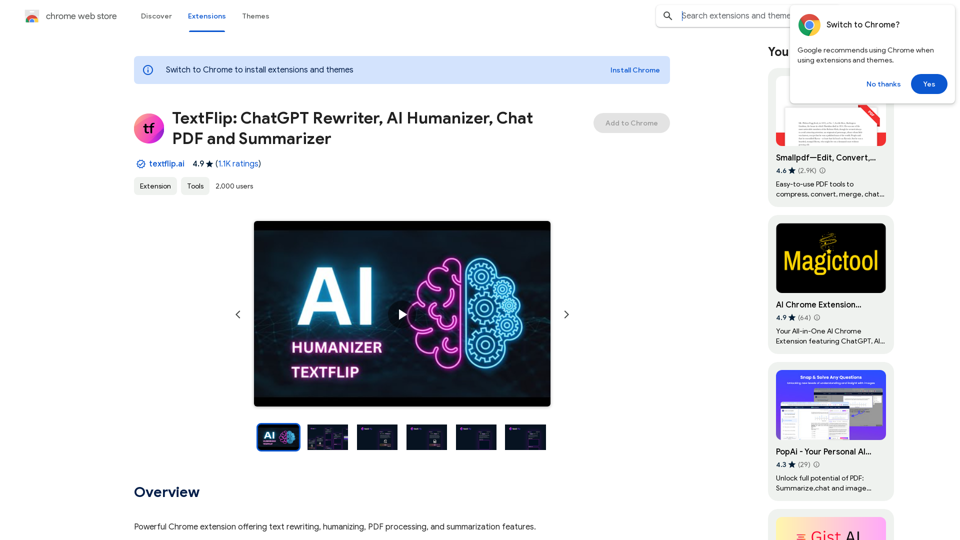
TextFlip: ChatGPT Rewriter, AI Humanizer, Chat PDF and Summarizer
TextFlip: ChatGPT Rewriter, AI Humanizer, Chat PDF and SummarizerPowerful Chrome extension offering text rewriting, making it sound more natural, PDF processing, and summarization features.
193.90 M