Tá Pronto is a comprehensive toolkit designed for digital content creators, particularly those in the education and corporate training sectors. Developed by a reputable website owner, this extension offers AI-powered tools to enhance and optimize educational products, focusing on improving SEO, titles, and descriptions.
Ready - Author Tool Hub
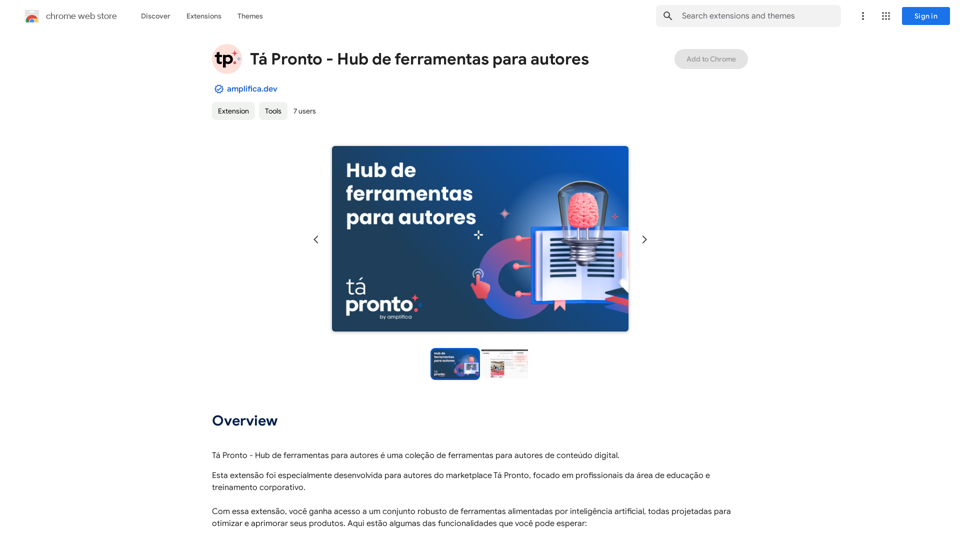
Tá Pronto - Author Tool Hub is a collection of tools for digital content creators.
Introduction
Feature
AI-Powered Optimization Tools
Tá Pronto provides a suite of AI-driven tools that analyze market trends and keywords to create more effective and attractive titles and descriptions for educational products.
SEO Enhancement
The extension significantly improves product visibility by optimizing SEO elements, ensuring that educational materials are easily discoverable in online searches.
Content Creation Assistance
Tá Pronto streamlines the content creation process with AI-powered writing tools, helping authors produce high-quality educational materials more efficiently.
User-Friendly Interface
With a simple installation process, users can quickly access and utilize the AI tools to enhance their digital content.
Tailored for Education Sector
Specifically designed for professionals in education and corporate training, Tá Pronto caters to the unique needs of this sector.
FAQ
What is Tá Pronto?
Tá Pronto is a collection of AI-powered tools for digital content authors, specifically designed for professionals in the education and corporate training sectors.
How do I use Tá Pronto?
To use Tá Pronto, simply install the extension and access the AI-powered tools to optimize titles and descriptions, improve SEO, and streamline content creation.
Is Tá Pronto free?
The pricing for Tá Pronto is not specified in the provided information. It is likely to be either a one-time payment or a subscription-based model.
Related Websites
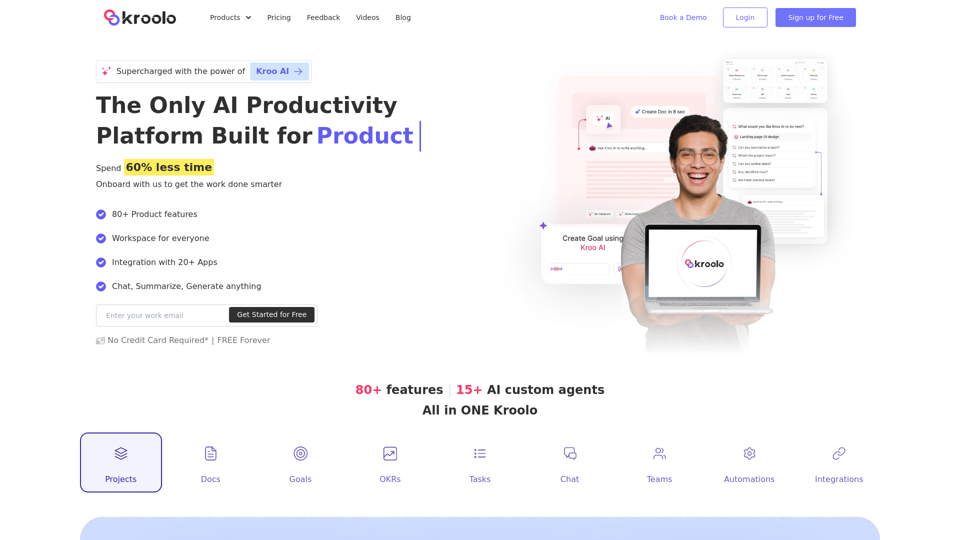
AI Powered Productivity Management Software | Kroolo
AI Powered Productivity Management Software | KrooloManage projects, tasks, goals, and documents with easy collaboration through Kroolo's All in One AI powered Productivity Management Software. Sign up now!
98.62 K
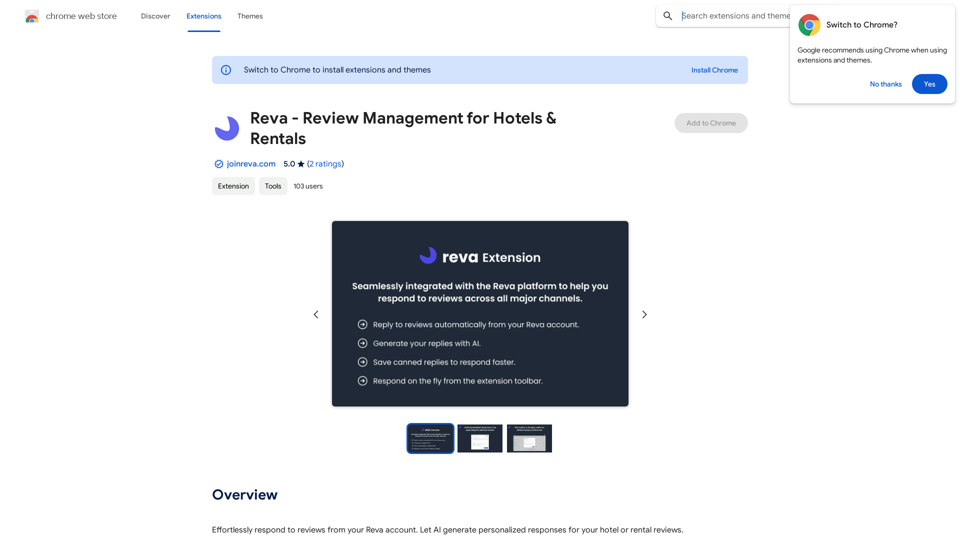
Easily reply to reviews from your Reva account. Let AI create custom responses for your hotel or rental reviews.
193.90 M
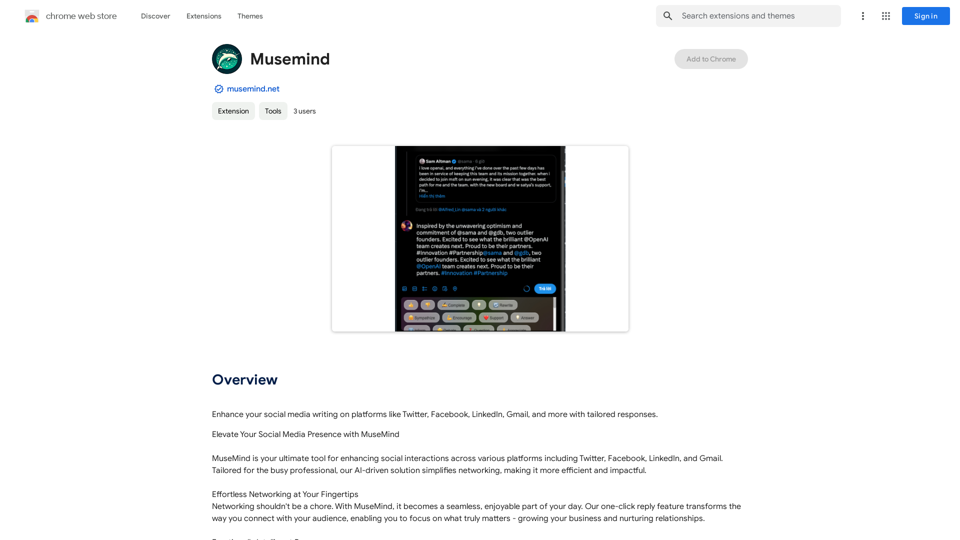
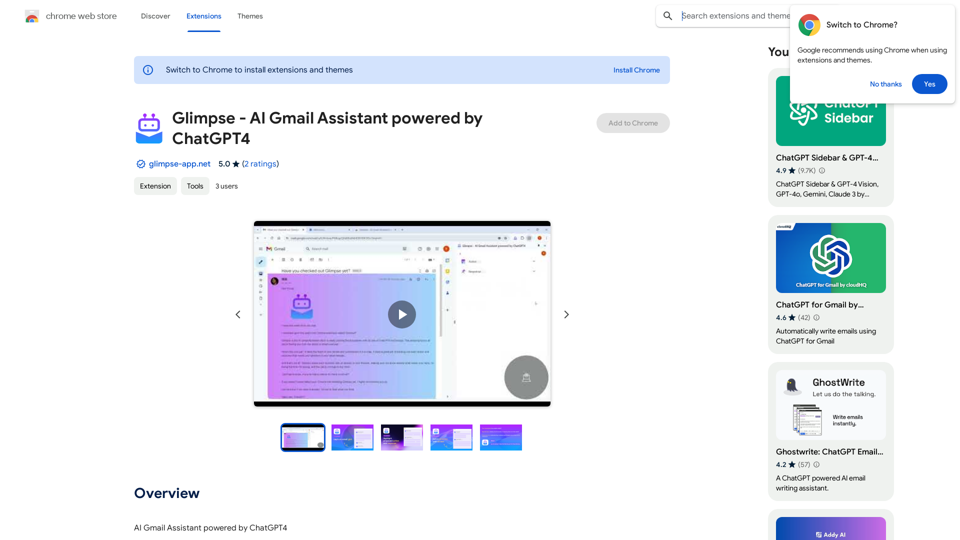
Improve your social media posts on platforms like Twitter, Facebook, LinkedIn, and Gmail with customized replies.
193.90 M
Toolquix: Elevate your social media presence with our comprehensive SMM panel. Access likes, followers, shares, and more for Instagram, Facebook, Twitter, YouTube, TikTok, and Telegram. Trusted by thousands for fast, reliable, and high-quality social media services.
0
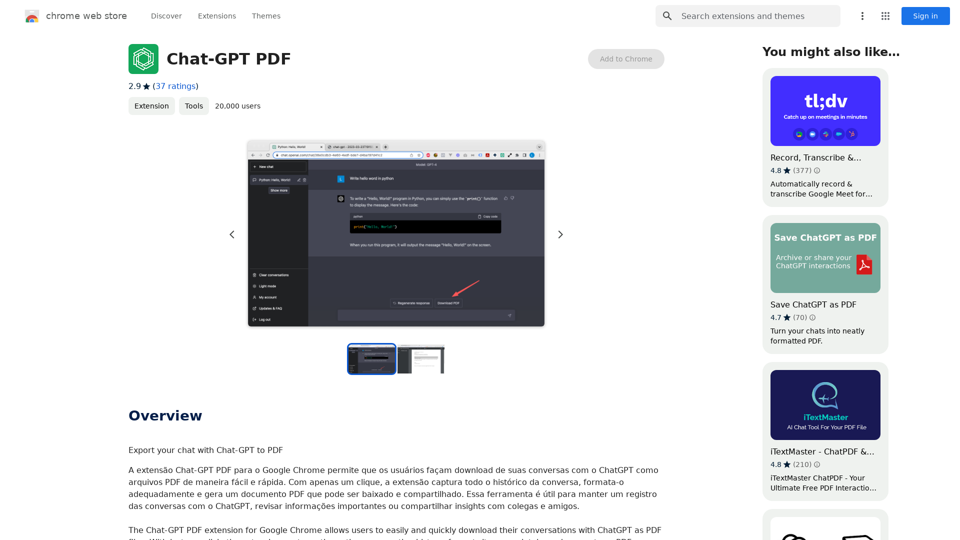
Chat-GPT PDF What is Chat-GPT PDF? Chat-GPT PDF is a tool that allows users to generate PDF files from Chat-GPT conversations. This innovative tool enables users to save and share their conversations in a more organized and visually appealing format. How does Chat-GPT PDF work? The process is simple and straightforward. Here's a step-by-step guide: 1. Copy the conversation: Copy the entire conversation from the Chat-GPT platform. 2. Paste the conversation: Paste the copied conversation into the Chat-GPT PDF tool. 3. Customize the layout: Customize the layout, font, and design of the PDF file according to your preferences. 4. Generate the PDF: Click the "Generate PDF" button to create a downloadable PDF file. Features of Chat-GPT PDF Chat-GPT PDF offers several features that make it an essential tool for users: * Customizable layout: Customize the layout, font, and design of the PDF file to suit your needs. * Easy sharing: Share the PDF file with others via email, social media, or messaging apps. * Offline access: Access your conversations offline, even without an internet connection. * Organization: Organize your conversations in a neat and tidy format, making it easier to review and reference. Benefits of Chat-GPT PDF The benefits of using Chat-GPT PDF are numerous: * Improved productivity: Save time and increase productivity by having all your conversations in one place. * Enhanced collaboration: Collaborate with others more effectively by sharing conversations in a clear and concise format. * Better organization: Keep your conversations organized, making it easier to review and reference them later. Conclusion Chat-GPT PDF is a game-changer for anyone who uses Chat-GPT regularly. With its ease of use, customization options, and benefits, it's an essential tool for anyone looking to get the most out of their conversations.
Chat-GPT PDF What is Chat-GPT PDF? Chat-GPT PDF is a tool that allows users to generate PDF files from Chat-GPT conversations. This innovative tool enables users to save and share their conversations in a more organized and visually appealing format. How does Chat-GPT PDF work? The process is simple and straightforward. Here's a step-by-step guide: 1. Copy the conversation: Copy the entire conversation from the Chat-GPT platform. 2. Paste the conversation: Paste the copied conversation into the Chat-GPT PDF tool. 3. Customize the layout: Customize the layout, font, and design of the PDF file according to your preferences. 4. Generate the PDF: Click the "Generate PDF" button to create a downloadable PDF file. Features of Chat-GPT PDF Chat-GPT PDF offers several features that make it an essential tool for users: * Customizable layout: Customize the layout, font, and design of the PDF file to suit your needs. * Easy sharing: Share the PDF file with others via email, social media, or messaging apps. * Offline access: Access your conversations offline, even without an internet connection. * Organization: Organize your conversations in a neat and tidy format, making it easier to review and reference. Benefits of Chat-GPT PDF The benefits of using Chat-GPT PDF are numerous: * Improved productivity: Save time and increase productivity by having all your conversations in one place. * Enhanced collaboration: Collaborate with others more effectively by sharing conversations in a clear and concise format. * Better organization: Keep your conversations organized, making it easier to review and reference them later. Conclusion Chat-GPT PDF is a game-changer for anyone who uses Chat-GPT regularly. With its ease of use, customization options, and benefits, it's an essential tool for anyone looking to get the most out of their conversations.Exporting Chat History to PDF You can export your chat history with Chat-GPT to a PDF file using the following methods: #Method 1: Browser Print Function 1. Open your chat conversation with Chat-GPT in a web browser. 2. Press `Ctrl + P` (Windows) or `Cmd + P` (Mac) to open the print dialog box. 3. Select "Save as PDF" as the printer destination. 4. Choose a location to save the PDF file and set the file name. 5. Click "Save" to export the chat history to a PDF file. #Method 2: Online PDF Conversion Tools 1. Copy the entire chat conversation by pressing `Ctrl + A` (Windows) or `Cmd + A` (Mac) and then `Ctrl + C` (Windows) or `Cmd + C` (Mac). 2. Go to an online PDF conversion tool, such as SmallPDF or Convertio. 3. Paste the chat conversation into the conversion tool's text box. 4. Select the PDF format and click "Convert" to generate the PDF file. 5. Download the PDF file to your computer. #Method 3: Browser Extensions 1. Install a browser extension, such as Print Friendly & PDF or FireShot, that allows you to save web pages as PDF files. 2. Open your chat conversation with Chat-GPT in a web browser. 3. Click the browser extension's icon in the toolbar. 4. Select the "Save as PDF" option and choose a location to save the file. 5. Click "Save" to export the chat history to a PDF file. By following these methods, you can easily export your chat history with Chat-GPT to a PDF file for future reference or sharing.
193.90 M
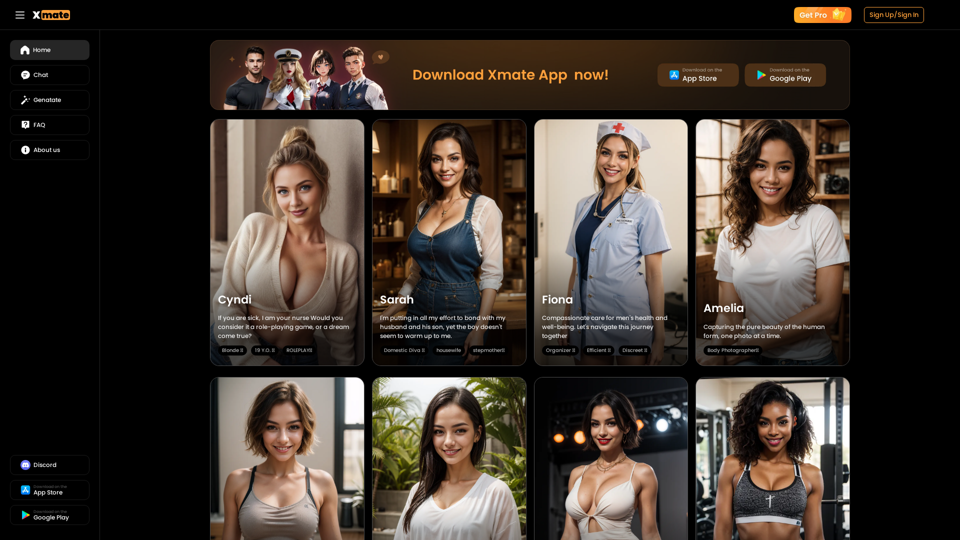
Xmate: AI Girlfriend for Adults & Porn Chat & More
Xmate: AI Girlfriend for Adults & Porn Chat & MoreExperience the ultimate thrill with NSFW Character AI Roleplay, where boundaries disappear. Engage in unrestricted AI conversations and uncensored NSFW AI interactions, and even request images from your virtual partner.
886
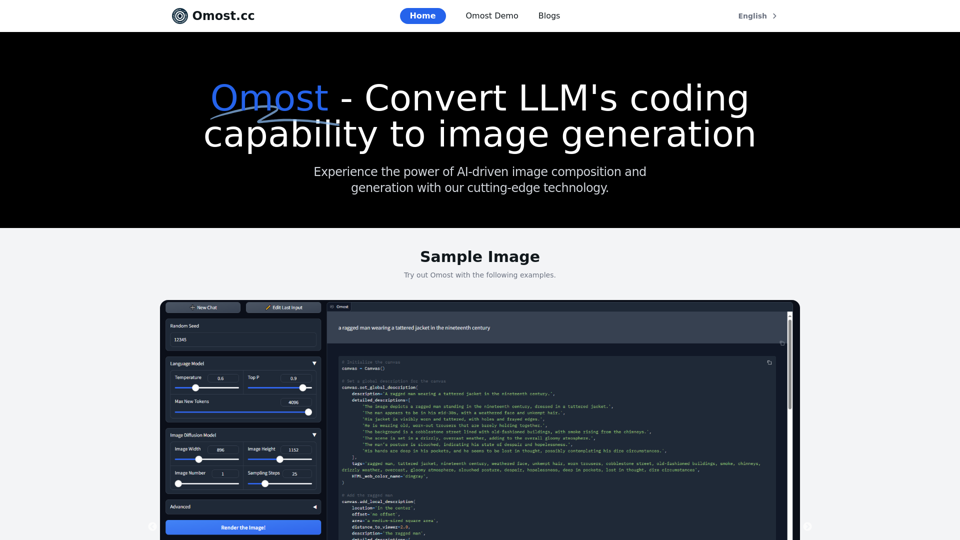
Omost | Try Omost for Free Online - AI-Powered Image Generation from Code
Omost | Try Omost for Free Online - AI-Powered Image Generation from CodeOmost offers large language model (LLM) models that can generate code to create visual images using Omost's virtual Canvas agent.
0