XOR Extension is a modern communication platform designed to enhance recruiting efficiency. It offers a comprehensive suite of tools for communicating with candidates through various channels, including text messaging, WhatsApp, live chat, phone calls, and video. The platform leverages AI-powered chatbots to automate repetitive tasks in the recruitment process, such as screening, scheduling, re-engagement, onboarding, and rehiring.
XOR Extension
The XOR Extension lets recruiters talk to candidates from their Applicant Tracking System (ATS), job boards, or LinkedIn.
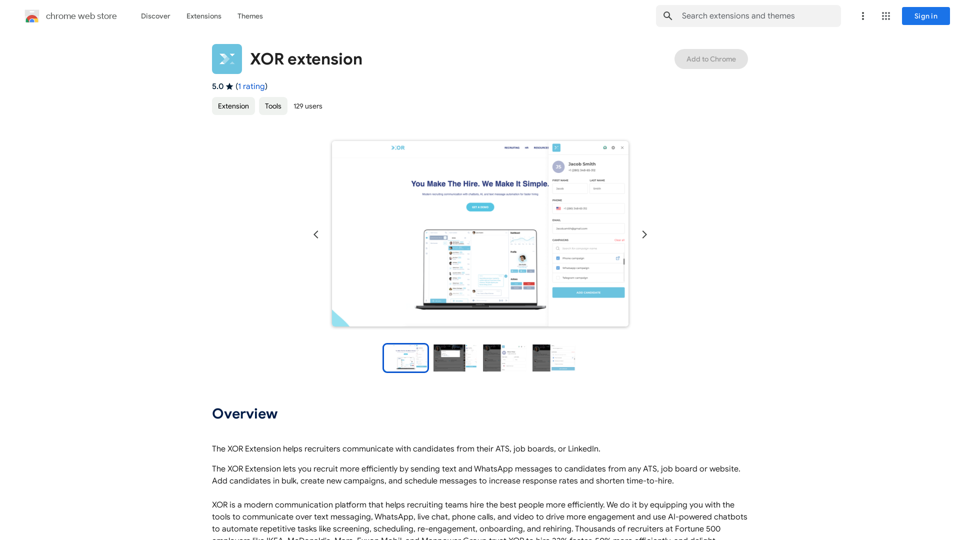
Introduction
Feature
Multi-Channel Communication
- Send personalized SMS, WhatsApp, and email campaigns
- Instant replies to incoming messages
- Live chat widget for career sites and job postings
AI-Powered Automation
- Candidate screening, scoring, and qualification
- Advanced scheduling workflows
- Automated responses to candidate inquiries
Streamlined Recruitment Process
- Text message and QR code applications
- Bulk candidate addition
- Browser extension for ATS integration
Candidate Management
- Tagging system for organizing candidates
- Filtering options for creating targeted lists
- Virtual career fair hosting
Analytics and Reporting
- Track messaging effectiveness
- Monitor candidate qualification and scheduling rates
- Evaluate communication app performance
FAQ
What are the key benefits of using XOR Extension?
- Faster recruitment and engagement through personalized campaigns
- Time-saving automation of repetitive tasks
- Increased conversions on career sites and job postings
- Simplified communication with ATS integration
- Enhanced candidate organization and targeting
How does XOR Extension improve the candidate experience?
- Offers multiple communication channels for convenience
- Provides instant responses through AI-powered chatbots
- Enables easy application process via text messages and QR codes
- Facilitates virtual career fairs for better engagement
Is there a free version of XOR Extension available?
The website mentions 20 free GPT-4o conversations per day, suggesting a freemium model. However, specific pricing details are not provided.
Can XOR Extension integrate with existing Applicant Tracking Systems (ATS)?
Yes, XOR Extension offers a browser extension that allows users to send messages to candidates directly from their ATS.
How does XOR Extension help with candidate screening?
XOR Extension uses AI-powered chatbots to automate candidate screening, scoring, and qualification, allowing recruiters to focus more time on the best candidates.
Related Websites
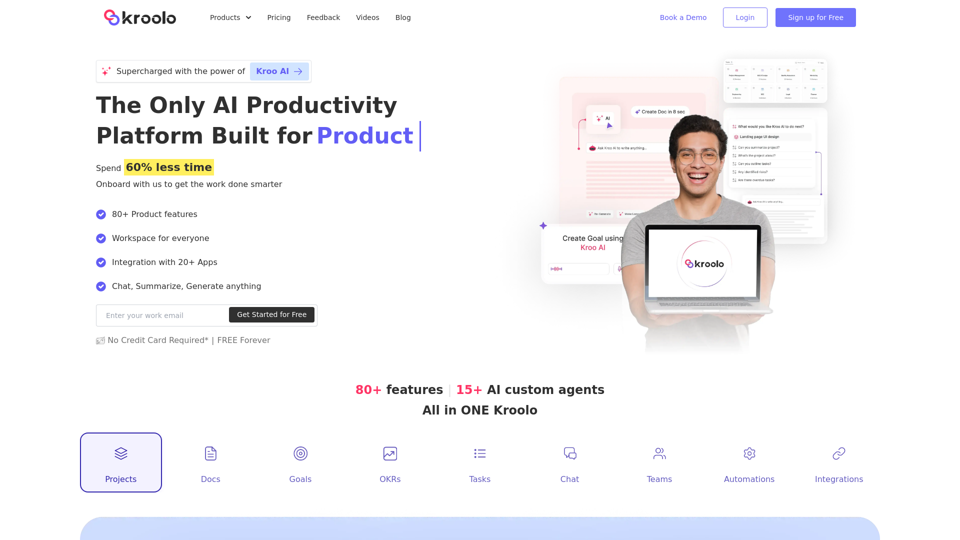
AI Powered Productivity Management Software | Kroolo
AI Powered Productivity Management Software | KrooloManage projects, tasks, goals, and documents with easy collaboration through Kroolo's All in One AI powered Productivity Management Software. Sign up now!
98.62 K
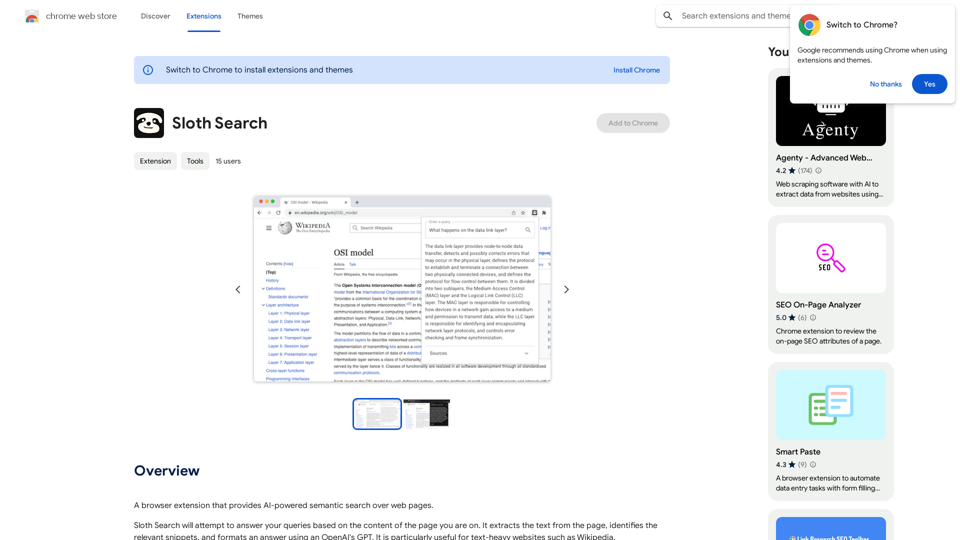
A browser extension that uses artificial intelligence to perform a deeper understanding search of web pages.
193.90 M
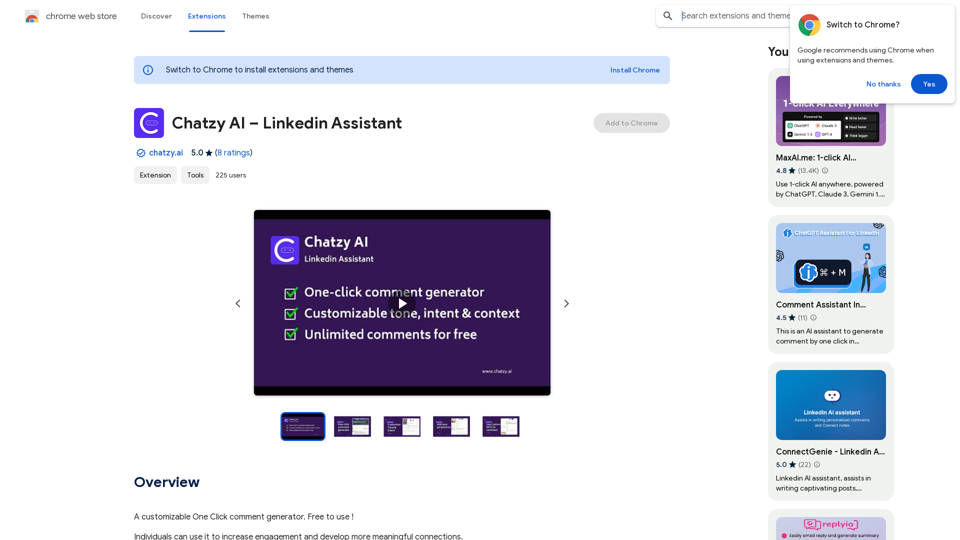
Chatzy AI – LinkedIn Assistant This is a powerful AI assistant designed to help you with your LinkedIn activities. Here's what it can do: * Craft compelling LinkedIn posts: Generate engaging content for your profile, updates, and articles. * Write personalized connection requests: Make a great first impression with tailored messages that stand out. * Summarize lengthy articles: Quickly grasp the key points of industry news and insights. * Optimize your LinkedIn profile: Get suggestions for improving your profile to attract more connections and opportunities. * Answer your LinkedIn messages: Save time by having Chatzy AI respond to common inquiries. Boost your LinkedIn presence and productivity with Chatzy AI!
Chatzy AI – LinkedIn Assistant This is a powerful AI assistant designed to help you with your LinkedIn activities. Here's what it can do: * Craft compelling LinkedIn posts: Generate engaging content for your profile, updates, and articles. * Write personalized connection requests: Make a great first impression with tailored messages that stand out. * Summarize lengthy articles: Quickly grasp the key points of industry news and insights. * Optimize your LinkedIn profile: Get suggestions for improving your profile to attract more connections and opportunities. * Answer your LinkedIn messages: Save time by having Chatzy AI respond to common inquiries. Boost your LinkedIn presence and productivity with Chatzy AI!A customizable One Click comment generator. Free to use!
193.90 M
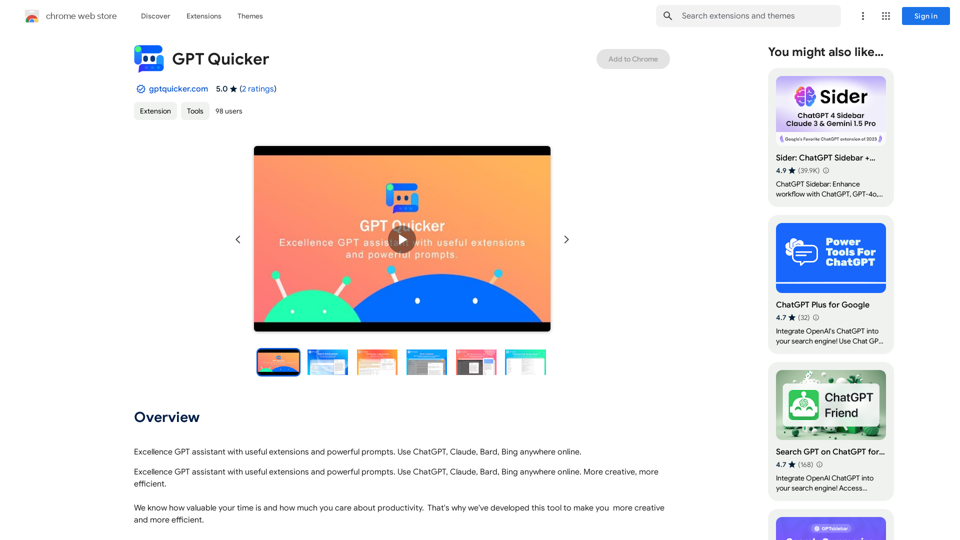
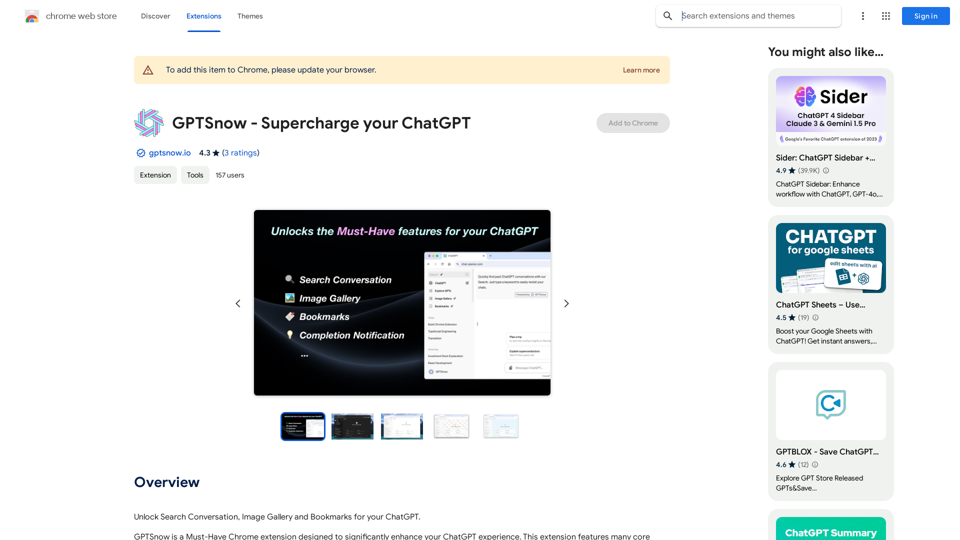
Excellent GPT assistant with useful extensions and powerful prompts. Use ChatGPT, Claude, Bard, Bing on any website.
193.90 M
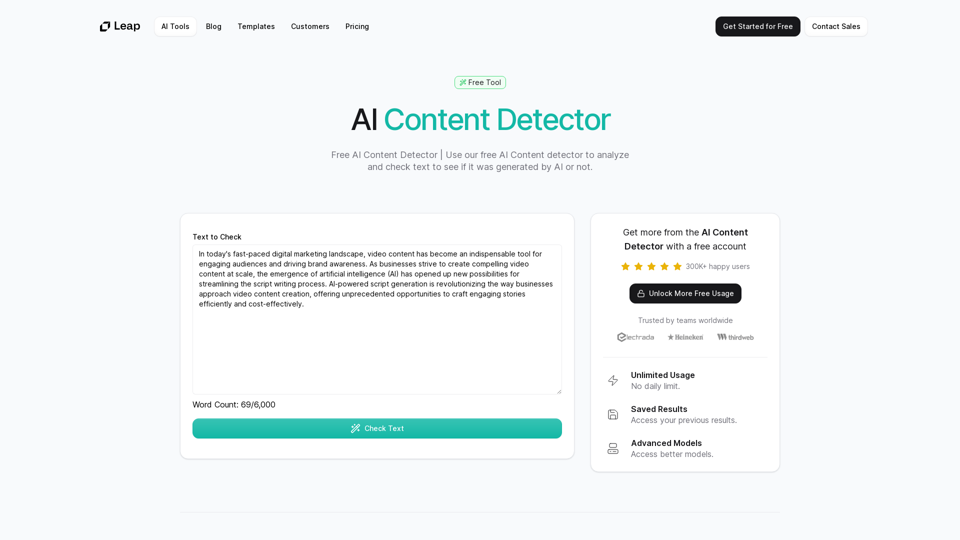
AI Content Detector | GPT-4o, Anthropic, & ChatGPT This AI content detector is designed to identify text generated by popular AI models, including GPT-4o, Anthropic, and ChatGPT.
AI Content Detector | GPT-4o, Anthropic, & ChatGPT This AI content detector is designed to identify text generated by popular AI models, including GPT-4o, Anthropic, and ChatGPT.Free AI Content Detector | 使用我们的免费AI内容检测器来分析和检查文本,以查看它是否由AI生成。
97.78 K
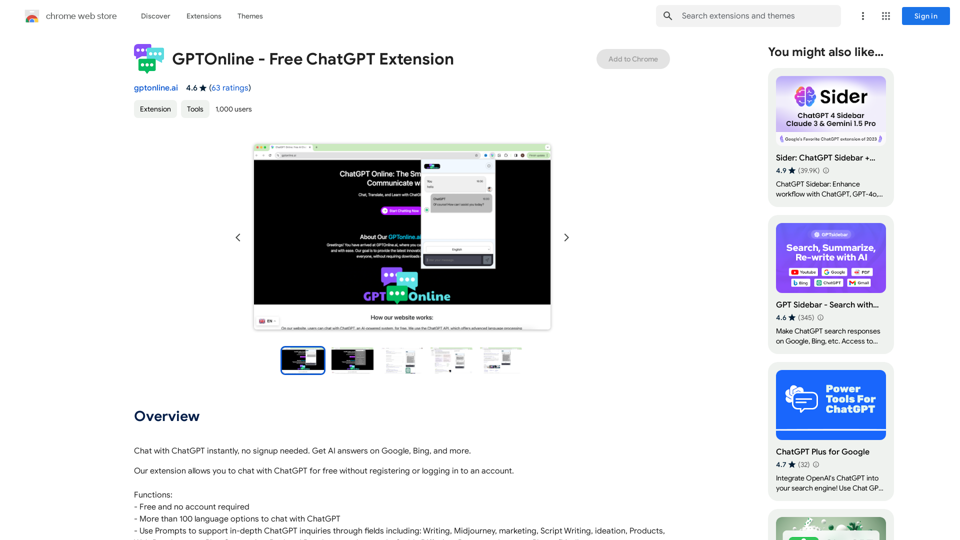
Talk to ChatGPT right away, you don't need to create an account. Get answers from AI on Google, Bing, and other search engines.
193.90 M
Freebeat AI Workout App, AI Coach & Planner | Fitness AI
Freebeat AI Workout App, AI Coach & Planner | Fitness AIEnhance your workout and sports routine with the best artificial intelligence workout app that syncs your workouts to music, offers real-time AI coaching. Receive advanced AI coaching and tracking from an AI workout planner. Explore fitness AI with the freebeat AI workout app!
273.37 K